6 E-Signature Software for Remote Teams Worth Shortlisting in 2026
Shortlisting the best E-Signature software for remote teams? 6 products compared on cost, free access and ideal buyer. Each profile ends with a plain caveat.
- Editor's choice
 SignNow
Configurable eSignature workflows
Starts atSee websiteVisit signnow.comFull review - Great alternative
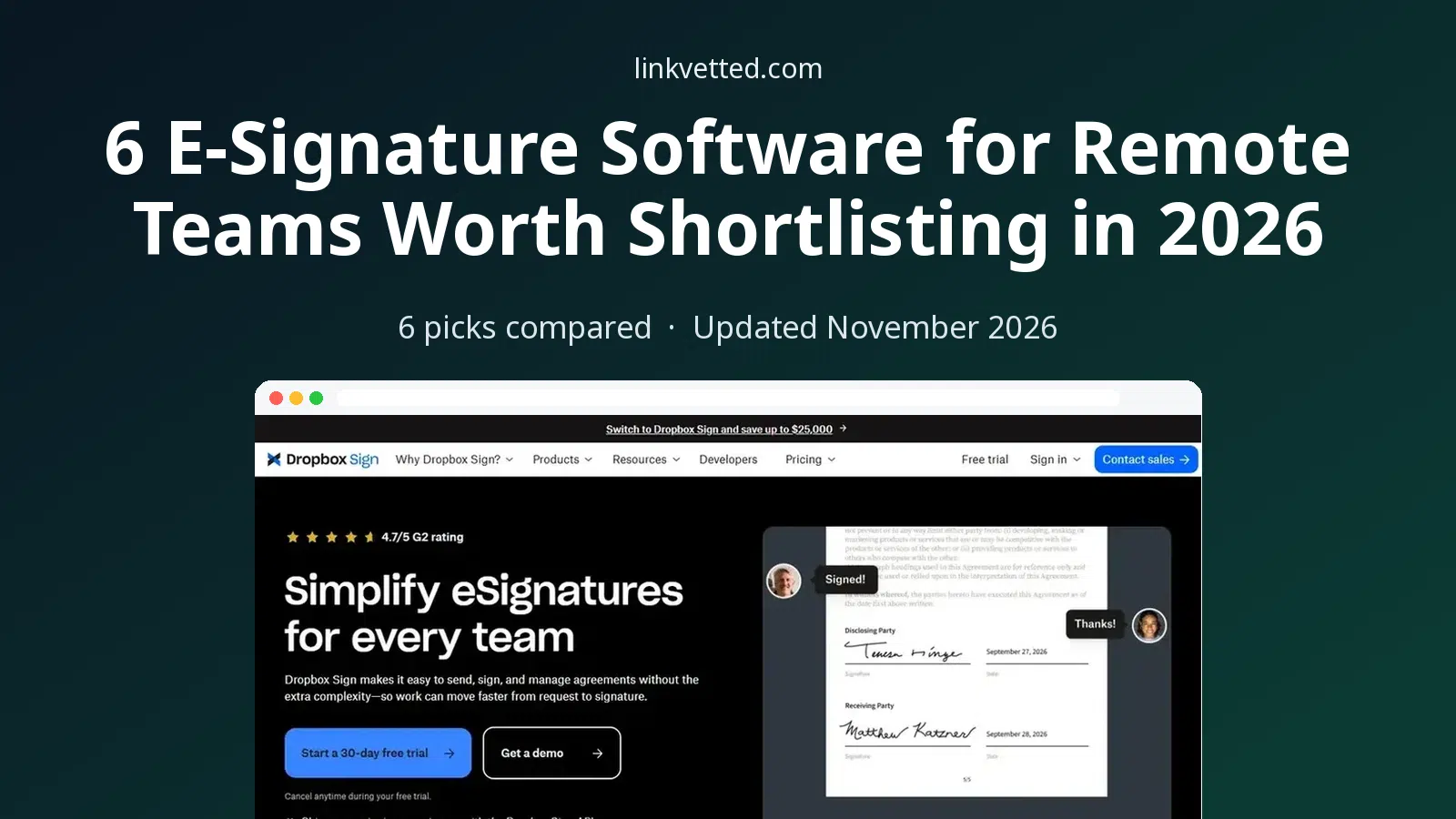
 Dropbox Sign
Straightforward and approachable e-signatures
Starts at$15 USD / moVisit sign.dropbox.comFull review - Also consider
 Adobe Acrobat Sign
PDF-centric document workflows
Starts atSee websiteVisit adobe.comFull review
Direct answer
If you need configurable eSignature workflows, SignNow is the first tool to look at here. Listed starting prices: Dropbox Sign from $15 USD / mo, OneSpan Sign from $0.40 per transaction and DocuSign eSignature from $45 per user a month. Dropbox Sign is better for straightforward and approachable e-signatures, and Adobe Acrobat Sign is better for PDF-centric document workflows. All 6 tools are compared below on price, free plan and limits.
TL;DR:
- SignNow takes the first slot, best suited to configurable eSignature workflows.
- None of the 6 tools, from SignNow to Foxit eSign, has a free plan, so budget for a subscription or use a trial.
- Foxit eSign suits low-cost PDF signing.
- The main caution on Adobe Acrobat Sign: may need Adobe ecosystem for full benefits.
- For the cheapest start, look at DocuSign eSignature: $45 per user per month.
Last checked November 2026. Prices and plan details were read from the vendors' own pages in November 2026; vendors change plans often, so confirm the current price on the vendor site before you buy.
Quick comparison
| Tool | Best for | Starts at | Free plan? | |
|---|---|---|---|---|
| SignNow | Configurable eSignature workflows | See website | Not stated | Visit |
| Dropbox Sign | Straightforward and approachable e-signatures | $15 USD / mo | Free trial | Visit |
| Adobe Acrobat Sign | PDF-centric document workflows | See website | Not stated | Visit |
 OneSpan Sign | Security-focused e-signatures | $0.40 per transaction | Free trial | Visit |
| DocuSign eSignature | Thorough agreement management | $45 per user a month | Not stated | Visit |
 Foxit eSign | Budget-friendly PDF signing | See website | Not stated | Visit |
Tool-by-tool breakdown
This LinkVetted guide covers 6 E-Signature software for remote teams. Each profile lists a starting price, free plan details, strengths and drawbacks, so you can drop poor fits quickly.
For configurable eSignature workflows, SignNow is a natural candidate. It allows teams to sign documents legally and build smooth online signature experiences across devices.
More straightforward tools might be preferable if you don't need workflow automation. This comparison lists no price for SignNow; ask the vendor. Free access: Not stated.
Downsides: Workflow setup may need time.
- Custom workflow automation
- Legally binding eSignatures
- Could be overkill for straightforward signing
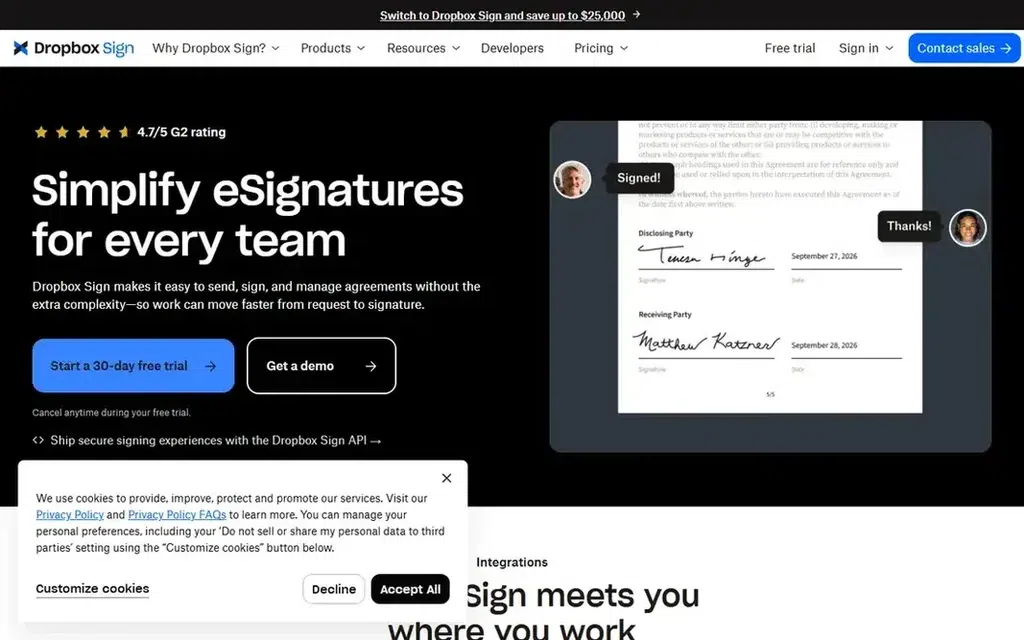
Dropbox Sign makes the most sense for straightforward and approachable e-signatures. Dropbox Sign, formerly HelloSign, is an easy-to-use product for sending, receiving, and managing legally binding electronic signatures. Its simplicity makes it accessible for teams new to e-signatures.
Where it falls short: Restricted advanced agreement management.
More specifically, consider more solid systems for complicated agreement processes. Whereas well suited to entry-level signing, Dropbox Sign may lack the advanced workflow automation some teams need. It might not be the best choice for organizations requiring extensive integration with other business systems. The starting price for Dropbox Sign: $15 USD / mo. Free access: Free trial.
- Legally binding agreements
- Approachable interface
- May not integrate deeply with other business tools
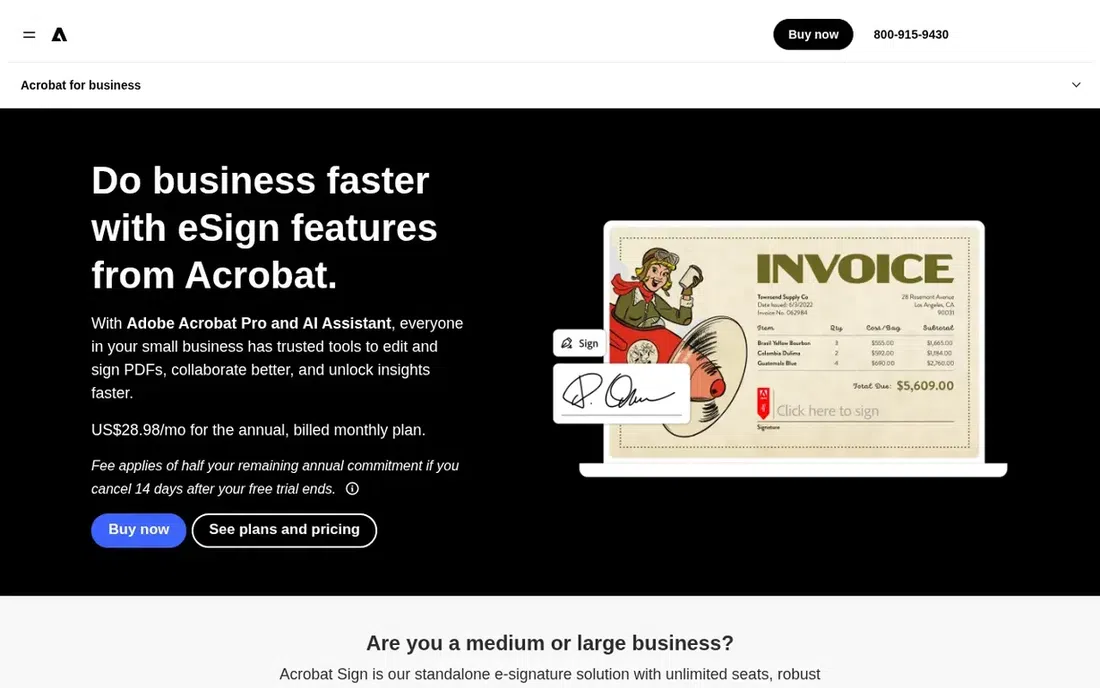
Choose Adobe Acrobat Sign for PDF-centric document workflows. It lets users to e-sign documents, collect digital payments, and accept signatures on websites. It is a solid fit for teams already using Adobe products and seeking tight integration.
Points against: Could be less easy-to-learn for non-Adobe users.
Also, teams not using Adobe software may find the integration less valuable. In practice, the tool might be less straightforward for those unfamiliar with Adobe's interface. Pricing for Adobe Acrobat Sign is not stated here, so ask the vendor for current figures. Trial and free access: Not stated.
- Smooth integration with Adobe PDF tools
- Supports e-signatures on websites
- May need Adobe ecosystem for full benefits
Choose OneSpan Sign for security-focused e-signatures. OneSpan Sign merges e-signature capabilities with solid cybersecurity options. It is well suited to remote teams that prioritize security and compliance in their signing workflows.
From a buyer's view, teams without strict security requirements may find it overly complicated. Consider more straightforward options if security is not a primary concern. On cost, OneSpan Sign starts like this: $0.40 per transaction. Free access: Free trial.
Trade-offs to know: Focus on security could overshadow simplicity.
- Accelerates business processes
- Capable cybersecurity features
- May be complicated for non-technical users
DocuSign eSignature
Best for: Thorough agreement management
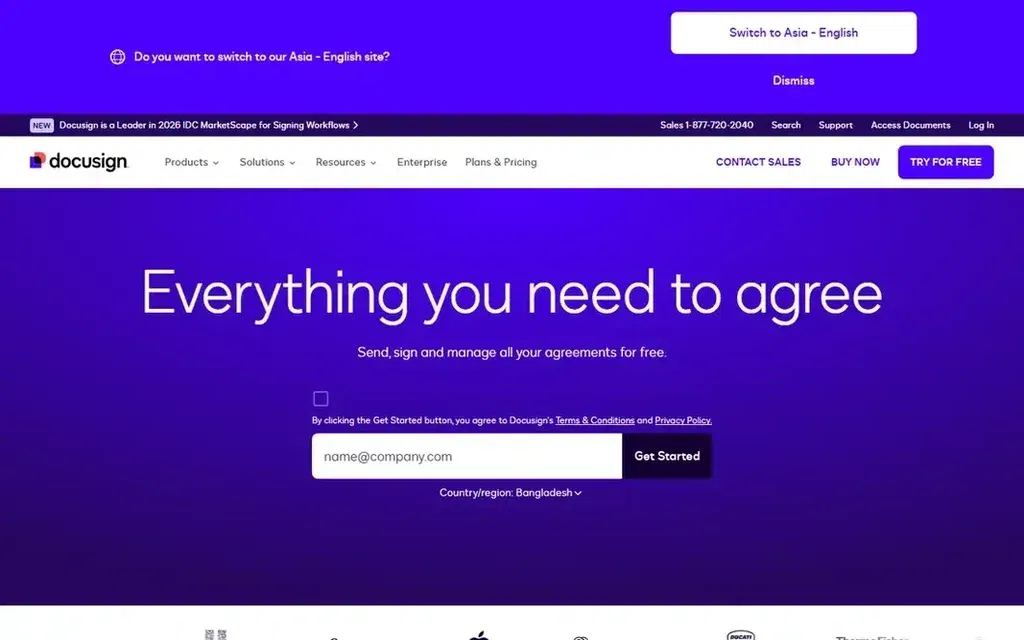
DocuSign eSignature is aimed squarely at full agreement management. It lets teams to build, commit to, and run agreements in one place, with options at no cost electronic signing. Consider more straightforward tools if you only need occasional signatures without advanced management.
Downsides: Advanced features could need a learning curve.
For teams with very entry-level signing requirements, DocuSign might offer more than needed. Its broad feature set could be overwhelming for small teams. What you pay to start with DocuSign eSignature: $45 per user per month. As for free access: Not stated.
- Supports electronic signing at no cost
- Intelligent agreement management features
- May be complicated for straightforward signing needs
For budget-friendly PDF signing, Foxit eSign is a natural candidate. Foxit eSign offers a simple way to send and receive electronic signatures securely. It supports signing and sending PDF or Word documents from anywhere.
It is a solid fit for remote teams looking for a straightforward, economical e-signature option. From a buyer's view, as a less prominent player, Foxit eSign might have fewer external integrations. Even so, for entry-level signing needs, it is a viable choice. This comparison lists no price for Foxit eSign; ask the vendor. On free options: Not stated.
Downsides: May have fewer integrations.
- Secure e-signing
- Simple sending and receiving of signatures
- Less known than some competitors
How these tools were picked
What to check before you buy
- Get a written quote from SignNow, Adobe Acrobat Sign and Foxit eSign; the list shows no starting price for them.
- Take the trial from Dropbox Sign and OneSpan Sign and push a live task through it before you pay.
- Read the limits listed for SignNow first: workflow setup may need time.
- Look at the renewal terms for DocuSign eSignature: auto-renewal, notice periods and price changes can matter more than the first-year price.
- Find out what support Adobe Acrobat Sign includes on your plan, and whether onboarding help costs extra.
FAQ
Is SignNow the right pick for everyone comparing E-Signature software for remote teams?
No single tool suits every team. SignNow comes first because it fits customizable eSignature workflows, while Dropbox Sign suits simple and user-friendly e-signatures and Adobe Acrobat Sign suits PDF-centric document workflows. Match the tool to your own size, budget and workflow before deciding.
Does any tool for E-Signature software for remote teams here have a free plan?
No tool in this list, SignNow and Foxit eSign included, has a permanent free plan. Dropbox Sign, OneSpan Sign offer a trial. Trials and quotes are the usual route, so plan a short evaluation period.
Can I try these tools before paying?
Often, yes. Dropbox Sign and OneSpan Sign offer a free trial. Use your own data and a real task during the test, and check what the free tier or trial limits before you rely on it.
What is the cheapest option for E-Signature software for remote teams in this list?
On published monthly entry prices, DocuSign eSignature is the lowest here at $45 per user per month. Entry price is only part of the cost, because seats, add-ons and billing terms can change the total.
What is the best e-signature software for remote teams?
The first pick on this list is SignNow, because it suits configurable eSignature workflows. Dropbox Sign is better for simple and approachable e-signatures, and Adobe Acrobat Sign for PDF-centric document workflows. Check price and limits against your own needs before choosing.
Are e-signatures legally binding?
Most reputable e-signature tools comply with these regulations. Always check that the tool you choose meets the legal requirements for your region and industry.
Sources
- https://www.signnow.com
- https://sign.dropbox.com
- https://www.adobe.com/sign.html
- https://www.onespan.com
- https://www.docusign.com
- https://www.foxit.com/esign