6 E-Signature Software for Coaches Worth Shortlisting in 2026
Best E-Signature software for coaches in 2026: 6 contenders with entry costs and free tiers. We note where every tool falls short. Quick comparison inside.
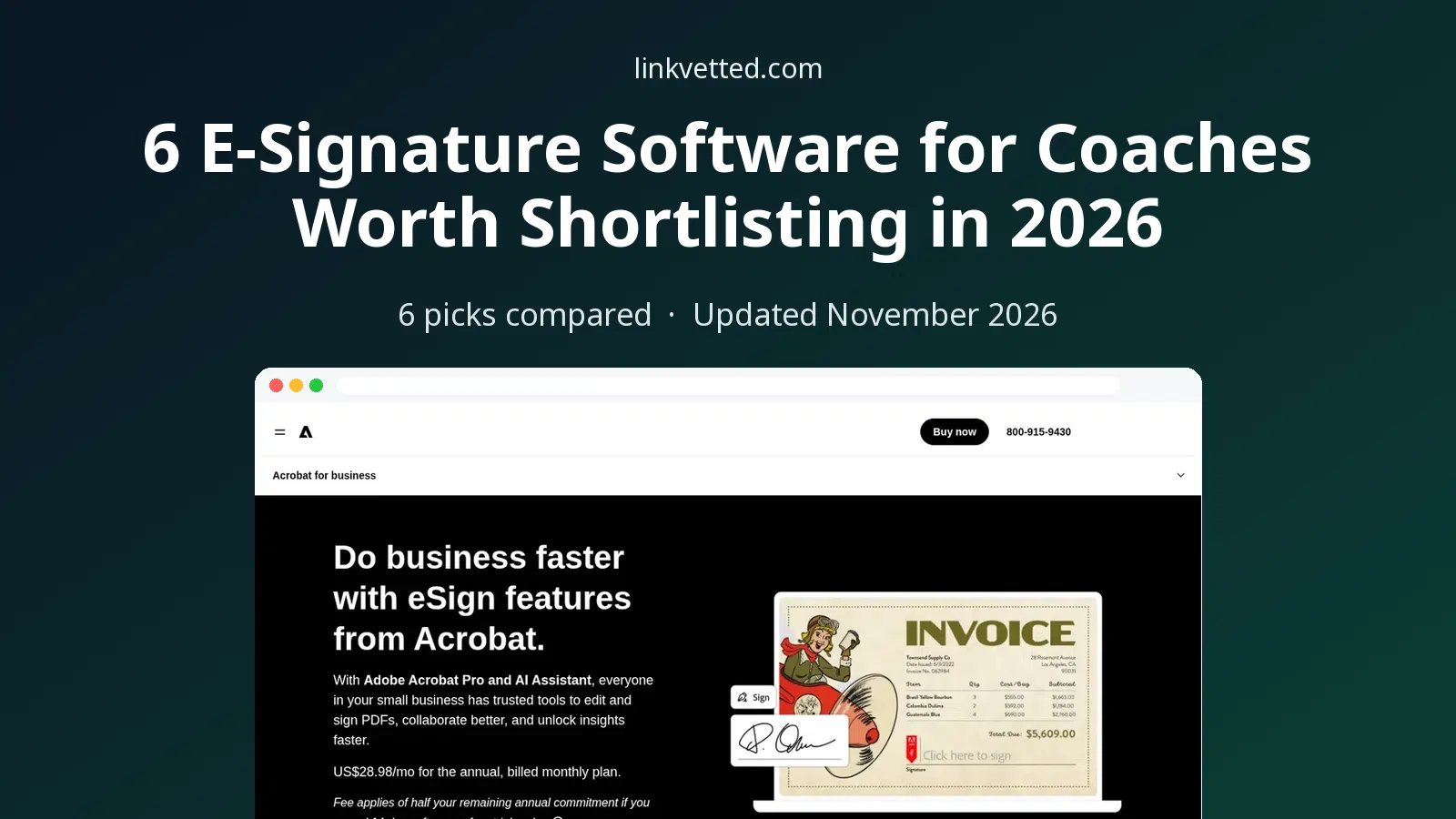
- Editor's choice
 Adobe Acrobat Sign
Signatures plus payments and web capture
Starts atSee websiteVisit adobe.comFull review - Great alternative
 Dropbox Sign
Straightforward client contract signing
Starts at$15 USD / moVisit hellosign.comFull review - Also consider
 DocuSign
Full agreement management for coaches
Starts at$45 per user a monthVisit docusign.comFull review
Direct answer
Adobe Acrobat Sign leads the list, best for signatures plus payments and web capture. Listed starting prices: Dropbox Sign from $15 USD / mo, DocuSign from $45 per user a month and eversign from $10 per user per month. Dropbox Sign is the stronger choice for simple client contract signing, while DocuSign suits full agreement management for coaches. The other 3 tools in the list cover narrower or pricier cases.
TL;DR:
- Number one here is Adobe Acrobat Sign, a fit for signatures plus payments and web capture.
- One limit worth knowing about DocuSign: feature depth may overwhelm straightforward needs.
- 2 of 6 tools offer a free plan: eversign, SignWell.
- Eversign has the lowest monthly starting price in this list: $10 per user per month.
- For after-sales client engagement, Prolong is worth a look.
Last checked November 2026. Prices and plan details were read from the vendors' own pages in November 2026; vendors change plans often, so confirm the current price on the vendor site before you buy.
Quick comparison
| Tool | Best for | Starts at | Free plan? | |
|---|---|---|---|---|
| Adobe Acrobat Sign | Signatures plus payments and web capture | See website | Not stated | Visit |
| Dropbox Sign | Straightforward client contract signing | $15 USD / mo | Free trial | Visit |
| DocuSign | Full agreement management for coaches | $45 per user a month | Not stated | Visit |
| eversign | API-driven signature automation | $10 per user per month | Yes | Visit |
 SignWell | Quick zero-setup signing | $10 per month | Yes | Visit |
| Prolong | After-sales client engagement | See website | Not stated | Visit |
E-Signature Software for Coaches, one by one
If you are comparing E-Signature software for coaches, this page covers 6 tools in one place: what each is best for, what it costs to start, whether it has a free plan, and the main limit to know about.
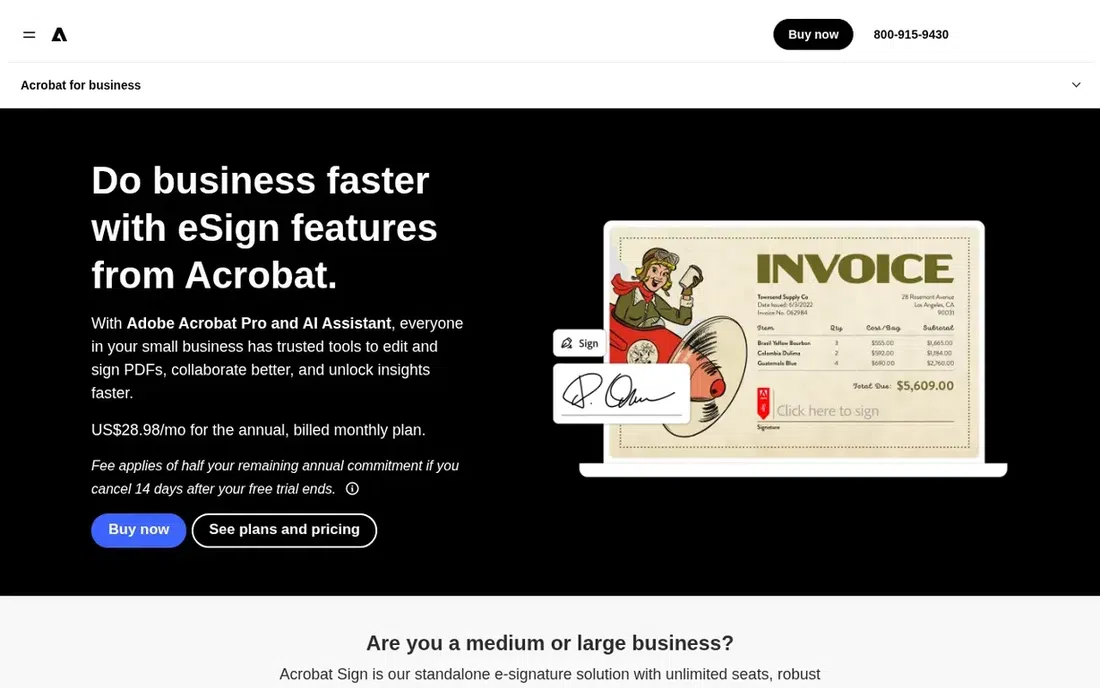
Adobe Acrobat Sign targets signatures plus payments and web capture. The broader Adobe ecosystem can add complexity for solo practitioners, and some features assume familiarity with document workflows.
Pricing for Adobe Acrobat Sign is not stated here, so ask the vendor for current figures. Trial and free access: Not stated.
Trade-offs to know: May overlap with existing Adobe tools.
- Suits document-centric workflows
- Accept signatures on your website
- Ecosystem can be complicated
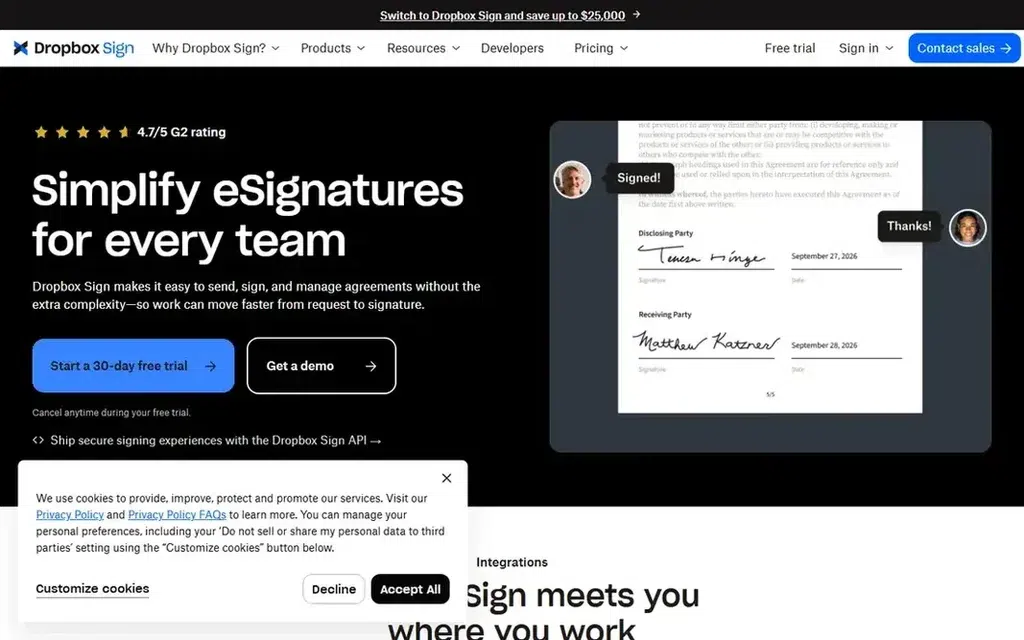
For straightforward client contract signing, Dropbox Sign is a natural candidate. Coaches with entry-level contract needs will find it approachable, whereas those wanting deeper automation should compare alternatives.
On top of that, the emphasis on simplicity fits coaches who send recurring client agreements and want a clean signing experience for clients who are not tech-savvy, with documents organized in one place after signing. Price to start with Dropbox Sign: $15 USD / mo. On free options: Free trial.
Points against: Less agreement management depth.
- Legally binding signatures
- Straightforward for clients
- May need extras for complicated flows
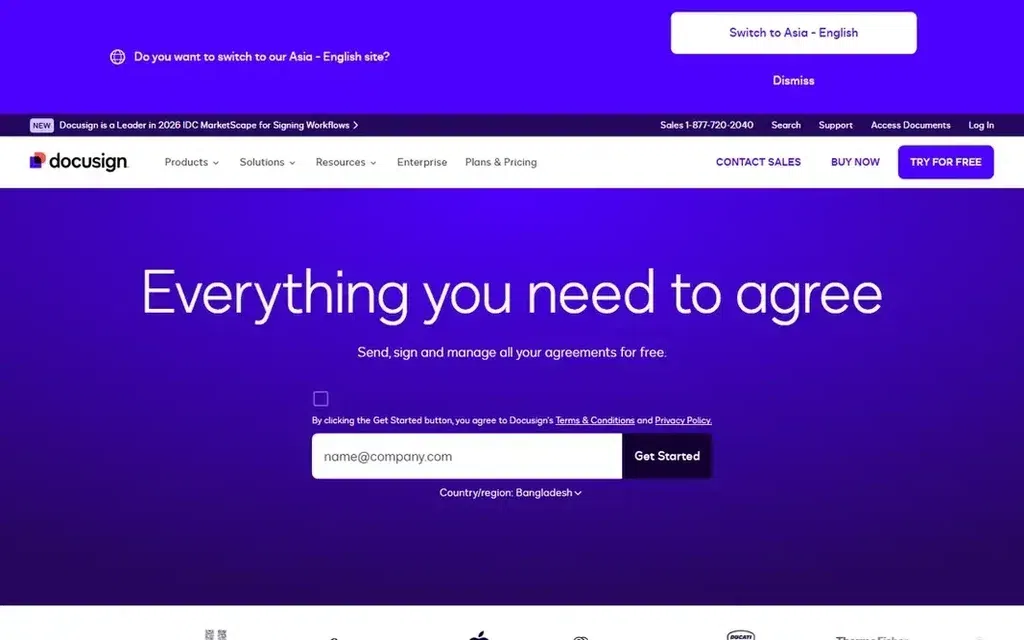
Think of DocuSign for full agreement management for coaches. Choose DocuSign when agreement organization across numerous clients matters, and pick a more straightforward choice when speed and minimal setup are the priority.
Drawbacks to consider: Feature depth may overwhelm straightforward needs.
- Well documented signature workflows
- Takes care of plenty of document types
- Setup can take more effort
eversign
Best for: API-driven signature automation
Think of eversign for API-driven signature automation. API-driven automation assumes some technical comfort, and the dual branding as eversign and Xodo Sign can confuse comparison shopping.
As for the details, eversign, now presented as Xodo Sign, provides secure e-signature software with an API, letting users sign, send, edit and track documents. In practice, coaches who just have to send agreements manually may prefer a more guided tool, whereas automation-minded practices can explore the API route. eversign pricing: $10 per user per month. eversign includes a free tier.
Downsides: API use needs technical comfort.
- Edit and track documents
- Adaptable API for automation
- Brand naming can confuse buyers
Think of SignWell for quick zero-setup signing. SignWell markets electronic signature software built around zero-setup signing and quicker document turnaround, with the goal of making it simple for everyone to sign your documents electronically.
In daily use, the emphasis on simplicity means fewer advanced controls for complicated, multi-step agreement processes. Coaches with elaborate workflows should compare more customizable tools, whereas those sending standard documents will appreciate the minimal setup and clear client experience. SignWell starts at: $10 per month. SignWell has a free plan.
Trade-offs to know: Best for straightforward documents.
- Zero-setup positioning
- Simple for clients to sign
- Fewer advanced controls
Prolong
Best for: After-sales client engagement
For after-sales client engagement, Prolong is a natural candidate. Prolong describes itself as a modular, omnichannel SaaS that makes after-sales simple to handle, profitable, engaging for clients and sustainable. From a buyer's view, coaches who think about the post-purchase relationship, from onboarding through renewals, may find its after-sales framing relevant when they want client engagement handled beyond the initial signed agreement.
It is not positioned as a signature-first product, so coaches whose central need is sending and tracking e-signatures should look at dedicated signature tools first. For everyday use, consider Prolong when after-sales management is the broader goal and signing is one part of a bigger client relationship workflow. Prolong shows no starting price here, so confirm the cost on the vendor site. As for free access: Not stated.
Drawbacks to consider: Fit relies on after-sales needs.
- Modular
- Focus on after-sales management
- Not a dedicated signature-first tool
How these tools were picked
The comparison looks at four things: starting price, free access, how well the feature set matches E-Signature software for coaches, and the main limit of each tool. Plan names, prices and limits change often. Treat the figures here as a starting point and verify them with the vendor. Order on the page follows fit for the typical buyer first, then price transparency and free access. Your own requirements should decide the final pick.
Questions to settle before buying
- Get a written quote from Adobe Acrobat Sign and Prolong; the list shows no starting price for them.
- Look at free plan limits closely: eversign and SignWell have one, and the caps decide whether it is usable for real work.
- Run a trial of Dropbox Sign with real work before paying for a year; your own workflow is the best test.
- Read the limits listed for Adobe Acrobat Sign first: ecosystem can be complicated.
- Total up the real monthly cost of Adobe Acrobat Sign, including add-ons, extra users and usage-based fees.
- Check whether DocuSign bills monthly or annually, and what cancelling early costs.
FAQ
Can I collect payments when clients sign a coaching agreement?
Adobe Acrobat Sign states that it supports collecting digital payments alongside e-signatures. That can ease selling coaching packages. Check the vendor page for current payment capabilities before relying on it for your workflow.
Is Adobe Acrobat Sign the right pick for everyone comparing E-Signature software for coaches?
No single tool suits every team. Adobe Acrobat Sign comes first because it fits signatures plus payments and web capture, while Dropbox Sign suits simple client contract signing and DocuSign suits full agreement management for coaches. Match the tool to your own size, budget and workflow before deciding.
What is the cheapest option for E-Signature software for coaches in this list?
On published monthly entry prices, eversign is the lowest here at $10 per user per month. Entry price is only part of the cost, because seats, add-ons and billing terms can change the total.
Which options for E-Signature software for coaches have a free plan?
On this list, eversign and SignWell include a free plan. Caps on seats, usage or features are common, so test the free plan against your real workload. One other tool offers a trial instead.
How are the tools for E-Signature software for coaches ordered?
The order follows typical fit for E-Signature software for coaches, with Adobe Acrobat Sign first and Prolong last, then price clarity and free access. It is editorial judgement, not a score, so another team could rank the tools differently.
Sources
- https://www.adobe.com/sign.html
- https://www.hellosign.com
- https://www.docusign.com
- https://eversign.com
- https://www.signwell.com
- https://prolong.io