Best Contract Management Software for Coaches (2026): 6 Picks Checked on Vendor Pages
Best contract management software for coaches in 2026: 6 tools with starting prices, free plans and limits. Details on cost, catches and fit. Straight answers.
- Editor's choice
 Contractbook
Central contract storage and management
Starts at$399 a monthVisit contractbook.comFull review - Great alternative
 Adobe Acrobat Sign
Teams already using Adobe tools
Starts atSee websiteVisit adobe.comFull review - Also consider
 Dropbox Sign
Sending and tracking client agreements
Starts atSee websiteVisit dropbox.comFull review
Direct answer
This list puts Contractbook first for central contract storage and management. Listed starting prices: Contractbook from $399 a month, HelloSign from $15 USD / mo and DocuSign from $45 per user per month. Adobe Acrobat Sign is the stronger choice for teams already using Adobe tools, while Dropbox Sign suits sending and tracking client agreements. Prices, free plans and limits for all 6 tools follow.
TL;DR:
- This list starts with Contractbook, which is built for central contract storage and management.
- The main caution on HelloSign: brand now sits under Dropbox Sign.
- For the cheapest start, look at DocuSign: $45 per user per month.
- Neither Contractbook nor Concord, nor any of the other 4 tools, has a permanent free plan; trials and quotes are the norm.
- Concord suits organized contract management without additional effort.
Last checked November 2026. Prices and plan details were read from the vendors' own pages in November 2026; vendors change plans often, so confirm the current price on the vendor site before you buy.
Quick comparison
| Tool | Best for | Starts at | Free plan? | |
|---|---|---|---|---|
| Contractbook | Central contract storage and management | $399 a month | Free trial | Visit |
| Adobe Acrobat Sign | Teams already using Adobe tools | See website | Not stated | Visit |
| Dropbox Sign | Sending and tracking client agreements | See website | Not stated | Visit |
| HelloSign | Straightforward, approachable eSignature sending | $15 USD / mo | Free trial | Visit |
 DocuSign | Wide agreement management and signing | $45 per user per month | Not stated | Visit |
 Concord | Organized contract management without additional effort | $499 per month | No | Visit |
The full contract management software for coaches list
If you are comparing contract management software for coaches, this page covers 6 tools in one place: what each is best for, what it costs to start, whether it has a free plan, and the main limit to know about.
Contractbook is designed for central contract storage and management. Coaches with an expanding set of client agreements, renewals and templates can benefit from keeping everything in one organized location.
Beyond that, Contractbook is contract management software for storing and managing contracts so you can analyze, decide and act quicker from one central place. The value relies on keeping contracts organized in the system, which takes some initial effort. Starting cost for Contractbook: $399 per month. Free options: Free trial.
Downsides: Management features may exceed straightforward needs.
- Built around one central place
- Supports analysis and quicker decisions
- Needs organizing contracts to get value
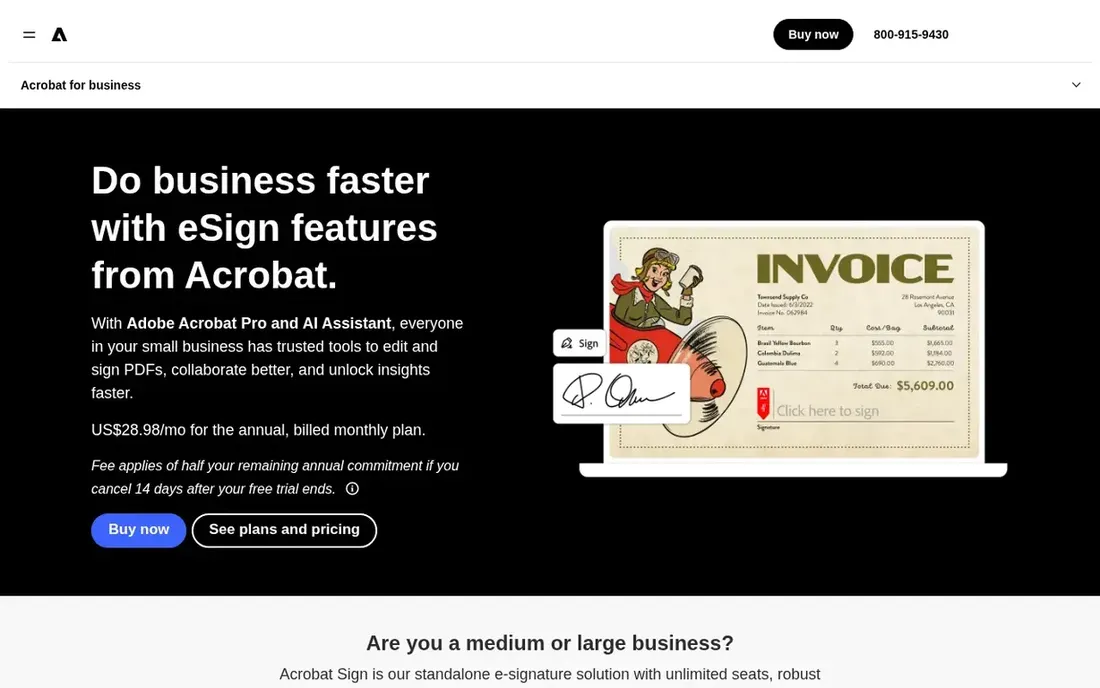
Choose Adobe Acrobat Sign for teams already using Adobe tools. The product handles many different business features, which can be more than a coaching practice needs for entry-level client agreements.
What to check first: Feature set can feel wide.
Pricing for Adobe Acrobat Sign is not stated here, so ask the vendor for current figures. Free access: Not stated.
- Suits Adobe document workflows
- Collect digital payments alongside signing
- Best value for existing Adobe users
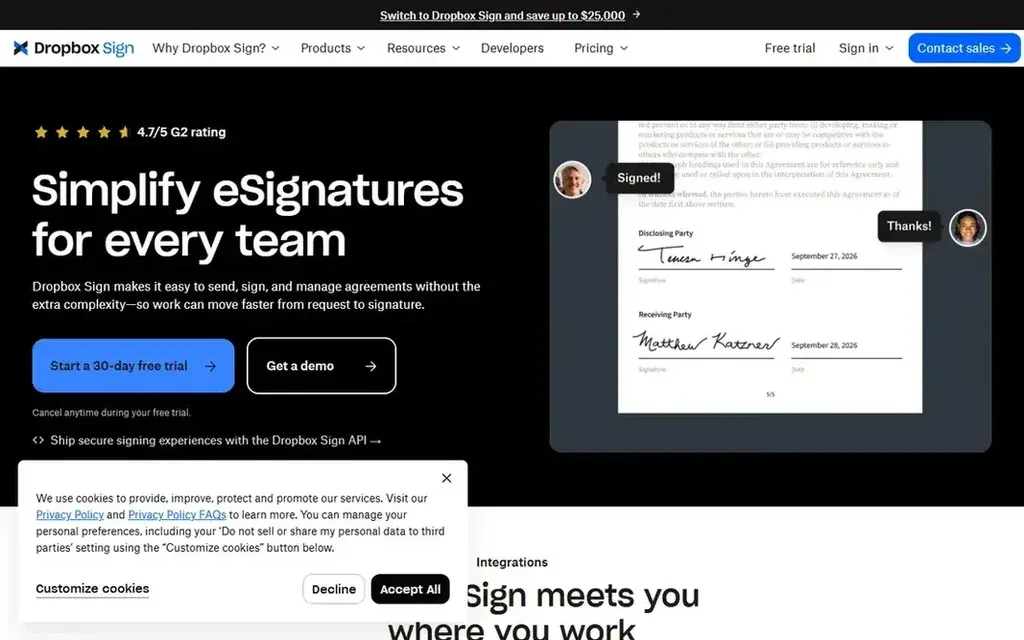
Dropbox Sign was built for sending and tracking client agreements. If your priority is organizing numerous contract types and extracting details from them, a dedicated contract management product may serve you better.
In practice, Dropbox Sign is an eSignature tool built to help you prepare, send, sign and track agreements with legally binding signatures. Dropbox Sign shows no starting price here, so confirm the cost on the vendor site. As for free access: Not stated.
Watch-outs: May overlap with existing Dropbox tools.
- Prepare
- Suits Dropbox-centered file storage
- Restricted deep contract analytics
HelloSign
Best for: Straightforward, approachable eSignature sending
Where HelloSign fits: straightforward, approachable eSignature sending. Since the HelloSign brand now points to Dropbox Sign, the two are closely related, so comparing them separately may not add much.
What HelloSign does well: Positioned as straightforward to use.
More specifically, HelloSign, now presented as Dropbox Sign, describes itself as a simple way to send, receive and run legally binding electronic signatures. On top of that, coaches who require contract storage, analysis or renewal tracking should look at a dedicated contract management product instead. What you pay to start with HelloSign: $15 USD / mo. On free options: Free trial.
Trade-offs to know: Brand now sits under Dropbox Sign.
- Receive and handle signatures
- Send
- Fewer deep contract management features
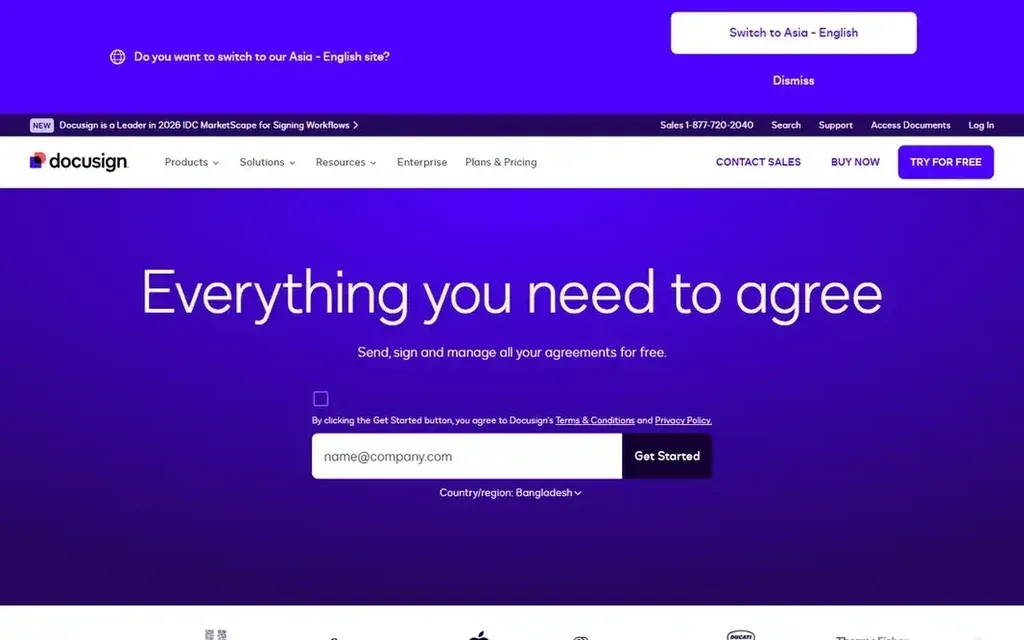
Pick DocuSign if this describes you: wide agreement management and signing. If you only send the occasional client form, a lighter eSignature choice may be simpler to adopt.
Where it falls short: Broader product than some coaches need.
On top of that, coaches with a steady flow of client contracts, renewals and forms can benefit from having signing and agreement management in a single place. DocuSign pricing: $45 per user per month. Trial and free access: Not stated.
- Docusign IAM for managing agreements
- Electronic signature plus agreement management
- May feel complicated for very simple needs
Concord targets organized contract management without additional effort. Concord presents itself as contract management you do not have to run, putting the emphasis on organizing and tracking agreements instead of only signing them. On top of that, coaches who accumulate client contracts, partnership agreements and vendor terms can use it to keep those documents in order.
Watch-outs: Less emphasis on standalone eSignature.
What users get: Positioned as low-maintenance. On top of that, since Concord leans toward contract management, coaches who only need fast signatures may find it broader than necessary. As for the details, if your primary task is sending a single agreement to a new client, a focused eSignature tool may be the more straightforward choice. Concord pricing: $499 per month. There is no free plan with Concord.
- Contract management focus
- Suits storing and tracking agreements
- May be more than entry-level signing needs need
How we built this list
The comparison looks at four things: starting price, free access, how well the feature set matches contract management software for coaches, and the main limit of each tool. Where a price is missing, the vendor does not list one publicly or ties it to a quote. Always confirm before budgeting. The ranking is editorial: typical fit first, then clear pricing, then free access. If your needs are unusual, read the profiles rather than relying on position.
Things to verify first
- Confirm the entry price on the vendor page. For Adobe Acrobat Sign and Dropbox Sign that means a quote rather than a fixed price.
- Use real work to test the free trial from Contractbook and HelloSign, rather than a demo project.
- Read the limits listed for Contractbook first: management features may exceed straightforward needs.
- Check whether Adobe Acrobat Sign bills monthly or annually, and what cancelling early costs.
- Before you load data into Contractbook, check what an export looks like and who can run it.
FAQ
Can I try these tools before paying?
Often, yes. Contractbook and HelloSign offer a free trial. Use your own data and a real task during the test, and check what the free tier or trial limits before you rely on it.
Is Contractbook the right pick for everyone comparing contract management software for coaches?
No single tool suits every team. Contractbook comes first because it fits central contract storage and management, while Adobe Acrobat Sign suits teams already using Adobe tools and Dropbox Sign suits sending and tracking client agreements. Match the tool to your own size, budget and workflow before deciding.
Do coaches really need contract management software?
Coaches commonly send client agreements, consent forms and one-off contracts, so a tool that deals with signing and storage can cut back-and-forth. If you only sign the occasional document, a straightforward eSignature tool may be enough.
Does any tool for contract management software for coaches here have a free plan?
No tool in this list, Contractbook and Concord included, has a permanent free plan. Contractbook, HelloSign offer a trial. Trials and quotes are the usual route, so plan a short evaluation period.
What is the cheapest option for contract management software for coaches in this list?
On published monthly entry prices, DocuSign is the lowest here at $45 per user per month. Entry price is only part of the cost, because seats, add-ons and billing terms can change the total. For the full picture, the cards above cover all 6 entries of this contract management software for Coaches list, including price, free plan and limits.
Sources
- https://contractbook.com
- https://www.adobe.com/sign.html
- https://www.dropbox.com/sign
- https://www.hellosign.com
- https://www.docusign.com
- https://www.concord.app