Top 6 E-Signature Software for Hotels for 2026 (Prices and Free Plans)
Weighing the best E-Signature software for hotels? We lined up 6 products by cost, free access and fit. Every pick includes one clear drawback. Quick to scan.
- Editor's choice
 OneSpan Sign
Secure signing with identity assurance
Starts atSee websiteVisit onespan.comFull review - Great alternative
 Adobe Acrobat Sign
Hotels already working in PDF workflows
Starts atSee websiteVisit adobe.comFull review - Also considerProliant
Payroll and HR document signing
Starts atSee websiteVisit proliant.comFull review
Direct answer
For secure signing with identity assurance, OneSpan Sign is where this list starts. Listed starting prices: DocuSign from $45 per user a month and Dropbox Sign from $15 USD / mo. If your case is different, Adobe Acrobat Sign suits hotels already working in PDF workflows and Proliant suits payroll and HR document signing. All 6 tools are compared below on price, free plan and limits.
TL;DR:
- The list opens with OneSpan Sign, aimed at secure signing with identity assurance.
- Dropbox Sign fits simple signing for smaller properties.
- None of the 6 tools, from OneSpan Sign to Dropbox Sign, has a free plan, so budget for a subscription or use a trial.
- What to know about Proliant first: not a general guest-facing signing tool.
- The cheapest monthly starting price in the list is $45 per user per month, offered by DocuSign.
Last checked November 2026. Prices and plan details were read from the vendors' own pages in November 2026; vendors change plans often, so confirm the current price on the vendor site before you buy.
Quick comparison
| Tool | Best for | Starts at | Free plan? | |
|---|---|---|---|---|
| OneSpan Sign | Secure signing with identity assurance | See website | Not stated | Visit |
| Adobe Acrobat Sign | Hotels already working in PDF workflows | See website | Not stated | Visit |
| Proliant | Payroll and HR document signing | See website | Not stated | Visit |
 DocuSign | Agreement management across hotel operations | $45 per user a month | Not stated | Visit |
 Zoho Sign | Hotels within the Zoho business suite | See website | Not stated | Visit |
 Dropbox Sign | Straightforward signing for smaller properties | $15 USD / mo | Free trial | Visit |
E-Signature Software for Hotels compared in detail
If you are comparing E-Signature software for hotels, this page covers 6 tools in one place: what each is best for, what it costs to start, whether it has a free plan, and the main limit to know about.
OneSpan Sign is designed for secure signing with identity assurance. Its security and automation depth can be heavier than a boutique property requires.
In daily use, hotels seeking a more straightforward signing experience may prefer DocuSign or Dropbox Sign. Pricing for OneSpan Sign is not stated here, so ask the vendor for current figures. On free options: Not stated.
Limits to weigh: Setup can need technical review.
- Smart forms and automation
- Identity assurance features
- Security focus may be more than some hotels need
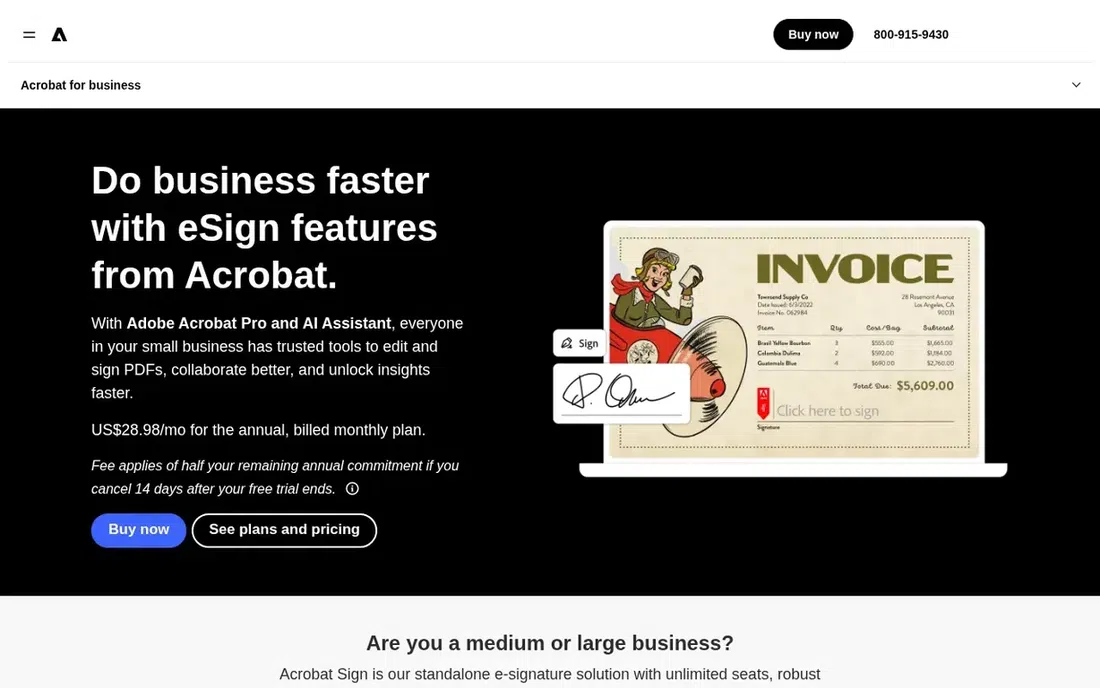
Adobe Acrobat Sign serves hotels already working in PDF workflows. Adobe Acrobat Sign is Adobe's e-signature offering for business, letting teams e-sign documents, collect digital payments and accept electronic signatures on a website.
Beyond that, compare Dropbox Sign if simplicity matters more than PDF integration. In practice, hotels outside the Adobe ecosystem may not gain as much from it, and some may prefer a dedicated signing service. Adobe Acrobat Sign shows no starting price here, so confirm the cost on the vendor site. Free options: Not stated.
Where it is weaker: Best value includes familiarity with Adobe tools.
- Suits existing Adobe PDF workflows
- Supports e-signing and digital payments
- May overlap with tools the hotel already pays
Proliant
Best for: Payroll and HR document signing
Where Proliant fits: payroll and HR document signing. For hotels, it is relevant where signatures are tied to hiring, payroll and employee records instead of guest documents, making it a complement to a dedicated e-signature product instead of a replacement.
The main drawbacks: Narrower scope than dedicated e-signature platforms.
Pricing for Proliant is not stated here, so ask the vendor for current figures. Free options: Not stated.
- Fits hospitality hiring paperwork
- People tools for staff management
- Not a general guest-facing signing tool
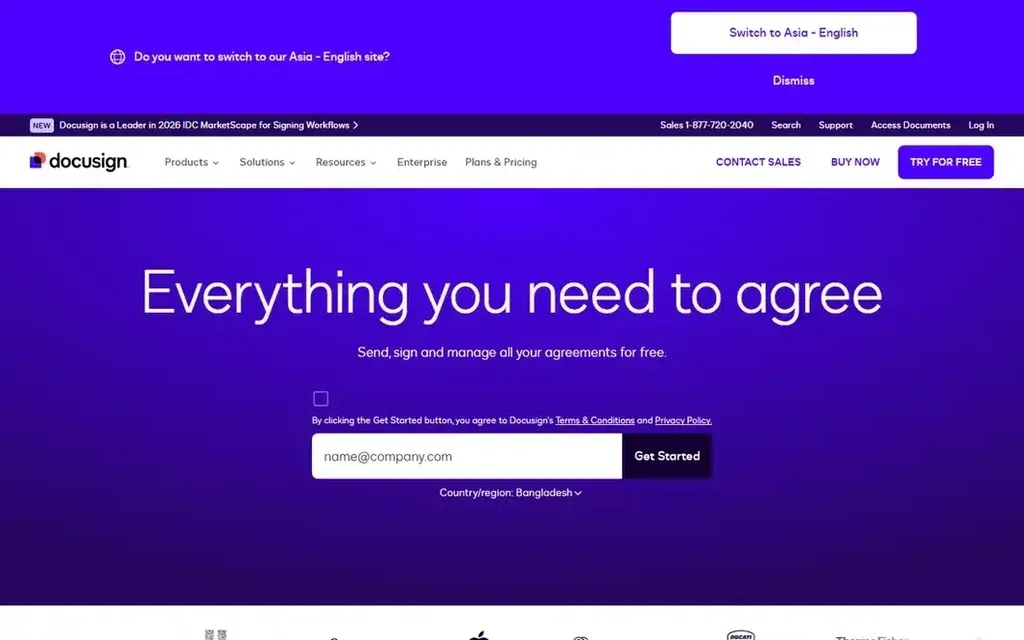
DocuSign was built for agreement management across hotel operations. Hotels wanting a lighter, PDF-first tool should also weigh Adobe Acrobat Sign before deciding.
DocuSign cost at the entry level: $45 per user per month. On free options: Not stated.
Where it falls short: Feature depth varies by what you enable.
- Merges e-signature with agreement management
- Widely recognized brand for legally binding signatures
- Wide product may feel complicated for small properties
Zoho Sign was built for hotels within the Zoho business suite. It suits hotels already using Zoho business applications, where signing can sit alongside other back-office tools and staff already know the interface.
Trade-offs to know: Workflow depth varies by configuration.
In practice, hotels outside the Zoho ecosystem may not benefit from the integration story. Check the vendor site for Zoho Sign pricing; none is listed in this comparison. Trial and free access: Not stated.
- Automates paperwork collection
- Suits Zoho-based business stacks
- Most value includes wider Zoho use
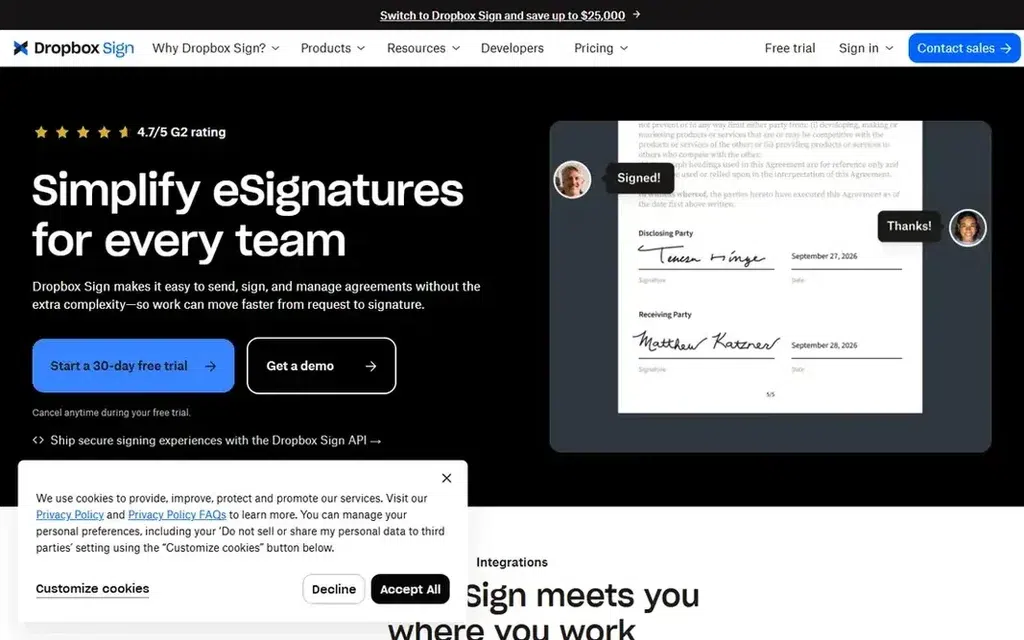
Dropbox Sign is a good fit for simple signing for smaller properties. It is a focused signing tool, so hotels needing deep agreement management or identity assurance may look elsewhere.
Also, OneSpan Sign is worth reviewing when security and identity checks are the priority. Dropbox Sign starts at: $15 USD / mo. Free options: Free trial.
Points against: Less depth than full agreement systems.
- Legally binding electronic signatures
- Straightforward send and run flow
- Advanced workflow needs may outgrow it
How the list was put together
For each of the 6 tools we noted price, free plan or trial, fit for E-Signature software for hotels and the main limit, using vendor pages and documentation. Plan names, prices and limits change often. Treat the figures here as a starting point and verify them with the vendor. Position on the page reflects fit for a typical buyer first, with price clarity and free access breaking ties. Treat it as a guide, not a ruling.
What to check before you buy
- Get a written quote from OneSpan Sign, Adobe Acrobat Sign, Proliant and Zoho Sign; the list shows no starting price for them.
- Take the trial from Dropbox Sign and push a live task through it before you pay.
- Before choosing OneSpan Sign, weigh its main limit: security focus may be more than some hotels need.
- Check the support hours and onboarding help Adobe Acrobat Sign offers; smaller vendors vary a lot here.
- Total up the real monthly cost of DocuSign, including add-ons, extra users and usage-based fees.
FAQ
Which e-signature tool is a good match for guest-facing hotel paperwork?
OneSpan Sign comes first here and is built for secure signing with identity assurance. Buyers with other needs may prefer Adobe Acrobat Sign (for hotels already working in PDF workflows) or Proliant (for payroll and HR document signing). Compare costs and limits first.
Is OneSpan Sign the right pick for everyone comparing E-Signature software for hotels?
No single tool suits every team. OneSpan Sign comes first because it fits secure signing with identity assurance, while Adobe Acrobat Sign suits hotels already working in PDF workflows and Proliant suits payroll and HR document signing. Match the tool to your own size, budget and workflow before deciding.
Do these tools publish their prices?
Not all of them. OneSpan Sign, Adobe Acrobat Sign, Proliant and Zoho Sign publish no starting price, so expect a quote request for those. The rest, DocuSign included, show a starting price, though seats and billing terms still change the final cost.
How are the tools for E-Signature software for hotels ordered?
OneSpan Sign sits first and Dropbox Sign last because the order follows typical fit for E-Signature software for hotels, then price clarity and free access. It is a judgement call, so read each profile for fit and limits.
Does any tool for E-Signature software for hotels here have a free plan?
A permanent free plan is not offered by OneSpan Sign, Dropbox Sign or the other tools here. Dropbox Sign offer a trial. Plan a short evaluation period instead.
What should hotels check for security and identity?
Look at identity assurance and signer verification choices, notably for corporate accounts and large event contracts. OneSpan Sign emphasizes these areas, whereas other tools vary, so confirm the specific checks available before committing.
Sources
- https://www.onespan.com/products/onespan-sign
- https://www.adobe.com/sign.html
- https://www.proliant.com
- https://www.docusign.com
- https://www.zoho.com/sign
- https://sign.dropbox.com