E-Signature Software for Engineering Firms in 2026: The 6 Best Options Side by Side
6 best E-Signature software for engineering firms, compared on pricing, free plans and best-fit use. Each tool gets a one-line verdict. Jump to the table.
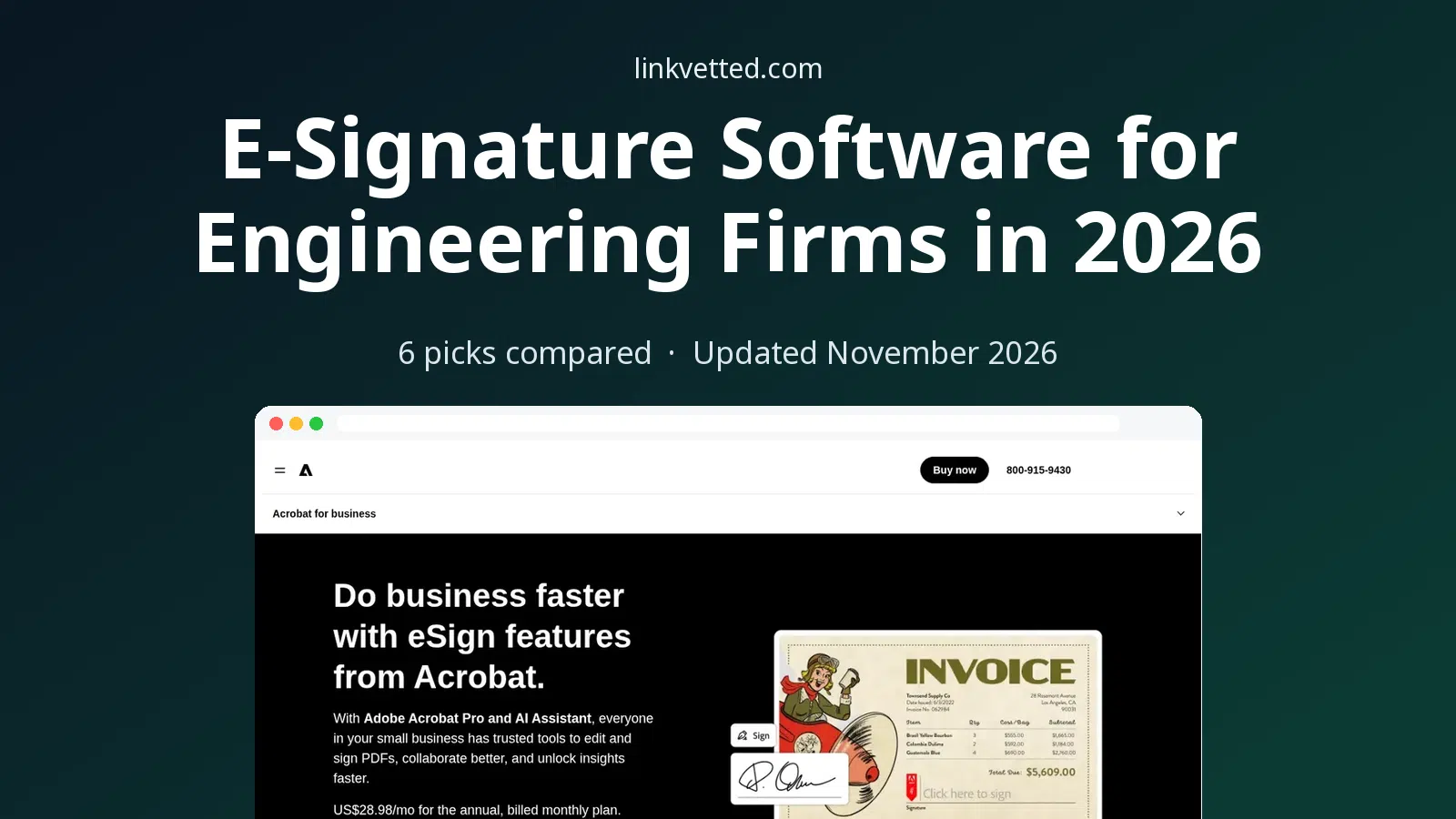
- Editor's choice
 SignNow
Custom eSignature workflows across devices
Starts atSee websiteVisit signnow.comFull review - Great alternativeConga Sign
Signing inside CRM and workflows
Starts atSee websiteVisit conga.comFull review - Also consider
 Adobe Acrobat Sign
Teams already in Adobe PDF workflows
Starts atSee websiteVisit adobe.comFull review
Direct answer
For custom eSignature workflows across devices, SignNow is where this list starts. Listed starting prices: Dropbox Sign from $15 USD / mo and DocuSign from $45 per user a month. Look at Conga Sign for signing inside CRM and workflows, and at Adobe Acrobat Sign for teams already in Adobe PDF workflows. All 6 tools are compared below on price, free plan and limits.
TL;DR:
- SignNow sits first on this list: custom eSignature workflows across devices.
- DocuSign is the one to check for wide agreement management and signing.
- Conga Sign comes with a trade-off: value relies on existing systems.
- DocuSign is the lowest-priced starter here at $45 per user per month.
- A permanent free plan is missing from all 6 tools, SignNow and DocuSign included; plan for a trial or a premium start.
Last checked November 2026. Prices and plan details were read from the vendors' own pages in November 2026; vendors change plans often, so confirm the current price on the vendor site before you buy.
Quick comparison
| Tool | Best for | Starts at | Free plan? | |
|---|---|---|---|---|
| SignNow | Custom eSignature workflows across devices | See website | Not stated | Visit |
| Conga Sign | Signing inside CRM and workflows | See website | Not stated | Visit |
| Adobe Acrobat Sign | Teams already in Adobe PDF workflows | See website | Not stated | Visit |
 Foxit eSign | Straightforward PDF and Word signing | See website | Not stated | Visit |
 Dropbox Sign | Straightforward sending and managing signatures | $15 USD / mo | Free trial | Visit |
 DocuSign | Wide agreement management and signing | $45 per user a month | Not stated | Visit |
Every option for E-Signature software for engineering firms explained
LinkVetted compared 6 E-Signature software for engineering firms. The goal is a practical shortlist: published prices, free plan facts, best-fit use cases and honest limits for every entry.
Where SignNow fits: custom eSignature workflows across devices. SignNow, part of airSlate, provides legally binding electronic signatures with custom eSignature workflows and use across devices.
Engineering businesses with repeatable approval chains, like review and sign-off sequences, may benefit from customizable workflows. Consider a more straightforward tool when document routing is uniform and seldom changes. SignNow shows no starting price here, so confirm the cost on the vendor site. Trial and free access: Not stated.
The main drawbacks: Wide feature set can distract.
- Custom workflow choices
- Legally binding signatures
- Workflow setup may need planning
Conga Sign
Best for: Signing inside CRM and workflows
Conga Sign makes the most sense for signing inside CRM and workflows. Conga Sign is described as compliant, white-label eSignature software that works inside a CRM or workflow. For everyday use, engineering businesses that already run document processes through a CRM or business system may be able to keep signing within that environment.
Trade-offs to know: May need setup within a system.
The benefit depends heavily on having a CRM or workflow where Conga Sign suits, so businesses without one may see less advantage. Setup within an existing system can take effort. No starting price is listed for Conga Sign here; confirm pricing on the vendor site. As for free access: Not stated.
- Compliance-oriented signing
- Works inside CRM or workflow
- Value relies on existing systems
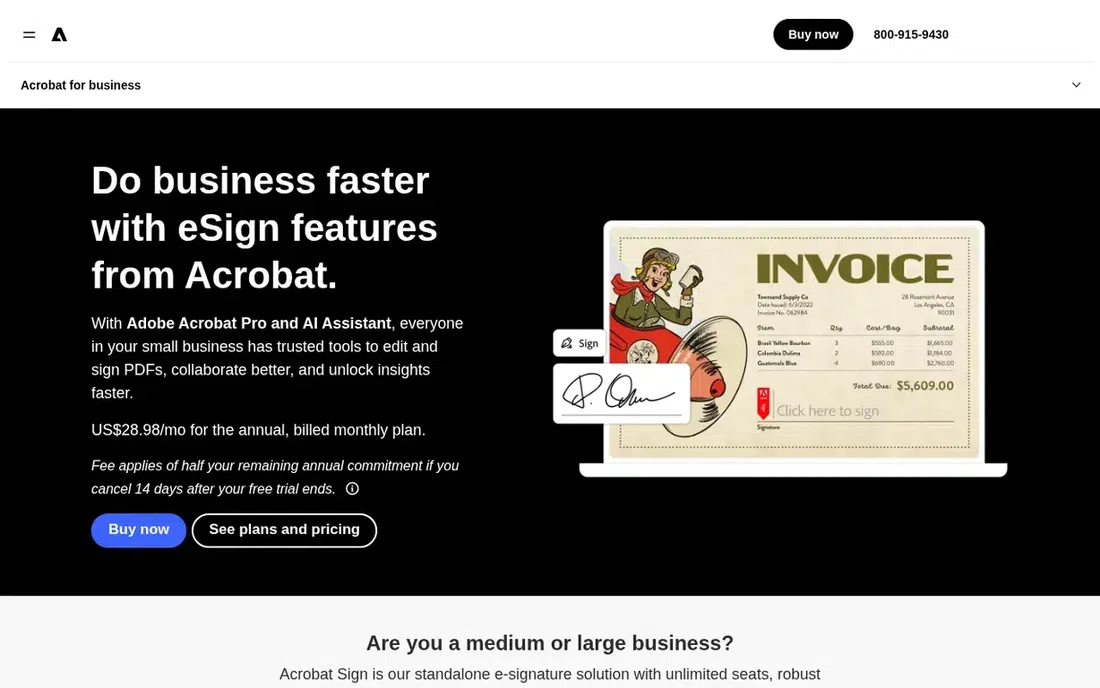
Adobe Acrobat Sign is designed for teams already in Adobe PDF workflows. The fit is most solid for organizations already using Adobe document software, and less compelling for teams working largely outside PDF-centric processes. On top of that, a dedicated signing system may be a better match for complicated multi-party agreement flows.
Adobe Acrobat Sign is built around electronic and digital signatures for business, with support for signing documents, collecting digital payments and accepting signatures on a website. Beyond that, evaluate whether the signing features you need stand on their own before committing. Adobe Acrobat Sign does not show a starting price in this comparison, so check the vendor site for current pricing. Free options: Not stated.
Drawbacks to consider: Best value inside Adobe ecosystem.
- Supports website signature collection
- Ties signing to PDF workflows
- Less appealing outside PDF-centric work
Foxit eSign is aimed squarely at straightforward PDF and Word signing. Pick a fuller product when signing is part of a bigger document lifecycle.
It suits teams seeking a direct signing tool for typical file formats. This comparison lists no price for Foxit eSign; ask the vendor. Free options: Not stated.
Honest limits: Less emphasis on agreement management.
- Signs PDF and Word documents
- Works across locations
- Complicated workflows may need another tool
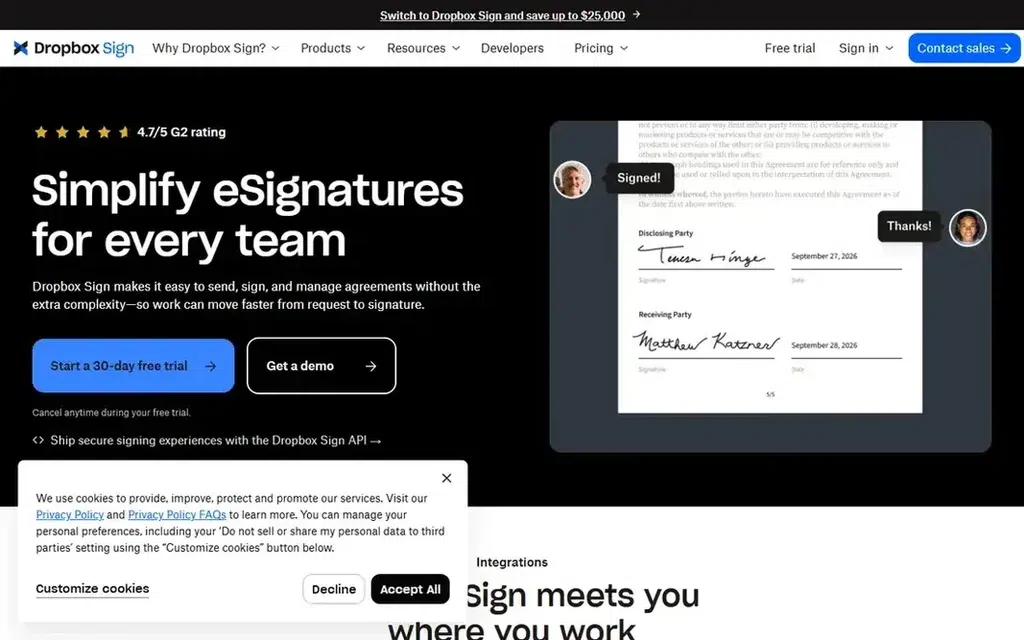
Dropbox Sign is a good fit for straightforward sending and managing signatures. Dropbox Sign, formerly HelloSign, describes itself as a simple way to send, receive and run legally binding electronic signatures. For everyday use, the focus on straightforward signing means complicated, highly customized agreement workflows may call for a more customizable system.
Trade-offs to know: Advanced workflow needs may outgrow it.
For everyday use, pick something else when signing is one part of a bigger contract lifecycle process. Engineering businesses that chiefly have to route documents for signature without heavy configuration may appreciate the direct approach. What you pay to start with Dropbox Sign: $15 USD / mo. Trial and free access: Free trial.
- Formerly known as HelloSign
- Manages legally binding signatures
- Narrower scope than full agreement suites
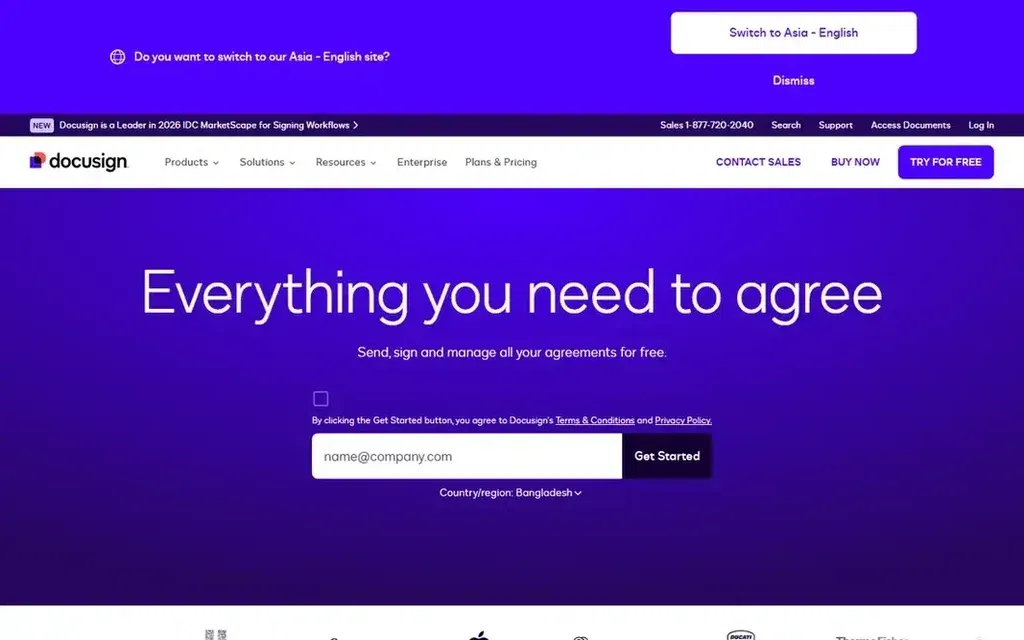
DocuSign is built with wide agreement management and signing in mind. It suits organizations that want signing tied to a wider agreement workflow instead of a standalone signature tool.
What to check first: Feature depth can add complexity.
Consider a lighter choice when the priority is fast sending and signing instead of end-to-end agreement handling. The starting price for DocuSign: $45 per user per month. Free options: Not stated.
- Manages multi-party agreements
- Widely recognized signing workflow
- Overkill for occasional signing
How these tools were picked
LinkVetted looked at what each vendor publishes: pricing, plan limits, feature coverage for E-Signature software for engineering firms and stated drawbacks. No hands-on testing is claimed. Plan names, prices and limits change often. Treat the figures here as a starting point and verify them with the vendor. The ranking is editorial: typical fit first, then clear pricing, then free access. If your needs are unusual, read the profiles rather than relying on position.
A buyer's checklist
- Ask SignNow, Conga Sign, Adobe Acrobat Sign and Foxit eSign for a written quote, since no starting price is shown.
- Use real work to test the free trial from Dropbox Sign, rather than a demo project.
- Before choosing SignNow, weigh its main limit: workflow setup may need planning.
- Ask the daily users to test Dropbox Sign on a live task before you roll it out to everyone.
- Before you load data into Foxit eSign, check what an export looks like and who can run it.
FAQ
Does any tool for E-Signature software for engineering firms here have a free plan?
No tool in this list, SignNow and DocuSign included, has a permanent free plan. Dropbox Sign offer a trial. Trials and quotes are the usual route, so plan a short evaluation period.
Is SignNow the right pick for everyone comparing E-Signature software for engineering firms?
No single tool suits every team. SignNow comes first because it fits custom eSignature workflows across devices, while Conga Sign suits signing inside CRM and workflows and Adobe Acrobat Sign suits teams already in Adobe PDF workflows. Match the tool to your own size, budget and workflow before deciding.
Can e-signature software work inside a CRM or existing workflow?
Some systems are built to operate within a CRM or business workflow, and Conga Sign explicitly positions itself that way. This can cut switching between tools for teams with a central system.
Do these tools publish their prices?
Not all of them. SignNow, Conga Sign, Adobe Acrobat Sign and Foxit eSign publish no starting price, so expect a quote request for those. The rest, Dropbox Sign included, show a starting price, though seats and billing terms still change the final cost.
Can I try these tools before paying?
Often, yes. Dropbox Sign offers a free trial. Use your own data and a real task during the test, and check what the free tier or trial limits before you rely on it. Each of the 6 options in this E-Signature software for engineering firms guide has its own card above with the price, free plan and limits.
Sources
- https://www.signnow.com
- https://conga.com/products/conga-sign
- https://www.adobe.com/sign.html
- https://www.foxit.com/esign
- https://sign.dropbox.com
- https://www.docusign.com