E-Signature Software for Churches in 2026: The 5 Best Options Side by Side
Best E-Signature software for churches: 5 contenders ranked by fit, with entry costs and free tiers. Each listing flags where it falls short. Plain facts.
- Editor's choice
 OneSpan Sign
Higher-security church agreements
Starts atSee websiteVisit onespan.comFull review - Great alternative
 Adobe Acrobat Sign
Churches already using Adobe PDF tools
Starts atSee websiteVisit adobe.comFull review - Also consider
 Dropbox Sign
Straightforward, legally binding e-signatures
Starts at$15 USD / moVisit sign.dropbox.comFull review
Direct answer
For higher-security church agreements, OneSpan Sign is where this list starts. Listed starting prices: Dropbox Sign from $15 USD / mo and DocuSign from $45 per user per month. If your case is different, Adobe Acrobat Sign suits churches already using Adobe PDF tools and Dropbox Sign suits simple, legally binding e-signatures. The full list of 5 tools follows, with prices and free plan facts.
TL;DR:
- The list opens with OneSpan Sign, aimed at higher-security church agreements.
- None of the 5 tools, from OneSpan Sign to DocuSign, has a free plan, so budget for a subscription or use a trial.
- For wide agreement management for church offices, DocuSign is worth a look.
- The lowest published monthly entry price here is $45 per user per month, from DocuSign.
- Dropbox Sign comes with a trade-off: less emphasis on advanced identity checks.
Last checked November 2026. Prices and plan details were read from the vendors' own pages in November 2026; vendors change plans often, so confirm the current price on the vendor site before you buy.
Quick comparison
| Tool | Best for | Starts at | Free plan? | |
|---|---|---|---|---|
| OneSpan Sign | Higher-security church agreements | See website | Not stated | Visit |
| Adobe Acrobat Sign | Churches already using Adobe PDF tools | See website | Not stated | Visit |
| Dropbox Sign | Straightforward, legally binding e-signatures | $15 USD / mo | Free trial | Visit |
 Zoho Sign | Automating recurring church paperwork | See website | Not stated | Visit |
 DocuSign | Wide agreement management for church offices | $45 per user per month | Not stated | Visit |
5 E-Signature software for churches in detail
Short on time? The summary and table above give the quick view of 5 E-Signature software for churches, and the profiles that follow give the detail behind each entry.
OneSpan Sign is a good fit for higher-security church agreements. Choose OneSpan Sign when identity assurance and secure workflows are central requirements.
Downsides: More complicated than entry-level signing tools.
On top of that, OneSpan Sign is an eSignature system for customer agreements that emphasizes secure digital workflows, identity assurance, automation, and smart forms. This comparison lists no price for OneSpan Sign; ask the vendor. As for free access: Not stated.
- Bundles identity assurance features
- Supports smart forms and automation
- Security focus may exceed usual church needs
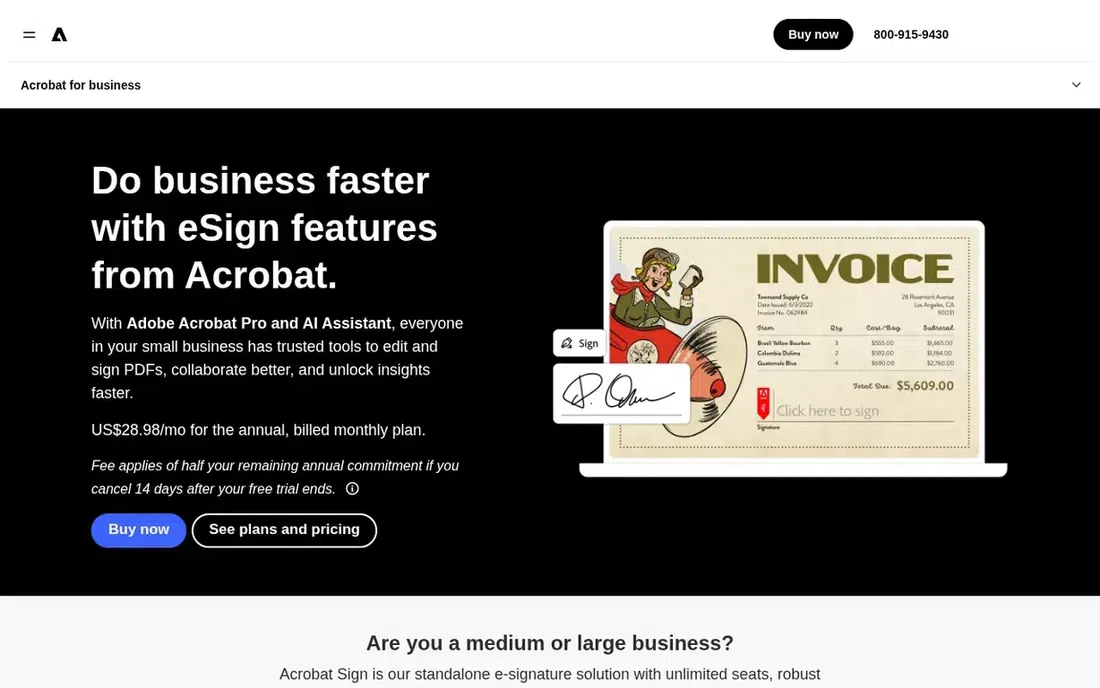
Adobe Acrobat Sign is a good fit for churches already using Adobe PDF tools. Adobe Acrobat Sign is an e-signature tool within Adobe's business document lineup.
What to check first: Best value for existing Adobe users.
The broader Adobe ecosystem can be more than a small church needs if signing is the only requirement. Check the vendor site for Adobe Acrobat Sign pricing; none is listed in this comparison. Trial and free access: Not stated.
- Can accept signatures on a website
- Supports electronic signatures and digital payments
- Feature set may be wide for entry-level needs
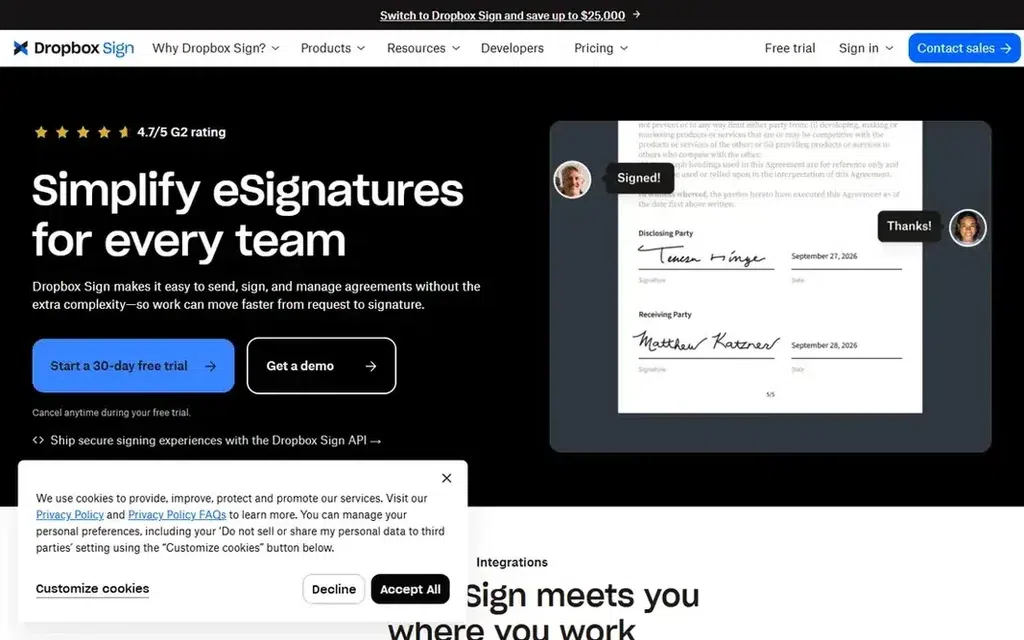
Think of Dropbox Sign for straightforward, legally binding e-signatures. Dropbox Sign, formerly HelloSign, is an eSignature tool for sending, receiving, and managing legally binding electronic signatures.
Where it is weaker: Less emphasis on advanced identity checks.
Churches needing advanced identity verification or complicated approval chains may outgrow its core signing focus. Teams already familiar with Dropbox may find it a natural fit. Entry price for Dropbox Sign: $15 USD / mo. As for free access: Free trial.
- Straightforward sending and managing of signatures
- Familiar to teams already using Dropbox
- May lack deep agreement management features
Zoho Sign is aimed squarely at automating recurring church paperwork. Entry-level signing needs may not need workflow automation.
Watch-outs: Workflow features may need initial setup.
Churches that already use Zoho tools may find it convenient for collecting signatures securely on recurring forms. Zoho Sign does not show a starting price in this comparison, so check the vendor site for current pricing. Free plan details: Not stated.
- Automates paperwork collection
- Digital signature workflows for business documents
- Best experience for Zoho users
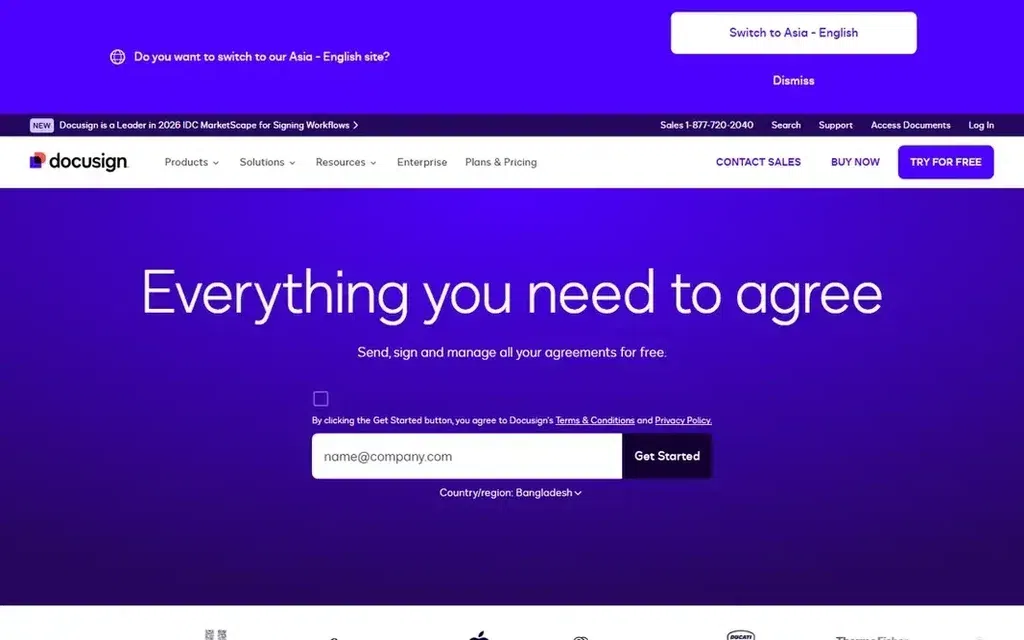
DocuSign is built with wide agreement management for church offices in mind. DocuSign is an electronic signature and agreement management system. It lets churches produce, commit to, and handle agreements in one place, which can help centralize consent forms, volunteer waivers, and staff documents.
Downsides: Feature depth can require time to learn.
Beyond that, the system is wide, so a small church with occasional signing may find it heavier than necessary. In practice, consider DocuSign when agreement management, not just signing, is the priority. DocuSign starts at: $45 per user per month. Free access: Not stated.
- Supports electronic signature and agreement management in one product
- Established choice for organizations needing a full workflow
- May be more than a small church needs
Our selection method
A buyer's checklist
- Ask OneSpan Sign, Adobe Acrobat Sign and Zoho Sign for a written quote, since no starting price is shown.
- Take the trial from Dropbox Sign and push a live task through it before you pay.
- Before choosing OneSpan Sign, weigh its main limit: security focus may exceed typical church needs.
- Before you load data into Dropbox Sign, check what an export looks like and who can run it.
- The entry price of OneSpan Sign is only the starting point; model the full cost with seats and extras.
FAQ
How are the tools for E-Signature software for churches ordered?
The order follows typical fit for E-Signature software for churches, with OneSpan Sign first and DocuSign last, then price clarity and free access. It is editorial judgement, not a score, so another team could rank the tools differently.
How do churches compare e-signature choices without hands-on testing?
Compare documented features, vendor descriptions, and stated limits for each tool. Focus on signing workflows, document support, and security features relevant to your church.
Can e-signature software manage volunteer and consent forms?
Yes, most e-signature tools can send and collect signatures on volunteer agreements and consent forms. Confirm that the tool supports the file types you use.
What should a church look for in e-signature software?
Consider whether you need identity checks for sensitive forms or straightforward signing for routine documents. Also check that the tool works on the devices your congregation uses.
Can I try these tools before paying?
Often, yes. Dropbox Sign offers a free trial. Use your own data and a real task during the test, and check what the free tier or trial limits before you rely on it. Each of the 5 options in this E-Signature software for Churches guide has its own card above with the price, free plan and limits.
Does any tool for E-Signature software for churches here have a free plan?
A permanent free plan is not offered by OneSpan Sign, DocuSign or the other tools here. Dropbox Sign offer a trial. Plan a short evaluation period instead.
Sources
- https://www.onespan.com/products/onespan-sign
- https://www.adobe.com/sign.html
- https://sign.dropbox.com
- https://www.zoho.com/sign
- https://www.docusign.com