5 E-Portfolio Software for Design Schools Worth Shortlisting in 2026
Need the best E-Portfolio software for design schools? We compare 5 tools on cost, free access and who each suits. Real limits included. Pick by budget.
- Editor's choiceTaskstream
Assessment and institutional insight
Starts atSee websiteVisit taskstream.comFull review - Great alternative
 Squarespace
Refined, template-driven creative sites
Starts at$12 a monthVisit squarespace.comFull review - Also considerDigication
Visible, measurable learning and assessment
Starts at$30 per user a yearVisit digication.comFull review
Direct answer
Taskstream comes first here, mainly for assessment and institutional insight. Listed starting prices: Squarespace from $12 a month and Digication from $30 per user a year. If your case is different, Squarespace suits refined, template-driven creative sites and Digication suits visible, measurable learning and assessment. Prices, free plans and limits for all 5 tools follow.
TL;DR:
- Number one here is Taskstream, a fit for assessment and institutional insight.
- Starting prices begin at $12 per month with Squarespace.
- Portfolium comes with a trade-off: part of a broader product.
- Neither Taskstream nor Adobe Portfolio, nor any of the other 3 tools, has a permanent free plan; trials and quotes are the norm.
- Adobe Portfolio suits creative Cloud users showcasing work.
Last checked November 2026. Prices and plan details were read from the vendors' own pages in November 2026; vendors change plans often, so confirm the current price on the vendor site before you buy.
Quick comparison
| Tool | Best for | Starts at | Free plan? | |
|---|---|---|---|---|
| Taskstream | Assessment and institutional insight | See website | Not stated | Visit |
| Squarespace | Refined, template-driven creative sites | $12 a month | Free trial | Visit |
| Digication | Visible, measurable learning and assessment | $30 per user a year | Free trial | Visit |
| Portfolium | Portfolio work tied to institutional learning | See website | Not stated | Visit |
 Adobe Portfolio | Creative Cloud users showcasing work | See website | Not stated | Visit |
5 E-Portfolio software for design schools in detail
Short on time? The summary and table above give the quick view of 5 E-Portfolio software for design schools, and the profiles that follow give the detail behind each entry.
Taskstream
Best for: Assessment and institutional insight
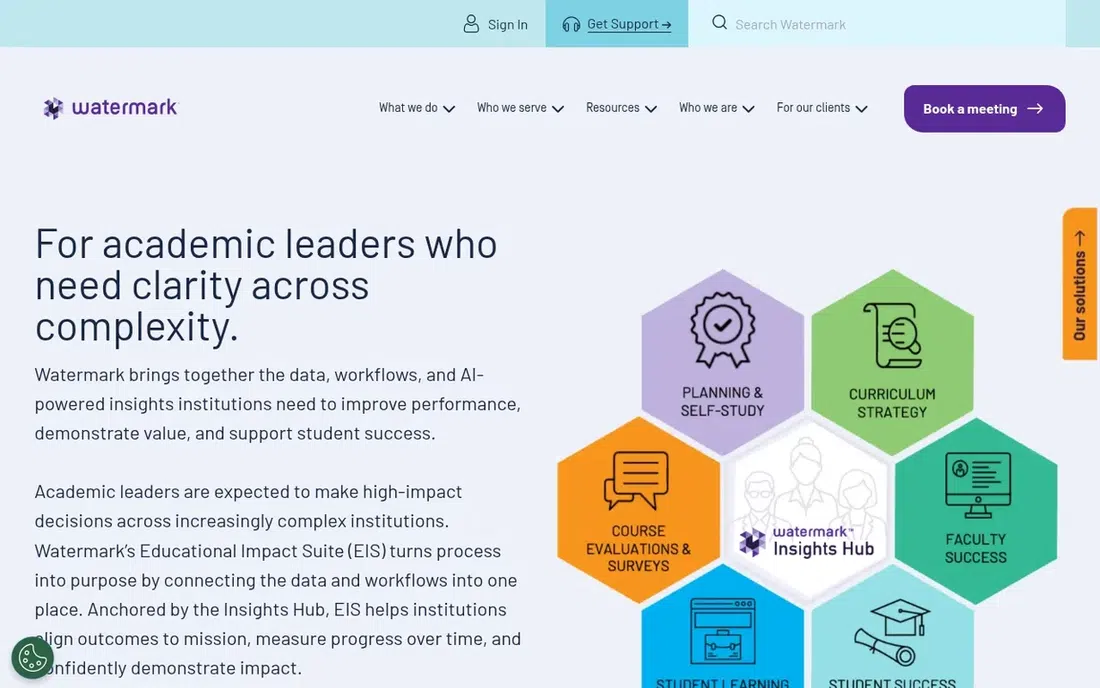
In short, Taskstream is for assessment and institutional insight. Students hoping for a refined visual showcase may prefer a dedicated portfolio builder.
Drawbacks to consider: Not design-specific.
For everyday use, programs that require to track student outcomes and gather evidence for institutional reporting will find the orientation practical. More specifically, since the emphasis is on institutional insight, the creative presentation side is less central. This comparison lists no price for Taskstream; ask the vendor. Free plan details: Not stated.
- Supports institutional success goals
- Higher education focus
- Portfolio presentation is secondary
Choose Squarespace for refined, template-driven creative sites. Design students who want a clean, gallery-like presentation can lean on its template system to produce professional-looking portfolios. For everyday use, customization is real but bounded.
Where it shines: AI builder tools available.
Downsides: Less adaptable for unusual layouts.
Pick Squarespace when speed to a refined result matters, and consider a more open builder for experimental work. On top of that, the template-first approach can limit unconventional layouts that some design projects need. Squarespace is a website builder centered on configurable templates, AI building tools and domain names. Squarespace pricing: $12 per month. Trial and free access: Free trial.
- Solid template design
- Domain setup included
- Template-first approach
Digication
Best for: Visible, measurable learning and assessment
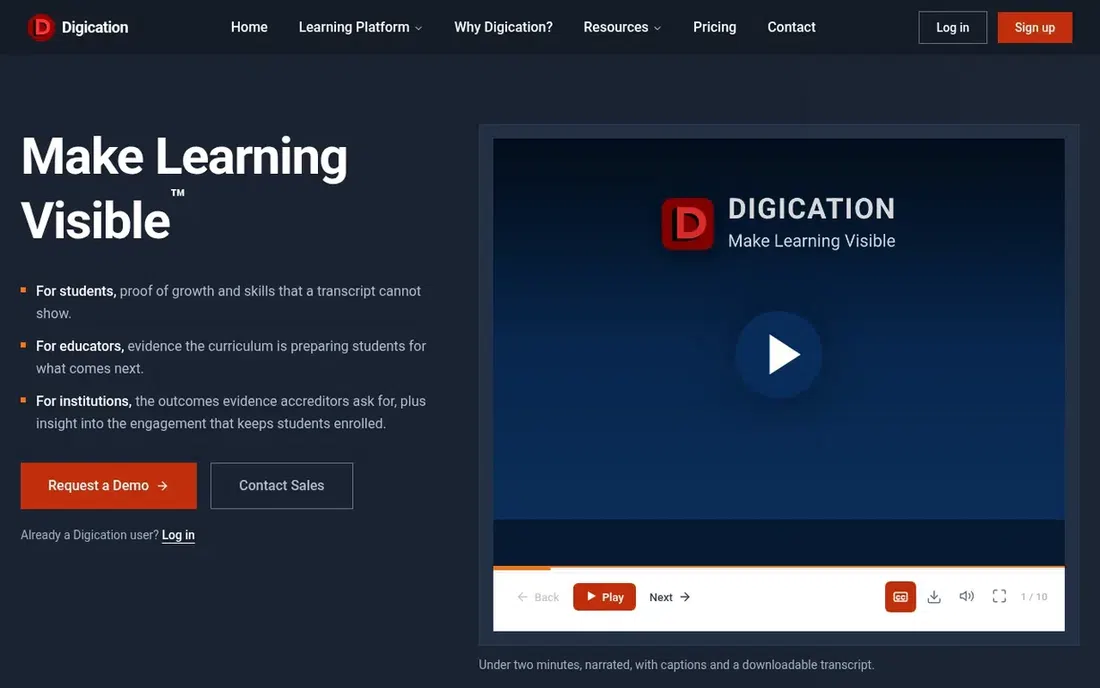
Where Digication fits: visible, measurable learning and assessment. Schools focused only on public portfolios might look at more straightforward website builders instead.
As for the details, faculty and administrators who require evidence for accreditation reviews will find the emphasis handy, and students gain structured portfolio spaces. Beyond that, the product leans toward institutional assessment instead of open-ended creative branding, so students wanting highly personalized showcase sites may find it constrained. Digication starts at: $30 per user per year. Trial and free access: Free trial.
Trade-offs to know: Less suited to personal creative sites.
- Assessment and accreditation evidence
- Focus on making learning visible
- Institution-oriented instead of student-first
Portfolium
Best for: Portfolio work tied to institutional learning
Portfolium targets Portfolio work tied to institutional learning. Portfolium sits within the Instructure edtech ecosystem, which spans K-12, higher education and business. Beyond that, for design schools, that means student portfolios can link to institutional learning goals instead of standing alone.
The main drawbacks: Part of a broader system.
From a buyer's view, because it is part of a bigger product, the portfolio experience may feel less tailored to visual design than dedicated showcase builders. Choose Portfolium when institutional integration matters more than design-first presentation. Schools wanting maximum creative freedom for student sites might pair it with a website builder. Portfolium does not show a starting price in this comparison, so check the vendor site for current pricing. Free access: Not stated.
- Supports student showcase goals
- Links portfolios with edtech workflows
- Less centred on pure design styling
Adobe Portfolio is designed for creative Cloud users showcasing work. For design schools where students already use Adobe tools, it provides a natural extension for presenting finished work.
More specifically, Adobe Portfolio lets users rapidly build a personalized website to showcase creative work, and it is included with Creative Cloud subscriptions. Pricing for Adobe Portfolio is not stated here, so ask the vendor for current figures. Free plan details: Not stated.
Trade-offs to know: Fewer general business tools.
- Centred on showcasing creative work
- Suits Creative Cloud workflows
- Tied to Creative Cloud subscription
How these tools were picked
LinkVetted looked at what each vendor publishes: pricing, plan limits, feature coverage for E-Portfolio software for design schools and stated drawbacks. No hands-on testing is claimed. Prices and plan limits come from vendor pages and can change, so confirm them on the vendor site before you buy. The ranking is editorial: typical fit first, then clear pricing, then free access. If your needs are unusual, read the profiles rather than relying on position.
Questions to settle before buying
- Get a written quote from Taskstream, Portfolium and Adobe Portfolio; the list shows no starting price for them.
- Use real work to test the free trial from Squarespace and Digication, rather than a demo project.
- Read the limits listed for Taskstream first: not design-specific.
- Ask the daily users to test Adobe Portfolio on a live task before you roll it out to everyone.
- Look at the renewal terms for Digication: auto-renewal, notice periods and price changes can matter more than the first-year price.
FAQ
Is Taskstream the right pick for everyone comparing E-Portfolio software for design schools?
No single tool suits every team. Taskstream comes first because it fits assessment and institutional insight, while Squarespace suits polished, template-driven creative sites and Digication suits visible, measurable learning and assessment. Match the tool to your own size, budget and workflow before deciding.
Can I try these tools before paying?
Often, yes. Squarespace and Digication offer a free trial. Use your own data and a real task during the test, and check what the free tier or trial limits before you rely on it.
Do these tools publish their prices?
Not all of them. Taskstream, Portfolium and Adobe Portfolio publish no starting price, so expect a quote request for those. The rest, Squarespace included, show a starting price, though seats and billing terms still change the final cost.
How are the tools for E-Portfolio software for design schools ordered?
Taskstream sits first and Adobe Portfolio last because the order follows typical fit for E-Portfolio software for design schools, then price clarity and free access. It is a judgement call, so read each profile for fit and limits.
Sources
- https://www.taskstream.com
- https://www.squarespace.com
- https://www.digication.com
- https://portfolium.com
- https://portfolio.adobe.com