Best Student Portfolio Software for Art Schools in 2026: Prices, Free Plans and 5 Picks
Weighing the best student portfolio software for art schools? We lined up 5 products by cost, free access and fit. With pricing notes and limits. Start here.

- Editor's choice
 Wix
Adaptable drag-and-drop site building
Starts atSee websiteVisit wix.comFull review - Great alternative
 Squarespace
Refined templates and business tools
Starts at$12 a monthVisit squarespace.comFull review - Also consider
 Adobe Portfolio
Creative Cloud users building a showcase
Starts atSee websiteVisit portfolio.adobe.comFull review
Direct answer
Wix comes first here, mainly for adaptable drag-and-drop site building. Listed starting prices: Squarespace from $12 a month, Format from $10 a month and Carbonmade from $9.99 a month. If your case is different, Squarespace suits refined templates and business tools and Adobe Portfolio suits creative Cloud users building a showcase. The full list of 5 tools follows, with prices and free plan facts.
TL;DR:
- Wix sits first on this list: adaptable drag-and-drop site building.
- Carbonmade has the lowest monthly starting price in this list: $9.99 per month.
- Carbonmade is the one to check for straightforward no-code portfolio creation.
- Neither Wix nor Carbonmade, nor any of the other 3 tools, has a permanent free plan; trials and quotes are the norm.
Last checked November 2026. Prices and plan details were read from the vendors' own pages in November 2026; vendors change plans often, so confirm the current price on the vendor site before you buy.
Quick comparison
| Tool | Best for | Starts at | Free plan? | |
|---|---|---|---|---|
| Wix | Adaptable drag-and-drop site building | See website | Not stated | Visit |
| Squarespace | Refined templates and business tools | $12 a month | Free trial | Visit |
| Adobe Portfolio | Creative Cloud users building a showcase | See website | Not stated | Visit |
 Format | Creative portfolios with collaboration | $10 a month | Free trial | Visit |
 Carbonmade | Straightforward no-code portfolio creation | $9.99 a month | Free trial | Visit |
Student Portfolio Software for Art Schools, one by one
If you are comparing student portfolio software for art schools, this page covers 5 tools in one place: what each is best for, what it costs to start, whether it has a free plan, and the main limit to know about.

Wix was built for adaptable drag-and-drop site building. Wix is a website builder with a drag-and-drop editor, hosting, domains and marketing tools built in. It provides art students an adaptable canvas for building a portfolio site and adding features when needed.
What to check first: Design consistency needs care.
If you want a more guided, design-focused experience, a portfolio-specific builder may be preferable. As for the details, the adaptability can make it simple to build an inconsistent design. The editor may feel complicated for a straightforward student portfolio. This comparison lists no price for Wix; ask the vendor. Free access: Not stated.
- Drag-and-drop editor
- Hosting and domains built in
- Interface can feel overwhelming
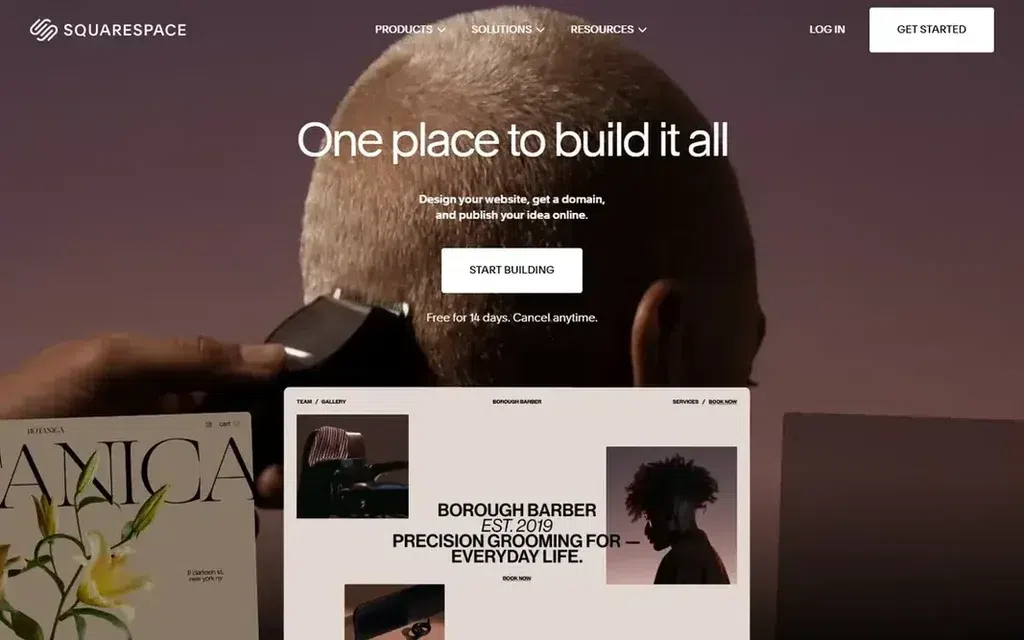
For refined templates and business tools, Squarespace is a natural candidate. It supports domains, business tools and marketing features, making it a capable choice for art students who want a professional-looking portfolio that can grow into a small creative business.
More specifically, for a pure portfolio, the range of business features may be more than you need, and deep customization can need time. Squarespace cost at the entry level: $12 per month. As for free access: Free trial.
Downsides: Template customization has limits.
- AI website builder tools
- Business and marketing features
- Can feel complicated for a straightforward portfolio
Choose Adobe Portfolio for creative Cloud users building a showcase. Adobe Portfolio is a website builder meant to showcase creative work rapidly. It is included with any Creative Cloud subscription, so students already using Adobe apps can build a personalized portfolio site without adding another product.
The central limitation is that its value relies on an existing Creative Cloud subscription. The focus is on presenting visual work cleanly, which suits art students who require a straightforward showcase for school applications and early career opportunities. Pricing for Adobe Portfolio is not stated here, so ask the vendor for current figures. Free options: Not stated.
Where it falls short: Less suited to non-Adobe workflows.
- Included with Creative Cloud subscriptions
- Straightforward personalized website builder
- Best value if already using Adobe tools
Choose Format for creative portfolios with collaboration. If you want a more straightforward, lower-commitment starting point, a more entry-level portfolio builder could be a better match. Since it is tailored to creative professionals, some business-oriented features may be more than a student needs right now.
From a buyer's view, Format is a website builder for creative professionals, with tools to present work, collaborate and grow an online business. It is pitched at artists and designers who require a portfolio that supports client interaction. Price to start with Format: $10 per month. Trial and free access: Free trial.
Honest limits: Less general-purpose than big builders.
- Portfolio-focused templates
- Aimed at creative professionals
- Some features target working creatives
Carbonmade was built for straightforward no-code portfolio creation. Carbonmade helps creatives display off their work and get discovered, with no coding needed and completely configurable layouts.
Carbonmade cost at the entry level: $9.99 per month. Free plan details: Free trial.
Trade-offs to know: Feature set may be entry-level for some.
- Aimed at creatives
- Completely configurable layouts
- Less emphasis on business tools
How we built this list
For each of the 5 tools we noted price, free plan or trial, fit for student portfolio software for art schools and the main limit, using vendor pages and documentation. Treat prices as a snapshot: vendors change plans often, so check the vendor site for the figure that applies today. The ranking is editorial: typical fit first, then clear pricing, then free access. If your needs are unusual, read the profiles rather than relying on position.
A buyer's checklist
- Get a written quote from Wix and Adobe Portfolio; the list shows no starting price for them.
- Use real work to test the free trial from Squarespace, Format and Carbonmade, rather than a demo project.
- Before choosing Wix, weigh its main limit: interface can feel overwhelming.
- Before rolling out Adobe Portfolio, verify the integrations your workflow depends on.
- Confirm minimum seats and billing terms with Carbonmade before you commit to an annual plan.
FAQ
How are the tools for student portfolio software for art schools ordered?
Wix sits first and Carbonmade last because the order follows typical fit for student portfolio software for art schools, then price clarity and free access. It is a judgement call, so read each profile for fit and limits.
Can I try these tools before paying?
Often, yes. Squarespace, Format and Carbonmade offer a free trial. Use your own data and a real task during the test, and check what the free tier or trial limits before you rely on it.
What should art students look for in portfolio software?
Prioritize capable visual presentation, simple image and video embedding, and templates that let your work stand out. Also consider how straightforward the builder is to update as your portfolio grows.
Does any tool for student portfolio software for art schools here have a free plan?
No tool in this list, Wix and Carbonmade included, has a permanent free plan. Squarespace, Format, Carbonmade offer a trial. Trials and quotes are the usual route, so plan a short evaluation period.
What is the cheapest option for student portfolio software for art schools in this list?
On published monthly entry prices, Carbonmade is the lowest here at $9.99 per month. Entry price is only part of the cost, because seats, add-ons and billing terms can change the total. Each of the 5 options in this Student portfolio software for Art schools guide has its own card above with the price, free plan and limits.
Is Adobe Portfolio a decent choice for art students?
Adobe Portfolio is a good fit if you already use Creative Cloud, since it is included with a subscription and meant to showcase creative work.
Sources
- https://www.wix.com
- https://www.squarespace.com
- https://portfolio.adobe.com
- https://www.format.com
- https://carbonmade.com