Best Study Apps in 2026: 8 Apps Compared
Looking for the best study apps for college students? We compared eight study tools on flashcards, focus, notes, and price to help you study smarter in 2026.

- Editor's choice
 Quizlet
Shared flashcards and quick revision
Starts at$7.99 per monthVisit quizlet.comFull review - Great alternative
 Anki
Spaced repetition for long-term memory
Starts atFreeVisit ankiweb.netFull review - Also consider
 Notion
Planning notes and deadlines
Starts atFreeVisit notion.comFull review
TL;DR:
- The best study apps for college students cover different jobs, so most students need two tools: one for memory and one for planning or focus.
- Anki is the strongest free spaced repetition tool on desktop and Android, while Quizlet is easier to start and has a huge shared library.
- Khan Academy remains the best free source for lessons and practice in school-level subjects.
- Forest and Notion help with the other half of studying: staying focused and keeping notes, deadlines, and revision in one place.
Quick comparison
| Tool | Best for | Starts at | Free plan? | |
|---|---|---|---|---|
| Quizlet | Shared flashcards and quick revision | $7.99 per month | Yes | Visit |
| Anki | Spaced repetition for long-term memory | Free | Yes | Visit |
| Notion | Planning notes and deadlines | Free | Yes | Visit |
 Forest | Staying focused with a timer | Free | Yes | Visit |
 Khan Academy | Free lessons and practice | Free | Yes | Visit |
 Goodnotes | Handwritten notes on iPad | Free | Yes | Visit |
 RemNote | Notes that become flashcards | Free | Yes | Visit |
 Wolfram Alpha | Checking math and science answers | See website | Yes | Visit |
The best study apps
Study apps fail when they try to do everything at once. The list below separates the jobs: memorizing facts, learning a topic from scratch, writing notes, and staying focused. Pick the tool that matches the job in front of you, and add a second tool only when the first one is working.

Quizlet is the fastest way to start revising. You can search for a set on almost any common topic, from Spanish vocabulary to anatomy terms, and begin flipping cards right away. Learn mode uses spaced practice to push the cards you miss back into rotation, and Test mode turns a set into a short quiz. For class revision and exam week, that speed matters.
The free plan is useful but capped. Learn rounds, practice tests, and textbook solutions have monthly limits, and ads appear throughout. Quizlet Plus is listed at $7.99 per month or $35.99 per year, with a higher Unlimited tier above it. If you study with flashcards daily across several subjects, Plus is cheap. If you study occasionally, the free tier or Anki will do.
- Huge library of shared study sets
- Learn and Test modes
- Easy to start in minutes
- Free plan caps Learn rounds and practice tests
- Ads on the free tier
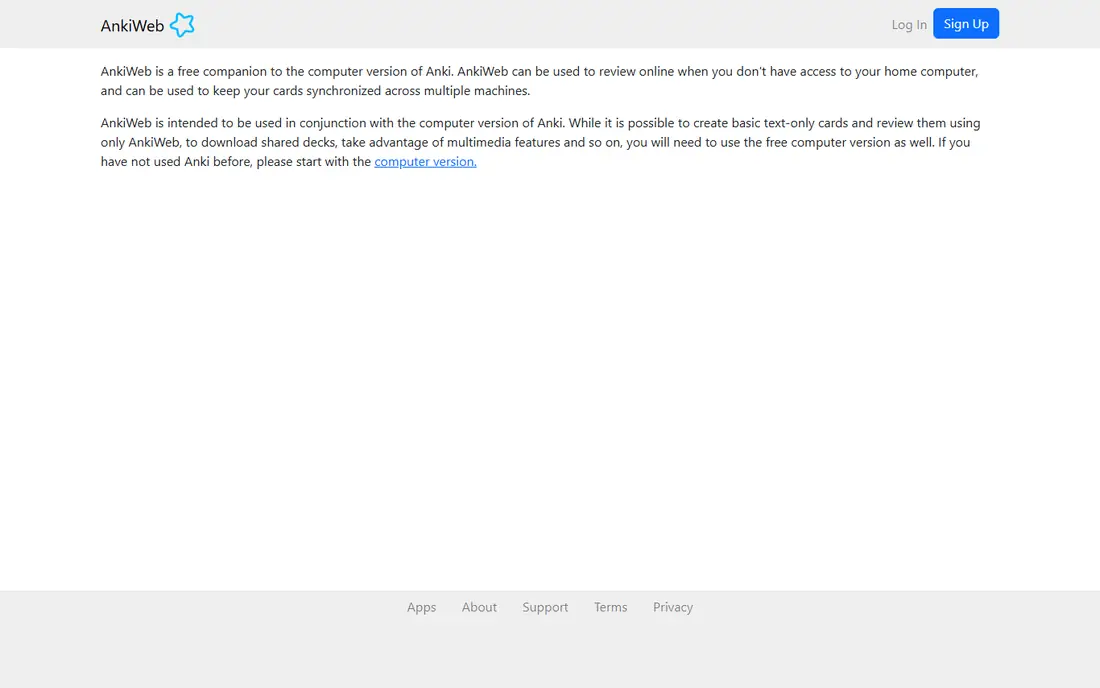
Anki is the tool serious memorizers keep returning to. Its spaced repetition schedule shows you a card just before you are likely to forget it, which makes it strong for medicine, law, languages, and any subject with many facts. You can make your own decks, import shared decks, and add images, audio, and cloze deletions for fill-in-the-blank cards.
The design is plain, and the first evening takes patience. Setting up card types, intervals, and sync feels technical compared with Quizlet. The payoff is control and cost: Anki is free on desktop, web, and Android, and only the iPhone app, AnkiMobile, costs $24.99 one time. If you have months to learn a large body of facts, Anki is our pick for most people.
- Powerful spaced repetition
- Free on desktop, web, and Android
- Huge range of shared decks
- Plain design and a learning curve
- IPhone app costs $24.99 one time
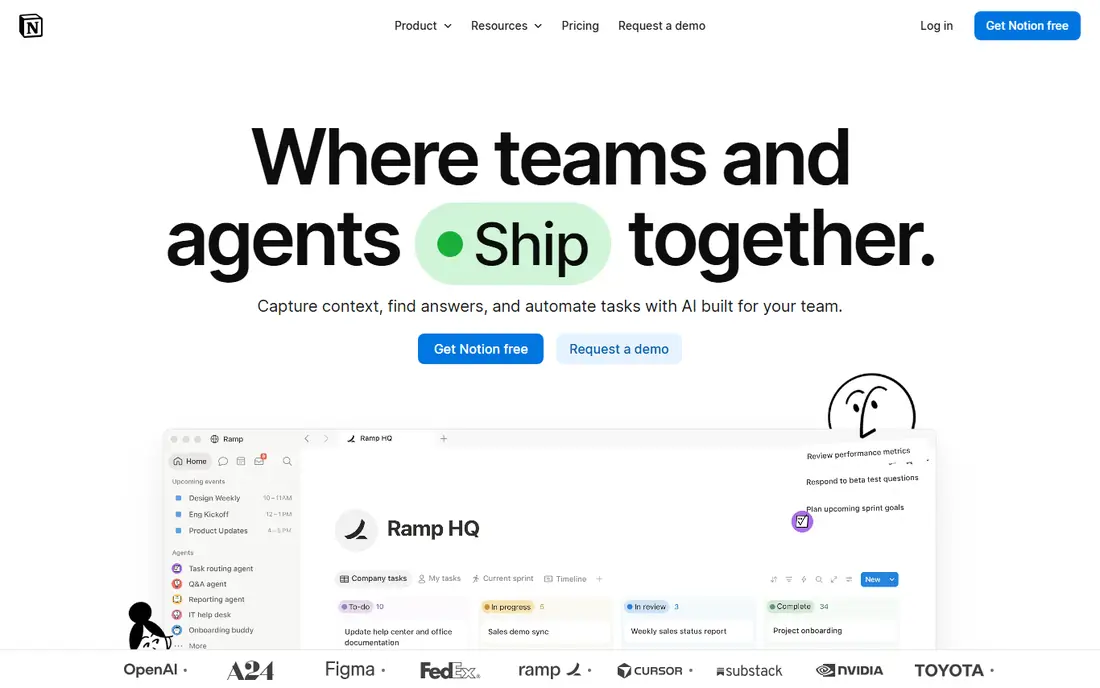
Notion works best as a study home base. You can keep a weekly planner, a page for each subject, a database of assignments, and a revision tracker in one workspace. Templates for class notes, reading lists, and exam countdowns help you start without building everything from scratch. For group projects, shared pages and comments keep work visible.
The risk is overbuilding. A Notion workspace can become a project of its own, with pretty pages and no revision done. Start with one planner page and one notes page per subject, and add databases only when you need them. The free plan covers personal use well, and Plus is listed at $10 per month billed annually for extra features. Verified students can also check the education offer with a school email.
- Notes, databases, and calendars in one workspace
- Strong free plan
- Many student templates
- Can feel complex at first
- Offline use is limited compared with local note apps
Forest turns focus into a small, visible commitment. You plant a virtual tree, set a timer, and if you leave the app before the timer ends, the tree withers. That gentle pressure helps many students put the phone down for 25 minutes at a time. Over weeks, your forest shows how much focused time you actually logged, which is more honest than a feeling that you studied all day.
On Android, Forest is free with an optional Pro upgrade, while on iOS it is a low one-time purchase in recent listings, so check your store for the current price. Cosmetic trees and sounds are optional extras. Forest does not teach content, so pair it with Quizlet, Anki, or Khan Academy. For focus alone, it is the most pleasant timer on this list.
- Simple focus timer with a growing tree
- Friends can plant together
- Detailed focus statistics
- Paid features differ by platform
- Cosmetic items use in-app purchases
Khan Academy remains the best free study app for learning a topic from the start. Short videos explain a concept, practice questions test it right away, and courses are arranged in a clear order so you can fill gaps without guessing what to study next. Subjects cover math, science, computing, history, and more, and official Digital SAT prep is included free.
The limit is depth at university level. Khan Academy is excellent for foundations, but advanced modules in a degree may need your course notes, textbooks, or a tutor. Khanmigo, its AI tutor, is a paid add-on for learners, listed in recent reports at around $4 per month, while teachers can use it free. For foundations and revision, start here before you pay for anything else.
- Free lessons and practice across school subjects
- Structured courses with quizzes
- Official SAT prep
- Stronger for school-level topics than advanced university modules
- AI tutor Khanmigo is paid
Goodnotes is the best study app for students who learn by writing. On iPad, you can take handwritten notes, annotate PDFs and slides, and search your handwriting later. That combination suits lecture notes, problem sets, and marked-up readings, where typing alone does not help memory in the same way. Folders, templates, and audio recording linked to notes add useful structure.
The free plan covers up to three notebooks, which is enough to test it for one term. Essential is listed at $11.99 per year and Pro at $35.99 per year in recent listings, with an optional AI pass above those tiers. Goodnotes is Apple-focused, so Windows and Android students should look at Notion or RemNote instead. If you study on iPad, it is a strong, focused notebook.
- Natural handwriting and PDF annotation
- Searchable handwriting
- Up to three notebooks free
- Best on Apple devices
- Fuller features need a paid plan
RemNote solves a common study problem: notes that never become revision. You write structured notes, turn key points into flashcards inside the same document, and review them with spaced repetition. That loop keeps your revision tied to your own notes, rather than to a separate deck you never open. PDF annotation, image occlusion for diagrams, and knowledge bases add depth for science and medicine students.
The free plan is generous, with unlimited notes and flashcards and core spaced repetition, though AI credits and some limits apply. Pro is listed at $8 per month billed annually, and Pro with AI at $18 per month billed annually in recent checks. The interface is less polished than Notion, and the learning curve is real. If you want one app for notes and memory, RemNote is worth a week of practice.
- Notes and flashcards in one system
- Spaced repetition built in
- Generous free plan
- Interface takes time to learn
- Higher AI features need the top tier
Wolfram Alpha is a computational tool, not a general chatbot. You type an equation, a chemistry problem, or a statistics question, and it computes the answer and shows the working. That precision helps when a textbook answer is unclear or when you want to check a graph, an integral, or a data set. For STEM students, it is a useful second check after working through a problem yourself.
The honest limit is scope. Wolfram Alpha will not help you structure an essay or explain a history argument, and step-by-step solutions are for learning the method, not for submitting as your own work. Check your school policy on academic integrity before you use it for assignments. The basic tier is free, and Pro adds fuller step-by-step guidance, so we list the starting price as See website and suggest checking the current plan page.
- Step-by-step solutions for math and science
- Strong for equations, graphs, and statistics
- Fast answers
- Answers do not teach every concept
- Full step-by-step guidance needs a paid plan
How we picked these
We compared official pricing pages, app store listings, and recent pricing checks from September and October 2026. We kept only tools that are live, that fit a clear study job, and that offer a usable free tier or a low one-time cost. We favored a mix of memory tools, lesson libraries, note apps, and focus tools, because no single app covers all four jobs well.
How to build a study system that works
Pick one tool per job
Use Khan Academy or your course materials to learn, Anki or Quizlet to memorize, Notion or RemNote to organize, and Forest to focus. Adding a fifth app usually adds setup time without adding marks. Start with two tools for two weeks, then add a third only if a clear gap remains.
Study in short, spaced sessions
Short daily sessions beat long weekend cramming for most subjects. Use Forest for 25 minute blocks, review flashcards daily in Anki or Quizlet, and revisit notes after a few days rather than rereading them the same night. Keep a simple weekly plan in Notion so revision does not depend on memory alone.
Check the free tier before you pay
Most students can study well on free tiers, with Anki free on desktop and Android, Khan Academy free, and Notion free for personal use. Pay only when you hit a real limit, such as Quizlet Plus caps, Goodnotes notebook limits, or RemNote AI credits. Student offers and annual billing can lower the cost when you do pay.
FAQ
What are the best study apps for college students?
The best study apps for college students in our list are Quizlet and Anki for memory, Notion for planning, Forest for focus, and Khan Academy for lessons. Most students need two of these, not all eight. Start with the job that is failing first, whether that is remembering facts, staying focused, or keeping deadlines straight.
What are the best free study apps?
The best free study apps are Anki on desktop and Android, Khan Academy, Notion for personal use, and the free tiers of Quizlet and RemNote. Forest is free on Android with an optional upgrade. Together, those free options cover lessons, flashcards, notes, and focus without a subscription.
Is Quizlet or Anki better for studying?
Quizlet is better for quick starts and shared sets, while Anki is better for long-term memory and large fact sets. Quizlet has caps on free Learn rounds and tests, while Anki has no caps on desktop and Android. If you study daily for months, Anki usually wins. If you need a set for tomorrow, Quizlet is faster.
What is the best app for students who want to focus?
Forest is the best app for students who want to focus in our list, because its timer and growing tree make phone use visible. Pair it with a study tool, since Forest does not teach content. If you prefer a plain timer, your phone clock works, but Forest adds a record of focused time that helps you plan.
Are study apps enough to pass exams?
Study apps help with memory, planning, and focus, but they do not replace course materials, lectures, and practice questions. Use apps to revise and organize, and check answers against textbooks and teacher guidance. For subjects with essays or projects, notes and drafting tools matter as much as flashcards.
What are the best apps for students on iPad?
Goodnotes is the best app for students on iPad who like handwritten notes and PDF annotation. Notion, Quizlet, Anki, and Forest also work well on iPad. AnkiMobile costs $24.99 one time on iOS, while the other apps on this list offer free tiers on iPad.