Top 6 3D Design Software for Schools for 2026 (Prices and Free Plans)
Searching for the best 3D design software for schools? Here are 6 options with prices and free plans. The catches are listed up front. See which fits.
- Editor's choice
 Vectorworks
BIM and CAD for architecture and entertainment
Starts atSee websiteVisit vectorworks.netFull review - Great alternative
 Blender
Open-source 3D creation suite
Starts atSee websiteVisit blender.orgFull review - Also consider
 Onshape
Cloud-native CAD with built-in PDM
Starts at$1,500 per user a yearVisit onshape.comFull review
Direct answer
This list puts Vectorworks first for BIM and CAD for architecture and entertainment. Listed starting prices: Onshape from $1,500 per user a year. Blender is the stronger choice for open-source 3D creation suite, while Onshape suits cloud-native CAD with built-in PDM. The full list of 6 tools follows, with prices and free plan facts.
TL;DR:
- Vectorworks is the opening pick, best for BIM and CAD for architecture and entertainment.
- ZBrush fits digital sculpting and painting.
- Just one of the 6 tools, Onshape, has a free plan.
- Onshape is the lowest-priced starter here at $1,500 per user per year.
Last checked November 2026. Prices and plan details were read from the vendors' own pages in November 2026; vendors change plans often, so confirm the current price on the vendor site before you buy.
Quick comparison
| Tool | Best for | Starts at | Free plan? | |
|---|---|---|---|---|
| Vectorworks | BIM and CAD for architecture and entertainment | See website | Not stated | Visit |
| Blender | Open-source 3D creation suite | See website | Not stated | Visit |
| Onshape | Cloud-native CAD with built-in PDM | $1,500 per user a year | Yes | Visit |
 Fusion | Integrated CAD, CAM, and CAE in education | See website | Not stated | Visit |
 Cinema 4D | Motion graphics and visualization | See website | Not stated | Visit |
 ZBrush | Digital sculpting and painting | See website | Not stated | Visit |
Tool-by-tool breakdown
This LinkVetted guide covers 6 3D design software for schools. Each profile lists a starting price, free plan details, strengths and drawbacks, so you can drop poor fits quickly.
Vectorworks works best for BIM and CAD for architecture and entertainment. Vectorworks is a 3D modeling and design software that gives an adaptable and collaborative CAD process for architecture, landscaping, and entertainment professionals. It provides industry-specific tools that can benefit vocational and technical schools.
Where it falls short: Ramp-up time for beginners.
As for the details, students can learn workflows relevant to design and construction fields. In practice, for general 3D design, other choices may be more accessible. No starting price is listed for Vectorworks here; confirm pricing on the vendor site. Free access: Not stated.
- Adaptable and collaborative
- Capable BIM capabilities
- Costly
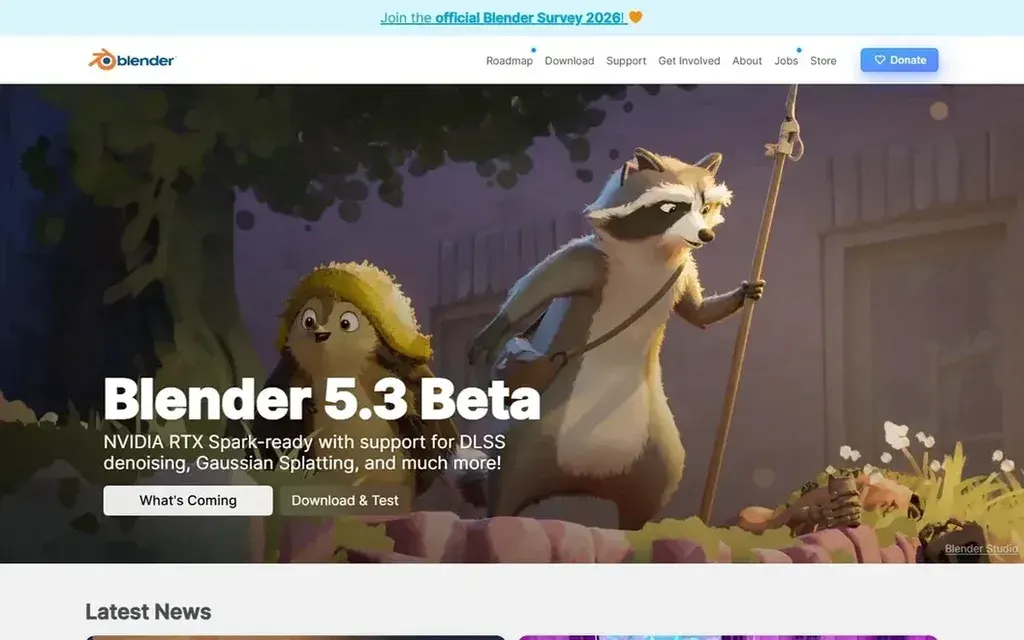
In short, Blender is for open-source 3D creation suite. Blender is a free, open-source 3D creation suite that spans modeling, animation, rendering, and more. It is widely used in education for teaching 3D graphics and animation.
Beyond that, Blender's interface can be intimidating for new users, and it lacks official support channels. From a buyer's view, schools appreciate its zero cost and active community, which gives you tutorials and resources. Check the vendor site for Blender pricing; none is listed in this comparison. Free options: Not stated.
Limits to weigh: Restricted formal support.
- Supports modeling, animation, rendering
- Free and open source
- Complicated interface
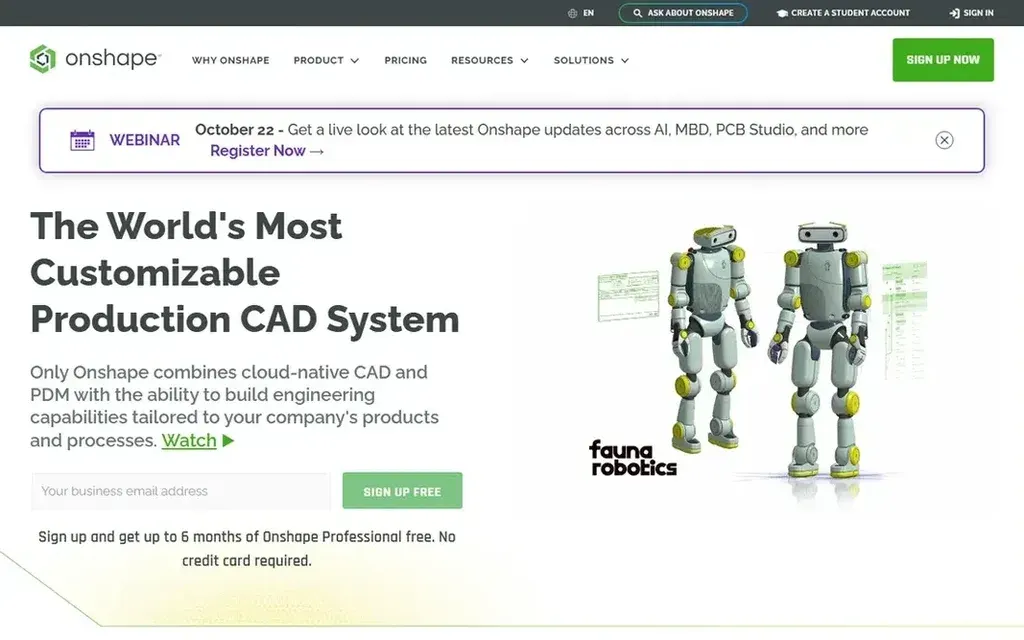
Onshape is a good fit for cloud-native CAD with built-in PDM. Onshape needs a stable internet connection, which may be a limitation in some schools.
Watch-outs: Subscription-based.
It is subscription-based, though educational access may be available. Onshape cost at the entry level: $1,500 per user per year. You can start on Onshape without paying.
- Runs on any device
- No IT setup required
- Needs internet connection
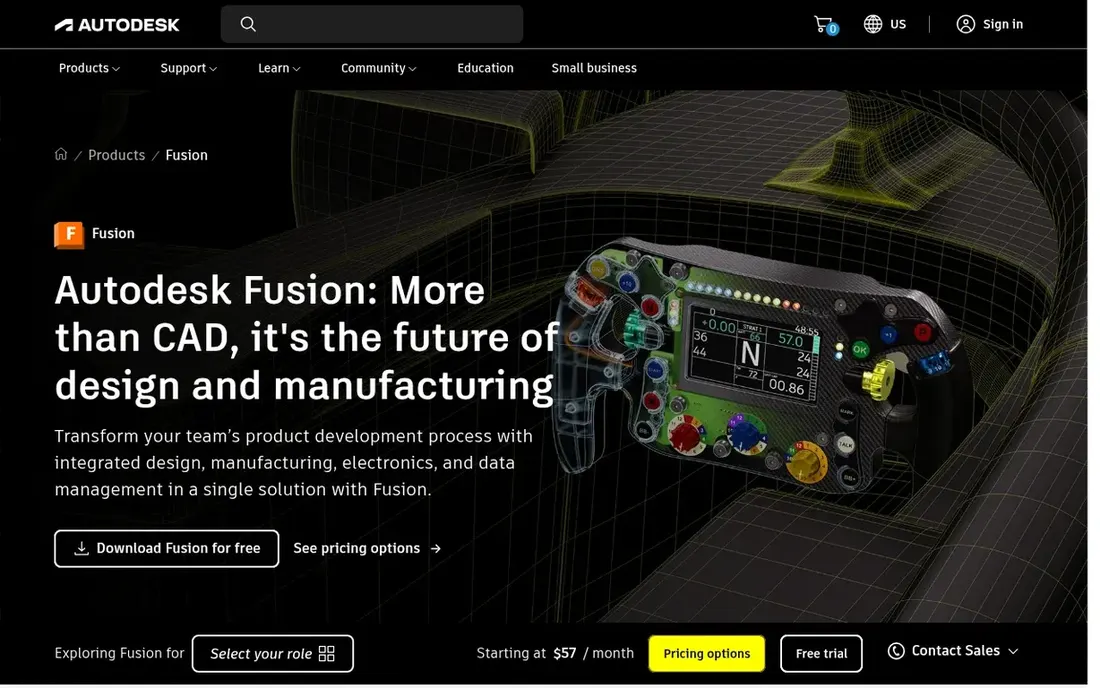
Choose Fusion for integrated CAD, CAM, and CAE in education. Fusion, formerly Fusion 360, is a cloud-based product for 3D CAD, modeling, manufacturing, industrial design, electronics, and mechanical engineering. Also, schools with restricted budgets might prefer open-source alternatives.
Even so, for full engineering education, Fusion is a solid contender. More specifically, the integrated approach helps students learn a complete workflow from concept to production. This comparison lists no price for Fusion; ask the vendor. On free options: Not stated.
The main drawbacks: Subscription required for commercial use.
- Merges CAD, CAM, CAE, PCB
- Free for education
- Steeper ramp-up time
Where Cinema 4D fits: motion graphics and visualization. It is widely used in broadcast and advertising, and can be a solid fit for media-focused school programs.
Students can rapidly produce professional-looking animations. No starting price is listed for Cinema 4D here; confirm pricing on the vendor site. Free access: Not stated.
Downsides: Restricted CAD capabilities.
- Stable performance
- Approachable interface
- High cost
Pick ZBrush if this describes you: digital sculpting and painting. Schools with art and game design programs may find it indispensable.
Points against: Steep ramp-up time.
Its interface and workflow can be challenging for beginners. Pricing for ZBrush is not stated here, so ask the vendor for current figures. On free options: Not stated.
- Used in game and film
- Industry-standard sculpting tools
- Niche use case
How we built this list
Selection started from tools commonly considered for 3D design software for schools, then narrowed to 6 that have clear pricing information or a clear quote process. Seat minimums, billing terms and add-ons can move the real cost, so the starting prices here are a guide and not a quote. Position on the page reflects fit for a typical buyer first, with price clarity and free access breaking ties. Treat it as a guide, not a ruling.
Things to verify first
- Get a written quote from Vectorworks, Blender, Fusion and others; the list shows no starting price for them.
- Look at the free plan from Onshape closely: its caps decide whether it is usable for real work.
- Read the limits listed for Vectorworks first: pricey.
- Look at which plan of Blender unlocks the features you need; entry tiers are often cut down.
- Work out what Fusion costs with your real seat count, add-ons and usage, not just the entry price.
FAQ
Which options for 3D design software for schools have a free plan?
Onshape is the only tool in this list with a free plan. Free plans usually cap users, projects or features, so check the limits on the vendor page. All 6 picks in this 3D design software for schools comparison list a starting price, free plan details and the main limits on their cards above.
Do these tools publish their prices?
Not all of them. Vectorworks, Blender, Fusion and others publish no starting price, so expect a quote request for those. The rest, Onshape included, show a starting price, though seats and billing terms still change the final cost.
What is the best free 3D design software for schools?
The first pick on this list is Vectorworks, because it suits BIM and CAD for architecture and entertainment. Blender is better for open-source 3D creation suite, and Onshape for cloud-native CAD with built-in PDM. Check price and limits against your own needs before choosing.
How are the tools for 3D design software for schools ordered?
Vectorworks sits first and ZBrush last because the order follows typical fit for 3D design software for schools, then price clarity and free access. It is a judgement call, so read each profile for fit and limits.
Which 3D design software is easiest for students to learn?
Onshape's cloud-based interface and built-in PDM make it straightforward for beginners. Cinema 4D is also known for its approachable approach to motion graphics. Consider the specific subject matter when choosing.
Can I try these tools before paying?
Often, yes. Onshape has a free plan. Use your own data and a real task during the test, and check what the free tier or trial limits before you rely on it.
Sources
- https://www.vectorworks.net
- https://www.blender.org
- https://www.onshape.com
- https://www.autodesk.com/products/fusion-360
- https://www.maxon.net/en/cinema-4d
- https://www.maxon.net/en/zbrush