Top 5 Access Management Software for Schools for 2026 (Prices and Free Plans)
Best access management software for schools in 2026: 5 tools with starting prices, free plans and limits. Short, factual notes on every option. Decide faster.
- Editor's choiceClever
K-12 app rostering and SSO
Starts at$500 per training sessionVisit clever.comFull review - Great alternative
 OneLogin
Budget-conscious workforce IAM
Starts at$3 per user a monthVisit onelogin.comFull review - Also consider
 Microsoft Entra ID
Microsoft-centric schools and Zero Trust
Starts atSee websiteVisit microsoft.comFull review
Direct answer
Clever is the first pick on this list for K-12 app rostering and SSO. Listed starting prices: Clever from $500 per training session, OneLogin from $3 per user a month and Okta Identity Cloud from $6 per user a month. If your case is different, OneLogin suits budget-conscious workforce IAM and Microsoft Entra ID suits Microsoft-centric schools and Zero Trust. The other 2 tools in the list cover narrower or pricier cases.
TL;DR:
- Clever takes the first slot, best suited to K-12 app rostering and SSO.
- CyberArk fits Identity governance and access reviews.
- Clever stands alone as the one tool in this list with a free plan.
- The cheapest monthly starting price in the list is $3 per user per month, offered by OneLogin.
Last checked November 2026. Prices and plan details were read from the vendors' own pages in November 2026; vendors change plans often, so confirm the current price on the vendor site before you buy.
Quick comparison
| Tool | Best for | Starts at | Free plan? | |
|---|---|---|---|---|
| Clever | K-12 app rostering and SSO | $500 per training session | Yes | Visit |
| OneLogin | Budget-conscious workforce IAM | $3 per user a month | Free trial | Visit |
| Microsoft Entra ID | Microsoft-centric schools and Zero Trust | See website | Not stated | Visit |
| Okta Identity Cloud | Diverse app environments and workforce identity | $6 per user a month | Free trial | Visit |
 CyberArk | Identity governance and access reviews | See website | Not stated | Visit |
5 access management software for schools in detail
If you are comparing access management software for schools, this page covers 5 tools in one place: what each is best for, what it costs to start, whether it has a free plan, and the main limit to know about.
Clever
Best for: K-12 app rostering and SSO
Clever is designed for K-12 app rostering and SSO. It helps schools link students and staff to learning applications securely.
Drawbacks to consider: Restricted public feature detail.
On top of that, Clever is a solid fit when the primary goal is simplified access to educational apps. Price to start with Clever: $500 per training session. Free access exists with Clever.
- Eases app access
- Supports rostering
- May focus primarily on app integration
OneLogin is a good fit for budget-conscious workforce IAM. OneLogin is suitable when general IAM features are sufficient and budget is a key consideration.
Its system is positioned as modern and budget-conscious. What you pay to start with OneLogin: $3 per user per month. Free plan details: Free trial.
Drawbacks to consider: May lack education-specific features.
- Modern IAM product
- Budget-friendly positioning
- Advanced customization may need effort
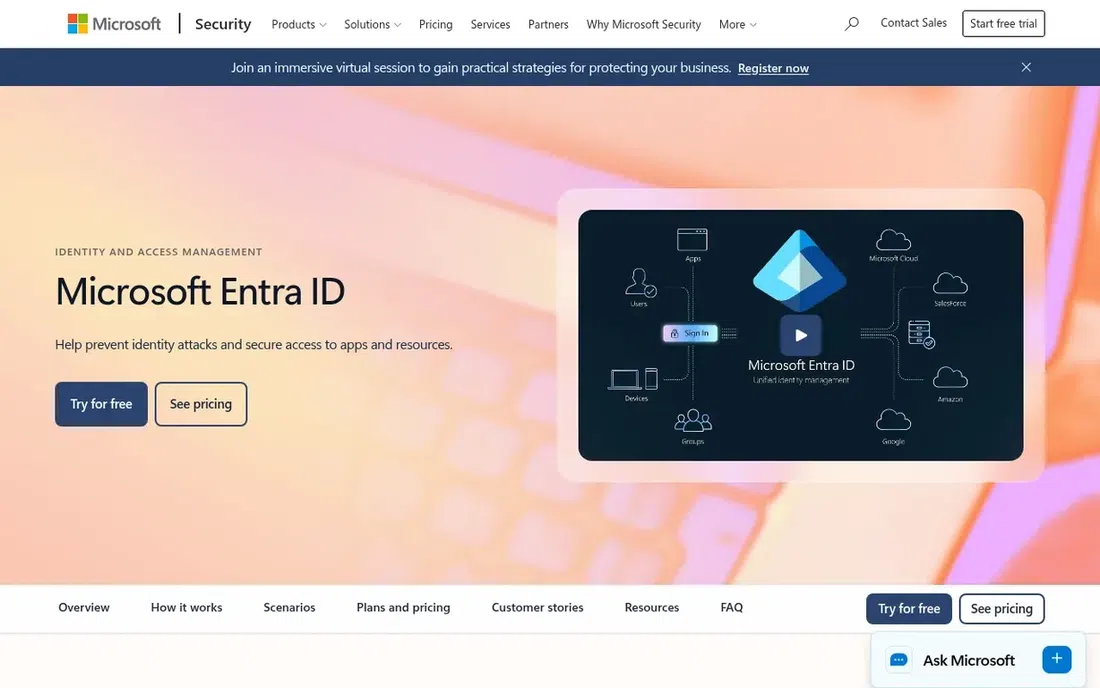
For Microsoft-centric schools and Zero Trust, Microsoft Entra ID is a natural candidate. Microsoft Entra ID is a cloud identity and access management option that supports single sign-on and Zero Trust.
Limits to weigh: Best value within Microsoft ecosystem.
Beyond that, the system helps strengthen identity security across users and applications. Pricing for Microsoft Entra ID is not stated here, so ask the vendor for current figures. As for free access: Not stated.
- Cloud identity protection
- Integrated with Microsoft services
- Advanced features may need expertise
Okta Identity Cloud
Best for: Diverse app environments and workforce identity
Okta Identity Cloud was built for diverse app environments and workforce identity. Okta Identity Cloud is a system for secure access, authentication, and automation. Okta may be more complicated than needed for very small schools or those seeking a purely education-focused tool.
What to check first: Can be complicated for small teams.
More specifically, Okta does well when wide integration and automation are priorities. The product emphasizes putting identity at the center of security and growth. Okta Identity Cloud pricing: $6 per user per month. Free options: Free trial.
- Scalable product
- Solid authentication choices
- May need setup effort
Where CyberArk fits: Identity governance and access reviews. CyberArk, with its Idira product, concentrates on identity security by modernizing identity governance and automating access reviews.
Downsides: May be overkill for entry-level needs.
It secures every identity across hybrid cloud environments. Worth adding: CyberArk may be more than necessary for schools seeking straightforward SSO or rostering. This comparison lists no price for CyberArk; ask the vendor. On free options: Not stated.
- Secures hybrid cloud identities
- Automates access reviews
- Focus on privileged access
Our selection method
We compared the tools on published pricing, free plan or trial availability, feature coverage for access management software for schools, and the limits each vendor documents. Figures are shown as the vendors publish them. Billing terms, seat minimums and add-ons can change the real cost. We ordered the tools by general fit, then by how clearly pricing is shown, then by free access. A buyer with unusual needs may reorder them.
Before you commit
- Confirm the entry price on the vendor page. For Microsoft Entra ID and CyberArk that means a quote rather than a fixed price.
- Test the free plan from Clever against your real workload before relying on it.
- Take the trial from OneLogin and Okta Identity Cloud and push a live task through it before you pay.
- Before choosing Clever, weigh its main limit: restricted public feature detail.
- Map your must-have features to a specific Okta Identity Cloud plan before you compare prices.
- Confirm you can export your data from OneLogin, so leaving later does not mean losing records.
FAQ
What is the cheapest option for access management software for schools in this list?
On published monthly entry prices, OneLogin is the lowest here at $3 per user per month. Entry price is only part of the cost, because seats, add-ons and billing terms can change the total. Each of the 5 options in this access management software for schools guide has its own card above with the price, free plan and limits.
Can I try these tools before paying?
Often, yes. Clever has a free plan and OneLogin and Okta Identity Cloud offer a free trial. Use your own data and a real task during the test, and check what the free tier or trial limits before you rely on it.
Is Clever the right pick for everyone comparing access management software for schools?
No single tool suits every team. Clever comes first because it fits K-12 app rostering and SSO, while OneLogin suits budget-conscious workforce IAM and Microsoft Entra ID suits Microsoft-centric schools and Zero Trust. Match the tool to your own size, budget and workflow before deciding.
What should schools look for in access management software?
Schools should prioritize single sign-on, class rostering, and integration with learning applications. Security features like Zero Trust and identity governance are also important.
Which options for access management software for schools have a free plan?
Clever is the only tool in this list with a free plan. Free plans usually cap users, projects or features, so check the limits on the vendor page. Several others offer a trial instead.
Sources
- https://www.clever.com
- https://www.onelogin.com
- https://www.microsoft.com/en-us/security/business/identity-access/microsoft-entra-id
- https://www.okta.com
- https://www.cyberark.com