Tools for Online Teaching and Learning in 2026: The 6 Best Options Side by Side
Best tools for online teaching and learning: 6 contenders ranked by fit, with entry costs and free tiers. The catches are listed up front. Prices checked.
- Editor's choice
 Blackboard Learn
Institutions needing insights and accessibility
Starts atPricing on requestVisit anthology.comFull review - Great alternative
 Moodle
Configurable open learning ecosystems
Starts atPricing on requestVisit moodle.comFull review - Also considerAdobe Connect
Training sessions and webinars
Starts atPricing on requestVisit adobe.comFull review
Direct answer
For institutions needing insights and accessibility, Blackboard Learn is where this list starts. Moodle is the stronger choice for configurable open learning ecosystems, while Adobe Connect suits training sessions and webinars. The remaining 3 options are covered below with pricing notes and limits. None of these vendors publish plan prices, so pricing is on request for every option.
TL;DR:
- Blackboard Learn takes the first slot, best suited to institutions needing insights and accessibility.
- For live video classes and meetings, Zoom is worth a look.
- Every tool from Blackboard Learn to Zoom works by quote, with no list price shown.
- A fair warning about Blackboard Learn: pitched at bigger institutions.
Last checked November 2026. Pricing on request: vendors did not publish plan prices when this guide was last checked (November 2026), so ask each vendor for a written quote.
Quick comparison
| Tool | Best for | Starts at | Free plan? | |
|---|---|---|---|---|
| Blackboard Learn | Institutions needing insights and accessibility | Pricing on request | Not stated | Visit |
| Moodle | Configurable open learning ecosystems | Pricing on request | Not stated | Visit |
| Adobe Connect | Training sessions and webinars | Pricing on request | Not stated | Visit |
 Canvas LMS | Full course management for schools | Pricing on request | Not stated | Visit |
 Google Classroom | Straightforward class hub with Google tools | Pricing on request | Not stated | Visit |
 Zoom | Live video classes and meetings | Pricing on request | Not stated | Visit |
The 6 tools in detail
If you are comparing tools for online teaching and learning, this page covers 6 tools in one place: what each is best for, what it costs to start, whether it has a free plan, and the main limit to know about.
Blackboard Learn serves institutions needing insights and accessibility. Blackboard Learn is presented as a leading LMS for modern education, featuring AI tools, adaptable learning, time-saving features, accessibility and actionable insights. It targets institutions that want a structured learning environment plus reporting to understand how courses perform.
Its page invites prospective buyers to request a demo before committing. More specifically, the system is oriented toward organized institutions instead of individual tutors, and getting started usually involves a guided evaluation. In daily use, for small classes or solo instructors, a lighter tool for example Google Classroom may be more practical. This comparison lists no price for Blackboard Learn; ask the vendor. Free access: Not stated.
The main drawbacks: Geared toward bigger institutions.
- Adaptable learning choices
- Accessibility and actionable insights
- Needs onboarding and demos
Pick Moodle if this describes you: configurable open learning ecosystems. That adaptability frequently means more configuration and maintenance than hosted, ready-to-use systems.
Honest limits: Customization brings admin effort.
Also, if you want minimal administration and fast setup, a more straightforward classroom tool may be the better fit. This comparison lists no price for Moodle; ask the vendor. Free access: Not stated.
- Highly configurable LMS
- Adaptable learning ecosystem
- Setup can be involved
Adobe Connect
Best for: Training sessions and webinars
Adobe Connect is aimed squarely at training sessions and webinars. Adobe Connect is positioned for training and webinars, with a focus on audience engagement, presenter productivity and measurable business outcomes.
The main drawbacks: Not a full LMS.
Adobe Connect is not a learning management system, so assignments, gradebooks and course pathways need another product. If your priority is everyday classroom management, look at a LMS first and add a webinar tool only for special sessions. Adobe Connect does not show a starting price in this comparison, so check the vendor site for current pricing. On free options: Not stated.
- Engagement and presenter tools
- Measurable outcomes focus
- Webinar-first instead of classroom-first
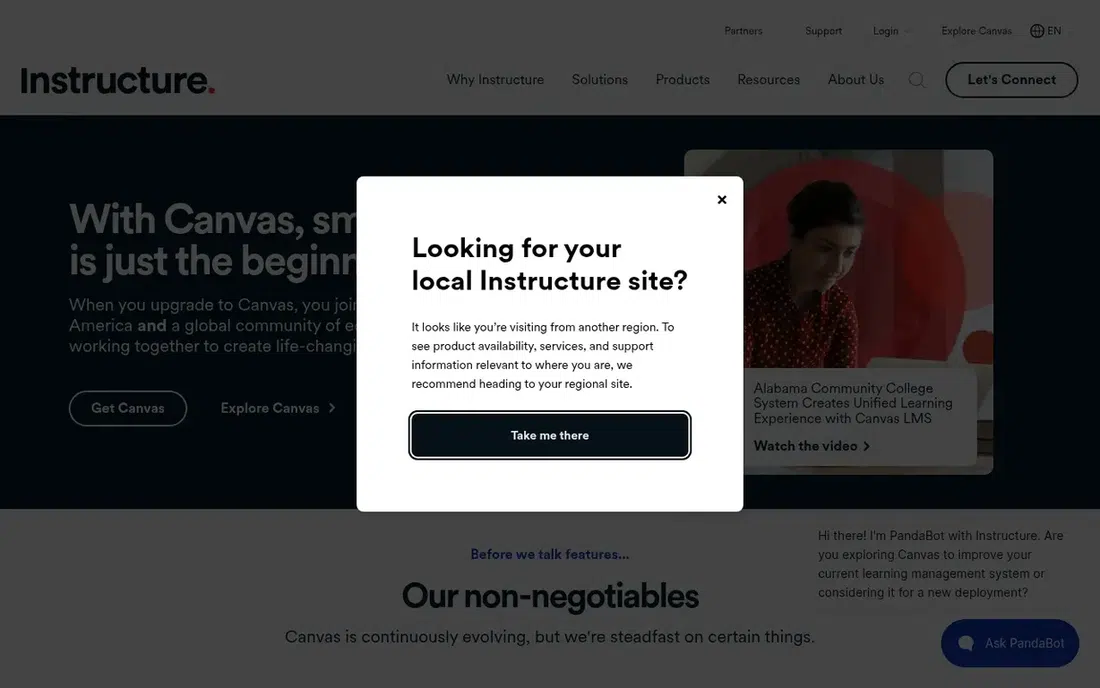
Canvas LMS is aimed squarely at full course management for schools. If your central need is live video lessons, a dedicated meeting product may be the more straightforward starting point. In daily use, Canvas by Instructure is a learning management system built around course delivery, assignments and student communication.
Where it falls short: Live video is not its core focus.
Its page presents it as an approachable LMS that eases teaching and enhances student learning. As a full LMS, Canvas asks for more setup and administration than a light classroom hub, which can be heavy for tutors running one or two short courses. No starting price is listed for Canvas LMS here; confirm pricing on the vendor site. Free access: Not stated.
- Supports grading and course delivery
- Meant to ease teaching
- Wide setup for smaller classes
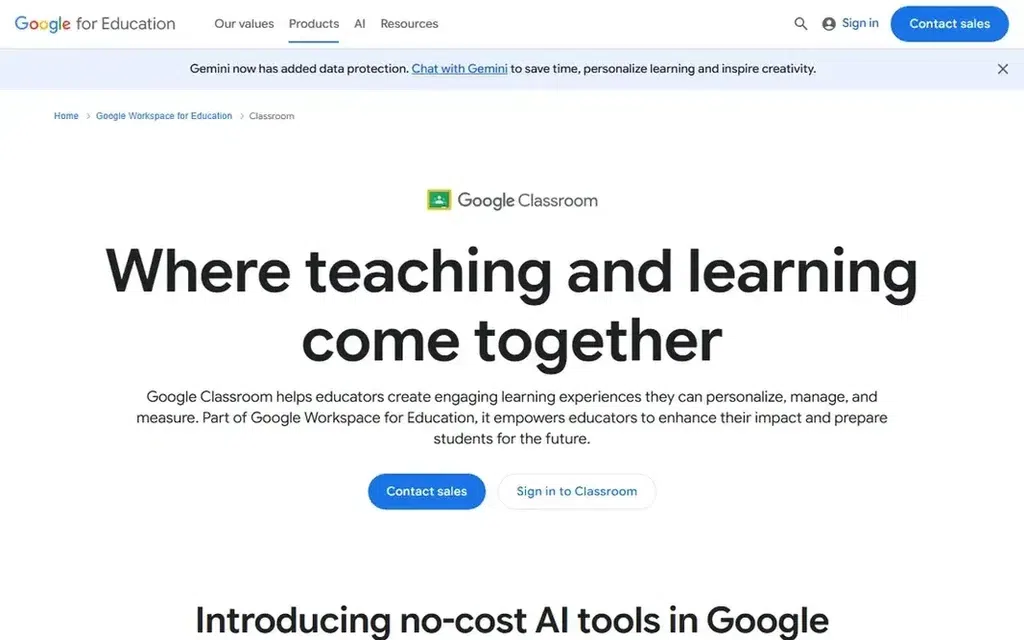
Choose Google Classroom for straightforward class hub with Google tools. Classroom is lighter than a dedicated LMS, so institutions needing in-depth gradebooks, structured pathways or deep reporting may outgrow it.
Downsides: Best value within the Google ecosystem.
No starting price is listed for Google Classroom here; confirm pricing on the vendor site. Free plan details: Not stated.
- Made for managing classrooms
- Central place for class resources
- Fewer deep LMS features
Zoom is aimed squarely at live video classes and meetings. Zoom does not run courses, assignments or grades, so it performs best paired with a LMS.
Limits to weigh: Not a course management system.
It fits educators who need dependable video and interaction tools alongside whatever system holds their course materials. Zoom shows no starting price here, so confirm the cost on the vendor site. Free options: Not stated.
- Whiteboard and webinars
- Dependable video meetings
- Numerous features need configuration
How we compared the tools
Questions to settle before buying
- Ask each vendor, from Blackboard Learn to Zoom, for a written quote; none of them publishes a starting price.
- Read the limits listed for Blackboard Learn first: pitched at bigger institutions.
- Involve the people who will use Moodle daily; a short pilot beats a long feature checklist.
- Total up the real monthly cost of Adobe Connect, including add-ons, extra users and usage-based fees.
- Before you load data into Google Classroom, check what an export looks like and who can run it.
FAQ
How are the tools for tools for online teaching and learning ordered?
The order follows typical fit for tools for online teaching and learning, with Blackboard Learn first and Zoom last, then price clarity and free access. It is editorial judgement, not a score, so another team could rank the tools differently.
Does any tool for tools for online teaching and learning here have a free plan?
No tool in this list, Blackboard Learn and Zoom included, has a permanent free plan. Trials and quotes are the usual route, so plan a short evaluation period.
Which tool is easiest for teachers new to online classes?
Google Classroom is designed as a central hub for managing classrooms and resources, which keeps the initial setup straightforward. Canvas LMS also emphasizes an approachable interface.
Do these tools publish their prices?
No. None of the tools, from Blackboard Learn to Zoom, shows a fixed starting price here, so budget time for quotes.
How should I evaluate these systems before choosing?
Start with your teaching model: live-first, course-first or a blend. Requesting a demo, as Blackboard Learn recommends, helps confirm fit before a wider rollout.
Can I try these tools before paying?
Not by default. None of the tools, from Blackboard Learn to Zoom, lists a free plan or a free trial here, so ask each vendor for a demo before committing.
Sources
- https://www.anthology.com/products/teaching-and-learning/learning-effectiveness/blackboard-learn
- https://moodle.com
- https://www.adobe.com/products/adobeconnect.html
- https://www.instructure.com/canvas
- https://classroom.google.com
- https://zoom.us