Top 5 Attendance Tracking App for Remote Schools for 2026 (Prices and Free Plans)
Best attendance tracking app for remote schools: 5 contenders ranked by fit, with entry costs and free tiers. Plus the drawbacks of each tool. Pick by budget.
- Editor's choice
 Moodle
Configurable attendance in an open LMS
Starts atPricing on requestVisit moodle.comFull review - Great alternative
 Canvas LMS
Course delivery with attendance built in
Starts atPricing on requestVisit instructure.comFull review - Also considerGoogle Workspace for Education
Attendance inside familiar classroom tools
Starts atPricing on requestVisit edu.google.comFull review
Direct answer
If you need configurable attendance in an open LMS, Moodle is the first tool to look at here. Canvas LMS is better for course delivery with attendance built in, and Google Workspace for Education is better for attendance inside familiar classroom tools. The other 2 tools in the list cover narrower or pricier cases. None of these vendors publish plan prices, so pricing is on request for every option.
TL;DR:
- Top of the list is Moodle, which targets configurable attendance in an open LMS.
- Alma Student Information System comes with a trade-off: narrower than full LMS suites.
- Moodle, Microsoft Teams for Education and the 3 others all sell by quote; expect sales conversations before you see a price.
- For attendance tied to live remote classes, Microsoft Teams for Education is worth a look.
Last checked November 2026. Pricing on request: vendors did not publish plan prices when this guide was last checked (November 2026), so ask each vendor for a written quote.
Quick comparison
| Tool | Best for | Starts at | Free plan? | |
|---|---|---|---|---|
| Moodle | Configurable attendance in an open LMS | Pricing on request | Not stated | Visit |
| Canvas LMS | Course delivery with attendance built in | Pricing on request | Not stated | Visit |
| Google Workspace for Education | Attendance inside familiar classroom tools | Pricing on request | Not stated | Visit |
| Alma Student Information System | K-12 schools needing student records | Pricing on request | Not stated | Visit |
 Microsoft Teams for Education | Attendance tied to live remote classes | Pricing on request | Not stated | Visit |
Tool-by-tool breakdown
This LinkVetted guide covers 5 attendance tracking app for remote schools. Each profile lists a starting price, free plan details, strengths and drawbacks, so you can drop poor fits quickly.
Think of Moodle for configurable attendance in an open LMS. Its adaptability lets schools build attendance into course sites and adjust workflows to match their own remote attendance policies, which suits institutions with technical staff who want control over how tracking works.
Points against: Setup effort is higher.
A hosted learning system or student information system can be a more straightforward route when the priority is fast, low-maintenance attendance tracking. Moodle does not show a starting price in this comparison, so check the vendor site for current pricing. Free options: Not stated.
- Widely used in education
- Attendance activity available
- Needs technical administration
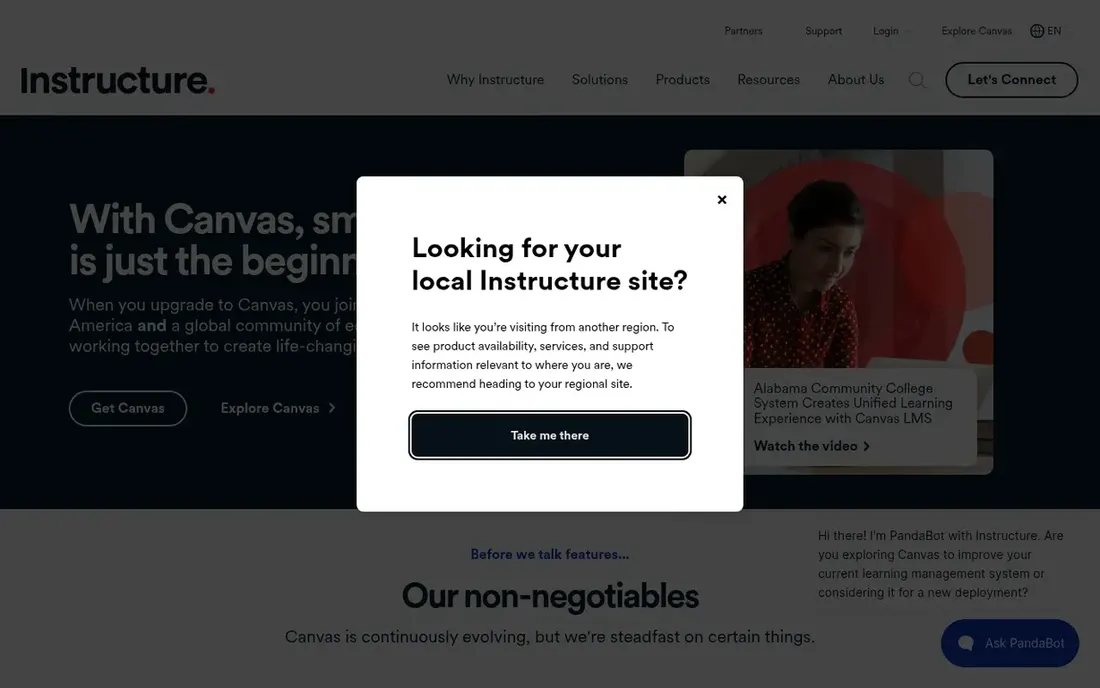
In short, Canvas LMS is for course delivery with attendance built in. Canvas by Instructure is a learning management system meant to ease teaching and enhance student learning. Its course-centered structure keeps attendance, assignments and grades in one place, which suits remote schools that want attendance to be part of the daily learning workflow instead of a separate task for teachers.
Attendance features rely on how the institution configures the system, and some schools add external tools for more in-depth tracking. From a buyer's view, choose a dedicated student information system instead when official attendance records and family communication are the priority. Canvas LMS shows no starting price here, so confirm the cost on the vendor site. Free options: Not stated.
Where it falls short: Add-on tools may be needed.
- Approachable course structure
- Attendance alongside grades
- Attendance depth varies by setup
Google Workspace for Education
Best for: Attendance inside familiar classroom tools
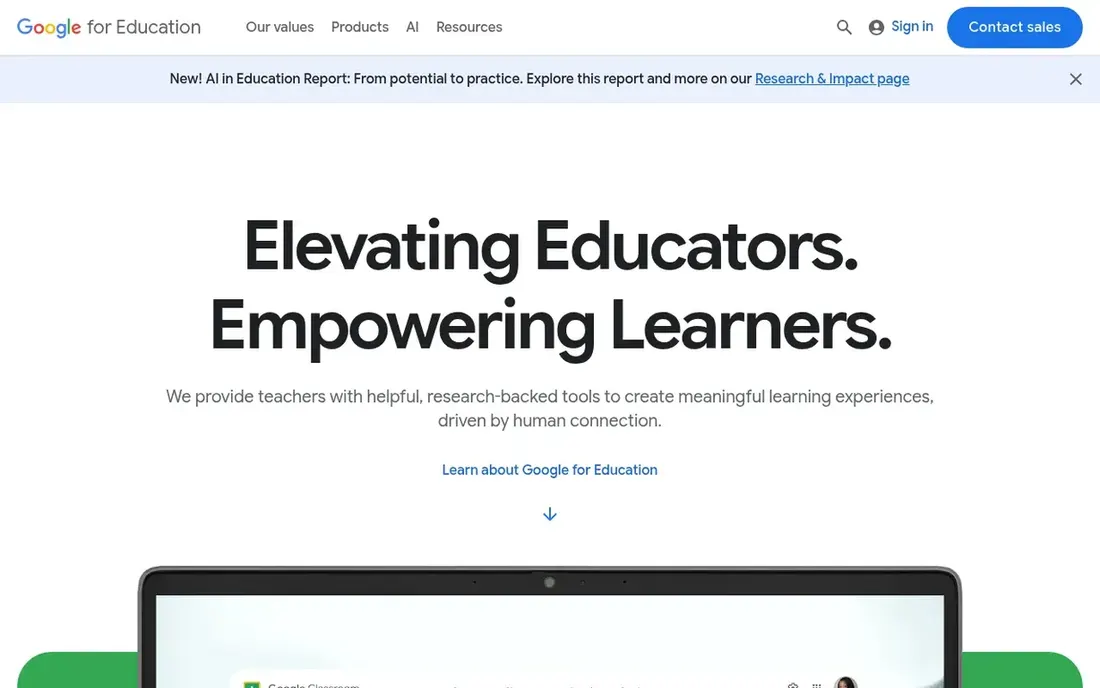
For attendance inside familiar classroom tools, Google Workspace for Education is a natural candidate. Google Workspace for Education bundles online teaching resources, apps and collaboration tools that plenty of schools already use for remote lessons.
Attendance can be tracked through shared forms, documents and classroom workflows, which makes it a natural fit for schools that want attendance to sit beside assignments, announcements and lesson materials instead of in a separate system. This comparison lists no price for Google Workspace for Education; ask the vendor. Free access: Not stated.
Honest limits: Attendance needs setup.
- Widely used classroom apps
- Shared documents and scheduling
- Less depth for formal records
Alma Student Information System
Best for: K-12 schools needing student records
Think of Alma Student Information System for K-12 schools needing student records. Higher education institutions are better served by a full LMS.
Alma is centered on K-12 student information instead of wide course delivery, so schools needing broad online course tools may pair it with a learning management system. Alma Student Information System does not show a starting price in this comparison, so check the vendor site for current pricing. As for free access: Not stated.
Trade-offs to know: Narrower than full LMS suites.
- Simplifies educator workflows
- Bundles learning management tools
- Best fit is K-12 only

Microsoft Teams for Education is designed for attendance tied to live remote classes. Microsoft Teams for Education is a video conferencing and communication app made for schools, supporting both in-person and remote students.
Points against: Attendance reporting is entry-level.
Pricing for Microsoft Teams for Education is not stated here, so ask the vendor for current figures. Free options: Not stated.
- Supports remote and in-person students
- Suits Microsoft school environments
- Can be complicated to configure
Our selection method
We compared the tools on published pricing, free plan or trial availability, feature coverage for attendance tracking app for remote schools, and the limits each vendor documents. Where a vendor does not publish a price, the entry says quote. Where a price depends on seats or billing term, the entry says so. We ordered the tools by general fit, then by how clearly pricing is shown, then by free access. A buyer with unusual needs may reorder them.
A buyer's checklist
- Confirm the entry price with every vendor: no tool from Moodle to Microsoft Teams for Education shows a fixed starting price.
- Read the limits listed for Moodle first: needs technical administration.
- See whether Alma Student Information System offers onboarding or training, and whether it is included in the price.
- Find out whether the entry plan of Google Workspace for Education covers your must-haves or only a trimmed-down version.
- Let daily users try Moodle on real work; their feedback beats any feature checklist.
FAQ
Do Google Workspace for Education and Microsoft Teams for Education include attendance tracking?
Both support attendance through classroom workflows and scheduled class meetings, but neither is a dedicated attendance product. In practice, schools with formal reporting needs may need extra setup or a specialized system.
How are the attendance tracking app for remote schools ordered?
Moodle sits first and Microsoft Teams for Education last because the order follows typical fit for attendance tracking app for remote schools, then price clarity and free access. It is a judgement call, so read each profile for fit and limits.
Does any tool for attendance tracking app for remote schools here have a free plan?
No tool in this list, Moodle and Microsoft Teams for Education included, has a permanent free plan. Trials and quotes are the usual route, so plan a short evaluation period.
Do these tools publish their prices?
No. None of the tools, from Moodle to Microsoft Teams for Education, shows a fixed starting price here, so budget time for quotes.
Can I try these tools before paying?
Not by default. None of the tools, from Moodle to Microsoft Teams for Education, lists a free plan or a free trial here, so ask each vendor for a demo before committing.
How should a remote school choose an attendance tracking app?
Start with how attendance must be recorded and reported, then check which product already suits your teaching tools and administrative systems. Confirm setup effort, reporting choices and integration support on each vendor site before deciding.
Sources
- https://moodle.com
- https://www.instructure.com/canvas
- https://edu.google.com
- https://www.getalma.com
- https://www.microsoft.com/en-us/education/products/teams