Best Attendance Tracking Software for Remote Classrooms in 2026: Prices, Free Plans and 5 Picks
5 products for the best attendance tracking software for remote classrooms, ranked by fit, with starting costs and free tiers. The catches are listed up front.
- Editor's choice
 Microsoft Teams for Education
Microsoft-centric schools
Starts atPricing on requestVisit microsoft.comFull review - Great alternative
 Zoom
Live remote sessions
Starts atPricing on requestVisit zoom.usFull review - Also consider
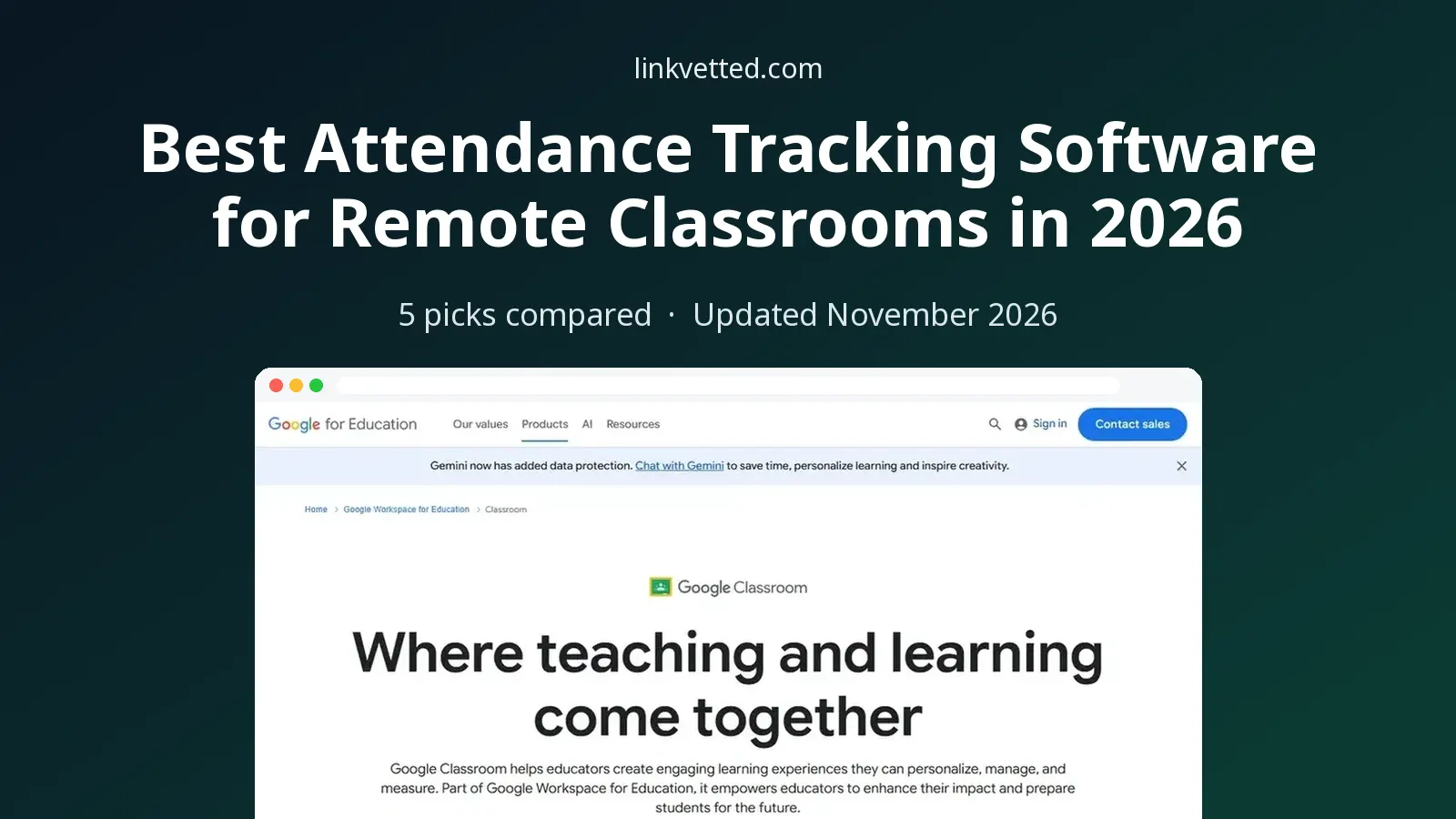
 Google Classroom
Schools using Google Workspace
Starts atPricing on requestVisit classroom.google.comFull review
Direct answer
Start with Microsoft Teams for Education if you need Microsoft-centric schools. Alternatives: Zoom for live remote sessions, and Google Classroom for schools using Google Workspace. All 5 tools are compared below on price, free plan and limits. None of these vendors publish plan prices, so pricing is on request for every option.
TL;DR:
- Microsoft Teams for Education sits first on this list: Microsoft-centric schools.
- For data-driven institutions, D2L Brightspace is worth a look.
- What to know about Moodle first: needs technical expertise to set up.
- A permanent free plan is missing from all 5 tools, Microsoft Teams for Education and D2L Brightspace included; plan for a trial or a premium start.
Last checked November 2026. Pricing on request: vendors did not publish plan prices when this guide was last checked (November 2026), so ask each vendor for a written quote.
Quick comparison
| Tool | Best for | Starts at | Free plan? | |
|---|---|---|---|---|
| Microsoft Teams for Education | Microsoft-centric schools | Pricing on request | Not stated | Visit |
| Zoom | Live remote sessions | Pricing on request | Not stated | Visit |
| Google Classroom | Schools using Google Workspace | Pricing on request | Not stated | Visit |
 Moodle | Configurable open-source options | Pricing on request | Not stated | Visit |
 D2L Brightspace | Data-driven institutions | Pricing on request | Not stated | Visit |
The full attendance tracking software for remote classrooms list
LinkVetted compared 5 attendance tracking software for remote classrooms. The goal is a practical shortlist: published prices, free plan facts, best-fit use cases and honest limits for every entry.
Microsoft Teams for Education targets Microsoft-centric schools. It also needs a Microsoft ecosystem, which can be a barrier for some.
Where it falls short: Requires Microsoft account and licensing.
Check the vendor site for Microsoft Teams for Education pricing; none is listed in this comparison. Trial and free access: Not stated.
- Attendance tracking in meetings
- Integrated with Microsoft 365 tools
- Attendance features entry-level without extras
Zoom was built for live remote sessions. Zoom's attendance features are restricted to meeting participation and do not include asynchronous activities. It is best used alongside a LMS for full tracking.
Teachers can create reports to see who attended and for how long. In daily use, Zoom is a collaboration product offering video meetings, chat, webinars, and more. Pricing for Zoom is not stated here, so ask the vendor for current figures. Free options: Not stated.
Downsides: Needs extra tools for full LMS features.
- Integration with LMS products
- Automatic attendance reports for meetings
- Attendance restricted to meeting participation
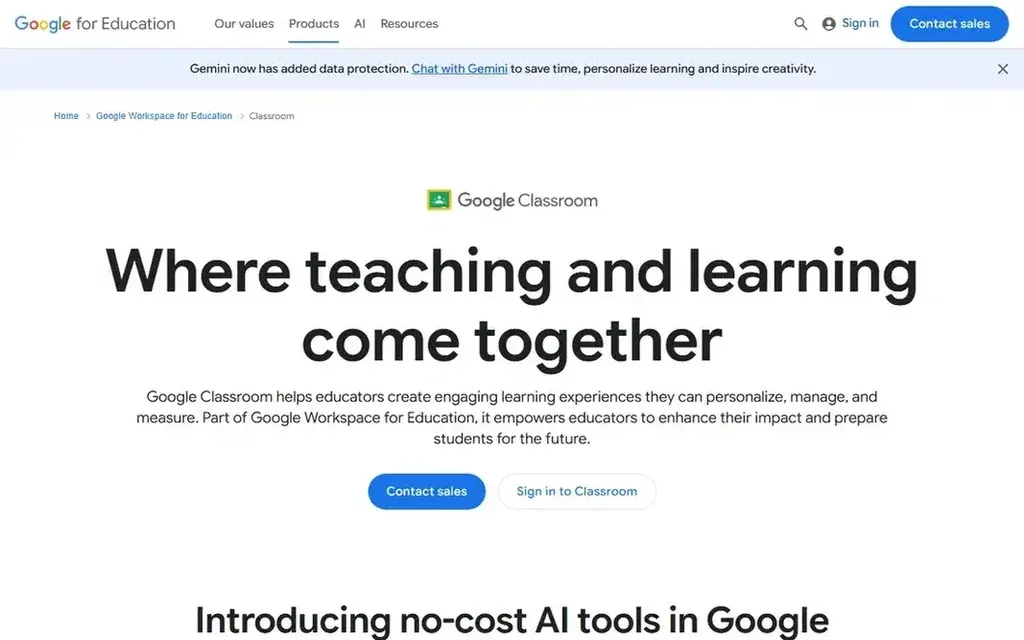
Pick Google Classroom if this describes you: schools using Google Workspace. That said, Google Classroom lacks dedicated attendance automation and in-depth reporting.
Trade-offs to know: Needs Google account for full access.
It may not suit institutions needing advanced analytics or integration with other systems. Check the vendor site for Google Classroom pricing; none is listed in this comparison. On free options: Not stated.
- Smooth integration with Google tools
- Approachable interface for teachers and students
- Restricted advanced attendance features
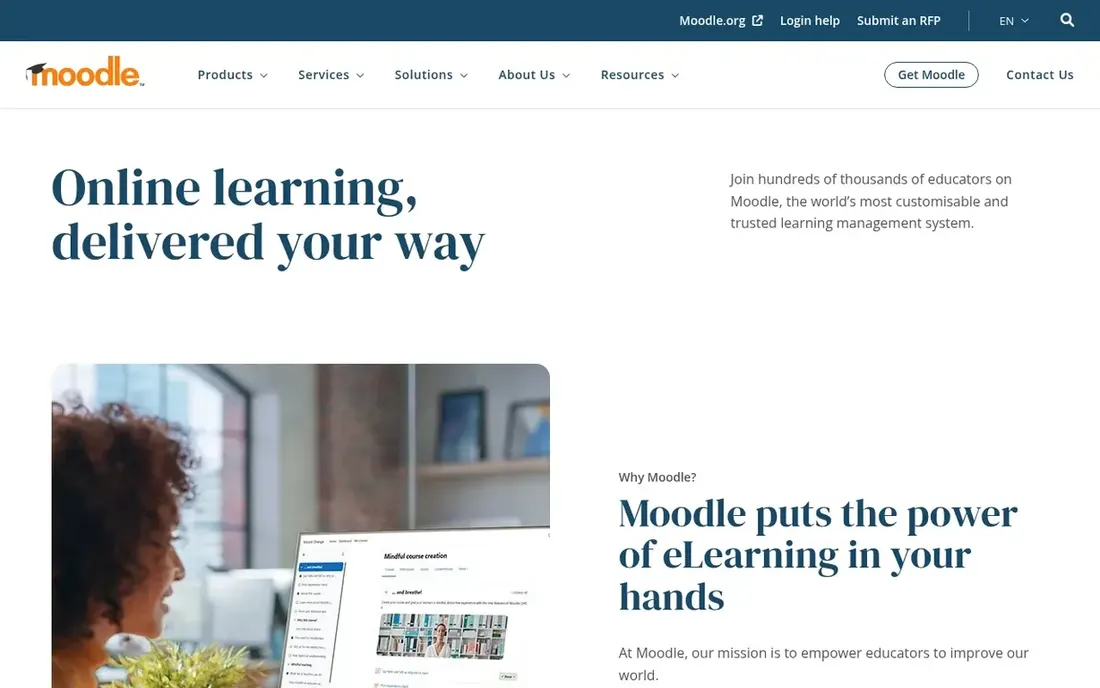
Moodle was built for configurable open-source options. Moodle is a customizable and widely used learning management system used by education, enterprise, and public sector organizations. It supports attendance tracking through plugins and built-in activities, allowing institutions to tailor the system to their specific needs.
Its open-source nature makes it adaptable for diverse remote classroom setups. As for the details, Moodle's adaptability includes a need for technical support to handle plugins and updates. Moodle shows no starting price here, so confirm the cost on the vendor site. Trial and free access: Not stated.
Honest limits: Customization can be time-consuming.
- Highly configurable with plugins
- Open-source and community-supported
- Needs technical expertise to set up
D2L Brightspace targets data-driven institutions. D2L Brightspace is a learning system for higher education, K-12, associations, and business, featuring D2L Lumi AI, Creator+ authoring, and Performance+ analytics.
Points against: May need training for full use.
It gives you attendance tracking as part of its thorough suite, with analytics to monitor student engagement. On top of that, consider Zoom or Google Classroom for more straightforward needs. D2L Brightspace does not show a starting price in this comparison, so check the vendor site for current pricing. Free options: Not stated.
- AI-powered tools like D2L Lumi
- Aimed at several education sectors
- Higher complexity for entry-level needs
How we compared the tools
What to check before you buy
- Ask each vendor, from Microsoft Teams for Education to D2L Brightspace, for a written quote; none of them publishes a starting price.
- Before choosing Microsoft Teams for Education, weigh its main limit: attendance features entry-level without extras.
- Add up seats, add-ons and usage charges for Microsoft Teams for Education before comparing it with cheaper entries.
- Check whether Google Classroom bills monthly or annually, and what cancelling early costs.
- Verify that exporting from Zoom is possible on your plan and covers all your records.
FAQ
Do these tools publish their prices?
No. None of the tools, from Microsoft Teams for Education to D2L Brightspace, shows a fixed starting price here, so budget time for quotes.
Which tool is a good match for K-12 remote classrooms?
The first pick on this list is Microsoft Teams for Education, because it suits Microsoft-centric schools. Zoom is better for live remote sessions, and Google Classroom for schools using Google Workspace. Check price and limits against your own needs before choosing.
Can I try these tools before paying?
Not by default. None of the tools, from Microsoft Teams for Education to D2L Brightspace, lists a free plan or a free trial here, so ask each vendor for a demo before committing.
Is Microsoft Teams for Education the right pick for everyone comparing attendance tracking software for remote classrooms?
No single tool suits every team. Microsoft Teams for Education comes first because it fits Microsoft-centric schools, while Zoom suits live remote sessions and Google Classroom suits schools using Google Workspace. Match the tool to your own size, budget and workflow before deciding.
Does any tool for attendance tracking software for remote classrooms here have a free plan?
A permanent free plan is not offered by Microsoft Teams for Education, D2L Brightspace or the other tools here. Plan a short evaluation period instead.
Sources
- https://www.microsoft.com/en-us/education/products/teams
- https://zoom.us
- https://classroom.google.com
- https://moodle.com
- https://www.d2l.com/brightspace