Best After School Attendance Software in 2026: 8 Tools Compared
We compared the best after school attendance software for programs and centres, covering check-in, authorised pickup, rosters and grant reporting for programs.
- Editor's choice
 OneTap
Simple attendance and check-in
Starts at$49.99 per monthVisit onetapcheckin.comFull review - Great alternative
 Regpack
Attendance with authorised pickup
Starts atSee websiteVisit regpacks.comFull review - Also consider
 Classcard
Activity programs with billing
Starts atSee websiteVisit classcardapp.comFull review
TL;DR:
- After-school attendance software should show, in real time, who is present, who is absent and who picked each child up.
- OneTap and Regpack suit programs that mainly need attendance and check-in, without a full billing suite.
- Classcard, EZ School Apps, MyKidReports and Lillio suit programs that also need enrolment, billing and parent communication.
- QuickSchools suits schools that already use it for student records and want program attendance in the same system.
- Only authorised adults should collect a child, and attendance data for children must be handled with strict access controls and age-appropriate safeguards.
Quick comparison
| Tool | Best for | Starts at | Free plan? | |
|---|---|---|---|---|
| OneTap | Simple attendance and check-in | $49.99 per month | Yes | Visit |
| Regpack | Attendance with authorised pickup | See website | No | Visit |
| Classcard | Activity programs with billing | See website | No | Visit |
 EZ School Apps | After-school programs with billing | $500 per year | Free trial | Visit |
 MyKidReports | Childcare and after-school management | Free | Yes | Visit |
 QuickSchools | Schools with program attendance | See website | No | Visit |
 Lillio | Childcare centres with attendance | See website | No | Visit |
 Brightwheel | Childcare billing and attendance | See website | Free trial | Visit |
The best after school attendance software
After-school programs need attendance that is fast at the door, accurate for reporting and safe at pickup. The tools below cover check-in, rosters, authorised pickup and reporting for programs of different sizes, from a single site to a multi-site centre.
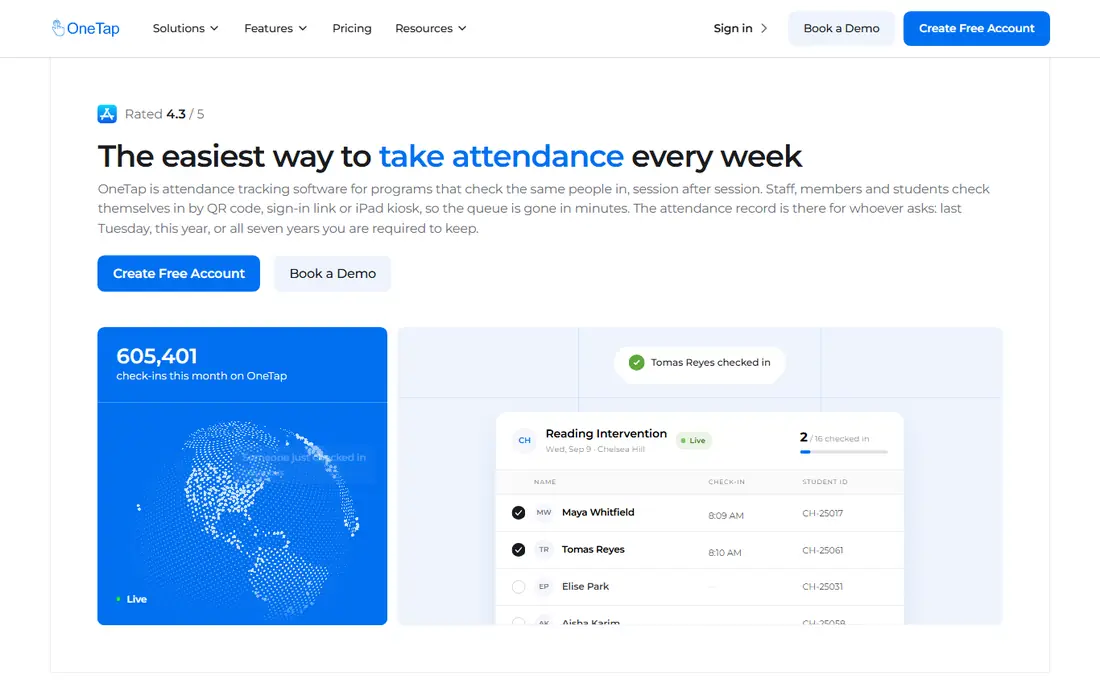
OneTap is a focused attendance and check-in layer for after-school programs, youth centres, 21st Century Community Learning Centers, licensed childcare and nonprofits. Students check in via QR codes, iPad kiosks or staff check-ins, records are timestamped and synced in real time, and attendance can be exported for state reporting. Separate sheets for each program, such as STEM, tutoring or art, keep rosters clear.
The limit is scope. OneTap is not a full after-school management suite with tuition billing and enrolment built in, so programs that need billing will pair it with another system or choose a fuller platform. For programs that mainly need fast, reliable attendance, OneTap is easy to set up and easy for staff to learn.
- Simple QR, kiosk and staff check-in
- Timestamped records exportable to Excel or PDF
- Separate sheets for programs, staff and volunteers
- Not a full billing and enrolment suite
- Admin scanning is iOS only, though student self-check-in works from any device via QR
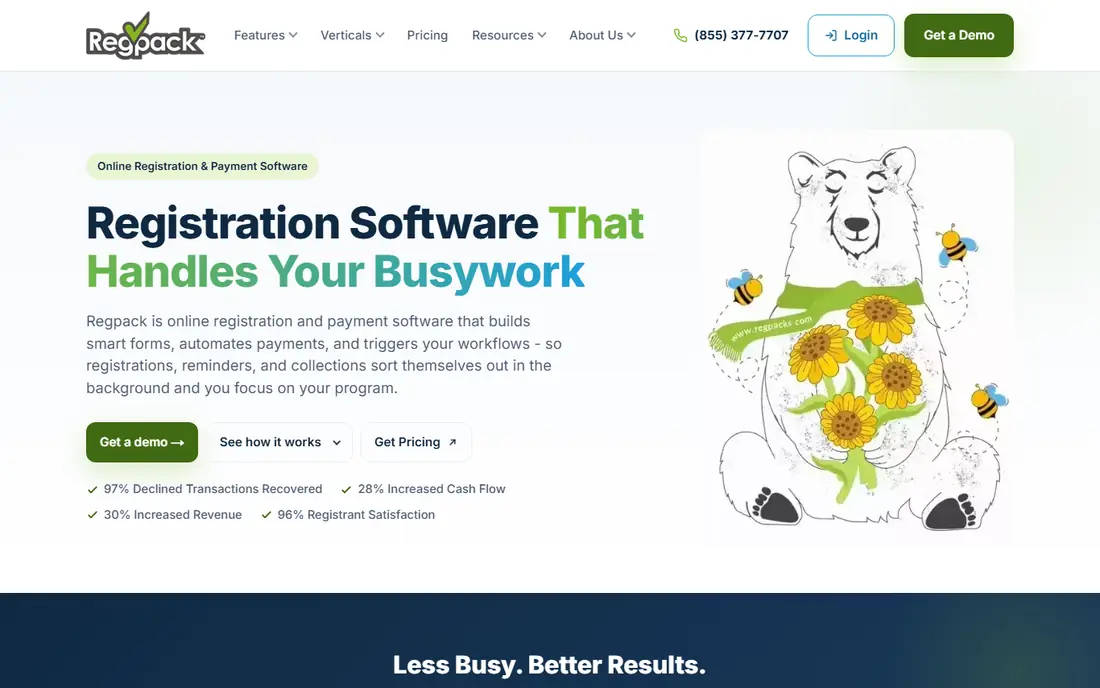
Regpack records a timestamped check-in and check-out for every child in an after-school or before-school program, keeps a live roster, verifies who picks each child up, and exports exact hours attended. At check-out, staff confirm the adult against an authorised pickup list and capture a signature, and anyone not on the list is flagged before the child is released. That pickup control is a key safety feature for after-school programs.
Regpack also helps with grant reporting, because it records begin and end times without rounding and turns them into contact hours and day counts for 21st CCLC and similar reports. Pricing is by quote, so programs should ask for a quote based on enrolment and sites. For attendance plus safe pickup, Regpack is a strong choice.
- Timestamped check-in and check-out for every child
- Authorised pickup list with signature capture
- Contact hours and day counts for grant reports
- Pricing by quote
- Fuller registration and billing features add scope beyond attendance alone
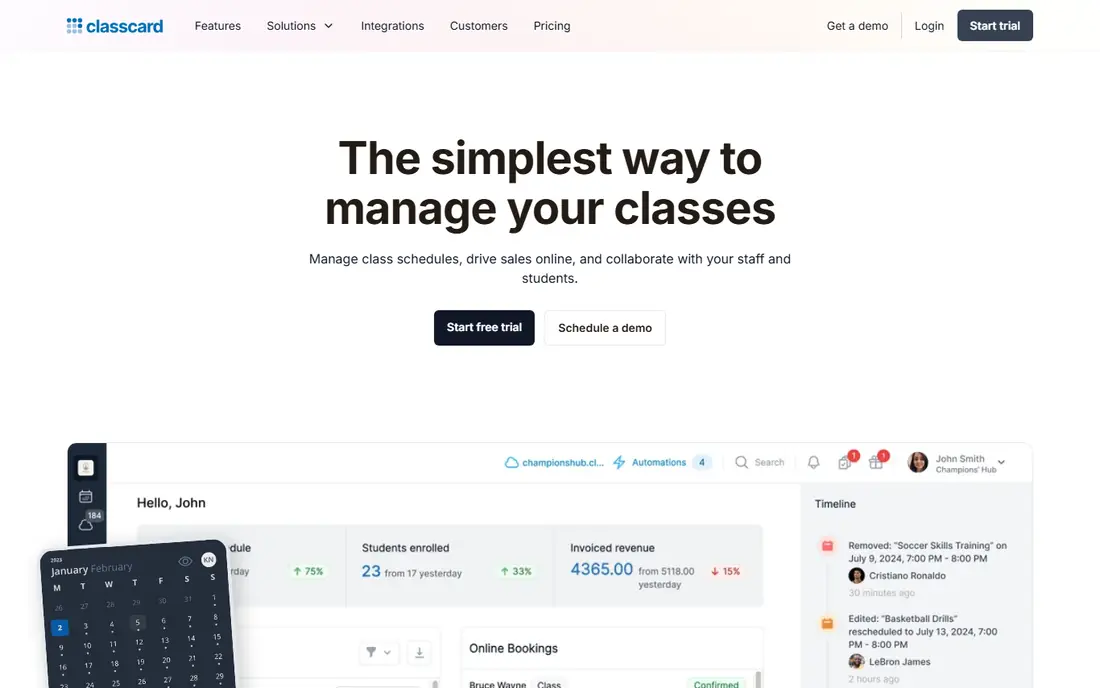
Classcard is a class management platform for activity-based businesses and programs, including dance, swim, martial arts, music, tutoring and after-school activities. It handles scheduling, online booking, attendance, payments and parent communication from one dashboard, with each activity having its own schedule, enrolment list and billing settings. Instructors mark registers digitally, and coordinators see in real time who is in which activity.
That breadth suits activity centres with many classes and instructors, but it is more than a program that only needs check-in. Pricing is by quote, so ask for a plan based on students, activities and locations. For after-school activity programs that need attendance plus billing, Classcard is a practical all-in-one pick.
- Multi-activity scheduling, enrolment, attendance and billing in one platform
- Parent booking and reminders
- Real-time view of who is in each activity
- Pricing by quote
- Broader than a pure attendance tool
EZ School Apps offers after-school program software starting at $500 per year, with check-in, billing and payments from one dashboard. Staff can search by name or scanner, automate sign-in and sign-out, and generate invoices with flexible rates by the minute, hour or flat fee. Parents use a secure portal to view invoices and pay by card or ACH.
The tool is built for before and after school programs in schools, with unlimited user accounts and US based support. Very small programs may find the annual price high for attendance alone, but programs that need billing as well will find the combined workflow useful. For school-run after-school care with billing, EZ School Apps is a clear fit.
- Check-in and billing from one dashboard
- Flexible rates by minute, hour or flat fee
- Parent portal for invoices and payments
- Pricing starts at $500 per year, which may be high for very small programs
- US focused support and setup
MyKidReports is all-in-one childcare software for daycares, preschools, home daycares and after-school programs. Directors run enrolment and online registration, digital check-in and attendance, parent messaging and daily reports, and tuition billing in one place. Billing includes ACH and card auto-pay, late fees, sibling discounts and year-end tax statements for parents.
Pricing is published and simple: free for up to 5 children, then $0.99 per child per month, with no setup fee and no contract. That makes it easy to test for a small program. Larger programs should model per child costs at full enrolment. For small to midsize after-school care with billing, MyKidReports is good value.
- Free for up to 5 children, then $0.99 per child per month
- Attendance, enrolment, messaging and billing in one place
- Parent app on iOS and Android
- Per child pricing adds up at large scale
- Broader childcare features may exceed a simple after-school need
QuickSchools offers a Program Attendance App for before and after school programs inside its school management system. Admins create programs with a code, name and dates, assign attendance takers, and enrol students from existing records. Attendance takers see only the programs they are assigned to, which keeps access controlled.
The obvious fit is schools already using QuickSchools for student records, because program attendance then sits alongside grades, enrolment and reporting. Standalone after-school programs without a QuickSchools system will find a dedicated tool such as OneTap simpler. For schools on QuickSchools, program attendance is a natural add-on.
- Program attendance inside a school system
- Separate programs with their own rosters and attendance takers
- Enrolment from existing student records
- Pricing by quote
- Best value only for schools already using QuickSchools
Lillio, formerly HiMama, is childcare management software built by educators, bringing attendance, family communication, billing and planning together in one platform. Centres can track attendance, share daily reports and moments with families, manage tuition and plan curriculum from the same system. That breadth suits childcare centres that also run after-school care.
Lillio is larger than a pure attendance tool, and pricing is by quote, so small after-school-only programs should compare it with OneTap or Regpack first. For childcare centres that want attendance plus family engagement and billing, Lillio is a strong, educator focused choice.
- Attendance, family communication, billing and planning in one platform
- Built for childcare educators
- Parent app and daily reports
- Pricing by quote
- Broader childcare platform, not a pure after-school attendance tool
Brightwheel is widely used childcare software that covers attendance, billing, parent communication and enrolment for centres and after-school programs. Staff can record attendance, share updates with parents, and manage billing from a mobile app, which suits programs where staff move between rooms and sites. Parent communication is a particular strength, with messages and updates in one place.
Pricing varies by plan and enrolment, so programs should get a quote for their student count and features. Brightwheel is broader than a pure attendance tool, but for centres that need attendance plus billing and parent messaging, it is a well established choice.
- Attendance and check-in with billing and parent communication
- Widely used by childcare centres
- Mobile app for staff and parents
- Pricing varies by plan and enrolment
- Broader than a pure after-school attendance tool
How we picked these
We compared official feature pages, after-school program guides and attendance tool pages, with a focus on check-in speed, live rosters, authorised pickup, reporting for grants and state requirements, and billing where relevant. We favoured tools with a current product in 2026 and a clear after-school or childcare fit, and we excluded tools that only handle school timetabling or general HR attendance. We did not claim hands-on testing, and we used vendor pricing where published and quote based pricing where vendors do not publish a price.
How to choose after-school attendance software
Start with the door, not the dashboard. How do children arrive, who checks them in, and who collects them? A tool that works well for older students who self-check-in by QR may not suit younger children who must be checked in by staff. Test the check-in flow with real staff during a busy arrival period, because that is when errors happen.
Safety and pickup controls first
Confirm that only authorised adults can collect a child, that staff can see the authorised list at check-out, and that exceptions are flagged before release. Check who can access attendance records, how data is stored, and how long records are kept. Attendance data for children is sensitive, so access should be limited to staff who need it, and parent access should be limited to their own child.
Reporting for grants and compliance
Ask whether the tool exports exact contact hours, day counts and attendance by program and date range, without manual rounding or spreadsheet work. For 21st CCLC and similar grants, confirm the exact fields with your program officer and test an export before committing. A tool that looks good at check-in but fails at reporting will cost hours every month.
Billing and parent communication, if needed
If the program charges fees, check whether billing is included or needs a separate system, and how attendance drives invoices. Check parent messaging, reminders and payment options, because those features reduce office calls. Programs that do not charge fees should not pay for billing depth they will not use.
FAQ
What is the best after school attendance software?
For attendance alone, OneTap and Regpack are the strongest starting points, because they focus on check-in, live rosters and safe pickup. For attendance plus billing and parent communication, Classcard, EZ School Apps, MyKidReports and Brightwheel suit different program sizes.
How does after-school attendance software work?
Staff or students check in on arrival, the system timestamps the record and updates a live roster, and staff check the child out at departure, confirming the authorised adult at pickup. Records can then be exported for reporting, billing and grant compliance.
Can younger children check themselves in?
It depends on age and program policy. Older students can self-check-in by QR code, while younger children should be checked in and out by staff, with pickup confirmed against an authorised list. Choose a tool that supports staff check-in for younger age groups.
Does after-school attendance software help with grant reporting?
Yes, when it records exact begin and end times and exports contact hours and day counts by program and date range. Regpack and OneTap both focus on that reporting use, but confirm the exact fields your grant requires before committing.
Is attendance data for children safe in these tools?
Reputable tools limit access to authorised staff, store records securely and allow parent access only to their own child. Programs should still set their own access rules, train staff on data handling, and check each vendor privacy policy and data retention terms.
How much does after-school attendance software cost?
Prices range from free for small MyKidReports accounts, to $49.99 per month for OneTap, to $500 per year for EZ School Apps, to quote based pricing for Regpack, Classcard, QuickSchools, Lillio and Brightwheel. Get a quote based on student count, sites and whether billing is included.