Best AI Learning App in 2026: 8 Apps Compared
The best AI learning app options for students and adults, compared on tutoring, languages, courses and price, so you can pick the right fit for 2026 now.

- Editor's choice
 Khanmigo
Guided school tutoring
Starts at$4 per monthVisit khanmigo.aiFull review - Great alternative
 Duolingo
Daily language practice with AI
Starts atSee websiteVisit duolingo.comFull review - Also consider
 Coursera
Career courses with AI help
Starts at$59 per monthVisit coursera.orgFull review
TL;DR:
- Khanmigo is the cheapest guided AI tutor in this list at $4 per month, and it is built to ask questions rather than hand over answers.
- Language learners get the most from Duolingo and Speak, while career learners get more from Coursera, Brilliant and Khan Academy content.
- AI answers can be wrong, so check important facts in a textbook, a course page or a second source before you rely on them.
- The best AI learning platform for you depends on your goal: a school subject, a language, a job skill or a single exam.
Quick comparison
| Tool | Best for | Starts at | Free plan? | |
|---|---|---|---|---|
| Khanmigo | Guided school tutoring | $4 per month | Free trial | Visit |
| Duolingo | Daily language practice with AI | See website | Yes | Visit |
| Coursera | Career courses with AI help | $59 per month | Yes | Visit |
 Brilliant | Maths and science thinking | See website | Yes | Visit |
 Quizlet | Flashcards and AI study help | See website | Yes | Visit |
 Photomath | Step-by-step maths help | See website | Yes | Visit |
 Speak | Speaking practice with AI feedback | See website | Free trial | Visit |
 Khan Academy | Free school learning | Free | Yes | Visit |
The best AI learning apps
The best AI learning apps do more than answer a question. They ask a follow-up, adapt to your mistakes, and connect the answer to a lesson you can work through. Some are tutors, some are course platforms with AI help, and some focus on one skill such as language speaking or maths. We compared tools that are live in 2026 and that use AI as a learning aid, not just as a chatbot. Our pick for most families is Khanmigo, because its price is low and its guided style fits school learning.
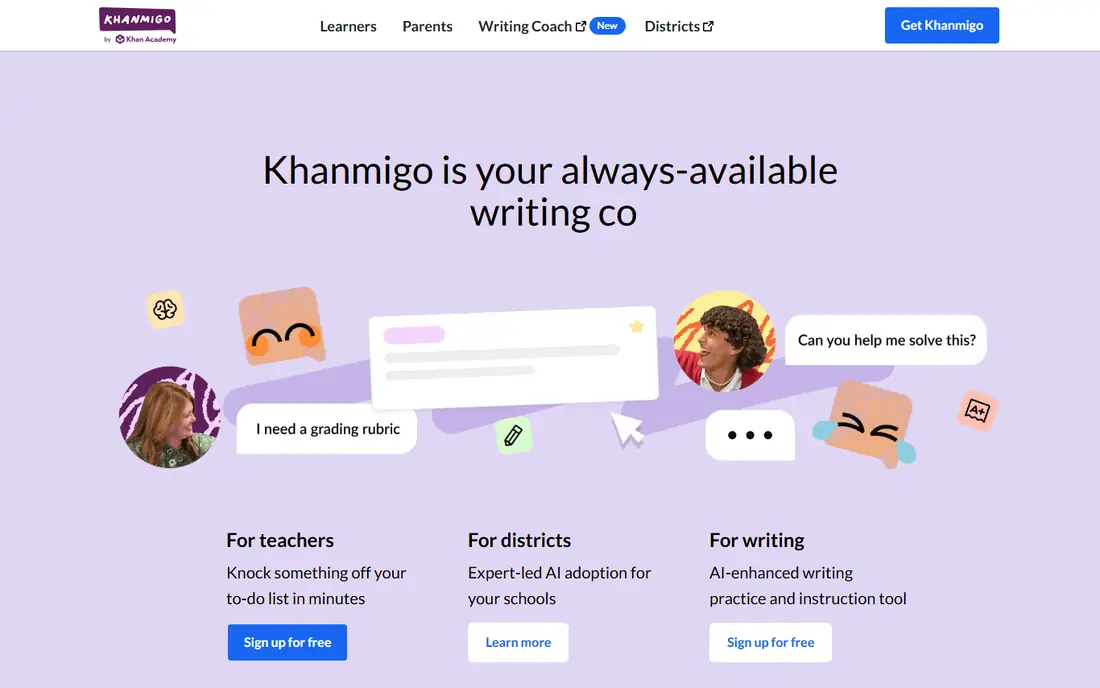
Khanmigo is Khan Academy's AI tutor, and its main strength is restraint. Instead of giving a final answer, it asks what you tried, where you got stuck, and what step comes next. That style is slower than a general chatbot, and that is the point: it supports the thinking that makes a lesson stick. It covers maths, science, coding, writing and humanities, and it links back to Khan Academy exercises and videos.
Pricing is clear for US families and learners at $4 per month or $44 per year in recent listings, while teacher access is free for eligible educators. The catch is eligibility: learner and family access depends on age, location and account rules, so check the Khanmigo site before you subscribe. Parents get visibility tools and safety alerts in the family plan, which matters for younger learners. Use it as a tutor, not as a homework machine, and check its maths steps against your course work.
- Guided tutoring that asks questions first
- Linked to Khan Academy lessons
- Family plan covers up to ten children in recent listings
- Learner access varies by age and location
- Teacher and district plans differ
- AI can still make mistakes
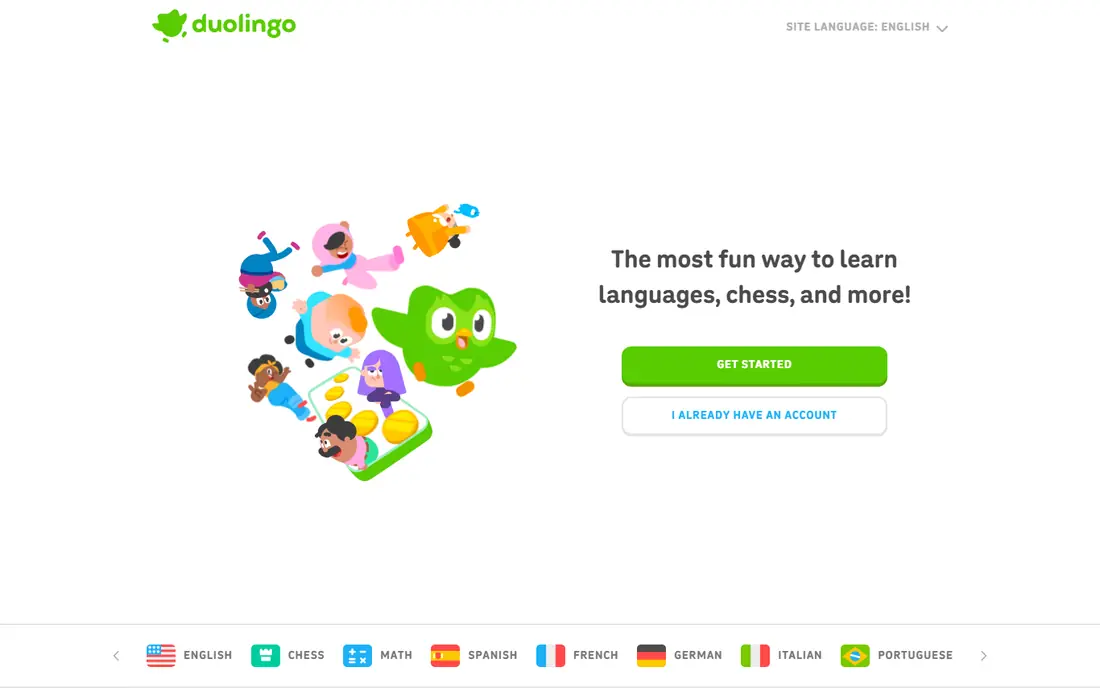
Duolingo remains the easiest way to start a language and keep at it daily. Short lessons, streaks and small rewards turn a five-minute habit into a real routine, and the free plan covers a wide range of languages. The paid Max tier adds AI roleplay, where you practise a conversation with a character, and explanations for your mistakes, which help you understand grammar rather than just guess it.
The limit is depth. Duolingo builds vocabulary and basic grammar well, but it does not replace speaking with a real person or reading longer texts. Max pricing varies by market and plan, so check the Duolingo site or app store page for your current price before you upgrade. Pair Duolingo with Speak or a conversation partner once you can hold a basic conversation, and use it for daily upkeep rather than as your only language tool.
- Free daily lessons in many languages
- Gamified streaks keep practice regular
- Max adds AI roleplay and answer explanations
- Drill style suits beginners more than advanced speakers
- Max price and availability vary by market
- Conversation depth is limited
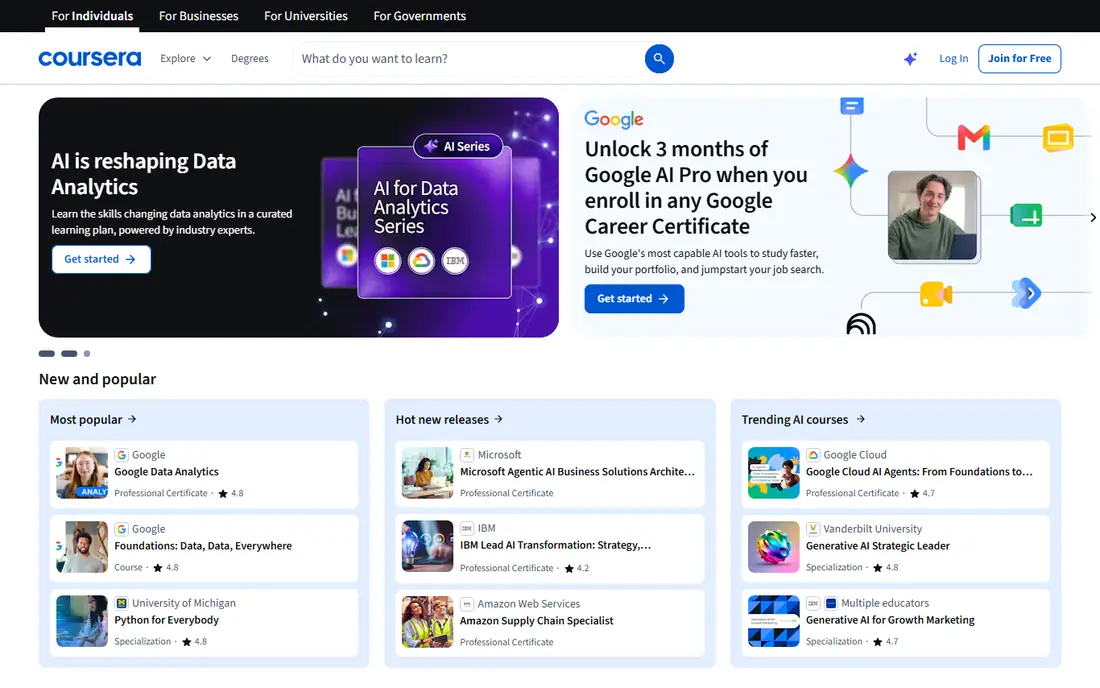
Coursera is the pick for a learner who wants a structured course and a certificate to show for it. Courses from universities and companies cover AI, data, business, health and more, and Coursera Plus is listed at $59 per month in recent summaries, giving access to a large catalogue. AI features in some courses help with summaries, practice questions and coaching, but the core value is still the course structure, assignments and deadlines.
Free auditing is available on many courses, so you can test a course before you pay for a certificate. The drawback is cost over time: a long specialisation at $59 per month adds up, and course quality varies by provider, so read the syllabus and recent reviews first. Coursera fits a career goal with a clear end point, such as a data or AI certificate, better than casual browsing. Set a weekly study time and a finish date, or the subscription will outlast your motivation.
- University and company courses with certificates
- Coursera Plus covers many courses
- AI coaching and summaries in some courses
- Plus price is high for casual learners
- Single courses vary in quality
- Certificates alone do not guarantee a job
Brilliant teaches by making you solve problems, not by asking you to watch a lecture. Interactive lessons in maths, data, science and computer science build understanding step by step, with instant feedback when you take a wrong turn. That active style suits learners who get bored with video-only courses and who want to test their thinking as they go.
The free plan gives a taste, but full access needs a paid plan, and pricing varies by monthly or annual billing, so check the Brilliant site for the current price. Brilliant is less useful for essay writing, history or language conversation, where other tools in this list are stronger. For a learner who wants to build maths or coding intuition, especially before a course or a job interview, it is a strong, focused choice.
- Interactive problem solving rather than video lectures
- Strong maths, science and computer science paths
- Good for self-paced learners
- Paid price varies by plan
- Less suited to essay subjects
- No live tutor in the core plan
Quizlet turns revision into a system. You can build flashcards, use learn modes, take practice tests and use AI-assisted study help to focus on the cards you get wrong. For exams, vocabulary and fact-heavy subjects, that spaced repetition is more effective than re-reading notes. The free plan covers basic flashcards and study modes, which is enough to test whether the method fits you.
User-made sets vary in quality, so check the source, the date and the ratings before you trust a set for an exam. Paid features, including some AI study tools, vary in price by plan, so check the Quizlet site for current pricing. Quizlet works best as a revision tool alongside a course or textbook, not as a replacement for learning the material first. Use it daily in short sessions, and let the algorithm bring back the cards you keep missing.
- Huge library of flashcard sets
- AI practice tests and study modes
- Works well for exams and vocabulary
- Quality of user-made sets varies
- AI study features need a paid plan
- Less useful for deep problem solving
Photomath solves a practical problem: you are stuck on a maths step and you need to see the working, not just the answer. Point the camera at a printed problem, and the app shows each step, which helps you spot where your own working went wrong. That is useful for homework checks and for revision, when you already tried the problem yourself.
The risk is misuse. If you scan every problem before trying it, you learn nothing, and exam performance will show it. Use Photomath after an attempt, compare its steps with yours, and redo the problem without the app. The free plan covers many core features, while fuller explanations and extra help need a paid plan, with pricing listed on the Photomath site and app stores. For school and early college maths, it is a solid aid when used with discipline.
- Scan a maths problem for step-by-step workings
- Clear explanations for many school maths topics
- Fast for homework checks
- Can be used to copy answers without learning
- Advanced topics are limited
- Paid features vary by plan
Speak is built for the skill most language apps neglect: speaking out loud. You hold AI conversations, get feedback on pronunciation and phrasing, and work through structured speaking lessons that build from simple exchanges to longer talks. For a learner who can read a language but freezes when speaking, that practice loop is more useful than another vocabulary drill.
Pricing is less transparent than rivals, with the price shown in the app in some markets, so check the Speak app before you commit to a plan. Language coverage is also narrower than Duolingo, so confirm your language is supported. Speak works best as a second app: Duolingo or a course for vocabulary and grammar, Speak for daily speaking reps. Ten minutes of speaking a day will do more than an hour of silent study once a week.
- AI conversation practice with feedback on pronunciation and grammar
- Structured speaking courses
- Good for learners who fear speaking
- Price is shown in the app rather than on a single public page in some markets
- Fewer languages than Duolingo
- Needs regular speaking time
Khan Academy is the free foundation under much of this list. Its courses in maths, science, computing, history and test preparation are free, structured and full of practice exercises with instant feedback. For a school student, a parent or an adult refreshing maths, it is the best free starting point, and it pairs naturally with Khanmigo when you want AI tutoring on top.
The limit is scope. Khan Academy does not offer the career certificates or the broad professional catalogue of Coursera, and its AI tutor is a separate plan for learners, as described above. That is a fair trade for a free platform. Start with Khan Academy to learn or relearn a subject, use its practice exercises to find your gaps, and add a paid AI tool only for the subject where you need guided help.
- Completely free core courses
- Strong maths, science and test prep
- Structured lessons with practice exercises
- AI tutor Khanmigo is a separate paid plan for learners
- Less career course depth than Coursera
- No certificates for most courses
How we picked these
We compared official feature pages, pricing pages and app store listings for AI learning tools that are live in 2026. We kept tools that use AI to tutor, adapt, give feedback or generate practice, rather than tools that only host videos. We favoured clear pricing where it exists, a usable free plan or trial, and honest limits on age, location and subject coverage. We also weighed the risk of misuse: a good AI learning app should help you think, not just hand you finished homework.
How to use an AI learning app well
Pick one goal and one app for that goal. A language goal needs daily practice, a maths goal needs problem sets, and a career goal needs a course with a finish date. Use the AI tutor after you try the problem, ask it to explain the step you missed, and then redo the problem without help. That loop builds memory in a way that copying an answer never will.
Check AI answers on anything that matters. AI tutors can state a wrong step with confidence, especially in maths, science and history, so compare key facts with your textbook or course page. For children, use parent controls and chat history where they are offered, and agree rules on homework: the app can explain, but the child must do the work. A short daily habit beats a long weekend binge, and a free plan is enough to test whether the habit sticks before you pay.
FAQ
What is the best AI learning app for students?
Khanmigo is a strong pick for school students because it guides rather than answers, and Khan Academy gives free lessons underneath it. For exam revision, Quizlet adds flashcards and practice tests, and Photomath helps with maths steps. Check age and location rules on the Khanmigo site before you subscribe for a child.
What is the best AI tool for learning a language?
Duolingo is best for daily habit and vocabulary, while Speak is best for speaking practice with feedback. Use both if you can: Duolingo for daily drills, Speak for conversation reps. Neither replaces speaking with a real person, so add a tutor or a language partner once you reach a basic level.
Are AI learning apps good for adults changing careers?
Yes, when they are tied to a course with a clear outcome. Coursera suits certificates in data, AI and business, Brilliant suits maths and computer science thinking, and Khan Academy suits refreshing school maths or science for free. Pick one course, set a weekly schedule, and judge the app by whether you finish the course.
Can AI tutors replace a human tutor?
For routine practice, explanations and revision, they can help a lot, and they cost far less. For exam strategy, motivation, and spotting a deep misunderstanding, a human tutor still has the edge. Many learners get the best result from an AI app for daily practice plus occasional human help for hard topics.
How much does the best AI learning app cost?
Khanmigo is $4 per month for learners and families in recent US listings, Coursera Plus is $59 per month, and many tools offer a free plan for basic use. Duolingo, Brilliant, Quizlet, Photomath and Speak vary by plan and market, so check the vendor site or app store page for the current price before you subscribe.
Is it cheating to use an AI learning app for homework?
It depends on how you use it. Asking for an explanation, a hint or a step you missed is learning. Copying a finished answer without doing the work is not, and it will hurt exam results. Check your school rules, use the tutor after you try the problem, and redo the work without help to prove you understood it.