Best Learning Management Software in 2026: 8 Platforms Compared
Looking for the best learning management software? We compared 8 LMS platforms for schools, teams, and training programs in 2026 today for every learner group.
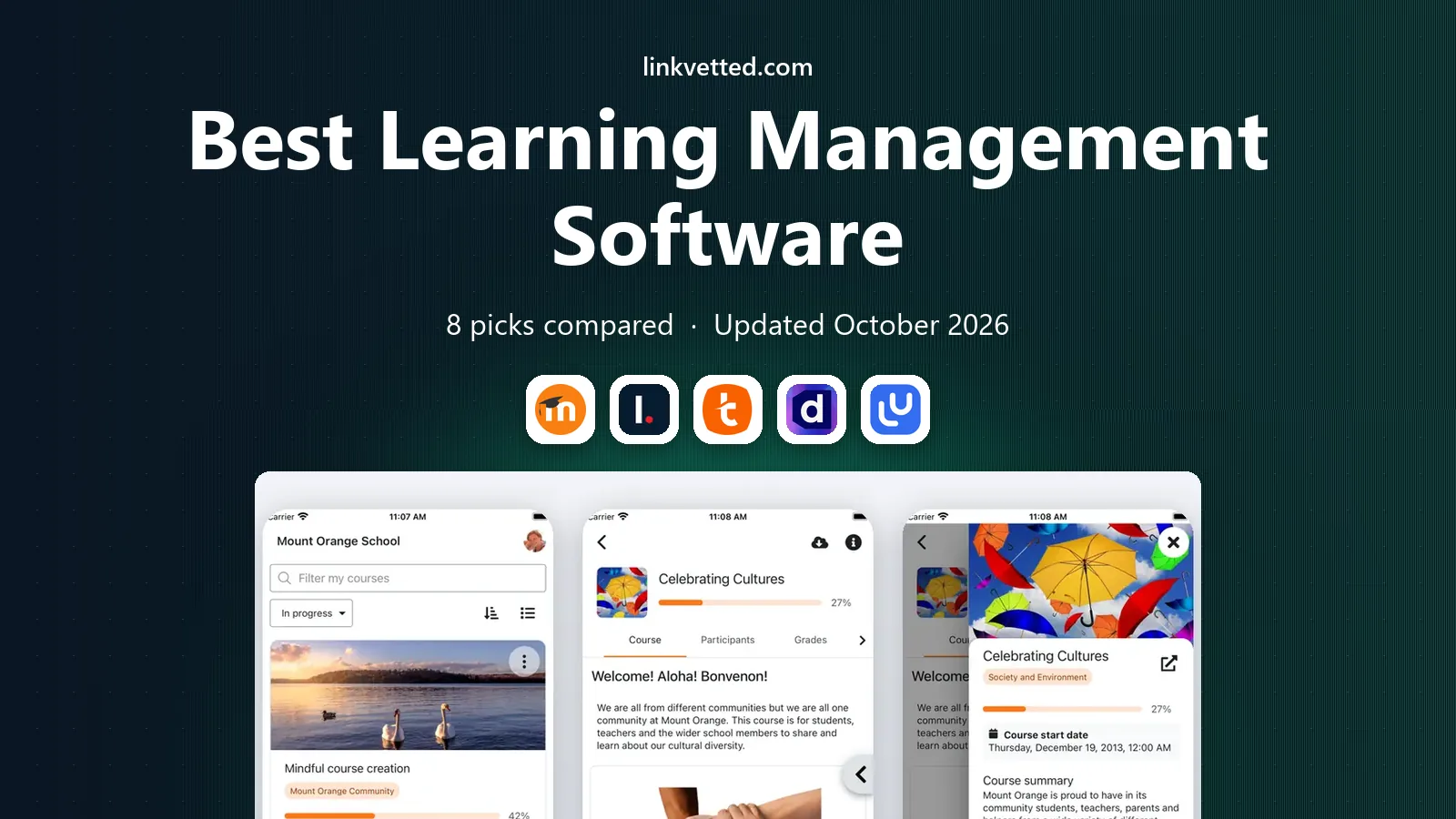
- Editor's choice
 Moodle
Open source learning for schools
Starts atFreeVisit moodle.orgFull review - Great alternative
 Canvas LMS
Schools and universities at scale
Starts atSee websiteVisit instructure.comFull review - Also consider
 TalentLMS
Small business employee training
Starts atSee websiteVisit talentlms.comFull review
TL;DR:
- Canvas and Moodle suit schools and universities, while TalentLMS and LearnUpon suit workplace training.
- Docebo and Absorb LMS suit larger companies that need scale, reporting, and integrations.
- Free and open source options exist, but hosting, support, and setup costs still apply.
- Check course authoring, mobile access, and reporting before price, since those decide daily use.
- Our pick for most teams is to trial with one real course and a small learner group before rolling out company-wide.
Quick comparison
| Tool | Best for | Starts at | Free plan? | |
|---|---|---|---|---|
| Moodle | Open source learning for schools | Free | Yes | Visit |
| Canvas LMS | Schools and universities at scale | See website | Free trial | Visit |
| TalentLMS | Small business employee training | See website | Yes | Visit |
 Docebo | Enterprise learning at scale | See website | No | Visit |
 LearnUpon | Corporate training for employees and partners | See website | Free trial | Visit |
 Absorb LMS | Growing companies needing flexible training | See website | Free trial | Visit |
 SAP Litmos | Fast employee onboarding and compliance | See website | Free trial | Visit |
 iSpring Learn | Simple course delivery for teams | See website | Free trial | Visit |
The best learning management software
Learning management software, often called an LMS, hosts courses, tracks progress, and reports results for learners. Schools, companies, and training providers need different strengths, so the eight platforms below cover open source, academic, corporate, and simple course delivery options.

Moodle is the best-known open source LMS, used by schools, universities, and training providers around the world. It supports courses, quizzes, forums, grading, and many plugins, which makes it flexible for academic programs. Because the core software is free, it appeals to institutions with limited budgets.
The free core does not mean free total cost. You still need hosting, setup, updates, and support, either from internal IT or a Moodle partner. The interface also feels less polished than newer commercial platforms. If you have technical support and want control over data and customization, Moodle remains a strong choice.
- Free open source core
- Huge plugin library
- Strong community support
- Hosting and setup need technical help
- Interface feels dated
- Support depends on your setup

Canvas LMS, from Instructure, is widely used in higher education and schools for its clean interface and reliable course tools. Teachers can build modules, assignments, quizzes, and discussions, while students get a clear view of deadlines and grades. Integrations with common academic tools help institutions connect Canvas to existing systems.
Pricing is aimed at institutions rather than solo trainers, and large rollouts need planning for migration and training. A free teacher account can help individuals test the basics, but full institutional features require a contract. For schools that need a polished, scalable LMS, Canvas is a leading shortlist pick.
- Clean learner interface
- Strong grading and course tools
- Good integrations
- Enterprise pricing
- Setup for large institutions takes time
- Some features need add-ons

TalentLMS suits small and mid-size businesses that need to train staff without a long implementation. You can create courses, add users, track completion, and run reports from a clean dashboard. The free plan covers small teams, which makes it a low-risk way to test workplace training.
Larger companies with complex compliance, multi-brand, or deep integration needs may outgrow it. Customization is also simpler than enterprise platforms offer. If your goal is fast, clear employee training for a growing team, TalentLMS is one of the best learning management platforms to trial first.
- Easy setup
- Free plan for small teams
- Course authoring and reporting included
- Advanced enterprise features are limited
- Customization is simpler
- Pricing rises with users
Docebo is built for large companies that train employees, partners, and customers at scale. It offers course delivery, reporting, integrations, and tools for personalized learning paths. Enterprises that need to manage many learners across regions and brands often value that scale and control.
The platform is priced for enterprise use, and implementation works best with a clear learning strategy and dedicated admin time. Small teams may find it more than they need. If you train thousands of learners or need detailed compliance reporting, Docebo belongs on the shortlist.
- Scalable enterprise platform
- AI-assisted learning tools
- Strong reporting and integrations
- Higher cost
- Implementation takes planning
- Smaller teams may not need the depth
LearnUpon focuses on corporate training for employees, customers, and partners, with separate portals for each audience. Admins can manage courses, users, and reports without a steep learning curve, which helps training teams that lack dedicated IT support. That clarity is a key reason mid-size companies choose it.
Pricing is quoted by the vendor, so you need a proposal based on user count and use case. Course authoring tools cover core needs but may feel basic compared with dedicated authoring suites. If you need a clean, reliable LMS for workplace training, LearnUpon is worth a demo with your real courses.
- Clean admin experience
- Portals for different audiences
- Strong customer support reputation
- Pricing is custom
- Advanced customization has limits
- Course authoring is basic for some needs
Absorb LMS suits growing companies that need flexibility for internal staff and external learners, such as partners or customers. It supports courses, certifications, reporting, and e-commerce for paid courses, which helps training providers as well as employers. Configuration options let admins shape portals and workflows to their needs.
That flexibility also means setup deserves care, since a poorly planned structure can confuse learners later. Pricing is custom, so compare it on total cost for your user count and features. For companies past the small-team stage, Absorb offers a balanced step up from simpler tools.
- Flexible configuration
- Good reporting
- Supports employee and external learners
- Custom pricing
- Setup needs planning
- Some integrations need configuration
SAP Litmos, now part of SAP, focuses on fast deployment for employee training, onboarding, and compliance. Courses work well on mobile, which helps frontline staff who rarely sit at a desk. Tracking and reporting support compliance needs, such as required training completion by deadline.
It fits best for companies that value speed and mobile access, and it can feel most natural in workplaces already using SAP tools. Smaller training providers may prefer a simpler or cheaper platform. If onboarding and compliance drive your LMS search, Litmos is a practical trial.
- Quick deployment
- Mobile-friendly courses
- Compliance tracking
- Enterprise pricing context
- Customization limits
- Best inside SAP-focused workplaces
iSpring Learn suits teams that want to turn existing presentations and documents into courses quickly. Its PowerPoint-based authoring helps trainers who already build slides, and the LMS tracks progress, quizzes, and completion in a clear dashboard. That simplicity shortens the time from idea to first course.
Enterprise buyers needing deep customization, complex portals, or large-scale integrations may need a larger platform. For small and mid-size teams, though, iSpring Learn offers a direct path to online training without a long project. Trial it with one real course to judge authoring speed and learner experience.
- Simple setup
- PowerPoint-based course creation
- Clear progress tracking
- Fewer enterprise features
- Design options are simpler
- Pricing varies by users
How we picked these
We compared official pricing, free plans, course tools, reporting, mobile access, and target audiences for widely used LMS platforms, and we checked availability in October 2026. We favored platforms that cover different buyers, including schools, small businesses, enterprises, and training providers, rather than eight similar corporate tools. Learner experience mattered as much as admin features, since a course tool only works if learners finish courses.
How to choose an LMS
Start with your learners. Students need grading, discussion, and academic tools, while employees need onboarding, compliance tracking, and mobile access. Customers and partners need separate portals and clear branding. A platform that fits one audience may frustrate another, so name the primary audience first.
Next, test course creation with real content. Build one full course, including video, quiz, and assignment, and ask a small group to complete it on phone and desktop. Note where learners get stuck, how reporting looks, and how long admin tasks take. That trial reveals more than a feature checklist.
Check integrations and data
Your LMS should connect to HR systems, single sign-on, video tools, and reporting dashboards you already use. Check data export too, since you may need to move courses and records later. A platform that locks data in can cost more in the long run than a slightly higher subscription.
Count total cost per learner
Add subscription, implementation, authoring tools, and admin time to get a true cost per active learner. Free open source software still needs hosting and support, while enterprise platforms may include services that reduce internal work. Choose the total that fits your budget and team capacity.
FAQ
What is the best learning management software for schools?
Canvas LMS and Moodle lead for schools, with Canvas offering a polished institutional platform and Moodle offering open source flexibility. The best learning management system software for a school depends on budget, IT support, and academic needs. Trial both with a real course before a district-wide decision.
What is the best LMS for small business training?
TalentLMS is a strong pick for small businesses, thanks to easy setup and a free plan for small teams. LearnUpon and iSpring Learn also suit workplace training with clear admin tools. Choose based on user count, mobile needs, and whether you train customers as well as staff.
What are the top LMS software options for enterprises?
Docebo, Absorb LMS, and SAP Litmos lead for enterprises, with scale, reporting, and compliance strengths. Each suits a different mix of internal and external learners. Get proposals based on your user count, regions, and integration needs before comparing price.
Is Moodle really free?
The Moodle core software is free and open source, but hosting, setup, updates, and support still cost time or money. Schools with IT staff can keep costs low, while others use a Moodle partner. Factor those costs into any comparison with commercial platforms.
What are the best learning management tools for course creators?
iSpring Learn suits creators turning slides into courses, while TalentLMS and LearnUpon suit teams selling or assigning courses. For academic creators, Canvas offers strong course and grading tools. Test authoring with your own content, since speed and ease vary by tool.
Can an LMS track compliance training?
Yes, most corporate LMS platforms track completion, deadlines, certifications, and reports by learner and team. Docebo, Absorb LMS, SAP Litmos, and TalentLMS all support compliance workflows. Check reporting exports and reminder tools against your audit needs before choosing.