Choosing Queue Management Software for Schools in 2026: 5 Options Compared
5 best queue management software for schools, with entry costs, free tiers and the buyer each one serves. Read the caveats before you buy. Plain facts.
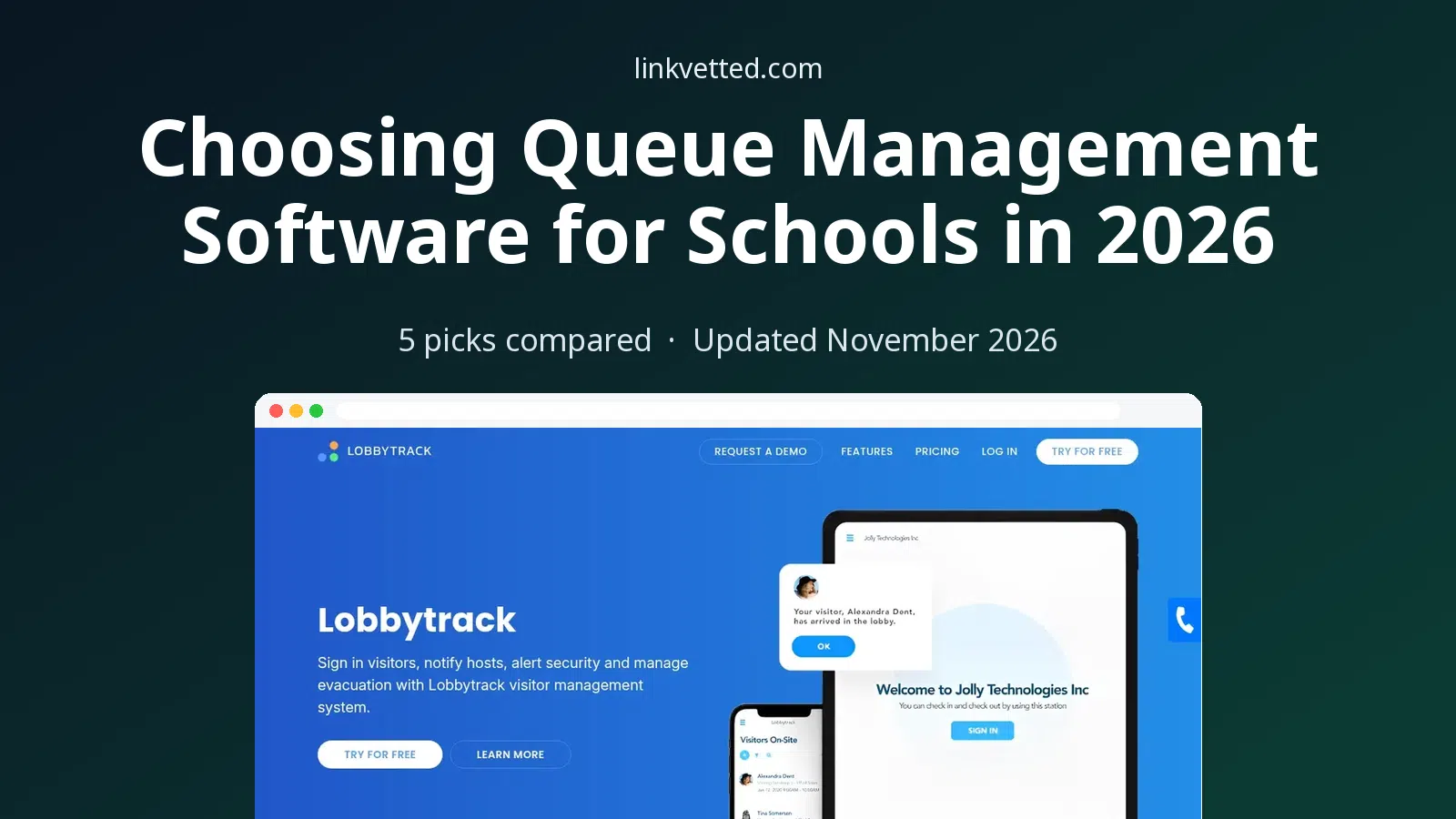
- Editor's choiceLobbyTrack
Visitor sign-in and registration
Starts at$50 a month per locationVisit lobbytrack.comFull review - Great alternativeEnvoy Visitors
Workplace and visitor management
Starts at$2 per user per monthVisit envoy.comFull review - Also considerProxyclick
Visitor management with Eptura
Starts atSee websiteVisit proxyclick.comFull review
Direct answer
If you need visitor sign-in and registration, LobbyTrack is the first tool to look at here. Listed starting prices: LobbyTrack from $50 a month per location, Envoy Visitors from $2 per user per month and Qminder from $869 a month. Look at Envoy Visitors for workplace and visitor management, and at Proxyclick for visitor management with Eptura. The full list of 5 tools follows, with prices and free plan facts.
TL;DR:
- This list starts with LobbyTrack, which is built for visitor sign-in and registration.
- The lowest published monthly entry price here is $2 per user per month, from Envoy Visitors.
- What to know about Qminder first: may need setup for school-specific workflows.
- Waitwhile is the one to check for virtual waitlists and messaging.
- Waitwhile is the only tool of the 5 with a free plan.
Last checked November 2026. Prices and plan details were read from the vendors' own pages in November 2026; vendors change plans often, so confirm the current price on the vendor site before you buy.
Quick comparison
| Tool | Best for | Starts at | Free plan? | |
|---|---|---|---|---|
| LobbyTrack | Visitor sign-in and registration | $50 a month per location | Free trial | Visit |
| Envoy Visitors | Workplace and visitor management | $2 per user per month | Free trial | Visit |
| Proxyclick | Visitor management with Eptura | See website | Free trial | Visit |
| Qminder | Structured queues and appointments | $869 a month | Free trial | Visit |
| Waitwhile | Virtual waitlists and messaging | $31 per month | Yes | Visit |
Our 5 queue management software for schools
LinkVetted put together this guide to queue management software for schools for readers who want a clear shortlist without reading every vendor page. It compares 5 tools on starting price, free plans, who each one suits and where each one falls short.
LobbyTrack
Best for: Visitor sign-in and registration
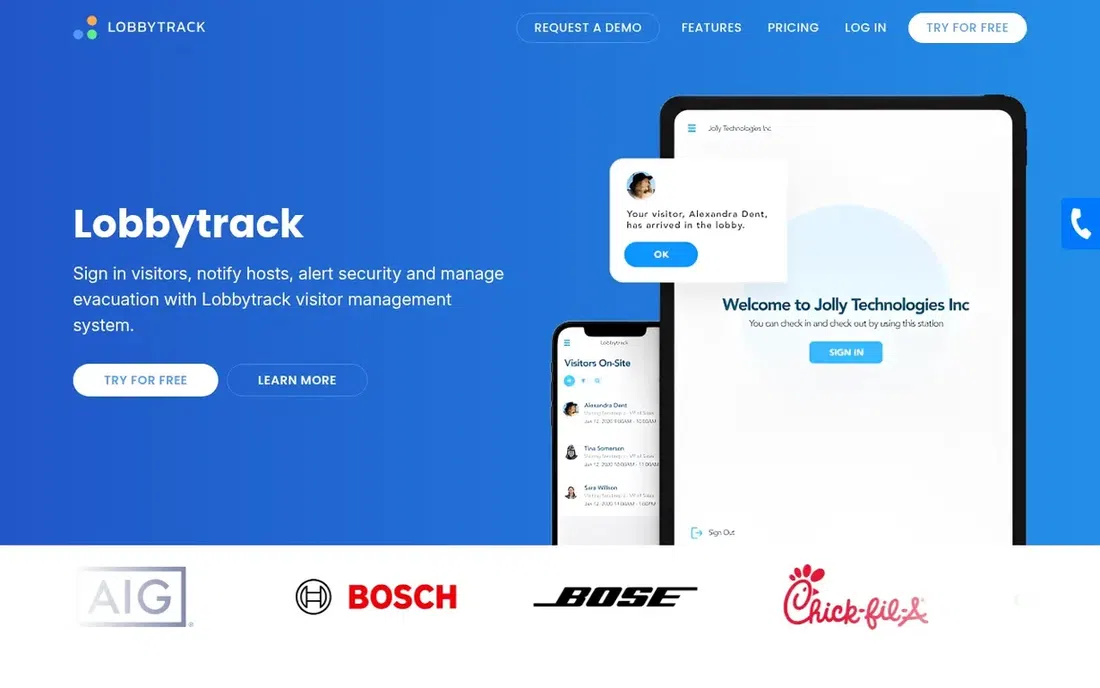
Where LobbyTrack fits: visitor sign-in and registration. LobbyTrack is primarily a visitor management tool and may not deal with complicated student queues or appointments.
In daily use, for queue-focused needs, Qminder or Waitwhile offer more specialized features. What you pay to start with LobbyTrack: $50 per month per location. Free access: Free trial.
Drawbacks to consider: Restricted queue management for student services.
- Pre-register visitors and notify hosts
- Simplifies front-desk check-in
- May require extra modules for full flow
Envoy Visitors
Best for: Workplace and visitor management
Pick Envoy Visitors if this describes you: workplace and visitor management. Envoy Visitors is a workplace and visitor options product that bundles visitor management, workplace management, and emergency management.
Drawbacks to consider: Focus on workplace over school-specific workflows.
More specifically, if your primary goal is managing student lines or appointments, a more straightforward tool like Qminder or Waitwhile might be more appropriate. From a buyer's view, Envoy Visitors may be more complicated and expensive than needed for entry-level queue management. On cost, Envoy Visitors starts like this: $2 per user per month. As for free access: Free trial.
- Bundles emergency management features
- Thorough visitor management
- May be overkill for straightforward queues
Proxyclick
Best for: Visitor management with Eptura
Proxyclick serves visitor management with Eptura. Proxyclick is a visitor management system that became part of Eptura Visitor. It supplies visitor management resources and integration benefits for workplaces.
Where it falls short: Now part of Eptura, may need transition.
In daily use, Proxyclick is now under the Eptura brand, so schools should explore Eptura's offerings for current features. It is not primarily a queue management tool, so for student queue needs, consider Qminder or Waitwhile. In daily use, schools seeking a visitor management option with a broader facility management ecosystem may find it relevant. Check the vendor site for Proxyclick pricing; none is listed in this comparison. Trial and free access: Free trial.
- Right for workplace environments
- Visitor management resources available
- Restricted queue management features
Qminder
Best for: Structured queues and appointments
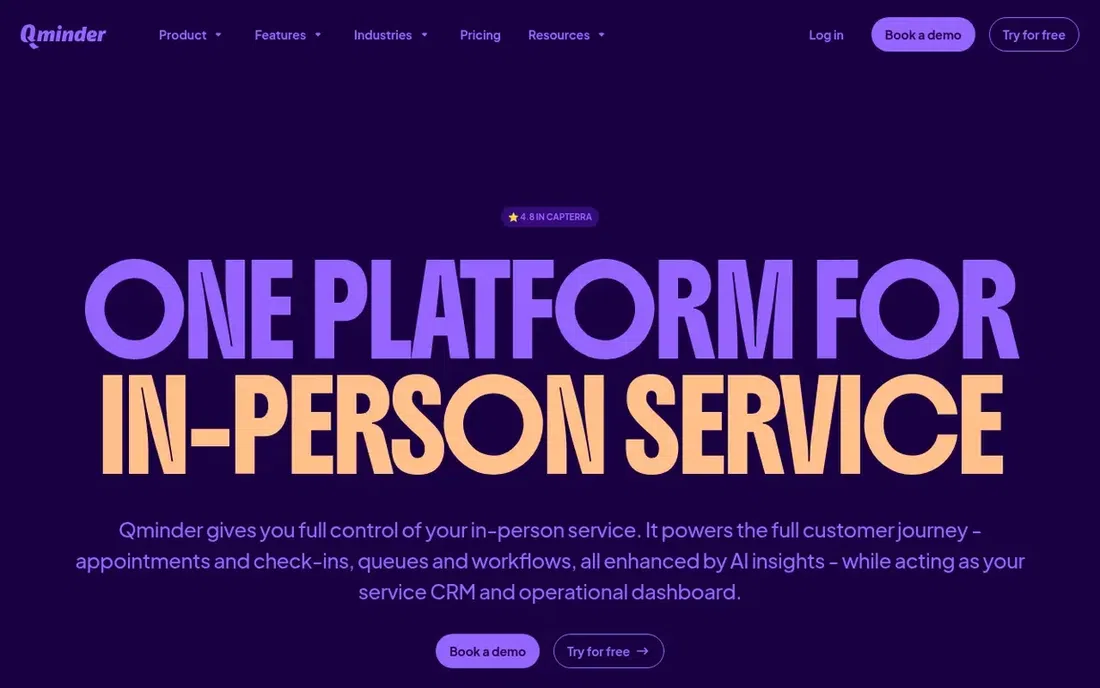
In short, Qminder is for structured queues and appointments. Qminder may lack dedicated visitor management or emergency features that some schools need.
Points against: Restricted visitor management features.
More specifically, the system is designed for brick-and-mortar environments, making it right for front-office and student support areas. Beyond that, if your priority is visitor sign-in or campus-wide safety, consider a tool like Envoy Visitors or LobbyTrack instead. Starting cost for Qminder: $869 per month. On free options: Free trial.
- Built for in-person environments
- Merges walk-in and appointment handling
- May need setup for school-specific workflows
Waitwhile
Best for: Virtual waitlists and messaging
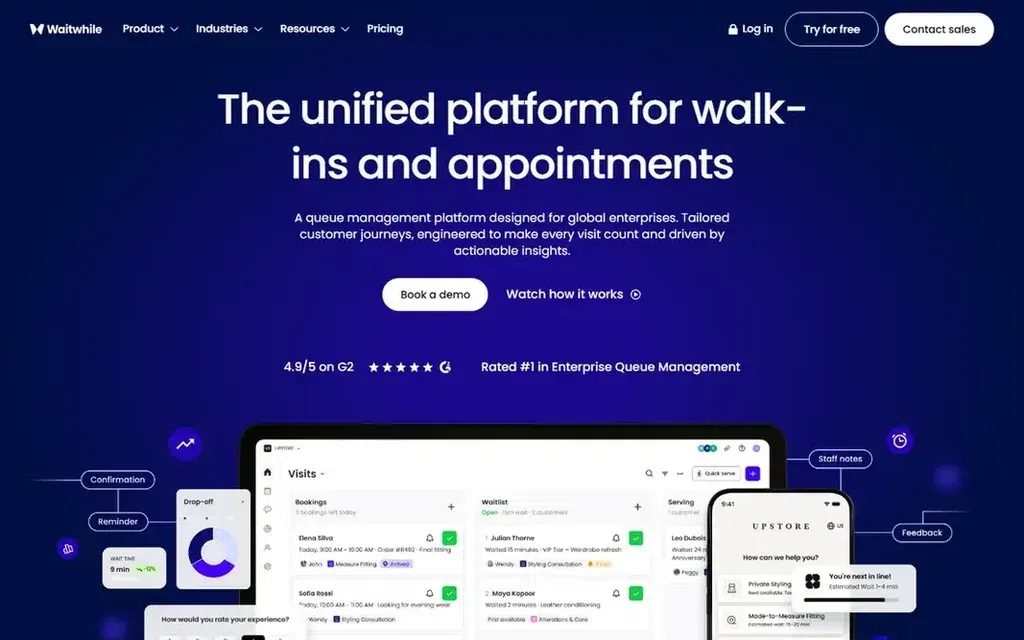
Waitwhile is built with virtual waitlists and messaging in mind. Waitwhile is a customer journey management option with virtual waitlists, appointment scheduling, event registration, messaging, and analytics.
Where it is weaker: May be complicated for straightforward queue needs.
In practice, Waitwhile is less concentrated on visitor management and campus security. Schools that require strict visitor tracking or emergency management should look at Envoy Visitors or LobbyTrack for those specific needs. Waitwhile pricing: $31 per month. You can start on Waitwhile without paying.
Where Waitwhile stands out: Virtual waitlists cut physical lines.
- Messaging keeps students informed
- Appointment scheduling and event registration
- Focus on customer journey over visitor security
How we built this list
We compared the tools on published pricing, free plan or trial availability, feature coverage for queue management software for schools, and the limits each vendor documents. Where a price is missing, the vendor does not list one publicly or ties it to a quote. Always confirm before budgeting. The order reflects how well each tool fits the most common buying scenario for queue management software for schools, then price clarity, then free plan access. It is a starting point, not a verdict.
Before you commit
- Ask Proxyclick for a written quote, since no starting price is shown.
- Test the free plan from Waitwhile against your real workload before relying on it.
- Use real work to test the free trial from LobbyTrack, Envoy Visitors, Proxyclick and Qminder, rather than a demo project.
- Before choosing LobbyTrack, weigh its main limit: restricted queue management for student services.
- Read the plan comparison for Qminder carefully; key features often start on a higher tier.
- Find out what support LobbyTrack includes on your plan, and whether onboarding help costs extra.
FAQ
Can I try these tools before paying?
Often, yes. Waitwhile has a free plan and LobbyTrack, Envoy Visitors, Proxyclick and Qminder offer a free trial. Use your own data and a real task during the test, and check what the free tier or trial limits before you rely on it.
Do these tools publish their prices?
Not all of them. Proxyclick publishes no starting price, so expect a quote request for it. The rest, LobbyTrack included, show a starting price, though seats and billing terms still change the final cost.
Which options for queue management software for schools have a free plan?
Waitwhile is the only tool in this list with a free plan. Free plans usually cap users, projects or features, so check the limits on the vendor page. Several others offer a trial instead. All 5 picks in this queue management software for schools comparison list a starting price, free plan details and the main limits on their cards above.
What is the cheapest option for queue management software for schools in this list?
On published monthly entry prices, Envoy Visitors is the lowest here at $2 per user per month. Entry price is only part of the cost, because seats, add-ons and billing terms can change the total.
What features should schools look for in queue management software?
Schools should prioritize features like virtual queuing, appointment scheduling, visitor management, and analytics. Integration with existing systems and simplicity for staff and students are also important. Tools like Qminder and Waitwhile offer these capabilities.
Sources
- https://www.lobbytrack.com
- https://envoy.com
- https://www.proxyclick.com
- https://www.qminder.com
- https://waitwhile.com