5 Quality Management Software for Schools Worth Shortlisting in 2026
Searching for the best quality management software for schools? Here are 5 options with prices and free plans. Every entry states what it lacks. Quick to scan.
- Editor's choice
 Google Classroom
Straightforward classroom management in Google
Starts atPricing on requestVisit classroom.google.comFull review - Great alternative
 D2L Brightspace
Learning system with analytics and AI
Starts atPricing on requestVisit d2l.comFull review - Also consider
 Canvas LMS
Refined teaching and learning hub
Starts atPricing on requestVisit instructure.comFull review
Direct answer
If you need simple classroom management in Google, Google Classroom is the first tool to look at here. D2L Brightspace fits learning product with analytics and AI; Canvas LMS fits refined teaching and learning hub. Prices, free plans and limits for all 5 tools follow. None of these vendors publish plan prices, so pricing is on request for every option.
TL;DR:
- Google Classroom sits first on this list: simple classroom management in Google.
- The main caution on Google Classroom: less depth for institutional quality processes.
- Microsoft Teams for Education is the one to check for communication and collaboration hub.
- Google Classroom, Microsoft Teams for Education and the 3 others all sell by quote; expect sales conversations before you see a price.
- Neither Google Classroom nor Microsoft Teams for Education, nor any of the other 3 tools, has a permanent free plan; trials and quotes are the norm.
Last checked November 2026. Pricing on request: vendors did not publish plan prices when this guide was last checked (November 2026), so ask each vendor for a written quote.
Quick comparison
| Tool | Best for | Starts at | Free plan? | |
|---|---|---|---|---|
| Google Classroom | Straightforward classroom management in Google | Pricing on request | Not stated | Visit |
| D2L Brightspace | Learning system with analytics and AI | Pricing on request | Not stated | Visit |
| Canvas LMS | Refined teaching and learning hub | Pricing on request | Not stated | Visit |
 Blackboard Learn | Established LMS within Anthology | Pricing on request | Not stated | Visit |
 Microsoft Teams for Education | Communication and collaboration hub | Pricing on request | Not stated | Visit |
Our 5 quality management software for schools
LinkVetted compared 5 quality management software for schools. The goal is a practical shortlist: published prices, free plan facts, best-fit use cases and honest limits for every entry.
Google Classroom
Best for: Straightforward classroom management in Google
Google Classroom works best for straightforward classroom management in Google. Google Classroom is presented as a central hub for tools and resources meant to help educators handle classrooms and enrich learning experiences. Its strength is simplicity and tight alignment with Google's education tools instead of deep administrative control.
Drawbacks to consider: Best value within Google's ecosystem.
Confirm data, admin and integration requirements with the vendor before standardizing on it. From a buyer's view, Classroom is not a full student information system or a thorough quality management system, so schools with complicated operational needs will need additional systems. Google Classroom does not show a starting price in this comparison, so check the vendor site for current pricing. As for free access: Not stated.
- Central hub for classroom tools
- Meant to enrich learning experiences
- Less depth for institutional quality processes
For learning system with analytics and AI, D2L Brightspace is a natural candidate. Confirm which capabilities are included in your intended configuration and how analytics data is governed before adopting it.
D2L Brightspace is a learning system for higher education, K-12, associations and business, with D2L Lumi AI, Creator+ authoring and Performance+ analytics. D2L Brightspace shows no starting price here, so confirm the cost on the vendor site. Free options: Not stated.
The main drawbacks: Wide feature set may need training.
- Contains D2L Lumi AI features
- Performance+ analytics
- Best fit for institutions ready to use analytics
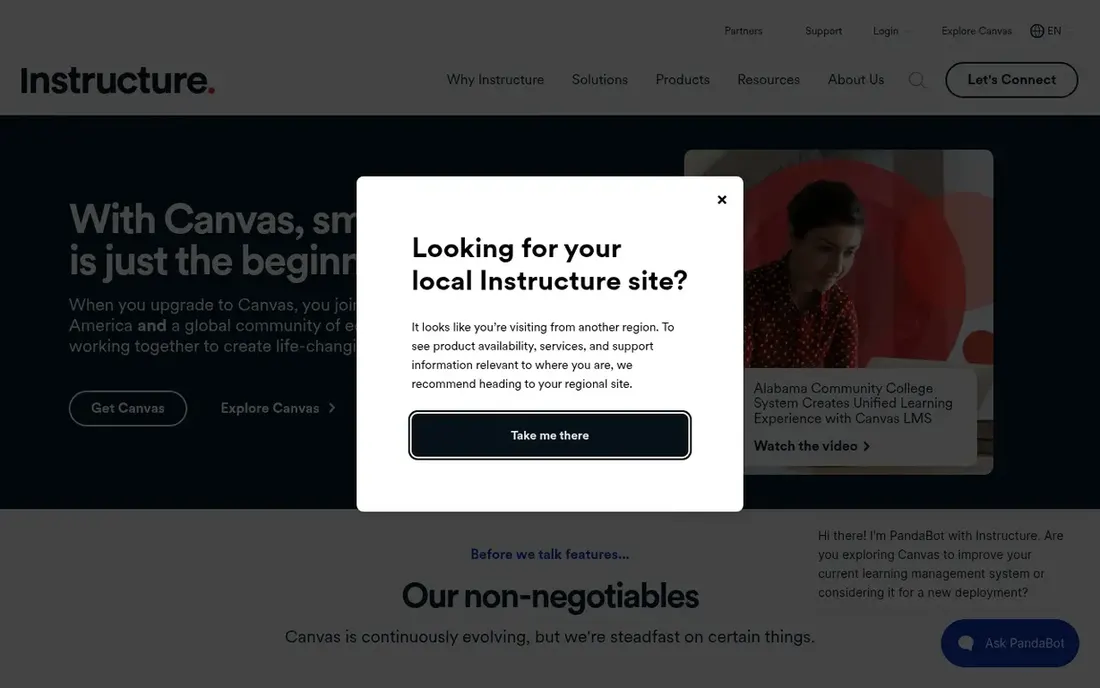
Canvas LMS is built with refined teaching and learning hub in mind. The homepage centres on teaching and learning instead of student information or school operations, so schools needing a full SIS should pair it with another system. Its homepage emphasizes an approachable design, which suits schools that want instructors and students to adopt a teaching hub rapidly.
Institutions that need deep open-source customization may prefer a different system. For everyday use, confirm integration and support details with the vendor before committing. No starting price is listed for Canvas LMS here; confirm pricing on the vendor site. On free options: Not stated.
Points against: Features beyond core LMS may need extras.
- Approachable interface for teaching
- Backed by Instructure's education focus
- Setup needs institutional planning
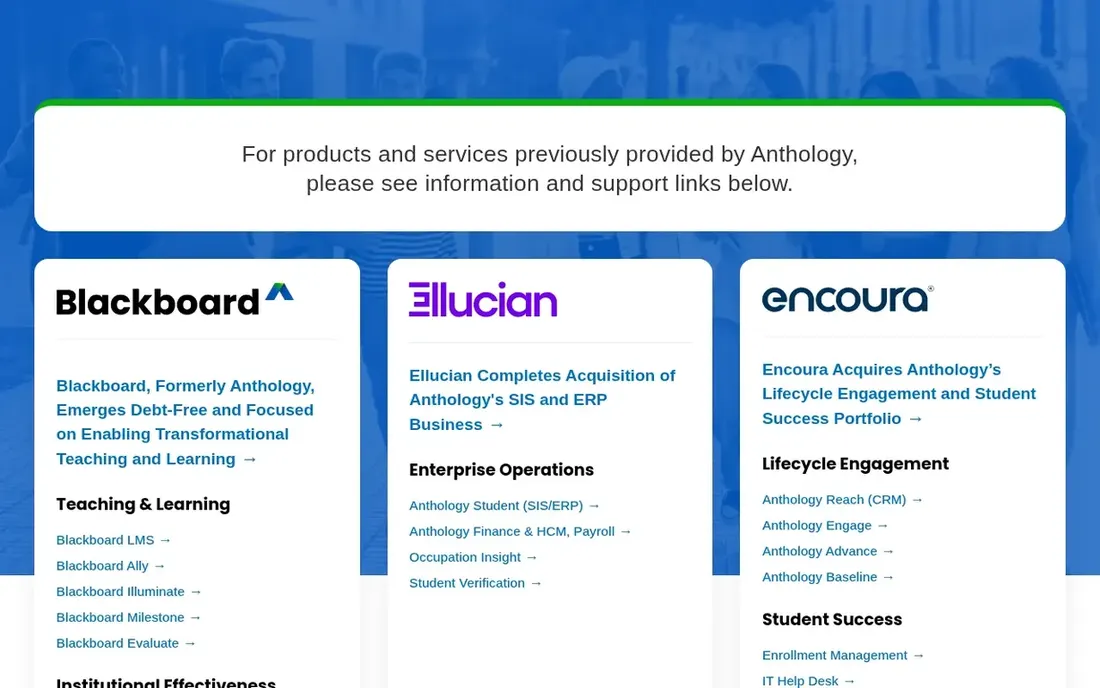
Choose Blackboard Learn for established LMS within Anthology. Blackboard Learn is a long-established learning management system now offered within Anthology's education portfolio.
Also, since the homepage is a portfolio landing page instead of a dedicated product page, specific feature and packaging details are best confirmed straight with Anthology. This comparison lists no price for Blackboard Learn; ask the vendor. Free options: Not stated.
Where it falls short: Exact current packaging needs vendor confirmation.
- Long-standing learning management presence
- Part of the broader Anthology education portfolio
- Product information is consolidated under Anthology
Microsoft Teams for Education is designed for communication and collaboration hub. Schools commonly use it alongside a core LMS instead of as a replacement for one.
Watch-outs: Feature depth relies on Microsoft setup.
For everyday use, Microsoft Teams for Education is described as a video conferencing and communication app for schools that supports in-person and remote students. Teams is built around communication and collaboration, not student information or formal quality management workflows. Microsoft Teams for Education does not show a starting price in this comparison, so check the vendor site for current pricing. On free options: Not stated.
- Suits Microsoft education environments
- Supports in-person and remote students
- Not a dedicated quality management system
What went into this list
LinkVetted looked at what each vendor publishes: pricing, plan limits, feature coverage for quality management software for schools and stated drawbacks. No hands-on testing is claimed. Prices and plan limits come from vendor pages and can change, so confirm them on the vendor site before you buy. Position on the page reflects fit for a typical buyer first, with price clarity and free access breaking ties. Treat it as a guide, not a ruling.
Before you commit
- Confirm the entry price with every vendor: no tool from Google Classroom to Microsoft Teams for Education shows a fixed starting price.
- Before choosing Google Classroom, weigh its main limit: less depth for institutional quality processes.
- Test how quickly Blackboard Learn answers a pre-sales question; it hints at how support will feel later.
- Total up the real monthly cost of D2L Brightspace, including add-ons, extra users and usage-based fees.
- Before rolling out Microsoft Teams for Education, verify the integrations your workflow depends on.
FAQ
Does any tool for quality management software for schools here have a free plan?
No tool in this list, Google Classroom and Microsoft Teams for Education included, has a permanent free plan. Trials and quotes are the usual route, so plan a short evaluation period.
Can I try these tools before paying?
Not by default. None of the tools, from Google Classroom to Microsoft Teams for Education, lists a free plan or a free trial here, so ask each vendor for a demo before committing.
What should schools look for in quality management software?
Schools should prioritize products that support teaching workflows, communication and dependable student records whereas fitting existing systems. Confirm integration choices, data governance and staff training needs before choosing.
How are the tools for quality management software for schools ordered?
Google Classroom sits first and Microsoft Teams for Education last because the order follows typical fit for quality management software for schools, then price clarity and free access. It is a judgement call, so read each profile for fit and limits.
Is Google Classroom the right pick for everyone comparing quality management software for schools?
No single tool suits every team. Google Classroom comes first because it fits simple classroom management in Google, while D2L Brightspace suits learning platform with analytics and AI and Canvas LMS suits polished teaching and learning hub. Match the tool to your own size, budget and workflow before deciding.
Sources
- https://classroom.google.com
- https://www.d2l.com/brightspace
- https://www.instructure.com/canvas
- https://www.anthology.com
- https://www.microsoft.com/en-us/education/products/teams