Best Education Management Software in 2026: 8 Tools Compared
Compare the best education management software for schools, districts and colleges. We review 8 SIS and LMS tools on enrollment, grades, fees and cost.
- Editor's choice
 PowerSchool SIS
Large districts
Starts atSee websiteVisit powerschool.comFull review - Great alternative
 Infinite Campus
Districts and state reporting
Starts atSee websiteVisit infinitecampus.comFull review - Also consider
 Canvas LMS
Colleges and large schools
Starts atSee websiteVisit instructure.comFull review
TL;DR:
- PowerSchool SIS and Infinite Campus suit districts that need enrollment, attendance, grades and state reporting at scale.
- Canvas and Blackboard suit colleges and larger schools that need a full learning platform alongside student records.
- FACTS, Alma and Gradelink suit smaller private and independent schools with simpler budgets and staff.
- Classter and Fedena suit schools that want admissions, billing and academics in one system.
- Demo with your real enrollment, grading and reporting workflows, since SIS migrations are costly to reverse.
Quick comparison
| Tool | Best for | Starts at | Free plan? | |
|---|---|---|---|---|
| PowerSchool SIS | Large districts | See website | No | Visit |
| Infinite Campus | Districts and state reporting | See website | No | Visit |
| Canvas LMS | Colleges and large schools | See website | Yes | Visit |
 Blackboard Learn | Higher education | See website | Free trial | Visit |
 FACTS SIS | Private K-12 schools | See website | No | Visit |
 Alma | Small and mid-size schools | See website | No | Visit |
 Gradelink | Small schools | See website | Free trial | Visit |
 Classter | All-in-one school management | See website | Free trial | Visit |
The best education management software
Education management software covers student records, enrollment, attendance, grades, schedules and often billing and communication. Some tools are student information systems for districts, others are learning platforms for courses, and some try to do both. The list below mixes those types so schools of different sizes can find a fit.
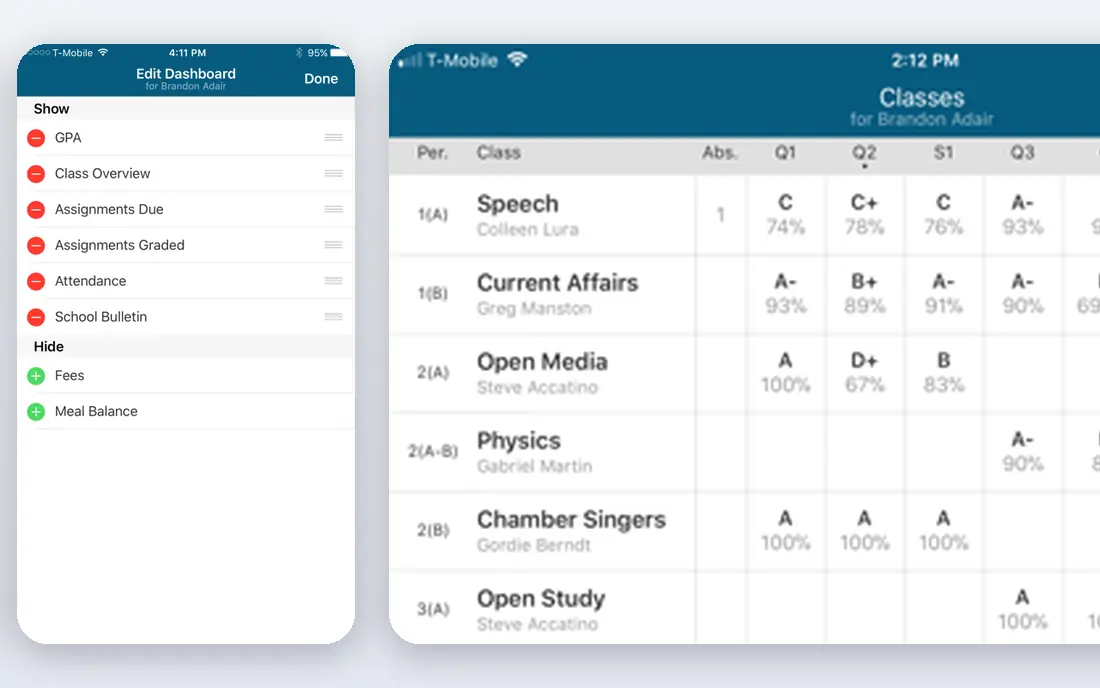
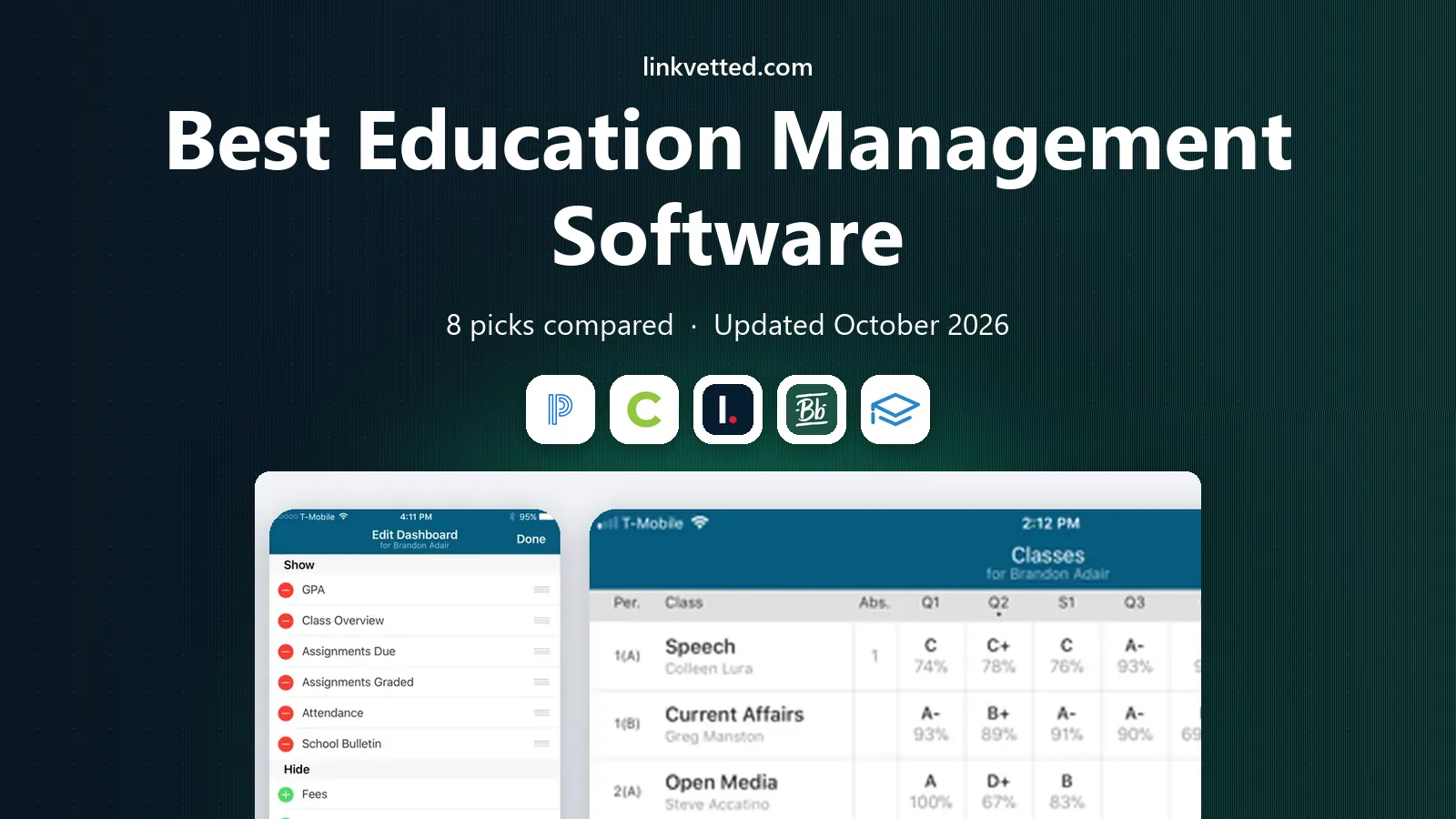
PowerSchool SIS is one of the most widely used student systems in US K-12 districts. It handles enrollment, demographics, attendance, schedules, grades and transcripts, with reporting tools for state requirements. Districts value the depth and the ecosystem of related PowerSchool products for learning, communication and analytics.
That scale comes with a heavier rollout. Implementation, training and data migration take planning, and pricing is quoted by district size. Small schools may find it more system than they need. For a district that needs a proven SIS at scale, PowerSchool is a leading choice.
- Broad district coverage
- Enrollment, attendance and grades
- State reporting tools
- Pricing is by quote
- Implementation can be long for a district
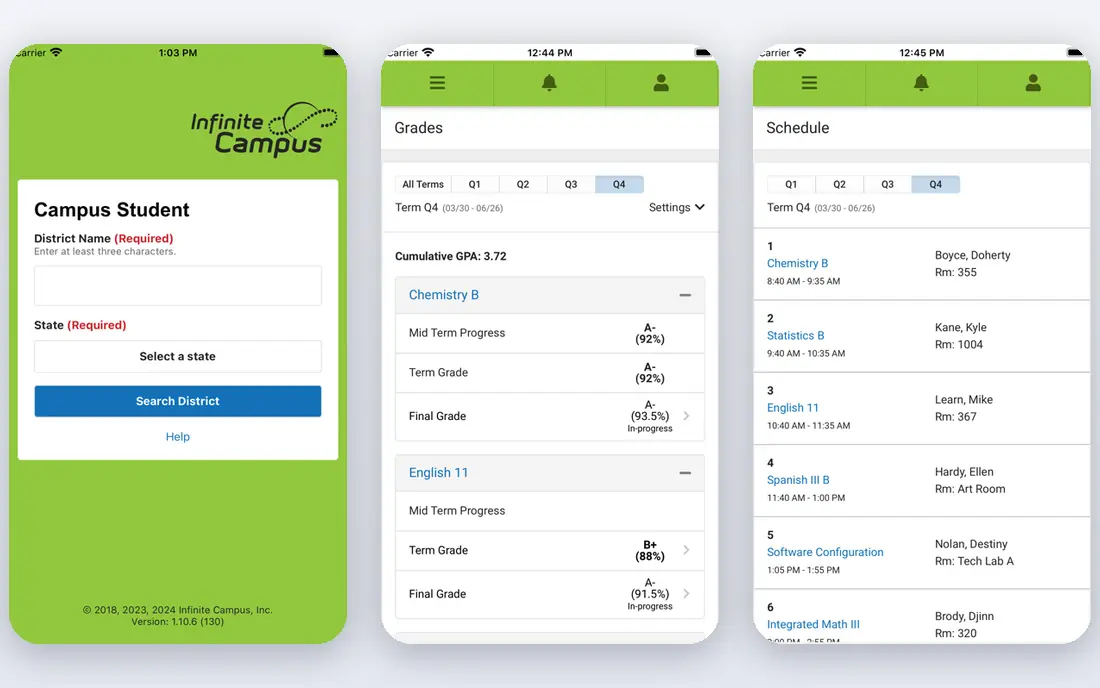
Infinite Campus serves districts with a single system for enrollment, attendance, grades, behavior, fees and parent communication. Its state reporting strength matters for districts that must submit clean data on tight deadlines. Parents and students get portals for grades, schedules and messages.
New staff sometimes find the interface dense, and training helps. Pricing is quoted, so districts should ask for implementation, training and support costs in the total. For a district that wants one SIS with strong compliance reporting, Infinite Campus deserves a demo.
- District-wide SIS with parent portal
- Strong state reporting
- Integrated messaging and fees
- Pricing is by quote
- Interface can feel dense for new staff
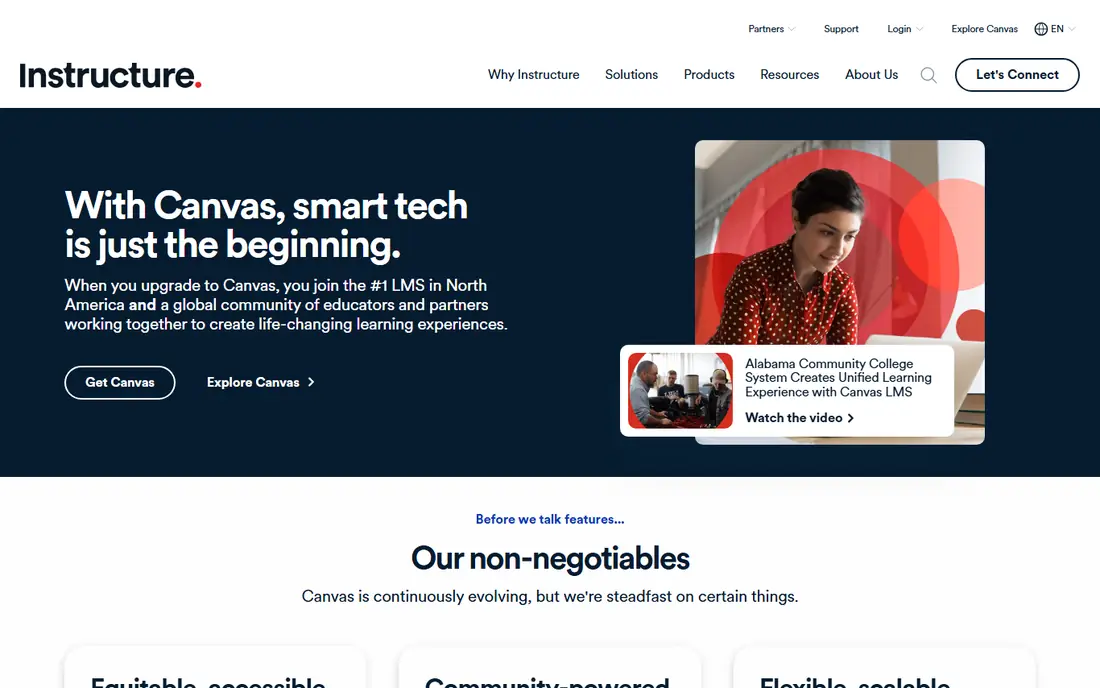
Canvas is a learning management system, not a student information system, but many schools list it as education management software because it runs courses, assignments, grades and communication. Colleges and large high schools use it to deliver online and blended learning at scale, with integrations for many academic tools.
A school still needs an SIS for enrollment and transcripts, and Canvas connects to those systems rather than replacing them. Free teacher accounts help individuals try it, while institutional pricing is quoted. For course delivery, Canvas is a top pick.
- Strong course and assignment tools
- Large higher education user base
- Good mobile apps
- Not a full SIS on its own
- Pricing is by quote for institutions
Blackboard Learn, now part of Anthology, serves colleges and universities with course management, assessments, discussion and grading. Institutions with complex programs, accreditation needs and large online cohorts often choose it for depth and control. Its Ultra experience aims at a simpler course view for students and faculty.
Administration and migration take effort, and smaller schools may prefer Canvas or a simpler LMS. For a college that needs a full-featured, institution-wide learning platform, Blackboard Learn remains a major option.
- Full higher education LMS
- Course, assessment and collaboration tools
- Long institutional history
- Setup and admin effort can be high
- Pricing is by quote
FACTS serves private K-12 schools with a system that links admissions, enrollment, tuition billing, grades and communication. That combination matters for schools where tuition, financial aid and family billing are core operations, not side tasks. Parents get a portal for grades, payments and school messages.
Public districts with complex state reporting may need a district SIS instead. Private schools, especially smaller ones, often find FACTS a better fit than a district tool. Ask how tuition plans, aid and billing reports work in a demo with your real fee structure.
- Built for private and faith-based schools
- Admissions, billing and academics in one system
- Parent portal
- Less district-scale state reporting depth
- Pricing is by quote
Alma offers a modern student information system for independent and smaller public schools, covering enrollment, attendance, grades, report cards and parent communication. Its interface is cleaner than many legacy SIS tools, which helps small office teams that handle many jobs. Reporting and transcripts cover common school needs.
Very large districts may need deeper state reporting and scale than Alma targets. For a small or mid-size school that wants a modern SIS without district-level complexity, Alma is a strong choice. Demo gradebook, report cards and parent portal together before deciding.
- Modern SIS interface
- Enrollment, grades and reports
- Good for independent schools
- Less depth than PowerSchool for huge districts
- Pricing is by quote
Gradelink is built for small schools that need a straightforward system without a long implementation. It covers student records, grades, attendance, lesson plans and billing, with a parent portal for communication. Small private and charter schools often adopt it because staff can learn it quickly.
Larger districts and colleges will outgrow its reporting and scale. That limit is also its strength: Gradelink does not try to be a district platform. For a school with a small office and a simple budget, it is a practical, low-overhead pick.
- Simple SIS for small schools
- Grades, attendance and billing
- Easy parent portal
- Limited for large districts
- Fewer advanced analytics options
Classter aims to cover the whole school in one platform: admissions and CRM, student records, academics, timetables, billing and communication. Schools that now juggle separate tools for admissions, grades and fees may value that consolidation. It serves K-12, colleges and training providers with configurable modules.
Configuration is the trade-off. A broad system needs careful setup to match your terms, grading and billing rules. Plan implementation time and use a pilot group first. For schools that want one system rather than many, Classter is worth a detailed demo.
- Admissions, academics, billing and CRM in one system
- Configurable for K-12 and higher education
- Configuration takes time
- Pricing is by quote
How we picked these
We compared official product pages, SIS and LMS coverage, school size fit and pricing transparency. We favored tools that exist today, serve US schools or colleges, and cover core records, grades and communication. We did not claim hands-on testing. Pricing is mostly quoted, so schools should request totals that include implementation, training and support.
How to choose education management software
Start with school type and size. A district needs state reporting and scale. A private K-12 school needs admissions and tuition billing. A college needs an LMS and SIS integration. A tool built for a different school type will fight your workflows even if its feature list looks long.
Migration, training and support
Ask how data moves from your current system, how long implementation takes, and who trains staff, teachers and families. A good SIS vendor provides a migration plan, a pilot term and clear support hours. Check parent portal adoption, since a system families do not use creates more office work, not less.
Privacy and access
Student data needs role-based access, audit logs and compliance with school privacy rules such as FERPA. Confirm who can view grades, health notes and discipline records, and how data is stored and exported. Keep health and discipline access narrow, and review permissions each school year.
FAQ
What is the best education management software for a small private school?
FACTS SIS, Alma or Gradelink often fit small private schools, since they combine records, grades and billing without district complexity. FACTS suits schools with tuition billing needs, while Gradelink suits the smallest offices. Demo with your real billing and report card needs.
What is the difference between an SIS and an LMS?
An SIS manages student records, enrollment, attendance, grades and transcripts. An LMS delivers courses, assignments and learning content. Many schools use both, with the SIS as the record system and the LMS, such as Canvas or Blackboard, as the course platform.
How much does education management software cost?
Most SIS and LMS tools price by quote based on student count, modules and services. Small schools may pay a few thousand dollars per year, while districts and colleges pay far more. Ask for implementation, training, support and integration costs in the total.
Can parents and students access grades and schedules?
Yes, most tools in this list offer parent and student portals for grades, attendance, schedules and messages. Portal adoption depends on clear communication and mobile access. Check whether portals support your languages and notification preferences.
How long does it take to switch school software?
Small schools may switch in a term with careful data migration, while districts can take a school year or more. Plan a pilot, migrate clean data, train staff before go-live, and keep the old system readable during the first term. Rushing a switch before a new school year creates risk.