Best Board Management Software for Education (2026): 6 Picks Checked on Vendor Pages
6 tools for the best board management software for education, compared on pricing, free plans and best-fit use. Verdicts stay brief and factual. Plain facts.
- Editor's choice
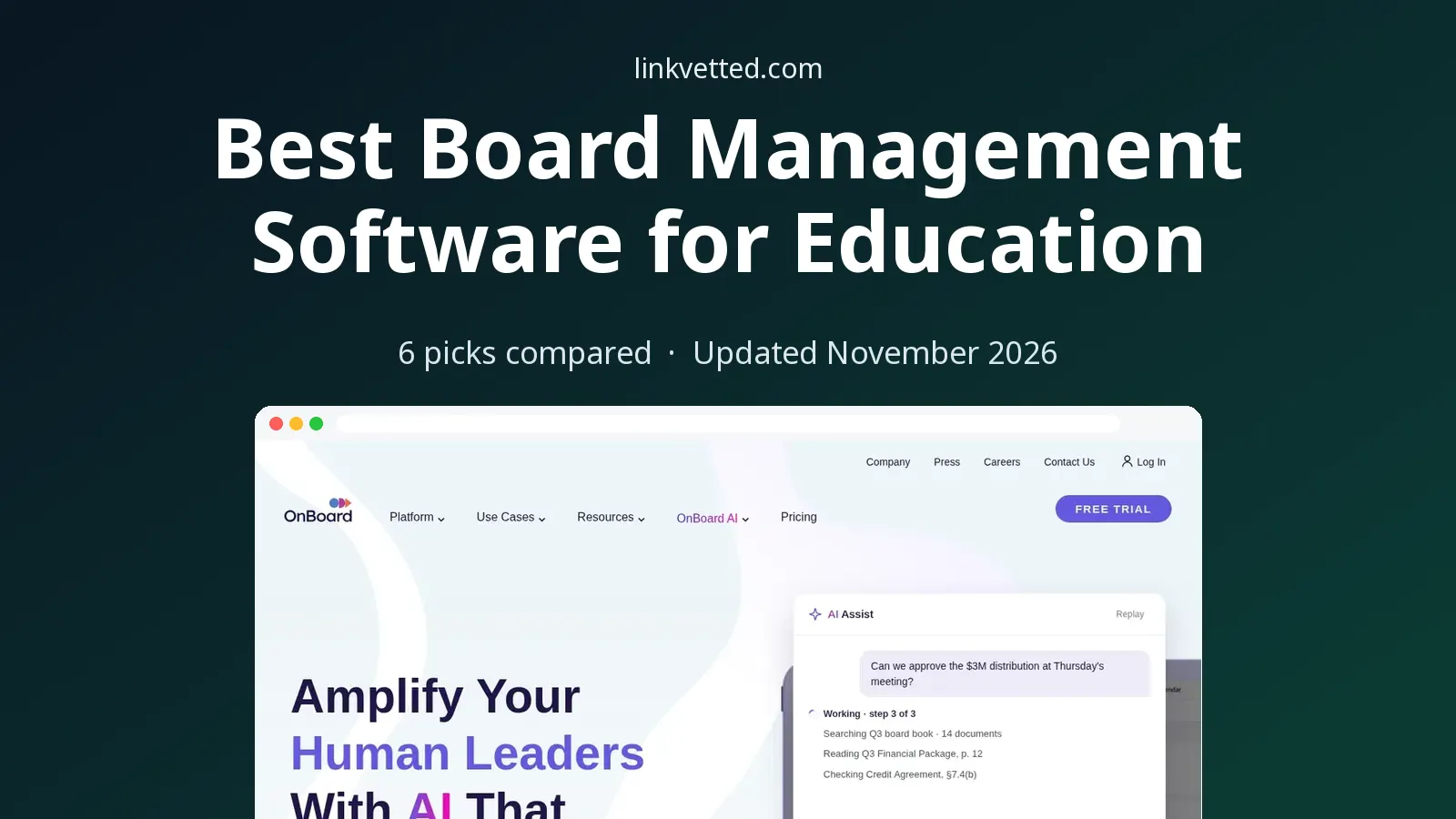
 OnBoard
AI-assisted, low-complexity board meetings
Starts atPricing on requestVisit onboardmeetings.comFull review - Great alternative
 Govenda
Meeting preparation and board effectiveness
Starts atPricing on requestVisit govenda.comFull review - Also consider
 BoardEffect
Analytics-driven modern governance
Starts atPricing on requestVisit boardeffect.comFull review
Direct answer
OnBoard comes first here, mainly for AI-assisted, low-complexity board meetings. Govenda fits meeting preparation and board effectiveness; BoardEffect fits analytics-driven modern governance. The other 3 tools in the list cover narrower or pricier cases. None of these vendors publish plan prices, so pricing is on request for every option.
TL;DR:
- The list opens with OnBoard, aimed at AI-assisted, low-complexity board meetings.
- OnBoard, Azeus Convene and the 4 others all need a premium plan or a trial, since no free plan is listed.
- Azeus Convene suits AI-powered governance and collaboration.
- Pricing across the list, from OnBoard to Azeus Convene, is by quote only.
Last checked November 2026. Pricing on request: vendors did not publish plan prices when this guide was last checked (November 2026), so ask each vendor for a written quote.
Quick comparison
| Tool | Best for | Starts at | Free plan? | |
|---|---|---|---|---|
| OnBoard | AI-assisted, low-complexity board meetings | Pricing on request | Free trial | Visit |
| Govenda | Meeting preparation and board effectiveness | Pricing on request | Not stated | Visit |
| BoardEffect | Analytics-driven modern governance | Pricing on request | Not stated | Visit |
 Diligent Boards | Governance, risk, and compliance in one product | Pricing on request | Not stated | Visit |
| iBabs | Paperless agendas and document control | Pricing on request | Not stated | Visit |
| Azeus Convene | AI-powered governance and collaboration | Pricing on request | Free trial | Visit |
Every option for board management software for education explained
Short on time? The summary and table above give the quick view of 6 tools for board management software for education, and the profiles that follow give the detail behind each entry.
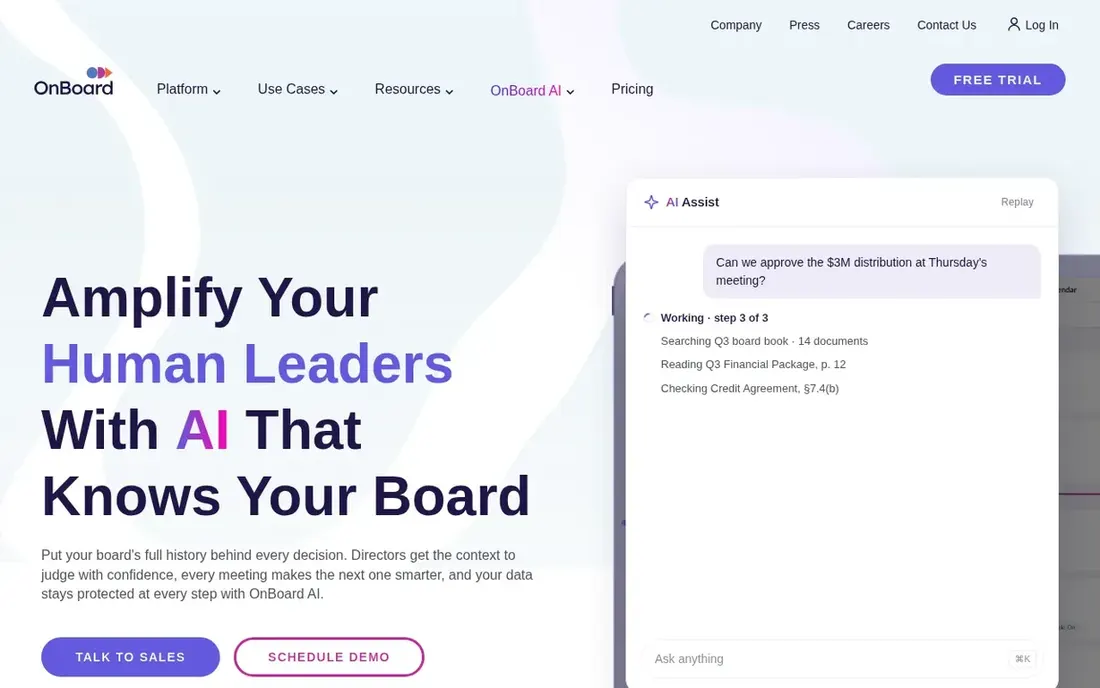
Pick OnBoard if this describes you: AI-assisted, low-complexity board meetings. OnBoard presents itself as AI-powered board management software that cuts complexity so boards and leadership teams can work smarter and move quicker.
Downsides: Homepage provides restricted detail on education use.
Boards wanting a purely traditional portal may prefer a more straightforward alternative. For everyday use, for education boards balancing busy schedules, the emphasis on simplifying preparation and meeting flow is appealing. OnBoard does not show a starting price in this comparison, so check the vendor site for current pricing. Free plan details: Free trial.
- Aimed at boards and leadership teams
- Meant to cut complexity
- AI features may need onboarding time
Think of Govenda for meeting preparation and board effectiveness. Education boards that spend significant time assembling packets and prepping sessions may value that preparation-centered approach.
Downsides: Education-specific workflows not emphasized.
It suits institutions seeking a focused portal for running meetings well instead of a wide governance suite. Govenda shows no starting price here, so confirm the cost on the vendor site. Free access: Not stated.
- Meeting tools for board leaders
- Focus on simplifying preparation
- Homepage detail on integrations is limited
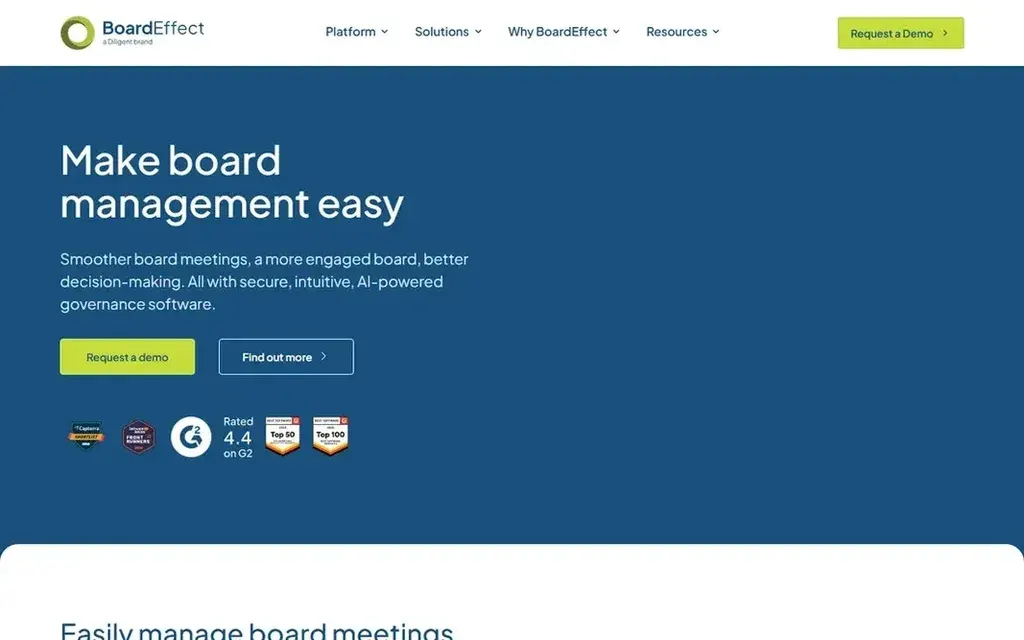
BoardEffect targets analytics-driven modern governance. BoardEffect is a board portal built around tools, analytics, and insights intended to support more efficient and effective modern governance. As for the details, for education boards that want visibility into how meetings and materials are managed, the analytics angle stands out.
Points against: Analytics depth may exceed small board needs.
It tends to fit institutions with established governance processes and administrators who value reporting alongside core portal functions like agendas and document distribution. Worth adding: the analytics-forward design may be more than a small school board needs, and the homepage does not highlight education-specific workflows. No starting price is listed for BoardEffect here; confirm pricing on the vendor site. Trial and free access: Not stated.
- Effective governance
- Board portal tools with analytics and insights
- Education-specific features not emphasized
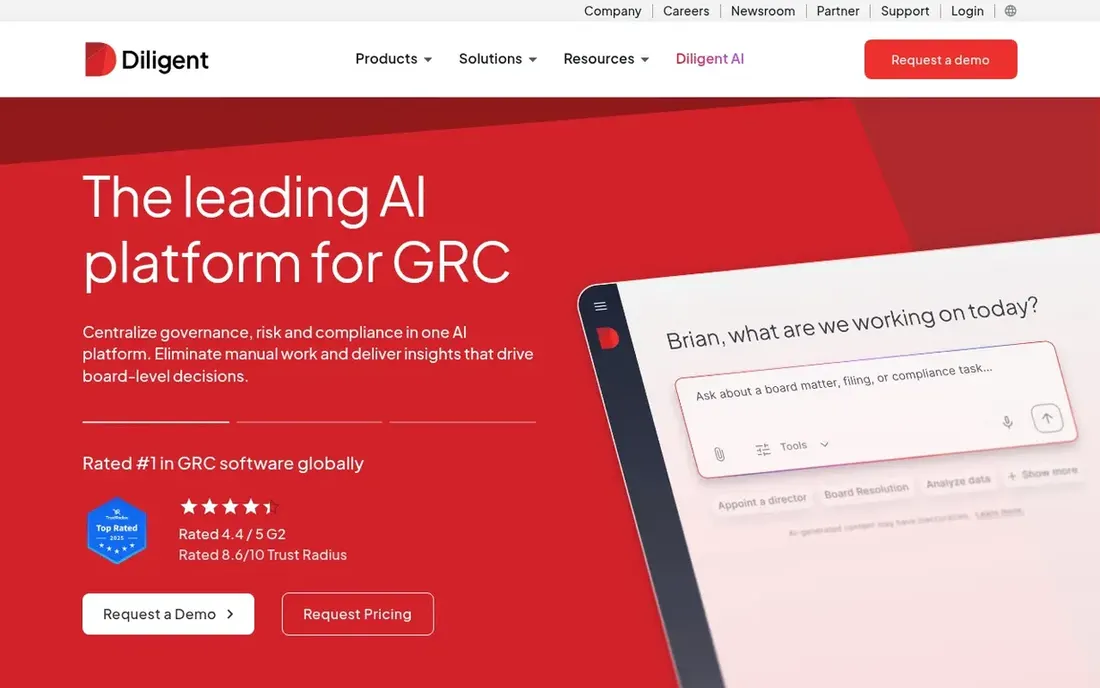
Diligent Boards serves governance, risk, and compliance in one system. Diligent Boards sits within Diligent's governance, risk, and compliance product, which is built to help boards and leaders clarify risk, raise governance, and run compliance in one secure, AI-powered environment.
Points against: Wide GRC scope may feel heavy for small boards.
Main advantages: Merges governance, risk, compliance. On top of that, education institutions with complicated oversight duties, like multi-campus districts or university systems, may appreciate having governance and compliance concerns addressed in a single place. Diligent Boards does not show a starting price in this comparison, so check the vendor site for current pricing. Free options: Not stated.
- Targeted at boards and senior leaders
- AI-powered product
- Education context not a stated focus
iBabs
Best for: Paperless agendas and document control
iBabs works best for paperless agendas and document control. iBabs eases board meetings with one secure, paperless system for managing agendas, documents, and decisions. In practice, Boards with broader governance reporting needs should compare products that include those areas.
Limits to weigh: Less emphasis on analytics or GRC.
In practice, the homepage emphasizes meeting and document management instead of analytics or integrated risk and compliance. For education boards aiming to cut paper and keep meeting materials in one controlled place, the paperless focus is a clear draw. iBabs shows no starting price here, so confirm the cost on the vendor site. Free access: Not stated.
- Secure
- Runs agendas and documents
- Education-specific features not highlighted
Azeus Convene
Best for: AI-powered governance and collaboration
Azeus Convene was built for AI-powered governance and collaboration. Education boards that run frequent meetings and want collaboration tools alongside document handling may find the combination relevant.
Points against: Education-specific positioning not stated.
It suits institutions looking to modernize governance processes in a single secure environment. Azeus Convene does not show a starting price in this comparison, so check the vendor site for current pricing. Free options: Free trial.
- Informed decisions
- Simplifies meetings and collaboration
- Feature breadth may need setup effort
Selection criteria
LinkVetted used vendor pricing pages and product documentation as the base, then compared plans, free access and documented limits for 6 tools. Treat prices as a snapshot: vendors change plans often, so check the vendor site for the figure that applies today. The sequence is a judgement call: typical use case first, then pricing transparency, then free access. Use the profiles to check fit.
Pre-purchase checklist
- Request quotes from OnBoard, Azeus Convene and the others; the list shows no fixed prices.
- Run a trial of OnBoard and Azeus Convene with real work before paying for a year; your own workflow is the best test.
- Before choosing OnBoard, weigh its main limit: AI features may need onboarding time.
- Ask OnBoard how an export works before you move any records in; an easy exit lowers the risk.
- Pick one real project and run it in BoardEffect first; a small pilot shows fit faster than a checklist.
FAQ
Is OnBoard the right pick for everyone comparing board management software for education?
No single tool suits every team. OnBoard comes first because it fits AI-assisted, low-complexity board meetings, while Govenda suits meeting preparation and board effectiveness and BoardEffect suits analytics-driven modern governance. Match the tool to your own size, budget and workflow before deciding.
Can I try these tools before paying?
Often, yes. OnBoard and Azeus Convene offer a free trial. Use your own data and a real task during the test, and check what the free tier or trial limits before you rely on it.
Do these tools publish their prices?
No. None of the tools, from OnBoard to Azeus Convene, shows a fixed starting price here, so budget time for quotes.
How are the tools for board management software for education ordered?
OnBoard sits first and Azeus Convene last because the order follows typical fit for board management software for education, then price clarity and free access. It is a judgement call, so read each profile for fit and limits.
What should an education board look for in board management software?
Prioritize secure document handling, agenda and minutes workflows, and easy access for members who serve remotely. Also confirm access controls and training support, since school and university boards commonly bundle members with varied technical comfort.
Is paperless meeting management realistic for education boards?
Numerous boards move to paperless portals for agendas, documents, and decision tracking, which cuts printing and keeps materials in one place. Confirm device support and offline access before rolling it out to all members.
Sources
- https://www.onboardmeetings.com
- https://www.govenda.com
- https://www.boardeffect.com
- https://www.diligent.com
- https://www.ibabs.com
- https://www.azeusconvene.com