Choosing Device Management Software for Education Districts in 2026: 6 Options Compared
Weighing the best device management software for education districts? We lined up 6 products by cost, free access and fit. Weak spots flagged for every entry.
- Editor's choice
 Addigy
IT teams wanting live Apple oversight
Starts atSee websiteVisit addigy.comFull review - Great alternative
 Microsoft Intune
Districts with mixed Windows and Apple fleets
Starts atSee websiteVisit microsoft.comFull review - Also consider
 Kandji
Apple fleets needing deployment and security
Starts atSee websiteVisit kandji.ioFull review
Direct answer
Addigy comes first here, mainly for IT teams wanting live Apple oversight. Listed starting prices: Google Chrome Enterprise Management from $6 per user per month. Alternatives: Microsoft Intune for districts with mixed Windows and Apple fleets, and Kandji for Apple fleets needing deployment and security. Details, prices and limits for the rest of the 6 tools are below.
TL;DR:
- Number one here is Addigy, a fit for IT teams wanting live Apple oversight.
- Starting prices begin at $6 per user monthly with Google Chrome Enterprise Management.
- Just one of the 6 tools, Google Chrome Enterprise Management, has a free plan.
- FileWave is the one to check for cross-platform districts managing all device types.
Last checked November 2026. Prices and plan details were read from the vendors' own pages in November 2026; vendors change plans often, so confirm the current price on the vendor site before you buy.
Quick comparison
| Tool | Best for | Starts at | Free plan? | |
|---|---|---|---|---|
| Addigy | IT teams wanting live Apple oversight | See website | Free trial | Visit |
| Microsoft Intune | Districts with mixed Windows and Apple fleets | See website | Not stated | Visit |
| Kandji | Apple fleets needing deployment and security | See website | Not stated | Visit |
 Jamf Pro | Apple-first districts needing deep MDM control | See website | Not stated | Visit |
| Google Chrome Enterprise Management | Chromebook-heavy districts and browser control | $6 per user per month | Yes | Visit |
| FileWave | Cross-platform districts managing all device types | See website | Free trial | Visit |
Device Management Software for Education Districts, one by one
Short on time? The summary and table above give the quick view of 6 device management software for education districts, and the profiles that follow give the detail behind each entry.
Addigy serves IT teams wanting live Apple oversight. The platform concentrates on Apple hardware, so Windows and Chromebook management needs separate coverage.
This comparison lists no price for Addigy; ask the vendor. Free plan details: Free trial.
What users get: iPhones and iPads. Watch-outs: Live tooling assumes active admin staffing.
- Live visibility into Macs
- Aimed at IT teams and managed service providers
- Apple-only device coverage
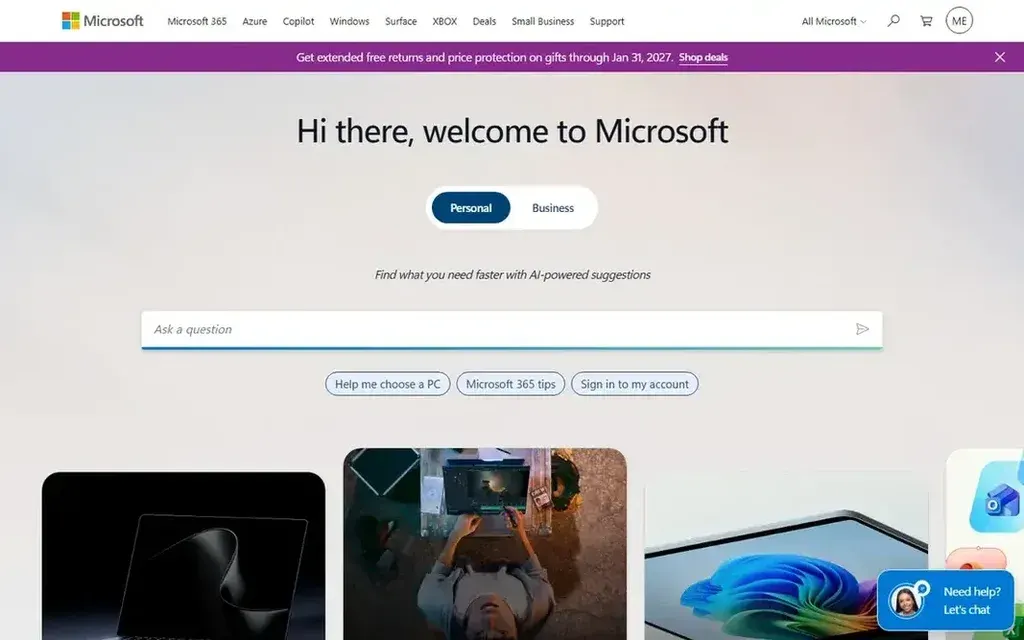
Choose Microsoft Intune for districts with mixed Windows and Apple fleets. Microsoft Intune is described as a unified endpoint management option targeted at operational efficiency, including device management and security capabilities in one place. Worth adding: districts with heavy Apple or ChromeOS footprints may still want specialized tools for those products.
Choose Intune when consolidation across device types is the goal. Districts already using Microsoft productivity and identity tools can bring laptops, tablets and staff devices under a single management approach, which eases administration across schools and central offices. The breadth of capabilities means new administrators face a learning curve, and the experience is smoothest for organizations already invested in Microsoft services. This comparison lists no price for Microsoft Intune; ask the vendor. Free plan details: Not stated.
Points against: Feature breadth can overwhelm new admins.
- Suits Microsoft-centered IT environments
- Unified endpoint management
- Best value inside Microsoft ecosystems
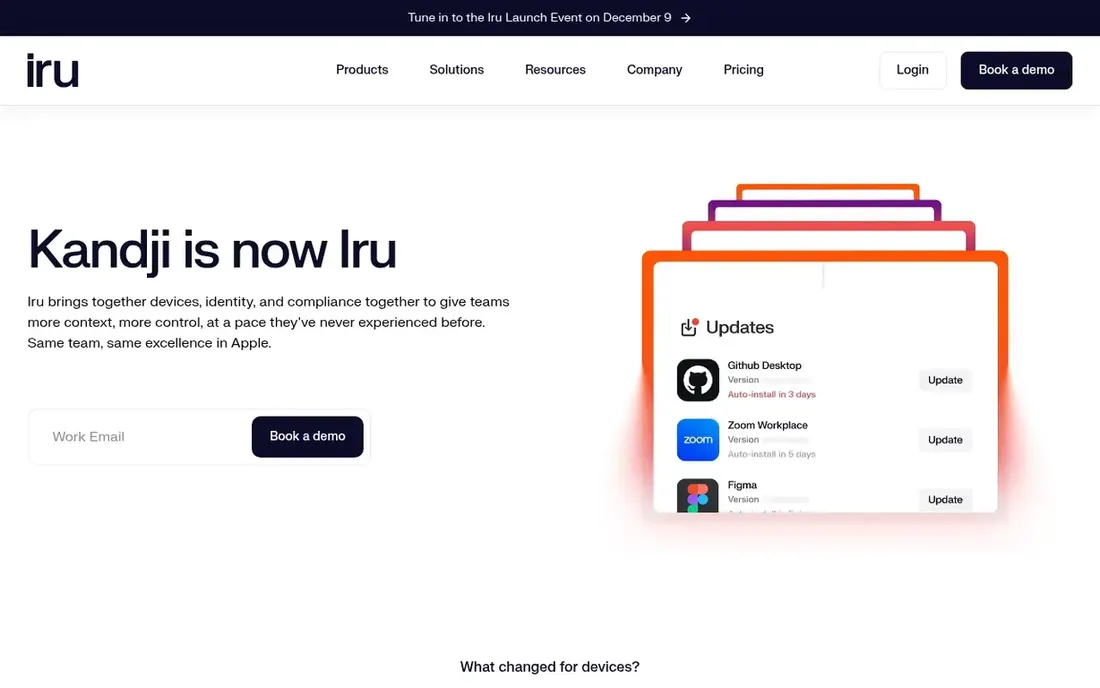
Kandji is built with Apple fleets needing deployment and security in mind. Since the focus is Apple, districts with substantial Windows or Android populations will need other systems for those devices.
As for the details, pick Kandji when Apple management and security are the core requirement and simplicity matters more than all-platform coverage. Check the vendor site for Kandji pricing; none is listed in this comparison. Free options: Not stated.
Best features of Kandji: Apple MDM for Mac, iPad.
Limits to weigh: Smaller scope than full UEM suites.
- Security features included
- IPhone and Apple TV
- Restricted to Apple products
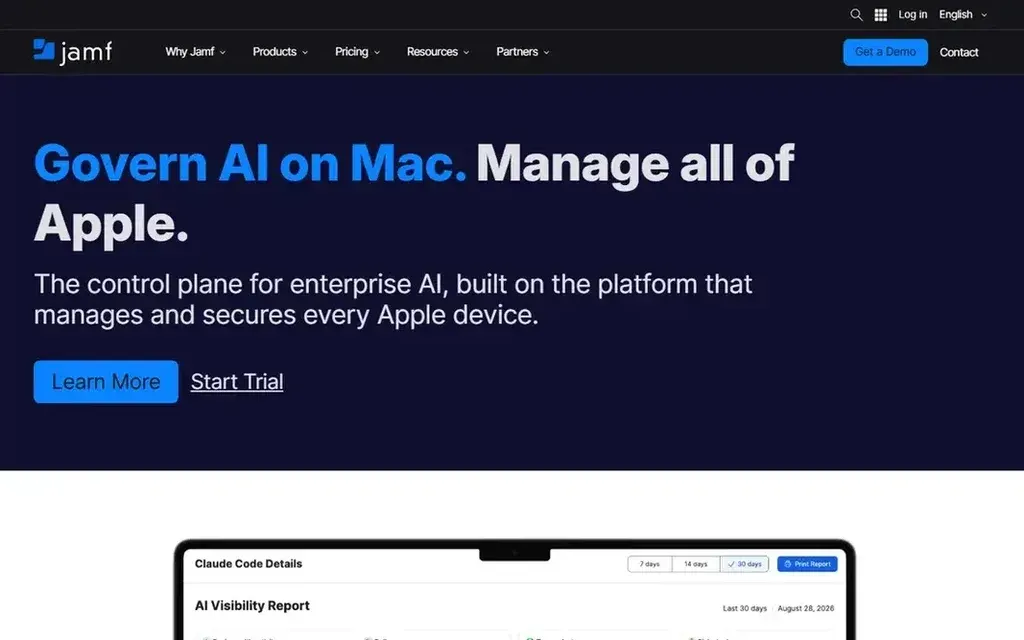
Jamf Pro is a good fit for Apple-first districts needing deep MDM control. The system is oriented around Apple hardware, so districts running large Windows or Chromebook populations will need extra tools alongside it.
What to check first: Configuration depth can take time to learn.
Its depth also means administrators should plan for setup and training time. No starting price is listed for Jamf Pro here; confirm pricing on the vendor site. On free options: Not stated.
- Advanced Apple management tools
- Capable fit for iPad and Mac fleets
- Apple-centric scope
Google Chrome Enterprise Management
Best for: Chromebook-heavy districts and browser control
Google Chrome Enterprise Management is a good fit for Chromebook-heavy districts and browser control. Chrome Enterprise is presented as a trusted enterprise browser that adapts to business needs and guards corporate data. It anchors management for organizations running Chrome devices.
For everyday use, districts that issue Chromebooks to students can centralize browser and device policy, which suits typical classroom workflows where most work happens in a browser. Its scope is narrower than full endpoint management suites, so Windows and Apple devices still need their own tools. Choose it when Chromebooks carry most of the student workload and browser-level control is the central requirement. The starting price for Google Chrome Enterprise Management: $6 per user monthly. Google Chrome Enterprise Management includes a free tier.
Downsides: Narrower than full endpoint suites.
- Guards corporate data in the browser
- Fits Chromebook classroom programs
- Value relies on Google ecosystem use
FileWave
Best for: Cross-platform districts managing all device types
FileWave targets cross-platform districts managing all device types. Districts that are exclusively Apple may find a dedicated MDM more focused.
FileWave does not show a starting price in this comparison, so check the vendor site for current pricing. Trial and free access: Free trial.
Downsides: Wide scope needs administrative planning.
- IOS and Android
- Unified endpoint management
- Less Apple-specialized than dedicated MDM
How the list was put together
Selection started from tools commonly considered for device management software for education districts, then narrowed to 6 that have clear pricing information or a clear quote process. Where a vendor does not publish a price, the entry says quote. Where a price depends on seats or billing term, the entry says so. Position on the page reflects fit for a typical buyer first, with price clarity and free access breaking ties. Treat it as a guide, not a ruling.
What to check before you buy
- Confirm the entry price on the vendor page. For Addigy, Microsoft Intune, Kandji and others that means a quote rather than a fixed price.
- Look at the free plan from Google Chrome Enterprise Management closely: its caps decide whether it is usable for real work.
- Run a trial of Addigy and FileWave with real work before paying for a year; your own workflow is the best test.
- Before choosing Addigy, weigh its main limit: Apple-only device coverage.
- Ask Addigy which support channels and response times come with the plan you would buy.
- Confirm minimum seats and billing terms with Google Chrome Enterprise Management before you commit to an annual plan.
FAQ
What should Chromebook-heavy districts consider?
Google Chrome Enterprise Management suits districts where browser-based devices carry most student work, since it centralizes browser and device policy. Districts that also run Windows or Apple hardware should pair it with a broader endpoint tool.
Which tool is a good match for a district that is largely Apple?
Addigy is the pick this page puts first, mainly for IT teams wanting live Apple oversight. If your situation differs, Microsoft Intune suits districts with mixed Windows and Apple fleets, and Kandji suits Apple fleets needing deployment and security. Compare price and limits before you decide.
How should a district choose between specialized MDM and unified endpoint suites?
Unified suites handle more device types in one console but may need more configuration effort. Match the choice to the actual device mix across schools and central offices.
Which options for device management software for education districts have a free plan?
Google Chrome Enterprise Management is the only tool in this list with a free plan. Free plans usually cap users, projects or features, so check the limits on the vendor page. Several others offer a trial instead.
What is the cheapest option for device management software for education districts in this list?
On published monthly entry prices, Google Chrome Enterprise Management is the lowest here at $6 per user monthly. Entry price is only part of the cost, because seats, add-ons and billing terms can change the total.
Is Addigy the right pick for everyone comparing device management software for education districts?
No single tool suits every team. Addigy comes first because it fits IT teams wanting live Apple oversight, while Microsoft Intune suits districts with mixed Windows and Apple fleets and Kandji suits Apple fleets needing deployment and security. Match the tool to your own size, budget and workflow before deciding.
Sources
- https://addigy.com
- https://www.microsoft.com/en-us/security/business/endpoint-management/microsoft-intune
- https://www.kandji.io
- https://www.jamf.com/products/jamf-pro
- https://chromeenterprise.google
- https://www.filewave.com