Best Curriculum Mapping Software for School Districts in 2026: 5 Tools Compared
Best Curriculum mapping software for school districts in 2026: 5 contenders with entry costs and free tiers. We note where every tool falls short. Plain facts.
- Editor's choiceEdulastic
Districts linking mapping to assessment
Starts at$125 a yearVisit edulastic.comFull review - Great alternativePlanbook
Teacher lesson planning and daily organization
Starts atSee websiteVisit planbook.comFull review - Also considerAtlas
District-wide curriculum alignment and articulation
Starts atSee websiteVisit onatlas.comFull review
Direct answer
For districts linking mapping to assessment, Edulastic is where this list starts. Listed starting prices: Edulastic from $125 a year. Planbook is the stronger choice for teacher lesson planning and daily organization, while Atlas suits District-wide curriculum alignment and articulation. Details, prices and limits for the rest of the 5 tools are below.
TL;DR:
- This list starts with Edulastic, which is built for districts linking mapping to assessment.
- Just one of the 5 tools, Edulastic, has a free plan.
- Expect to ask for a quote from Planbook, Atlas, Canvas LMS and Rubicon Atlas; the other tools show a starting price.
- One limit worth knowing about Atlas: mapping-focused instead of a full LMS.
Last checked November 2026. Prices and plan details were read from the vendors' own pages in November 2026; vendors change plans often, so confirm the current price on the vendor site before you buy.
Quick comparison
| Tool | Best for | Starts at | Free plan? | |
|---|---|---|---|---|
| Edulastic | Districts linking mapping to assessment | $125 a year | Yes | Visit |
| Planbook | Teacher lesson planning and daily organization | See website | Not stated | Visit |
| Atlas | District-wide curriculum alignment and articulation | See website | Not stated | Visit |
 Canvas LMS | Districts standardizing on a learning product | See website | Not stated | Visit |
| Rubicon Atlas | Waste and recycling operations, not curriculum | See website | Not stated | Visit |
Tool-by-tool breakdown
This LinkVetted guide covers 5 Curriculum mapping software for school districts. Each profile lists a starting price, free plan details, strengths and drawbacks, so you can drop poor fits quickly.
Edulastic
Best for: Districts linking mapping to assessment

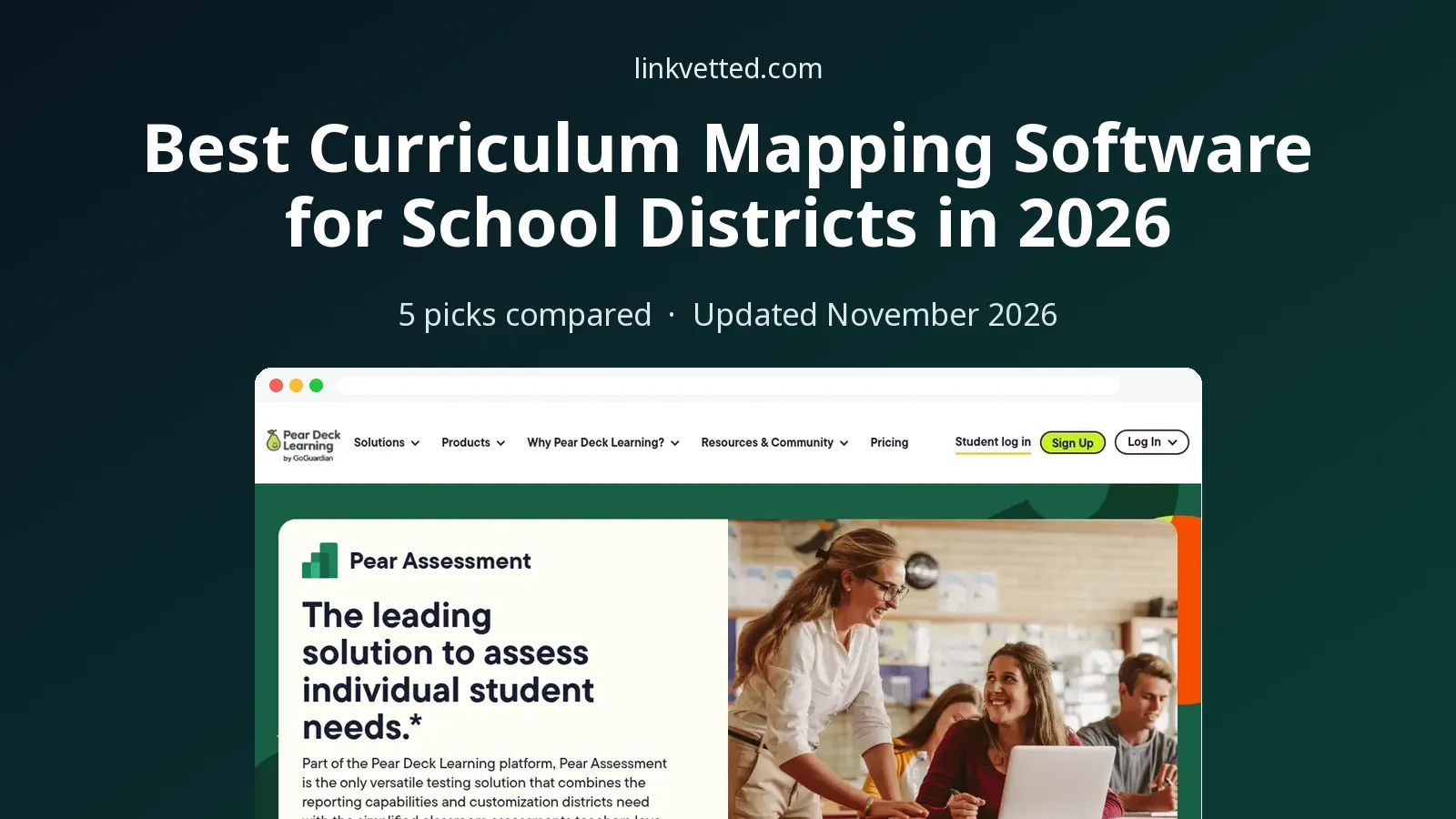
Edulastic is built with districts linking mapping to assessment in mind. Edulastic, presented under Pear Deck Learning as Pear Assessment, describes a versatile assessment product that merges simplicity for straightforward classroom assessments with the customization needed to deploy typical assessments at scale. If your primary goal is documenting scope and sequence, a dedicated mapping tool may fit better.
Honest limits: Assessment-first instead of mapping-first.
Consider Edulastic when assessment data is the driver and mapping can link through your other systems. Districts that want evidence from assessments to inform curriculum conversations may find this a practical companion to mapping work, particularly where teachers need a consistent way to check understanding across schools. What you pay to start with Edulastic: $125 per year. You can start on Edulastic without paying.
- Customization for district-wide deployment
- Straightforward classroom assessments plus scaled typical assessments
- Mapping depth relies on integration
Planbook
Best for: Teacher lesson planning and daily organization
Planbook is built with teacher lesson planning and daily organization in mind. Planbook presents itself as an online lesson planning tool, and its page describes a long-standing presence in teacher planning.
As for the details, districts may use it to support daily and weekly planning where teachers need a consistent format. On top of that, choose it for planning workflow, and pair it with mapping software when the district needs a shared curriculum record. Planbook does not show a starting price in this comparison, so check the vendor site for current pricing. Trial and free access: Not stated.
Points against: Restricted articulation features.
- Widely used planning approach
- Online planning workflow
- Lesson planning instead of district mapping
Atlas
Best for: District-wide curriculum alignment and articulation
Pick Atlas if this describes you: District-wide curriculum alignment and articulation. Confirm how it links with your existing systems and how much configuration your team can support.
Atlas presents itself as curriculum mapping software built to enable alignment, articulation, and meaningful collaboration. On top of that, since Atlas is positioned around mapping, districts looking for a single system to run courses, assessments, and communication may have to pair it with other tools. Atlas shows no starting price here, so confirm the cost on the vendor site. As for free access: Not stated.
Points against: Mapping-focused instead of a full LMS.
- Mapping built around alignment and articulation
- Clear curriculum-focused positioning
- Assessment features not its stated emphasis
Canvas LMS is designed for districts standardizing on a learning system. Instructure describes Canvas LMS as part of its edtech options for K-12, higher education, and business, alongside Impact and Mastery.
Canvas LMS shows no starting price here, so confirm the cost on the vendor site. Trial and free access: Not stated.
Downsides: Product scope may exceed mapping needs.
- Supports course and content organization
- Part of a wider edtech suite
- Mapping features need verification
Rubicon Atlas
Best for: Waste and recycling operations, not curriculum

Rubicon Atlas targets waste and recycling operations, not curriculum. The Rubicon site describes waste and recycling services for national brands and households, concentrated on managing waste, controlling costs, and accessing full-service support. Its stated purpose is environmental services operations instead of instructional planning or curriculum documentation.
This is not a curriculum mapping tool, and nothing on the vendor page recommends school district instructional features. From a buyer's view, if your district also handles waste and recycling contracts, the vendor page is the right place to evaluate that separate need. Also, districts searching for mapping software should look elsewhere and treat this listing as a naming caution. Check the vendor site for Rubicon Atlas pricing; none is listed in this comparison. Free options: Not stated.
Where it is weaker: Not a curriculum mapping product.
- Fits national brands and households
- Full-service support model described
- Does not fit school district instructional needs
How we chose
We compared the tools on published pricing, free plan or trial availability, feature coverage for Curriculum mapping software for school districts, and the limits each vendor documents. Plan names, prices and limits change often. Treat the figures here as a starting point and verify them with the vendor. Position on the page reflects fit for a typical buyer first, with price clarity and free access breaking ties. Treat it as a guide, not a ruling.
Before you commit
- Confirm the entry price on the vendor page. For Planbook, Atlas, Canvas LMS and Rubicon Atlas that means a quote rather than a fixed price.
- Look at the free plan from Edulastic closely: its caps decide whether it is usable for real work.
- Before choosing Edulastic, weigh its main limit: assessment-first instead of mapping-first.
- Test how quickly Planbook answers a pre-sales question; it hints at how support will feel later.
- Pick one real project and run it in Edulastic first; a small pilot shows fit faster than a checklist.
FAQ
How are the tools for Curriculum mapping software for school districts ordered?
The order follows typical fit for Curriculum mapping software for school districts, with Edulastic first and Rubicon Atlas last, then price clarity and free access. It is editorial judgement, not a score, so another team could rank the tools differently.
Do these tools publish their prices?
Not all of them. Planbook, Atlas, Canvas LMS and Rubicon Atlas publish no starting price, so expect a quote request for those. The rest, Edulastic included, show a starting price, though seats and billing terms still change the final cost.
Can I try these tools before paying?
Often, yes. Edulastic has a free plan. Use your own data and a real task during the test, and check what the free tier or trial limits before you rely on it.
Should we combine mapping software with an assessment platform?
Combining tools can work well when assessment evidence informs curriculum review. Edulastic describes assessment at classroom and district scale, which can complement a mapping system.
Is Edulastic the right pick for everyone comparing Curriculum mapping software for school districts?
No single tool suits every team. Edulastic comes first because it fits districts linking mapping to assessment, while Planbook suits teacher lesson planning and daily organization and Atlas suits District-wide curriculum alignment and articulation. Match the tool to your own size, budget and workflow before deciding.
Sources
- https://www.edulastic.com
- https://www.planbook.com
- https://www.onatlas.com
- https://www.instructure.com
- https://www.rubicon.com