Best Digital Platforms for Middle School Teachers in 2026: 9 Platforms Compared
Compare the best digital platforms for middle school teachers in 2026, from Google Classroom and Canvas to Nearpod, Kahoot and Edpuzzle for class use.
- Editor's choice
 Google Classroom
Schools using Google Workspace
Starts atFreeVisit classroom.google.comFull review - Great alternative
 Canvas
Districts needing a full LMS
Starts atFreeVisit instructure.comFull review - Also consider
 Schoology
K-12 districts and courses
Starts atSee websiteVisit powerschool.comFull review
TL;DR:
- Middle school teachers need tools that work for ages 11 to 14, with clear routines, short tasks and controls that keep class focus.
- Google Classroom and Canvas cover assignments and grading, while Nearpod, Kahoot and Edpuzzle cover live engagement and checks for understanding.
- Privacy and student data rules matter more in schools than in general software, so check district approval and data handling before you adopt a tool.
- Free tiers are useful for a trial, but check limits on students, classes and reports before you build a term around a free plan.
- The best setup is usually a core classroom platform plus one or two engagement tools, not ten apps competing for student attention.
Quick comparison
| Tool | Best for | Starts at | Free plan? | |
|---|---|---|---|---|
| Google Classroom | Schools using Google Workspace | Free | Yes | Visit |
| Canvas | Districts needing a full LMS | Free | Yes | Visit |
| Schoology | K-12 districts and courses | See website | Free trial | Visit |
 Nearpod | Interactive live lessons | Free | Yes | Visit |
 Kahoot | Quizzes and review games | Free | Yes | Visit |
 Edpuzzle | Video lessons with checks | Free | Yes | Visit |
 Quizizz | Practice and formative checks | Free | Yes | Visit |
 ClassDojo | Communication and behaviour | Free | Yes | Visit |
 Microsoft Teams for Education | Schools using Microsoft 365 | Free | Yes | Visit |
The best digital platforms for middle school teachers
Middle school is a distinct stage. Students are moving toward independence, but they still need structure, short feedback loops and clear expectations. The platforms below help teachers assign work, run interactive lessons, check understanding and communicate with families, without turning every lesson into a screen-only exercise.
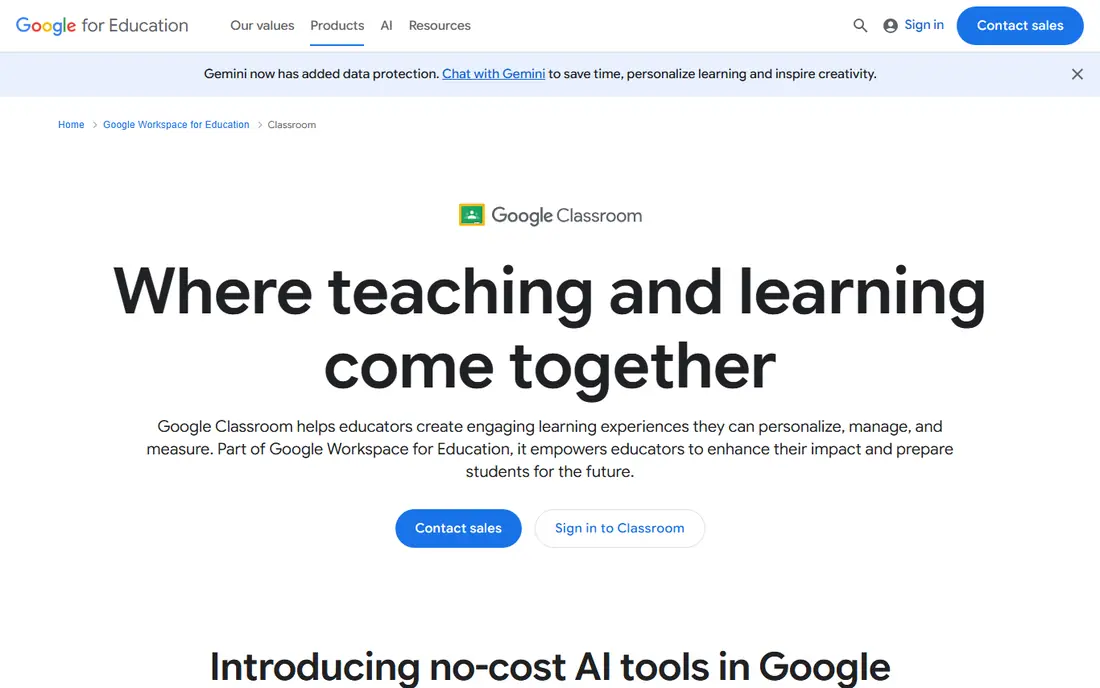
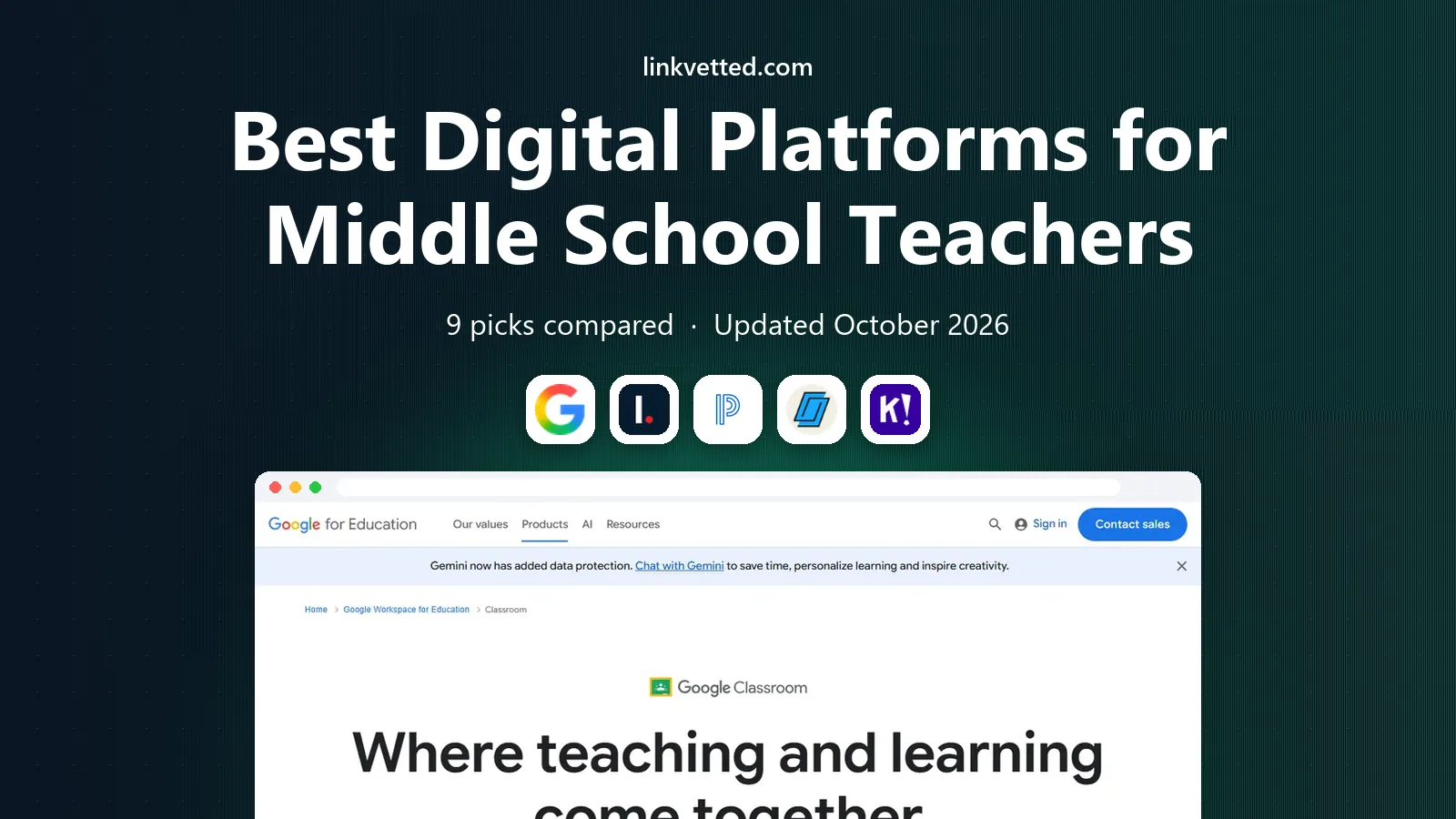
Google Classroom is the simplest core platform for many middle schools, especially those already using Google Workspace for Education. Teachers create classes, post assignments, collect work in Drive, grade with rubrics and return feedback in one place. Students see a clear stream of work, which helps with the organisation skills middle schoolers are still building.
Classroom is not a full learning management system, so schools that need deep analytics, standards tracking or complex course design may need Canvas or Schoology. For daily assignments, feedback and communication, its simplicity is a strength, and the free price for eligible schools keeps the barrier low.
- Free for schools with Workspace
- Simple assignments and grading
- Integrates with Docs, Slides and Drive
- Limited built-in quizzing and analytics
- Grading tools are basic compared with a full LMS
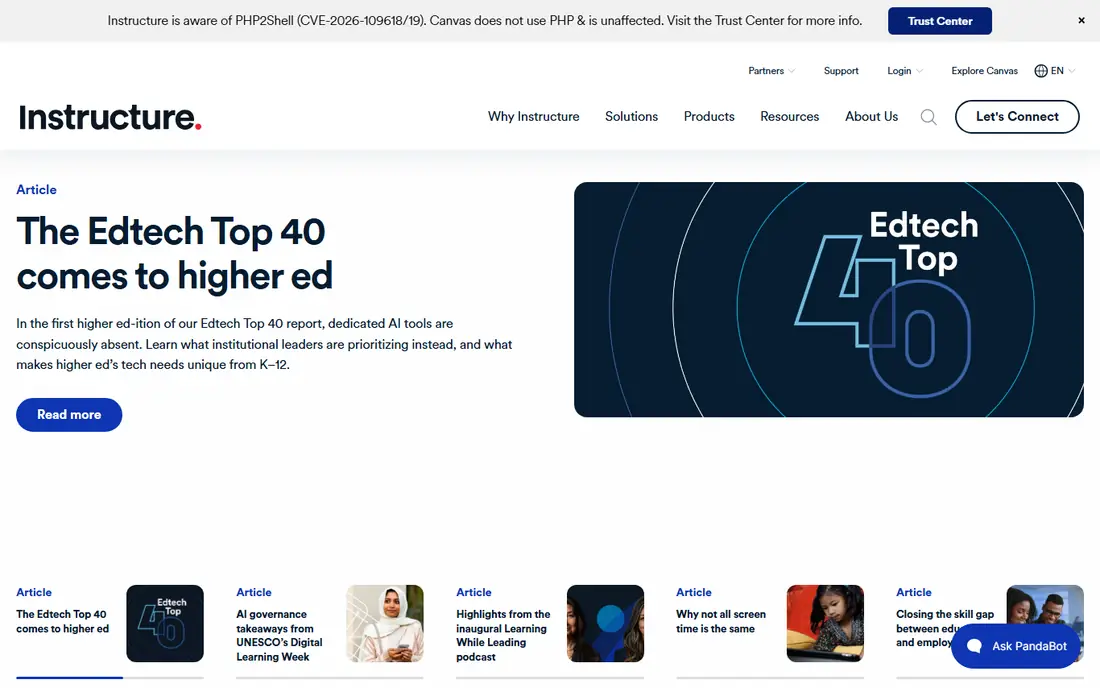
Canvas, from Instructure, is a full learning management system used by many districts and schools. It supports modules, assignments, quizzes, discussions, grading and analytics in a structured course layout. SpeedGrader lets teachers give feedback on work quickly, which matters when a middle school teacher grades several classes.
Canvas takes more setup than Google Classroom, and districts usually manage it centrally. A free teacher account is useful for a trial, but it does not include every district feature. For schools that want a consistent, district-wide platform with deeper reporting, Canvas is a strong choice.
- Full course design and grading
- SpeedGrader for fast feedback
- Strong district and standards tools
- More setup than Classroom
- Free teacher account has limits
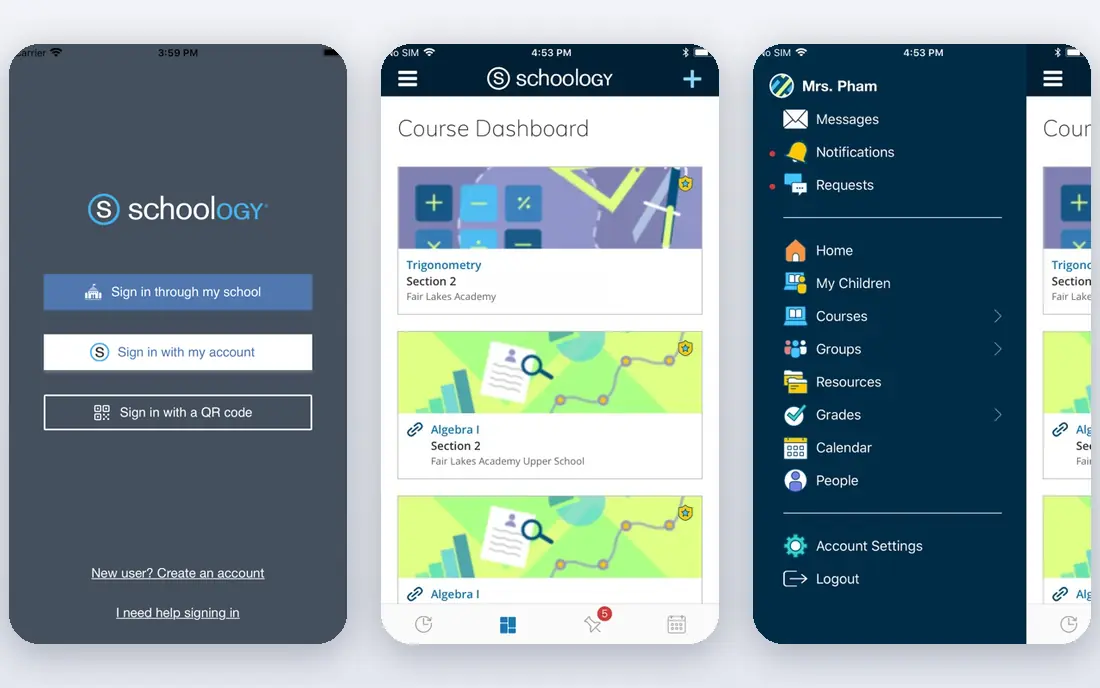
Schoology, now part of PowerSchool, is built for K-12 schools and districts. It combines course pages, assignments, quizzes, discussions and gradebook tools in a system designed for younger learners and their teachers. Integration with PowerSchool student information tools helps districts keep rosters and grades in sync.
Pricing is typically arranged at district level, so individual teachers should check what their school already provides. Schoology is less of a solo-teacher tool than Classroom or Nearpod. For a district that wants a K-12 platform with PowerSchool links, it is a natural fit.
- Built for K-12 courses
- Assignments, discussions and grading
- PowerSchool integration
- Pricing is district-based
- Interface can feel busy
Nearpod turns a slide lesson into an interactive session with polls, quizzes, open questions, drawings and virtual field trips. Teachers can run a lesson live, with students joining on devices, or set it as student-paced work. That mix suits middle school, where attention varies and quick checks help teachers spot confusion early.
The free plan is useful, but storage and class size limits apply, so check them before a full term. Nearpod works best when teachers adapt a lesson rather than presenting slides unchanged. For engagement and formative checks inside a lesson, it is one of the most useful tools on this list.
- Interactive slides, polls and quizzes
- Student-paced and live modes
- Large lesson library
- Free plan limits storage and lesson size
- Best results need lesson planning time
Kahoot is a game-based quiz platform that middle school students usually enjoy. Teachers run timed questions, students answer on devices, and a leaderboard adds energy to review sessions. The public library includes many ready-made quizzes, which saves preparation time for common topics.
Kahoot is best for review, recall and energy, not for deep assessment or written work. The competitive format can unsettle some students, so teachers often use team mode or turn off the leaderboard. Used in short bursts, it is a reliable way to check recall and lift a revision lesson.
- Fast, game-style quizzes
- Huge public library
- Easy for review and revision
- Competition can distract some students
- Deeper assessment needs another tool
Edpuzzle lets teachers take a video, add questions, notes and voice comments, and assign it as a lesson. Teachers can see who watched, where students stopped and how they answered, which turns passive video watching into an active task. That is useful for flipped lessons, homework and revision in middle school.
The free plan limits storage, so teachers with many videos should check paid tiers. Edpuzzle is focused on video learning, so it pairs well with Classroom or Canvas rather than replacing them. For video homework that actually gets checked, it is hard to beat.
- Embed questions in video
- Tracks who watched and answered
- Works with YouTube and uploaded video
- Free plan limits video storage
- Grading is focused on video tasks
Quizizz offers self-paced quizzes, lessons and interactive activities with instant feedback and teacher reports. Students can work at their own pace, which suits practice, homework and formative checks better than a timed whole-class game. Reports show which questions caused trouble, so teachers can reteach with focus.
Quizizz overlaps with Kahoot for quizzes, but its self-paced mode and reporting make it stronger for practice and homework. Check free plan limits on classes and reports before you rely on it for a whole term. For regular low-stakes checks, it is a practical classroom tool.
- Self-paced quizzes and lessons
- Instant feedback and reports
- Large question library
- Free plan has limits
- Some features need a school or district plan
ClassDojo is a communication and classroom community tool used widely in primary and middle schools. Teachers can message families, share class updates and photos, and award positive points for behaviour and effort. For middle school, the messaging and updates are often more useful than points, which need careful handling with older students.
ClassDojo does not replace Classroom or Canvas for assignments and grading. It works best as a family communication layer alongside a core platform. Schools should check privacy settings and district approval, and use behaviour features in a way that supports, rather than shames, students.
- Free for teachers
- Family messaging and updates
- Positive behaviour points
- Behaviour points need careful use
- Not a full assignment or grading platform
Microsoft Teams for Education gives schools class teams with assignments, files, chat and video meetings in one place. It integrates with Word, PowerPoint, OneNote Class Notebook and Forms, which suits schools already using Microsoft 365. Eligible schools can use it free through education licensing.
Teams can feel busy for middle school students if channels and apps are not organised clearly. IT-managed setup and simple class routines help a lot. For a Microsoft school, Teams is a coherent alternative to Google Classroom, with stronger meeting and notebook tools.
- Class teams, assignments and meetings
- Integrates with Word, OneNote and Forms
- Free for eligible schools
- Can feel busy for younger students
- Setup is best managed by IT
How we picked these
We compared official product pages, pricing pages and school guidance for tools widely used with middle school students in 2026. We favoured tools with free or education pricing, classroom controls, assignment or assessment features, and a record of school use. We left out general video or chat apps with no classroom structure, and tools aimed only at adult learners. Teachers should always check district approval and student privacy rules before adopting a new tool.
What to check before you buy
Start with your district list. Many schools already provide Classroom, Canvas, Schoology or Teams, and using the approved platform avoids data and roster problems. Check age and privacy rules for each tool, including what student data is collected, how long it is kept and whether advertising is shown to students.
Test with one class for a few weeks. Check how long setup takes, how students join, how grading works and how families receive updates. Ask students what confused them, because a tool that looks simple to adults can still confuse an 11-year-old on a shared device. Finally, keep the stack small, with one core platform and one or two engagement tools, so students spend time learning, not logging in.
A simple weekly routine
Use the core platform for assignments and feedback every day, so students know where work lives. Add one interactive lesson with Nearpod or Edpuzzle and one low-stakes check with Quizizz or Kahoot each week. Use ClassDojo or the core platform for family updates. That routine gives variety without app overload.
FAQ
What is the best digital platform for middle school teachers overall?
Google Classroom is the best core platform for most Google schools, because it is free, simple and covers assignments and feedback. Canvas or Schoology are better for districts that need a full LMS with deeper grading and reporting. Add Nearpod or Edpuzzle for interactive lessons, rather than expecting one tool to do everything.
Are these platforms free for teachers?
Many offer free teacher or school plans, including Google Classroom, Nearpod, Kahoot, Edpuzzle, Quizizz, ClassDojo and Teams for Education for eligible schools. Free plans often limit storage, class size or reports, so check limits before a full term. District plans usually remove those limits and add admin controls.
How do I keep student data safe with these tools?
Use only district-approved tools, school accounts rather than personal accounts, and the privacy settings your district provides. Avoid tools that show advertising to students or collect data beyond the lesson need. Check each vendor privacy policy and your district guidance, and never share student passwords or personal details in public class content.
Can I use Kahoot and Quizizz together?
Yes, and many teachers do. Kahoot suits fast, whole-class review games, while Quizizz suits self-paced practice and homework with detailed reports. Using both in small doses gives variety without confusion, as long as students know which tool is used for which task.
What is the best platform for video lessons in middle school?
Edpuzzle is our pick for video lessons, because it adds questions and tracking to video, so teachers can see who watched and understood. Nearpod also handles video inside interactive lessons. Pair Edpuzzle with Classroom or Canvas for assignments and grading.
How do I communicate with families in middle school?
ClassDojo offers family messaging and updates, while Classroom, Canvas, Schoology and Teams include parent or guardian views and announcements. Pick the tool your school already uses for family contact, and keep messages short, regular and focused on learning and upcoming work. Avoid sharing sensitive student details in group messages.