Best Lesson Planning Tools for High School Teachers in 2026: Prices, Free Plans and 5 Picks
5 products for the best lesson planning tools for high school teachers, ranked by fit, with starting costs and free tiers. Real limits included. Facts only.
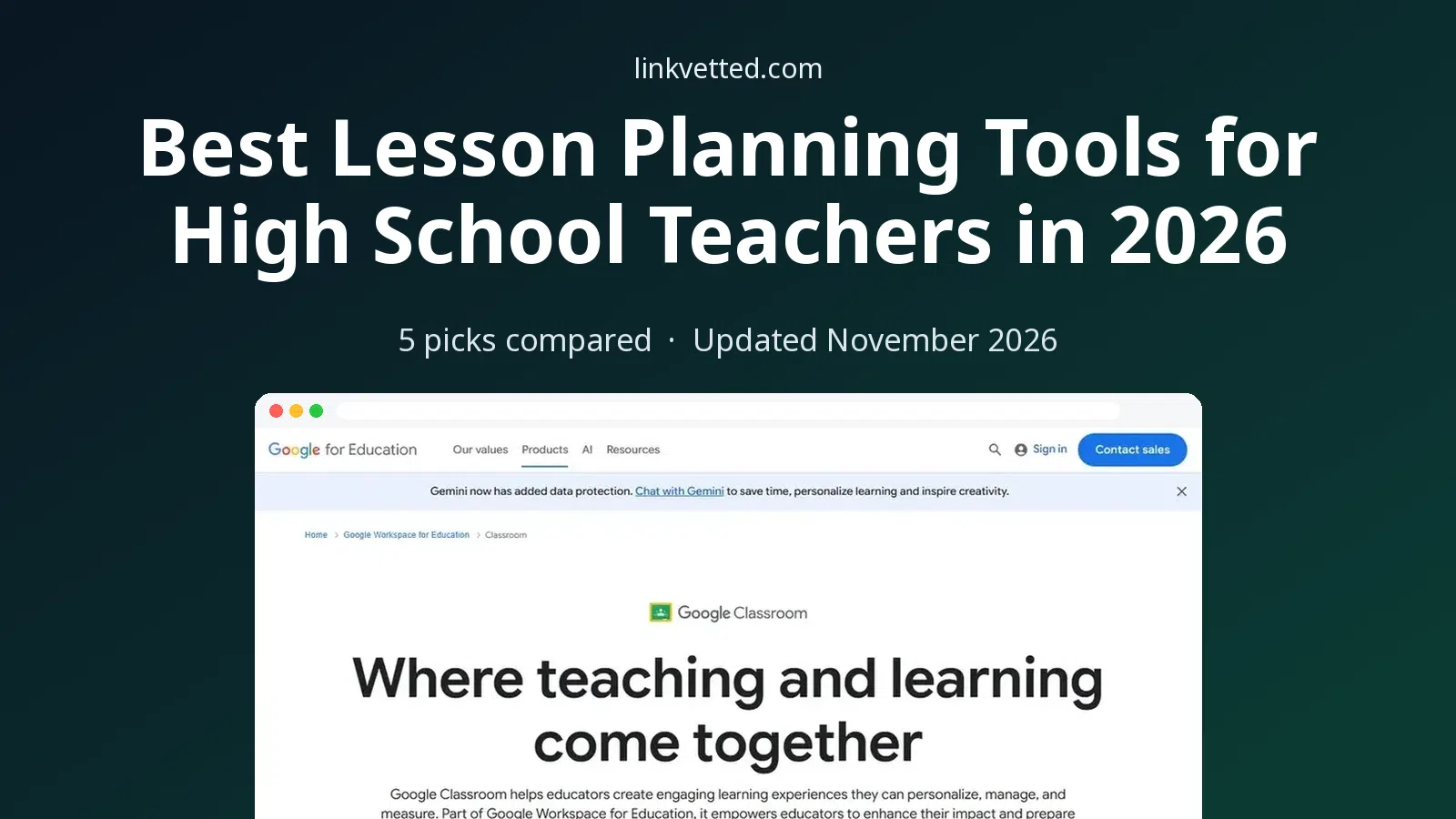
- Editor's choice
 Google Classroom
Planning tied to assignments and resources
Starts atSee websiteVisit classroom.google.comFull review - Great alternative
 Microsoft OneNote
Adaptable digital planning notebooks
Starts atSee websiteVisit microsoft.comFull review - Also consider
 Nearpod
Interactive lessons and active learning
Starts at$159 a yearVisit nearpod.comFull review
Direct answer
If you need planning tied to assignments and resources, Google Classroom is the first tool to look at here. Listed starting prices: Nearpod from $159 a year and Common Curriculum from $5.59 per month. Look at Microsoft OneNote for adaptable digital planning notebooks, and at Nearpod for interactive lessons and active learning. Prices, free plans and limits for all 5 tools follow.
TL;DR:
- Top of the list is Google Classroom, which targets planning tied to assignments and resources.
- The main caution on Planbook: narrower than a full LMS.
- Nearpod, Common Curriculum: these are the 2 tools out of 5 that offer a free plan.
- Common Curriculum is the one to check for AI-assisted unit plans and admin oversight.
- The lowest published monthly entry price here is $5.59 per month, from Common Curriculum.
Last checked November 2026. Prices and plan details were read from the vendors' own pages in November 2026; vendors change plans often, so confirm the current price on the vendor site before you buy.
Quick comparison
| Tool | Best for | Starts at | Free plan? | |
|---|---|---|---|---|
| Google Classroom | Planning tied to assignments and resources | See website | Not stated | Visit |
| Microsoft OneNote | Adaptable digital planning notebooks | See website | Not stated | Visit |
| Nearpod | Interactive lessons and active learning | $159 a year | Yes | Visit |
| Planbook | Dedicated daily and unit lesson planning | See website | Not stated | Visit |
| Common Curriculum | AI-assisted unit plans and admin oversight | $5.59 per month | Yes | Visit |
The best lesson planning tools for high school teachers
LinkVetted put together this guide to lesson planning tools for high school teachers for readers who want a clear shortlist without reading every vendor page. It compares 5 tools on starting price, free plans, who each one suits and where each one falls short.
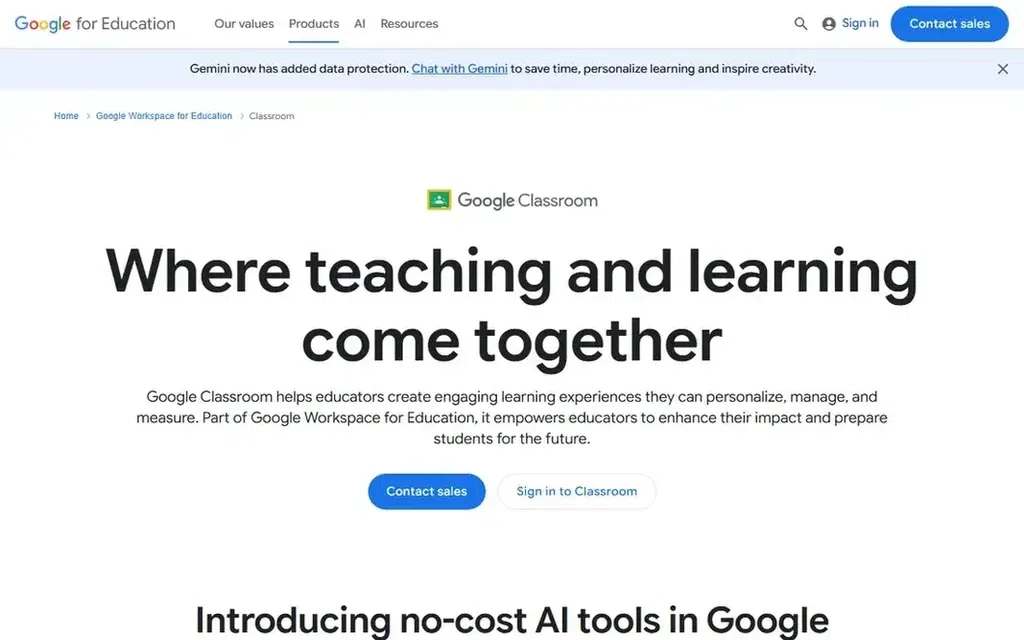
For planning tied to assignments and resources, Google Classroom is a natural candidate. Google Classroom is a classroom management hub for organizing classes, assignments and resources, and plenty of high school teachers use it as the backbone of their weekly planning.
Limits to weigh: Light on formal lesson plan templates.
- Straightforward assignment distribution
- Central hub for class resources
- Planning depth relies on extras
Microsoft OneNote targets adaptable digital planning notebooks. OneNote is a digital note-taking app that strengthens organization and eases collaboration.
OneNote gives you no purpose-built lesson planning structure, so teachers must build their own templates and standards tracking. Those who want ready-made planning views, admin submission or automatic plan writing should choose a dedicated planner instead. Microsoft OneNote does not show a starting price in this comparison, so check the vendor site for current pricing. Trial and free access: Not stated.
Watch-outs: No built-in lesson plan templates.
- Well suited to organizing resources
- Adaptable notebook structure
- Planning structure is self-built
Nearpod serves interactive lessons and active learning. Nearpod concentrates on creating active learning experiences students engage with during class.
What to check first: Lesson design takes additional preparation.
From a buyer's view, teachers who require a full planning record should pair it with a dedicated planner and use Nearpod for the interactive class experience. For high school teachers, it works as the delivery layer of a lesson plan, turning planned activities into interactive moments. Nearpod starts at: $159 per year. Nearpod offers a free plan.
- Interactive lesson experiences
- Works as a lesson delivery layer
- Not a long-range planner
Planbook
Best for: Dedicated daily and unit lesson planning
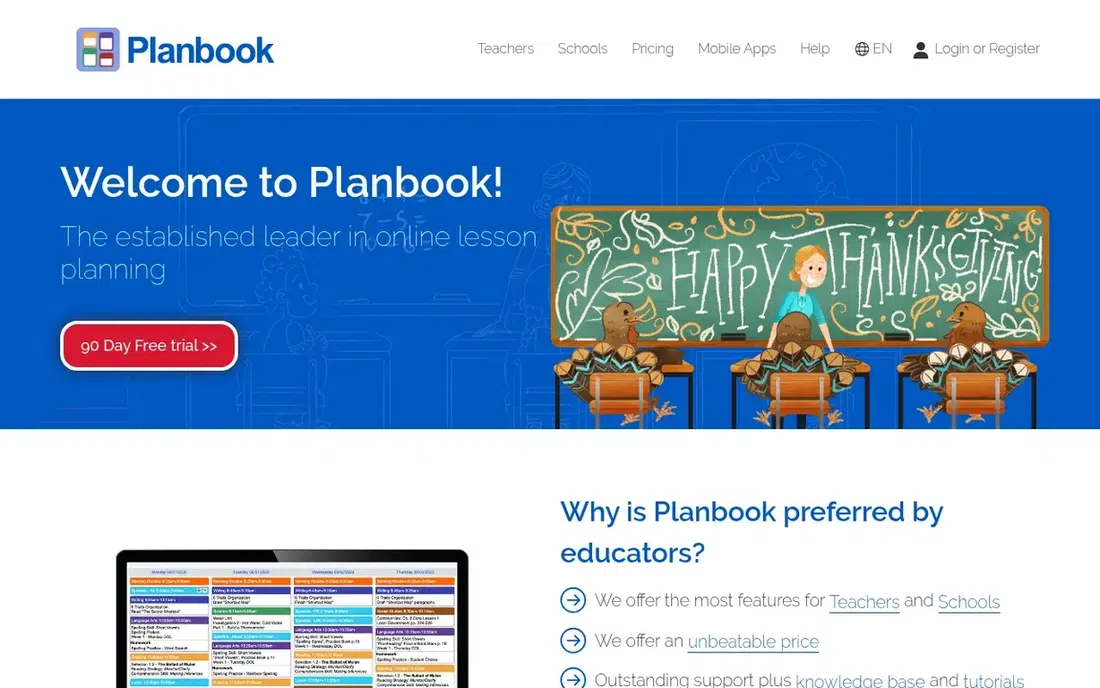
Planbook makes the most sense for dedicated daily and unit lesson planning. It suits teachers juggling multiple course sections who require organized, repeatable plans and standards alignment in one place.
Teachers who need grading, assignments and student communication in the same place may prefer a broader product, or pair Planbook with their school's existing system. No starting price is listed for Planbook here; confirm pricing on the vendor site. Free plan details: Not stated.
Trade-offs to know: Restricted built-in student delivery.
- Structured daily and unit views
- Established planning workflow
- Narrower than a full LMS
Common Curriculum
Best for: AI-assisted unit plans and admin oversight
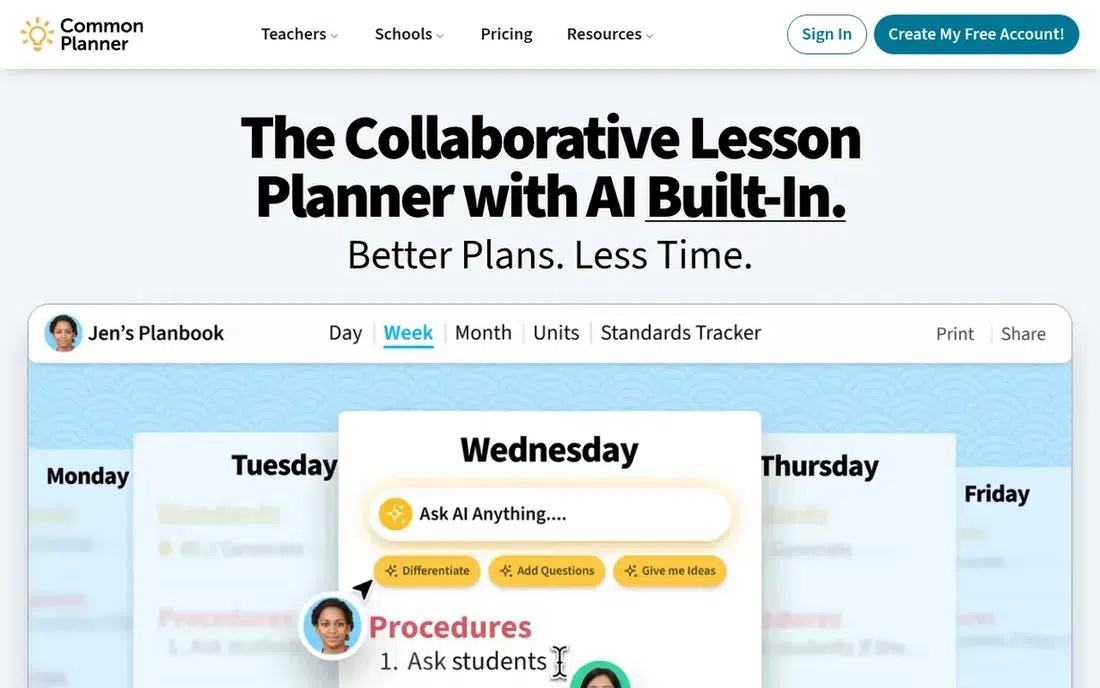
Pick Common Curriculum if this describes you: AI-assisted unit plans and admin oversight. Typical Curriculum describes itself as an AI powered teacher planner that helps teachers write unit plans and lesson plans quicker. It also supports administrators in coaching and managing lesson submissions, which fits departments and schools that review planning.
High school teachers who plan by unit and have to share plans with department leads will find the structure handy. Schools looking mainly for student-facing delivery and grading should consider a full classroom system instead, and use a planner only for the planning layer. Entry price for Common Curriculum: $5.59 per month. A free plan is available with Common Curriculum.
Where it falls short: AI output still needs teacher review.
- Admin coaching and submission tools
- Unit and lesson plan focus
- Less suited to daily delivery
How the list was put together
We compared the tools on published pricing, free plan or trial availability, feature coverage for lesson planning tools for high school teachers, and the limits each vendor documents. Plan names, prices and limits change often. Treat the figures here as a starting point and verify them with the vendor. The sequence is a judgement call: typical use case first, then pricing transparency, then free access. Use the profiles to check fit.
Before you commit
- Ask Google Classroom, Microsoft OneNote and Planbook for a written quote, since no starting price is shown.
- Read the fine print on the free plans from Nearpod and Common Curriculum; seat, project and feature caps differ.
- Read the limits listed for Google Classroom first: light on formal lesson plan templates.
- Add up seats, add-ons and usage charges for Google Classroom before comparing it with cheaper entries.
- Make sure Common Curriculum lets you export your data in a format another tool can read.
FAQ
Can I try these tools before paying?
Often, yes. Nearpod and Common Curriculum have a free plan. Use your own data and a real task during the test, and check what the free tier or trial limits before you rely on it.
What is the best lesson planning tool for high school teachers?
Google Classroom comes first here and is built for planning tied to assignments and resources. Buyers with other needs may prefer Microsoft OneNote (for adaptable digital planning notebooks) or Nearpod (for interactive lessons and active learning). Compare costs and limits first.
Which options for lesson planning tools for high school teachers have a free plan?
Nearpod and Common Curriculum offer a free plan in this list. Free plans usually cap users, projects or features, so check the limits on the vendor page.
How can I keep lesson plans organized across several courses?
Look for a tool with clear daily and unit views, plus sections for each course or period. Consistency in how you name and store plans matters as much as the tool.
Is Google Classroom the right pick for everyone comparing lesson planning tools for high school teachers?
No single tool suits every team. Google Classroom comes first because it fits planning tied to assignments and resources, while Microsoft OneNote suits flexible digital planning notebooks and Nearpod suits interactive lessons and active learning. Match the tool to your own size, budget and workflow before deciding.
Do these tools publish their prices?
Not all of them. Google Classroom, Microsoft OneNote and Planbook publish no starting price, so expect a quote request for those. The rest, Nearpod included, show a starting price, though seats and billing terms still change the final cost.
Sources
- https://classroom.google.com
- https://www.microsoft.com/en-us/microsoft-365/onenote/digital-note-taking-app
- https://nearpod.com
- https://www.planbook.com
- https://www.commoncurriculum.com