Best Online Course Platforms in 2026: 8 Platforms Compared
We compared the best online course platforms for creators and learners, including Teachable, Thinkific, Kajabi, Udemy and Coursera, on price and features.
- Editor's choice
 Teachable
Solo educators building a first course
Starts atSee websiteVisit teachable.comFull review - Great alternative
 Thinkific
Creators who want branding and no fees
Starts atFreeVisit thinkific.comFull review - Also consider
 Kajabi
Creators who want an all-in-one business
Starts at$149 per monthVisit kajabi.comFull review
TL;DR:
- Thinkific, Teachable and Podia suit creators who want their own branded school with no or low transaction fees.
- Kajabi suits creators who want courses, email and a website in one higher-priced system.
- Udemy, Coursera and Skillshare suit learners who want a large library without building a school.
- Check transaction fees and audience ownership, since marketplace reach can cost control over pricing and student data.
Quick comparison
| Tool | Best for | Starts at | Free plan? | |
|---|---|---|---|---|
| Teachable | Solo educators building a first course | See website | Yes | Visit |
| Thinkific | Creators who want branding and no fees | Free | Yes | Visit |
| Kajabi | Creators who want an all-in-one business | $149 per month | Free trial | Visit |
 Podia | New creators who want simplicity | $39 per month | Yes | Visit |
 LearnWorlds | Interactive courses and branded schools | $24 per month | Free trial | Visit |
 Udemy | Learners and creators who want reach | Free to join | Yes | Visit |
 Coursera | Learners who want certificates and credentials | Free to audit many courses | Yes | Visit |
 Skillshare | Creative learners who like project classes | See website | Free trial | Visit |
The best online course platforms
We compared online course platforms for both creators who sell courses and learners who take them, since the best choice depends on which side you are on.
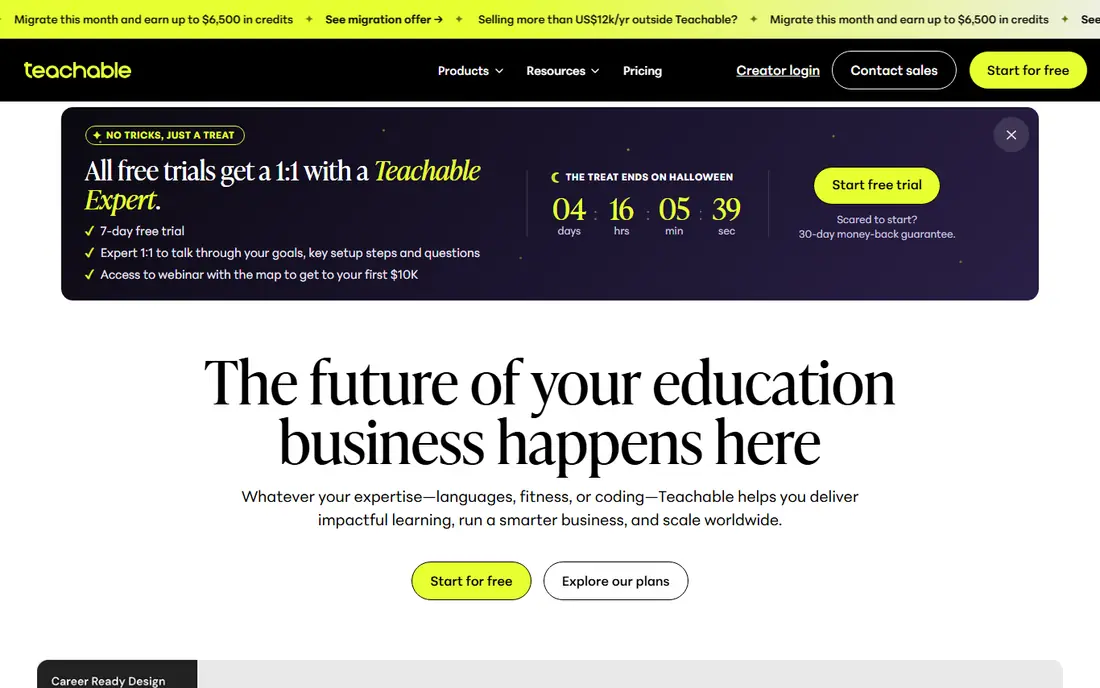
Teachable fits solo educators who want to build and sell a first course without coding or complex setup. Its course builder, sales pages and payment tools cover the core selling workflow in one place. That simplicity helps teachers, coaches and experts who want to focus on content rather than website building.
The catch is fees and limits, since lower plans include transaction fees and community or live features are less developed than rivals. Our view is that Teachable is a good starting point for solo creators, especially when simplicity matters more than advanced marketing.
- Simple course builder
- Sales pages and payments
- Student management tools
- Transaction fees on lower plans
- Community and live tools are limited
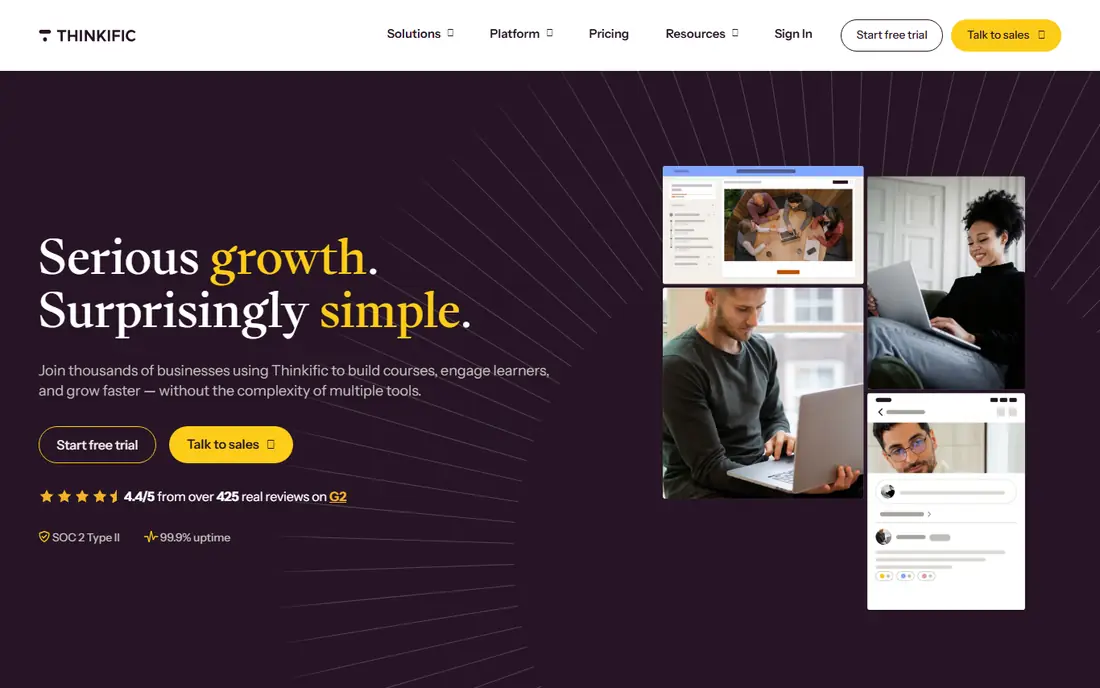
Thinkific fits creators who want a branded school and to keep the full sale price on paid plans. Its strength is control, with your own domain, branding and student list, plus quizzes and progress tracking for learners. That combination suits coaches, schools and training providers who plan to grow a course business over time.
The catch is the free plan, which limits course numbers, and marketing tools that are less complete than an all-in-one system. Our view is that Thinkific is the best balanced creator pick for most course sellers who value branding and low fees.
- Branded course sites
- No transaction fees on paid plans
- Quizzes and student tools
- Free plan is limited to fewer courses
- Marketing tools are less all-in-one than Kajabi
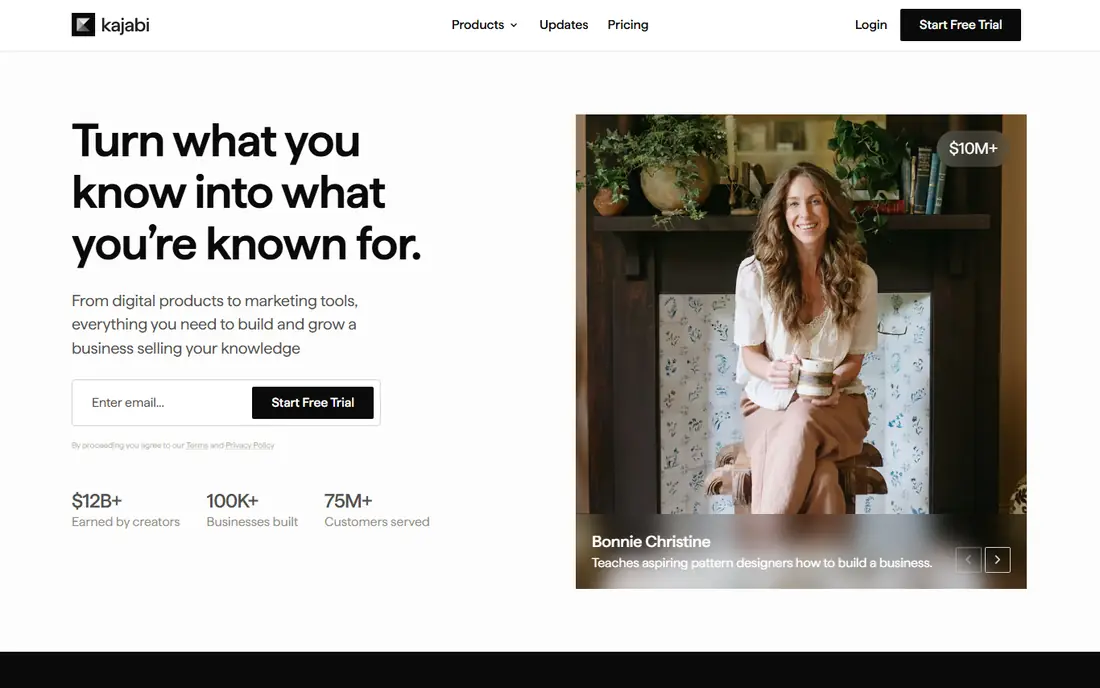
Kajabi fits creators who want courses, email marketing, a website and sales funnels in one system. Its strength is integration, since students, emails and sales pages share one database and one login. That can save time for creators who would otherwise pay for several tools and connect them by hand.
The catch is price, since $149 per month is a large commitment for a first course, and the system can feel large for beginners. Our view is that Kajabi is the best all-in-one pick for established creators, but overkill for a single test course.
- Courses, email and website in one system
- No transaction fees
- Marketing funnels and automation
- High starting price
- More than a beginner needs
Podia fits new creators who want to sell courses and digital products without a steep learning curve. Its strength is simplicity, with course building, checkout, email and community tools in a clean interface. That ease of use helps creators launch fast, especially when the course itself is the main focus.
The catch is depth, since advanced interactive course features and design options are simpler than on LearnWorlds or Kajabi. Our view is that Podia is a strong pick for beginners who want a friendly, affordable all-in-one start.
- Simple course and product selling
- No transaction fees on paid plans
- Email and community tools
- Fewer advanced course features than LearnWorlds
- Design options are simpler
LearnWorlds fits creators who want interactive courses, with video, quizzes and branded learning sites. Its strength is learner engagement, since interactive video and assessment tools can improve completion compared with plain video lessons. Branded sites and mobile app options help schools and training providers present a professional learning experience.
The catch is the starter fee, since the lowest plan includes a per-sale charge, and the best features need higher plans. Our view is that LearnWorlds is the best pick for interactive, professional courses, especially for schools and training teams.
- Interactive video and quizzes
- Branded school sites
- Mobile app options
- Starter plan includes a per-sale fee
- Advanced features need higher plans
Udemy fits learners who want affordable courses on many topics, and creators who want built-in reach. Its strength is scale, with a huge library and frequent discounts that make trying a new topic low cost. For creators, the marketplace brings learners who may never find a standalone school, which helps a first course gain traction.
The catch is control, since creators give up pricing and student-list control, and the revenue share on marketplace sales is large. Our view is that Udemy is the best learner marketplace, and a useful discovery channel for creators, but not a full brand home.
- Large course library
- Frequent discounts
- Built-in learner audience for creators
- Creators give up pricing control
- Revenue share is large on marketplace sales
Coursera fits learners who want structured courses with certificates from universities and large companies. Its strength is credibility, since many courses lead to certificates, specializations or degree pathways that employers recognise. Learning paths help learners move from beginner to job-ready skills in a clear sequence, rather than picking random courses.
The catch is cost and style, since full certificates need payment and some courses feel more academic than practical. Our view is that Coursera is the best pick for career credentials, while Udemy and Skillshare suit casual skill learning.
- University and company courses
- Certificates and degrees
- Structured learning paths
- Full certificates need a paid plan
- Courses can be academic in style
Skillshare fits creative learners who prefer short, project-based classes in design, illustration, writing and related skills. Its strength is practical learning, since most classes end with a project you can share, rather than only a quiz. Subscription access means learners can explore many topics for one price, which suits curious learners who try several skills.
The catch is credentials, since Skillshare does not offer university certificates, and creator pay depends on watch time. Our view is that Skillshare is a good pick for creative skill building, especially for learners who learn by making.
- Project-based creative classes
- Subscription access to many courses
- Short, practical lessons
- No university certificates
- Creator pay depends on watch time
How we picked these
We compared official pricing pages, transaction-fee terms and feature lists for each platform, with attention to free plans, branding control and learner features. We favoured platforms with clear pricing and a distinct fit for creators or learners. We did not claim hands-on testing, and we treated marketplace revenue shares as vendor terms to confirm before publishing a course.
How to pick an online course platform
Decide whether you are a creator or a learner
Creators need course building, sales pages, payments and student management, while learners need a good library, certificates and a fair price. A creator platform such as Thinkific will disappoint a learner looking for a library, and a marketplace such as Udemy will disappoint a creator who wants full brand control. Start with your role, then shortlist within that group.
Check fees, branding and student ownership
Compare monthly price plus transaction fees, since a low monthly price with a high fee can cost more than a higher price with no fee. Check whether you can use your own domain and branding, and whether you can export your student email list. Those controls matter if you later move platforms or launch a second course.
Test the learning experience as a student
Enrol in a sample course, or preview one as a student, and check video quality, quizzes, progress tracking and mobile access. A platform that is easy to build on but awkward to learn on will hurt completion rates. Also check certificates, community tools and support options for learners.
FAQ
What is the best online course platform for creators?
Thinkific is a strong creator pick for branded schools with no transaction fees on paid plans, while Teachable suits solo educators starting out. Kajabi suits creators who want courses, email marketing and a website in one system. Choose based on budget, branding needs and whether you need built-in marketing tools.
What is the best online learning platform for learners?
Coursera suits learners who want university-backed courses and certificates, while Udemy suits learners who want affordable courses on many topics. Skillshare suits creative learners who prefer project-based classes. Try free previews or audit options before paying for a full course.
What is the best platform for online courses with no transaction fees?
Thinkific, Kajabi and Podia charge no transaction fees on their paid plans, which helps creators keep more of each sale. Teachable also removes transaction fees on higher plans, while marketplaces take a larger revenue share. Always check the exact plan terms, since free plans often include a fee.
Is Udemy or Teachable better for selling courses?
Udemy is better for reach, since its marketplace brings learners to your course without your own marketing. Teachable is better for control, since you set pricing, branding and student communication. Many creators use Udemy for discovery and a branded platform for their main school.
What is the best e-learning platform for businesses?
For business training, creator platforms with student management and reporting, such as Thinkific or LearnWorlds, can work for smaller teams. Larger companies may need a dedicated learning management system with compliance tracking. Check reporting, user management and integration with your existing tools before choosing.