Best E-Learning Authoring Tools for Onboarding Modules for 2026: Our 6 Vetted Picks
Best E-Learning authoring tools for onboarding modules: 6 contenders ranked by fit, with entry costs and free tiers. Real limits included. Details below.
- Editor's choice
 Elucidat
AI-powered frontline training
Starts at$4 per user per monthVisit elucidat.comFull review - Great alternative
 Easygenerator
Fast, scalable training creation
Starts at$125 per monthVisit easygenerator.comFull review - Also consider
 Articulate 360
All-in-one onboarding development
Starts atSee websiteVisit articulate.comFull review
Direct answer
Elucidat comes first here, mainly for AI-powered frontline training. Listed starting prices: Elucidat from $4 per user per month and Easygenerator from $125 per month. For a different need, Easygenerator covers fast, scalable training creation and Articulate 360 covers all-in-one onboarding development. The remaining 3 options are covered below with prices and limits.
TL;DR:
- Elucidat takes the first slot, best suited to AI-powered frontline training.
- Elucidat, iSpring Suite and the 4 others all need a premium plan or a trial, since no free plan is listed.
- One limit worth knowing about Elucidat: may be overkill for small teams.
- For PowerPoint-based course authoring, iSpring Suite is worth a look.
- Elucidat has the lowest monthly starting price in this list: $4 per user per month.
Last checked November 2026. Prices and plan details were read from the vendors' own pages in November 2026; vendors change plans often, so confirm the current price on the vendor site before you buy.
Quick comparison
| Tool | Best for | Starts at | Free plan? | |
|---|---|---|---|---|
| Elucidat | AI-powered frontline training | $4 per user per month | Not stated | Visit |
| Easygenerator | Fast, scalable training creation | $125 per month | Free trial | Visit |
| Articulate 360 | All-in-one onboarding development | See website | Not stated | Visit |
 DominKnow | LCMS with collaborative authoring | See website | Free trial | Visit |
 Adobe Captivate | Responsive course design with templates | See website | Not stated | Visit |
 iSpring Suite | PowerPoint-based course authoring | See website | Not stated | Visit |
E-Learning Authoring Tools for Onboarding Modules profiles
This LinkVetted guide covers 6 E-Learning authoring tools for onboarding modules. Each profile lists a starting price, free plan details, strengths and drawbacks, so you can drop poor fits quickly.
Elucidat works best for AI-powered frontline training. Consider Elucidat when you need AI-driven efficiency and are primarily training frontline employees. Elucidat, now known as Create, is an AI-powered authoring product aimed at frontline team training.
Where it is weaker: May be overkill for small teams.
It emphasizes rapid content creation and collaboration, helping organizations produce onboarding modules that are consistent and tailored to company needs. Also, smaller teams might find it more solid than necessary. The system's focus on frontline training means it may lack some features for complicated academic or highly interactive courses. What you pay to start with Elucidat: $4 per user per month. Trial and free access: Not stated.
- Collaborative authoring
- AI-driven content creation
- Less a good match for academic e-learning
Easygenerator is a good fit for fast, scalable training creation. For highly customized or simulation-heavy onboarding, consider those alternatives. On top of that, Easygenerator prioritizes speed and simplicity.
Watch-outs: May lack complicated interactivity.
So it may not offer the depth of interactivity or design adaptability found in tools like Articulate 360 or Adobe Captivate. Pick Easygenerator when simplicity and rapid deployment are key. Easygenerator cost at the entry level: $125 per month. Free options: Free trial.
- Approachable interface
- Quick course creation
- Restricted advanced customization

Articulate 360 is built with all-in-one onboarding development in mind. It is built for workplace training and supports interactive scenarios, quizzes, and responsive courses. From a buyer's view, if you only require entry-level slide-based courses, a more straightforward tool like iSpring Suite or Easygenerator could be more efficient.
As for the details, choose Articulate 360 when you need advanced interactivity and a full suite. Teams that require a single option for varied onboarding content, from compliance modules to role-specific simulations, will find it handles most needs without requiring separate purchases. In practice, the breadth of features means a steeper ramp-up time for beginners. The subscription model may not suit very small teams with occasional authoring needs. No starting price is listed for Articulate 360 here; confirm pricing on the vendor site. Free options: Not stated.
Downsides: Can be overwhelming for straightforward modules.
- Includes Storyline and Rise 360
- AI-assisted course creation
- Subscription required for all apps
DominKnow is built with LCMS with collaborative authoring in mind. DominKnow is a learning content management system (LCMS) and authoring tool that supports collaborative creation of e-learning content. It is built for teams that require to run large volumes of training material, with features for reusable content and workflow management.
In daily use, the LCMS capabilities add complexity, so DominKnow may be more than needed for straightforward onboarding modules. It commonly requires IT involvement for setup and maintenance. Choose DominKnow when you need a solid system for managing and reusing content across numerous courses. This comparison lists no price for DominKnow; ask the vendor. Free plan details: Free trial.
Honest limits: Steeper ramp-up time.
- Collaborative workflow
- Integrated learning content management
- May need IT setup
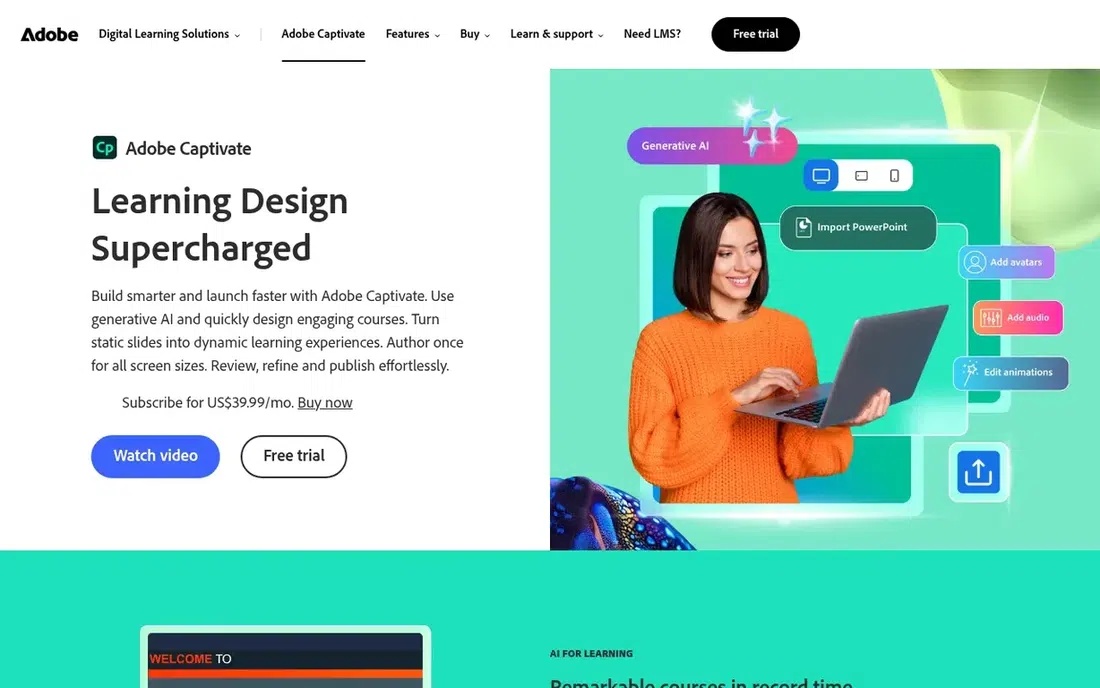
Adobe Captivate makes the most sense for Responsive course design with templates. The latest update emphasizes ease for beginners and speed for professionals, with templates and automatic features to build courses in minutes.
Points against: Can be complicated for non-designers.
In practice, pick Captivate when you need responsive design and are willing to invest time in learning the tool. More specifically, if your team prefers a more straightforward, PowerPoint-based approach, iSpring Suite is a more straightforward alternative. Adobe Captivate does not show a starting price in this comparison, so check the vendor site for current pricing. Free access: Not stated.
- Quick-start templates for beginners
- Mobile-ready output
- Requires separate license from other Adobe apps
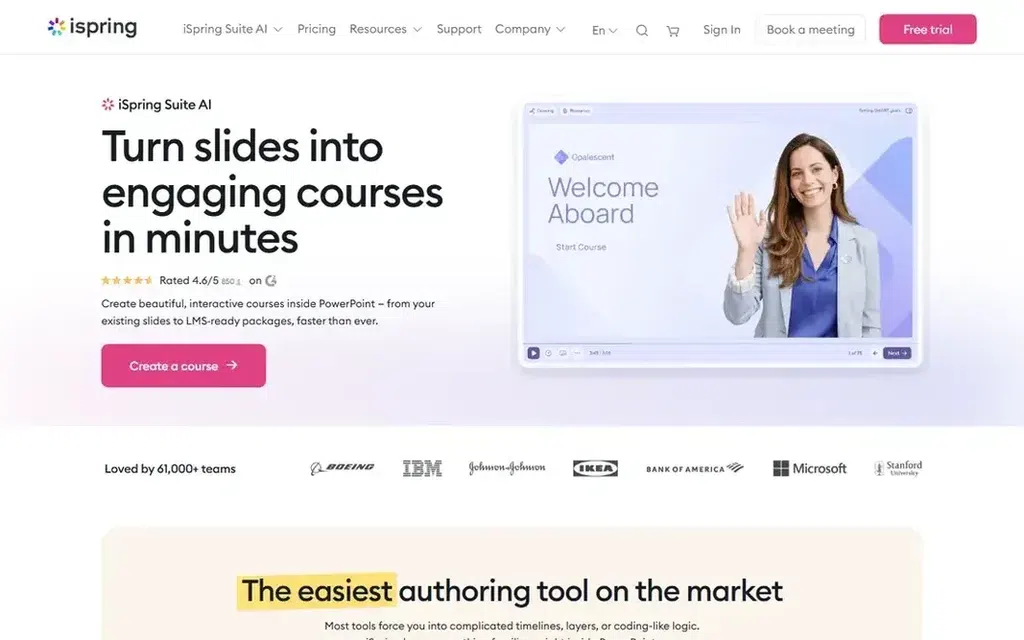
iSpring Suite targets PowerPoint-based course authoring. iSpring Suite is an authoring toolkit that integrates with PowerPoint, allowing you to build SCORM-ready courses, quizzes, video tutorials, and role-plays without leaving the familiar slide interface. It is well suited to teams already comfortable with PowerPoint who want to convert existing slides into interactive onboarding modules rapidly and with minimal training.
In practice, since it depends on PowerPoint, iSpring Suite may not offer the same level of advanced interactivity or responsive design as standalone authoring tools. Choose iSpring Suite when speed and PowerPoint familiarity are top priorities. For highly customized or mobile-first courses, Articulate 360 or Adobe Captivate might be better. Check the vendor site for iSpring Suite pricing; none is listed in this comparison. As for free access: Not stated.
Limits to weigh: May lack advanced interactivity of dedicated tools.
- Works straight in PowerPoint
- SCORM-ready output
- Restricted to PowerPoint environment
How we compared the tools
Pre-purchase checklist
- Ask Articulate 360, DominKnow, Adobe Captivate and iSpring Suite for a written quote, since no starting price is shown.
- Run a trial of Easygenerator and DominKnow with real work before paying for a year; your own workflow is the best test.
- Read the limits listed for Elucidat first: may be overkill for small teams.
- Work out what Easygenerator costs with your real seat count, add-ons and usage, not just the entry price.
- Check how data leaves Adobe Captivate: formats, limits and whether exports are available on every plan.
FAQ
Can I try these tools before paying?
Often, yes. Easygenerator and DominKnow offer a free trial. Use your own data and a real task during the test, and check what the free tier or trial limits before you rely on it. For the full picture, the cards above cover all 6 entries of this E-Learning Authoring tools for onboarding modules list, including price, free plan and limits.
How are the tools for E-Learning authoring tools for onboarding modules ordered?
The order follows typical fit for E-Learning authoring tools for onboarding modules, with Elucidat first and iSpring Suite last, then price clarity and free access. It is editorial judgement, not a score, so another team could rank the tools differently.
Is Elucidat the right pick for everyone comparing E-Learning authoring tools for onboarding modules?
No single tool suits every team. Elucidat comes first because it fits AI-powered frontline training, while Easygenerator suits quick, scalable training creation and Articulate 360 suits all-in-one onboarding development. Match the tool to your own size, budget and workflow before deciding.
Do these tools publish their prices?
Not all of them. Articulate 360, DominKnow, Adobe Captivate and iSpring Suite publish no starting price, so expect a quote request for those. The rest, Elucidat included, show a starting price, though seats and billing terms still change the final cost.
Do I need a LMS to use these authoring tools?
If you plan to track learner progress, you will need a LMS. Worth adding: tools like iSpring Suite and Articulate 360 are built to connect with LMSs.
Sources
- https://www.elucidat.com
- https://www.easygenerator.com
- https://www.articulate.com/360
- https://www.dominknow.com
- https://www.adobe.com/products/captivate.html
- https://www.ispringsolutions.com/ispring-suite