Best Onboarding LMS for Gig Economy Workers in 2026: Prices, Free Plans and 6 Picks
6 products for the best onboarding LMS for gig economy workers, ranked by fit, with starting costs and free tiers. Real limits included. Compare quickly.
- Editor's choice
 LearnUpon
Agent-supported learning delivery
Starts atSee websiteVisit learnupon.comFull review - Great alternativeAdobe Learning Manager
Personalized learning at scale
Starts atSee websiteVisit business.adobe.comFull review - Also consider
 Cornerstone OnDemand
Workforce readiness at large organizations
Starts atSee websiteVisit cornerstoneondemand.comFull review
Direct answer
For agent-supported learning delivery, LearnUpon is where this list starts. Listed starting prices: TalentLMS from $119 per month. Look at Adobe Learning Manager for personalized learning at scale, and at Cornerstone OnDemand for workforce readiness at large organizations. The other 3 tools in the list cover narrower or pricier cases.
TL;DR:
- The list opens with LearnUpon, aimed at agent-supported learning delivery.
- For straightforward cloud course delivery, TalentLMS is worth a look.
- A fair warning about LearnUpon: newer positioning needs verification.
- TalentLMS has the lowest monthly starting price in this list: $119 per month.
- TalentLMS is the only tool of the 6 with a free plan.
Last checked November 2026. Prices and plan details were read from the vendors' own pages in November 2026; vendors change plans often, so confirm the current price on the vendor site before you buy.
Quick comparison
| Tool | Best for | Starts at | Free plan? | |
|---|---|---|---|---|
| LearnUpon | Agent-supported learning delivery | See website | Not stated | Visit |
| Adobe Learning Manager | Personalized learning at scale | See website | Not stated | Visit |
| Cornerstone OnDemand | Workforce readiness at large organizations | See website | Not stated | Visit |
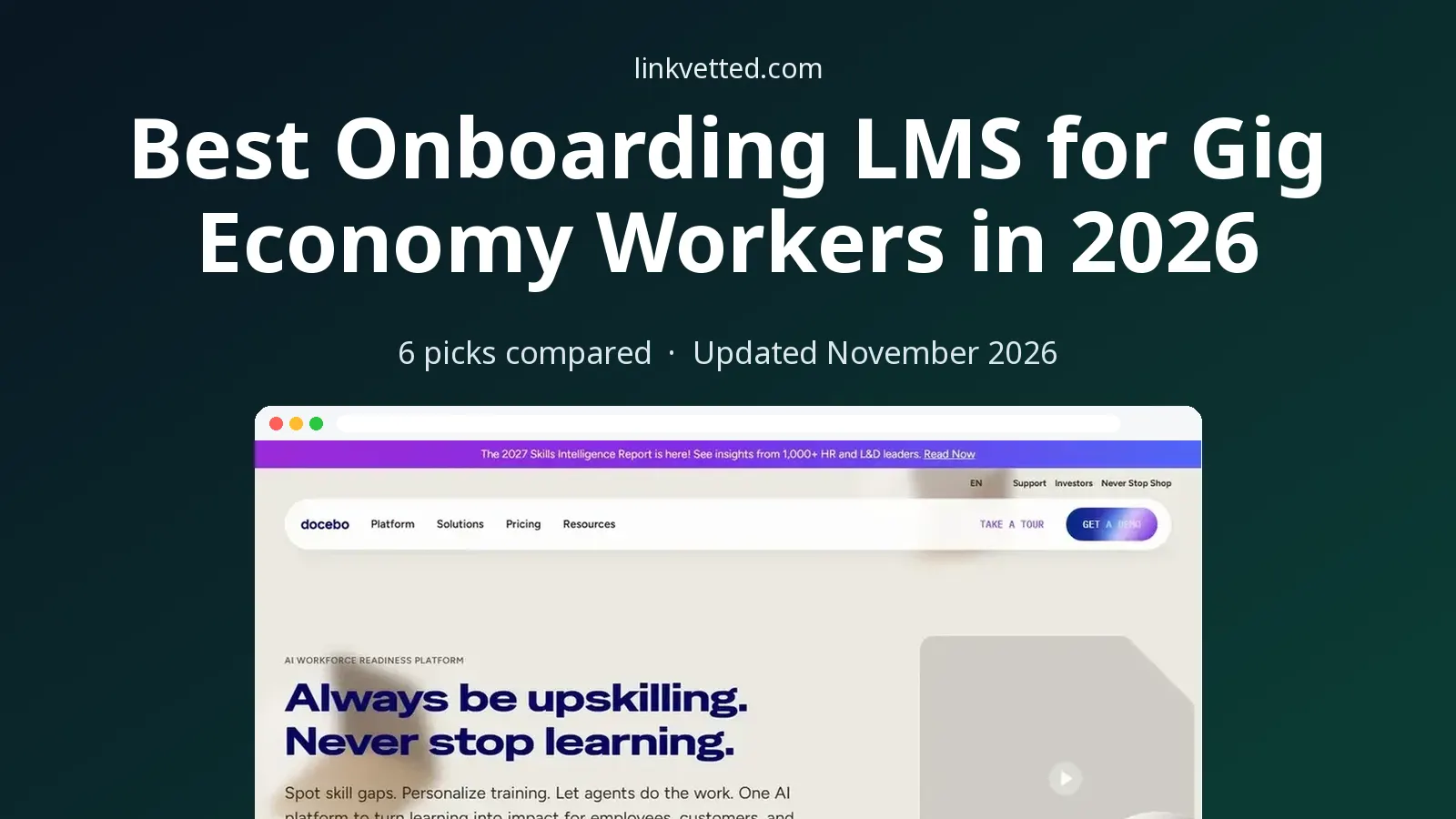
 Docebo | Skills visibility across adaptable workforces | See website | Not stated | Visit |
 Absorb LMS | Enterprise training with AI support | See website | Not stated | Visit |
 TalentLMS | Straightforward cloud course delivery | $119 per month | Yes | Visit |
Onboarding LMS for Gig Economy Workers, one by one
Choosing onboarding LMS for gig economy workers usually comes down to price, fit and limits. This LinkVetted guide sets 6 tools side by side on those three points, with the facts kept short and checkable.
Pick LearnUpon if this describes you: agent-supported learning delivery. LearnUpon presents an agentic learning product where intelligent agents are meant to raise human capability beyond traditional LMS limits.
Watch-outs: Newer positioning needs verification.
For everyday use, teams needing proven, conventional course delivery may prefer a more established approach, so test the workflows against your contractor onboarding process. From a buyer's view, since the positioning is forward-looking, buyers should confirm how agent features work in daily onboarding. No starting price is listed for LearnUpon here; confirm pricing on the vendor site. Free access: Not stated.
- Focus on raising human capability
- Agentic learning product positioning
- Gig onboarding fit should be checked
Adobe Learning Manager
Best for: Personalized learning at scale
Adobe Learning Manager makes the most sense for personalized learning at scale. For gig onboarding, the personalization angle helps when different worker types need different paths, like drivers compared with service providers, delivered consistently.
If you want a single-purpose onboarding tool, compare more straightforward choices, but consider Adobe when personalization across varied worker groups matters. This comparison lists no price for Adobe Learning Manager; ask the vendor. Free access: Not stated.
Honest limits: Not gig-specific by design.
- Personalized learning experiences
- AI-powered LMS positioning
- Wide use cases may need scoping
Cornerstone OnDemand
Best for: Workforce readiness at large organizations
In short, Cornerstone OnDemand is for workforce readiness at large organizations. For gig onboarding, it suits organizations that require to understand readiness across a large, shifting workforce and link training to skills data. It is geared toward leaders who want reporting alongside learning delivery.
Where it falls short: Setup likely demands planning.
Cornerstone OnDemand describes an intelligence product for workforce readiness, combining insights, skills and learning with AI agents. Teams that only have to push short onboarding modules to new workers should compare lighter products before choosing a wide readiness suite. Cornerstone OnDemand does not show a starting price in this comparison, so check the vendor site for current pricing. As for free access: Not stated.
- Insights for leaders
- Readiness and skills focus
- Enterprise scope may be excessive
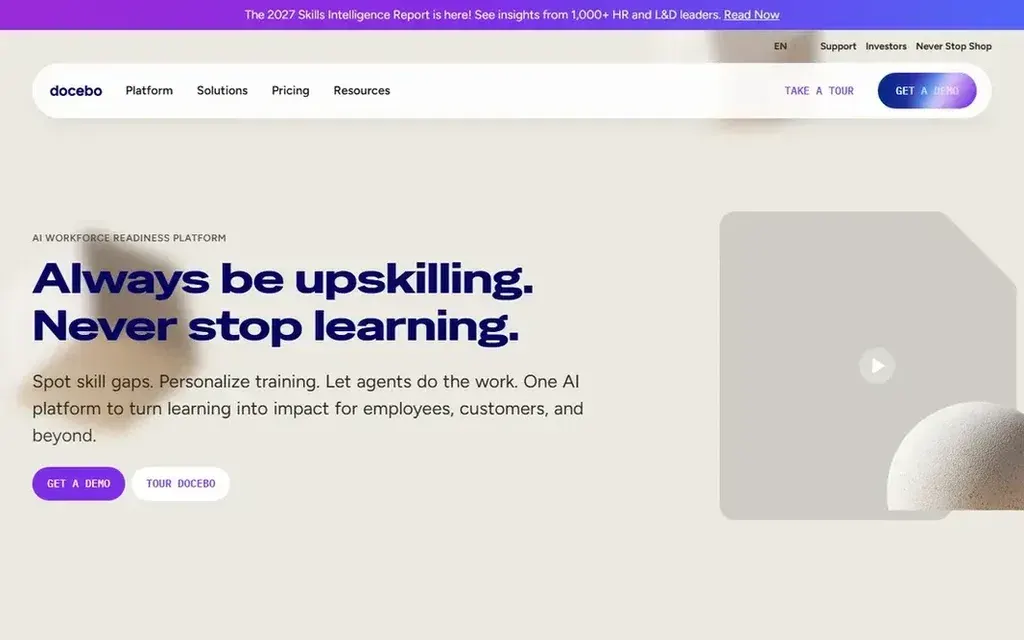
Where Docebo fits: skills visibility across adaptable workforces. The breadth of the system is also its central caution: teams wanting a very straightforward course portal may find more capability than they need.
Watch-outs: Wide product may need configuration.
It suits operations that handle a changing pool of contractors and want visibility into capability instead of just course completion. No starting price is listed for Docebo here; confirm pricing on the vendor site. Trial and free access: Not stated.
- AI agents support readiness checks
- Skills intelligence tied to learning
- Readiness focus can feel enterprise-oriented
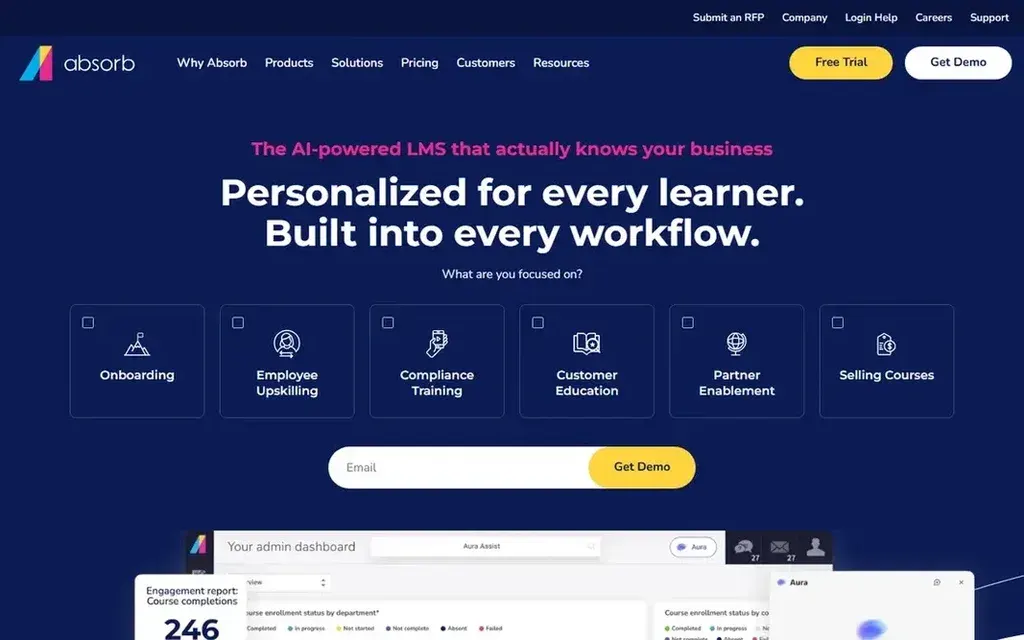
Think of Absorb LMS for enterprise training with AI support. The enterprise framing means smaller gig systems may find it heavier than needed.
If your onboarding is a handful of short modules delivered at high volume, a lighter cloud tool may be quicker to run, so confirm the configuration effort before committing. This comparison lists no price for Absorb LMS; ask the vendor. On free options: Not stated.
Watch-outs: Less tailored to short gig cycles.
- Focus on performance proof
- Geared toward enterprise learning programs
- Enterprise orientation may overwhelm small teams
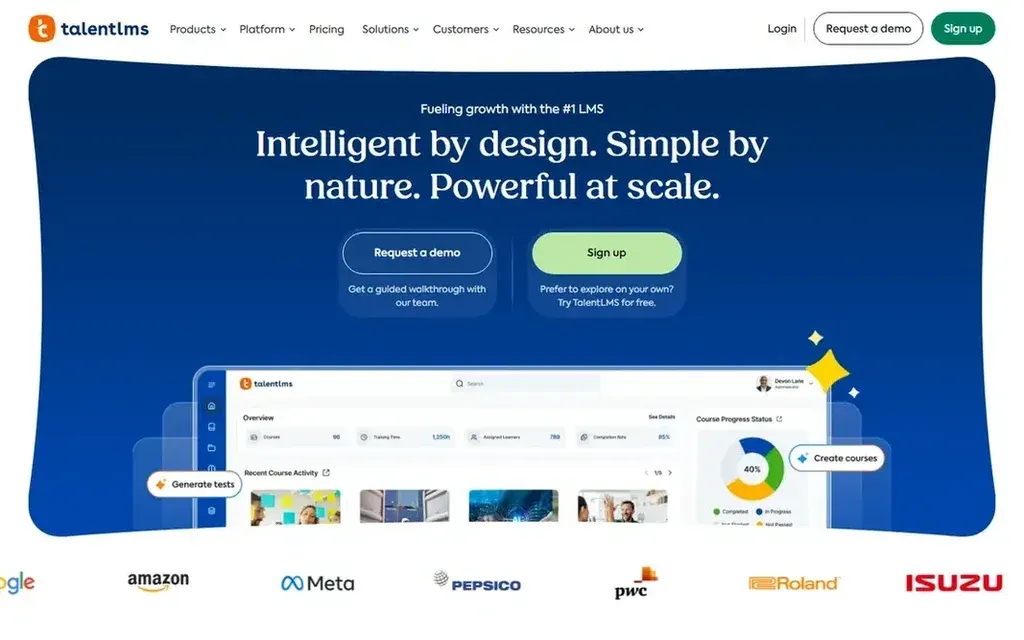
Choose TalentLMS for straightforward cloud course delivery. Because the homepage centers on course creation and management, buyers wanting advanced skills mapping should compare it with systems built around readiness.
On top of that, pick TalentLMS when onboarding content is the central job and you want a focused tool instead of a wide talent suite. On cost, TalentLMS starts like this: $119 per month. TalentLMS offers a free plan.
Trade-offs to know: Less emphasis on skills intelligence.
- Cloud system for creating courses
- Straightforward course management
- May need extras for advanced reporting
How these tools were picked
We compared the tools on published pricing, free plan or trial availability, feature coverage for onboarding LMS for gig economy workers, and the limits each vendor documents. Plan names, prices and limits change often. Treat the figures here as a starting point and verify them with the vendor. The sequence is a judgement call: typical use case first, then pricing transparency, then free access. Use the profiles to check fit.
Pre-purchase checklist
- Get a written quote from LearnUpon, Adobe Learning Manager, Cornerstone OnDemand and others; the list shows no starting price for them.
- Test the free plan from TalentLMS against your real workload before relying on it.
- Read the limits listed for LearnUpon first: newer positioning needs verification.
- Check the integration list for Docebo against the tools you run today, and note which ones need a higher plan.
- Find out whether the entry plan of Absorb LMS covers your must-haves or only a trimmed-down version.
FAQ
Do these platforms handle contractors along with employees?
Multiple describe support for partners and external audiences alongside employees. Confirm how contractor accounts, re-onboarding and data retention work before deciding.
Which options for onboarding LMS for gig economy workers have a free plan?
TalentLMS is the only tool in this list with a free plan. Free plans usually cap users, projects or features, so check the limits on the vendor page. Each of the 6 options in this onboarding LMS for Gig Economy workers guide has its own card above with the price, free plan and limits.
Do these tools publish their prices?
Not all of them. LearnUpon, Adobe Learning Manager, Cornerstone OnDemand and others publish no starting price, so expect a quote request for those. The rest, TalentLMS included, show a starting price, though seats and billing terms still change the final cost.
What is the cheapest option for onboarding LMS for gig economy workers in this list?
On published monthly entry prices, TalentLMS is the lowest here at $119 per month. Entry price is only part of the cost, because seats, add-ons and billing terms can change the total. All 6 picks in this onboarding LMS for Gig Economy workers comparison list a starting price, free plan details and the main limits on their cards above.
Is a wide enterprise product ever the right choice for gig onboarding?
Yes, when onboarding sits inside a wider skills and readiness strategy across a large workforce. Smaller operations may prefer a focused cloud tool to cut setup effort.
Is LearnUpon the right pick for everyone comparing onboarding LMS for gig economy workers?
No single tool suits every team. LearnUpon comes first because it fits agent-supported learning delivery, while Adobe Learning Manager suits personalized learning at scale and Cornerstone OnDemand suits workforce readiness at large organizations. Match the tool to your own size, budget and workflow before deciding.
Sources
- https://www.learnupon.com
- https://business.adobe.com/products/learning-manager/adobe-learning-manager.html
- https://www.cornerstoneondemand.com
- https://www.docebo.com
- https://www.absorblms.com
- https://www.talentlms.com