Best Corporate LMS Software in 2026: 8 Platforms Compared
Compare the best corporate lms software for employee training, compliance and onboarding, with pricing, course content and admin fit explained clearly.
- Editor's choice
 Docebo
Enterprise multi-audience training
Starts atSee websiteVisit docebo.comFull review - Great alternative
 TalentLMS
Small teams needing fast setup
Starts at$119 per monthVisit talentlms.comFull review - Also consider
 Absorb LMS
Premium learner experience
Starts atSee websiteVisit absorblms.comFull review
TL;DR:
- Docebo and Cornerstone suit large firms that train employees, customers and partners from one platform.
- TalentLMS and 360Learning are easier starting points for small and mid-size teams that need training live soon.
- Absorb LMS and LearnUpon fit mid-market firms where learner experience and multi-audience training matter.
- SAP Litmos and iSpring LMS suit teams that want ready content or PowerPoint-based course creation.
- Check how each platform counts users, because active, registered and monthly user models change total cost fast.
Quick comparison
| Tool | Best for | Starts at | Free plan? | |
|---|---|---|---|---|
| Docebo | Enterprise multi-audience training | See website | Free trial | Visit |
| TalentLMS | Small teams needing fast setup | $119 per month | Yes | Visit |
| Absorb LMS | Premium learner experience | See website | Free trial | Visit |
 Cornerstone | Large firms unifying HR and learning | See website | No | Visit |
 360Learning | Collaborative course creation | $8 per user per month | Free trial | Visit |
 LearnUpon | Mid-market multi-audience training | See website | No | Visit |
 SAP Litmos | Compliance plus ready content | See website | Free trial | Visit |
 iSpring LMS | PowerPoint-based course creation | See website | Free trial | Visit |
The best corporate lms software
A corporate LMS is where employees complete onboarding, compliance, product and skills training, and where managers track who finished what. The platforms below differ in audience, authoring and price model, from simple tools for a small team to suites for a global workforce. We focused on corporate use, not academic LMS tools, and on platforms that track completion and certification clearly.
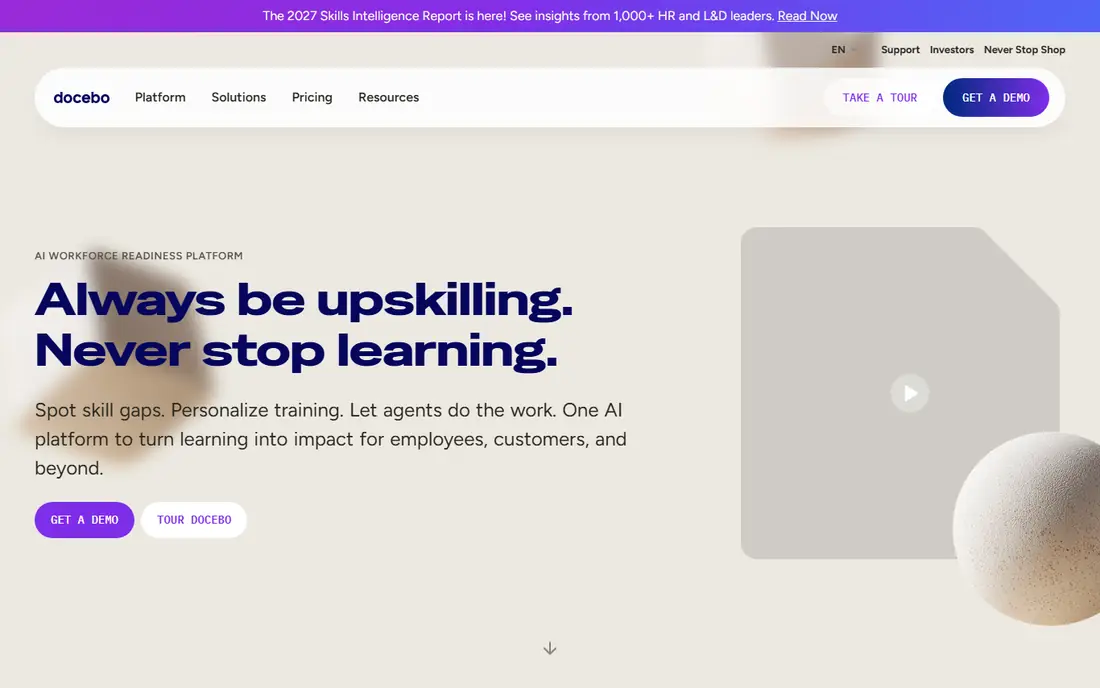
Docebo is built for firms that train more than one audience. A company can run employee onboarding, customer education and partner certification from related portals, with different branding and content for each group. That multi-audience design saves a firm from buying three separate systems as training grows.
AI tools help with content creation and personalised learning paths, which can speed up course building for a busy L and D team. The trade-off is enterprise scope. Pricing is by quote, and a large rollout needs configuration, integration and content migration planning. Docebo fits a mid-market or large firm that expects training to grow across audiences and wants one platform to carry that growth.
- Trains employees, customers and partners from one platform
- AI-assisted content and personalisation tools
- Strong integrations with HR and CRM systems
- Quote-only pricing
- Setup and configuration need planning for large audiences
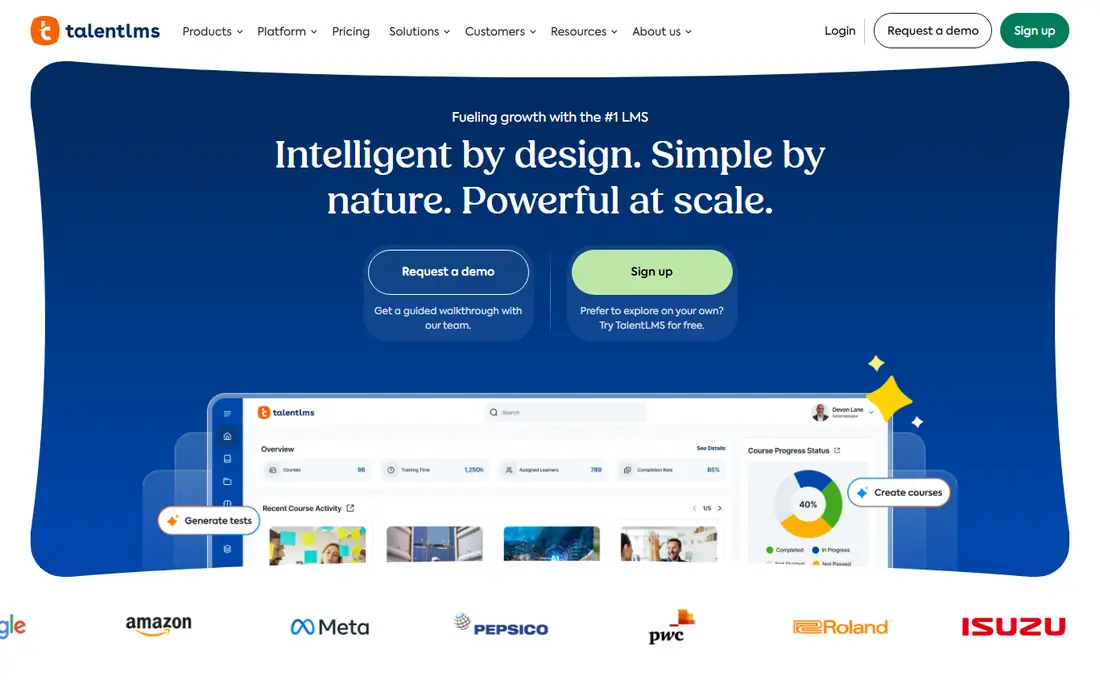
TalentLMS is the fastest path on this list to a working corporate LMS for a small team. A team can set up courses, invite learners, track completion and issue certificates without a long implementation project. The free plan covers up to five users, which lets a very small team test the basics before paying, and paid plans start at $119 per month for the Core plan.
AI authoring can turn a prompt or a document into a first course draft, which helps a team without a dedicated instructional designer. The limit is scale and complexity. Large firms with complex compliance workflows, many languages or deep HR integrations may need a larger platform. For a small or mid-size team that needs training live this month, TalentLMS is a practical pick.
- Fast setup for small and mid-size teams
- Free plan for up to five users
- Simple course building with AI authoring help
- Advanced enterprise controls sit on higher plans
- Multilingual and complex workflows need care
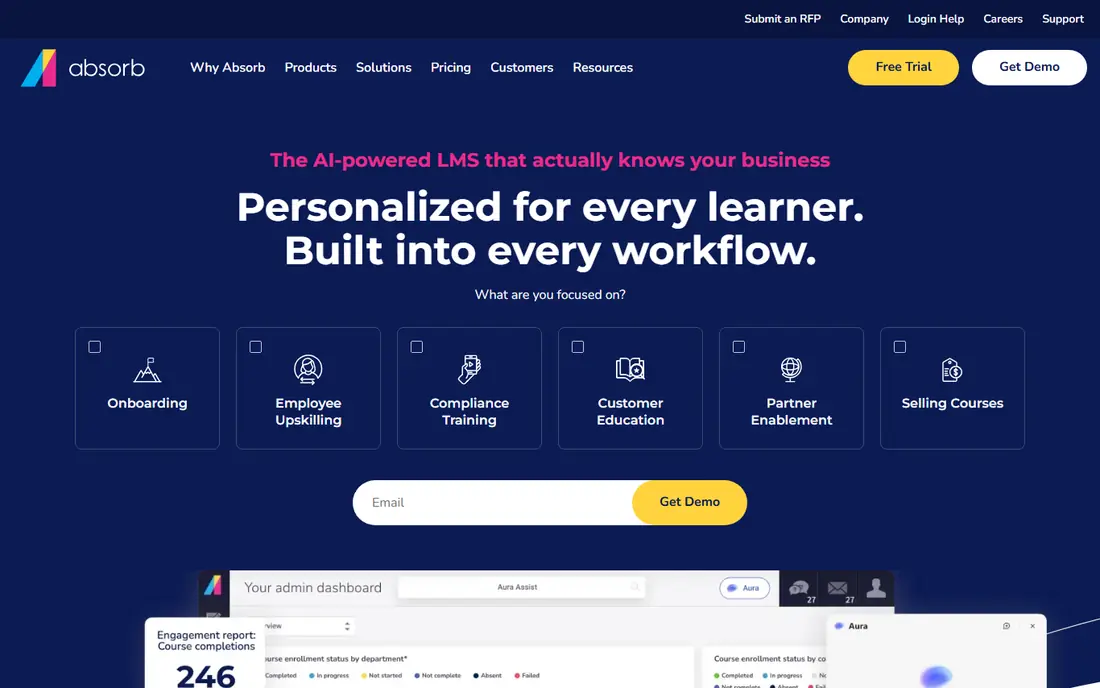
Absorb LMS puts learner experience first. The interface is clean, mobile-friendly and easy for employees to navigate, which helps completion rates when training competes with daily work. Admins can set up separate portals for employees, customers or partners, each with its own branding and content, without running separate systems.
Automation helps at scale: enrolment rules, reminders and reporting reduce manual admin for a busy L and D team. Absorb Create supports course authoring and SCORM output for teams that build their own content. Pricing is by quote, so a buyer should ask about learner bands, implementation and support costs early. Absorb fits a mid-market firm where a premium learner experience and low admin friction matter.
- Clean, polished learner interface
- Flexible portals for different audiences
- Strong automation for enrolment and reminders
- Quote-only pricing
- Advanced features need a guided rollout
Cornerstone OnDemand is a talent suite that includes learning alongside performance, recruiting and HR tools. For a large firm that wants learning data to sit beside performance and career data, that unified view is a real advantage. Compliance tracking, certification and reporting are built for regulated and global workforces, with audit trails managers can rely on.
The scope means a larger project. Implementation, data migration and change management take time, and pricing is by quote based on users and modules. Cornerstone fits a large enterprise that is standardising HR and learning together and wants one vendor for that suite. A small team that only needs a simple LMS will find it more platform than it needs.
- Unifies learning with talent and performance tools
- Strong compliance and reporting for large firms
- Broad content marketplace and integrations
- Quote-only pricing
- Implementation is a large project for global firms
360Learning takes a collaborative approach: subject experts inside a company create courses, peers review them, and L and D teams guide quality. That model works well when knowledge lives with employees, not only with a central training team. A sales lead can build a product course, a support lead can build a troubleshooting course, and both can be reviewed before they go live.
The Team plan, at $8 per user per month for up to 100 users, gives small teams a clear entry point, with a free trial to test the workflow. The risk is adoption. Without internal champions who create and review content, a collaborative platform can stay empty. 360Learning fits a firm that wants employees to share expertise and is willing to support that culture with time and recognition.
- Employees can create courses together
- AI tools assist with course drafting
- Team plan starts at $8 per user per month for up to 100 users
- Collaborative model needs internal champions
- Enterprise features sit on higher plans
LearnUpon is a mid-market LMS built for training employees, customers and partners from one system. Separate portals let each audience see relevant courses and branding, while admins manage users, reports and completions centrally. The interface is intuitive for learners and admins, which helps adoption when training is not a daily habit for most staff.
Support is a noted strength in public reviews, with responsive help during setup and rollout. Pricing is by quote, with minimum user counts that vary by product, so small teams should confirm fit before a demo. Authoring is solid for standard courses but basic for highly interactive builds, so teams with complex simulations may pair LearnUpon with an external authoring tool. LearnUpon fits a growing firm that trains several audiences and wants one clean system to manage them.
- Clean interface for employees, customers and partners
- Multi-portal support for different audiences
- Strong customer support reputation
- Quote-only pricing with minimum user counts
- Authoring tools are basic for complex courses
SAP Litmos, now Litmos, combines an LMS with a large library of ready-made courses, which helps firms that need compliance training live quickly. Instead of building every course from scratch, a team can assign ready content for topics such as safety, harassment prevention and data privacy, then track completion and certification in the same system. That library is a time saver for regulated firms.
Rollout is known for speed compared with larger suites, and the interface is simple for learners. Pricing is by quote, so buyers should ask about user counts, library access and support tiers. Content depth varies by topic, so test the library for your specific compliance needs during a trial. Litmos fits a firm that wants compliance training plus content in one purchase, without a long course-building project.
- Fast rollout for compliance training
- Large ready-made course library
- Clean interface for learners and admins
- Pricing is quote-based
- Library depth varies by topic and region
iSpring LMS is a strong pick for teams with large PowerPoint libraries. The iSpring authoring tool turns decks into interactive courses with quizzes, narration and video, and the LMS tracks completion and results. That path is faster than rebuilding years of slide content in a new authoring tool, and it keeps subject experts working in a tool they already know.
Per-active-user pricing helps firms where many learners train only occasionally, because you pay for active users rather than every registered account. Check the exact active-user definition and plan limits before you commit, because definitions vary. iSpring fits a team that creates training from slides, wants a clear per-user model, and needs a straightforward LMS to deliver and track that content.
- Converts PowerPoint decks into courses with ease
- Per-active-user pricing can save money for occasional learners
- Authoring tool included in some plans
- Less suited to complex collaborative authoring
- Large, complex deployments need planning
How we picked these
We compared official product pages, pricing pages and public reviews for LMS platforms aimed at corporate training. We kept platforms that support employee training, completion tracking, certification and reporting, and that are actively sold for business use in 2026. We left out academic-only LMS tools and course marketplaces with no corporate admin controls, because they do not fit a company training need.
What to check before you buy
Start with audience and user count. Count employees, customers and partners who will actually train, and check how each vendor counts users, because registered, active and monthly active models give very different totals. Then test content: build or upload one real course, assign it, and check completion reporting from a manager view.
Test compliance tracking early
If you need compliance, test certification expiry, reminders, audit reports and retraining rules during a trial. A platform that tracks a course well but handles expiry poorly will create manual work later. Ask how reports export for audits, and who can access them.
Check integrations with HR and single sign-on
An LMS that does not sync with your HR system will need manual user updates, which break as staff join and leave. Confirm HRIS sync, single sign-on, and how user deactivation works. For customer training, check CRM and support integrations that keep training data beside customer records.
Pilot with a real team, not only with L and D
Run a pilot with one department that represents your learners, including frontline staff who may train on mobile. Watch completion rates, support questions and time to finish a course. Feedback from real learners reveals adoption risks that a demo with a small L and D team will miss.
FAQ
What is a corporate LMS?
A corporate LMS is software that delivers, tracks and reports employee and partner training. It hosts courses, manages enrolment, records completions and certifications, and gives managers reports on who finished required training. It differs from an academic LMS by focusing on compliance, onboarding and skills for a workforce.
How much does corporate LMS software cost?
It varies widely. TalentLMS starts at $119 per month for small teams, 360Learning Team starts at $8 per user per month, and enterprise platforms such as Docebo, Absorb and Cornerstone price by quote. Total cost depends on user count, user model, content library access and implementation support.
Do I need authoring tools with an LMS?
Not always. Many LMS platforms include basic authoring, and ready-made libraries can cover compliance topics. If you build custom, interactive courses often, a dedicated authoring tool such as iSpring Suite or an external tool may help. Check what authoring is included before you buy a second tool.
Can an LMS train customers and partners too?
Yes, several platforms on this list support multi-portal training for employees, customers and partners. Docebo, Absorb and LearnUpon are built for that use, with separate portals and branding. Confirm portal limits and user counts, because multi-audience pricing can differ from employee-only pricing.
What is SCORM and why does it matter?
SCORM is a standard that lets courses built in one authoring tool run and report results in an LMS. It matters when you buy or build courses outside your LMS, because SCORM support lets you import those courses and still track completions. Most corporate LMS platforms support SCORM, but check the version and reporting details.
How long does LMS implementation take?
It ranges from days for a small TalentLMS setup to months for a large Cornerstone or Docebo rollout. Content migration, HR integration, portal setup and training for admins drive the timeline. A phased rollout, starting with one audience and a few courses, usually works better than a big-bang launch.