Authoring Tools for Accessible E-Learning in 2026: The 5 Best Options Side by Side
Best authoring tools for accessible E-Learning: 5 contenders ranked by fit, with entry costs and free tiers. With pricing notes and limits. Quick to scan.
- Editor's choice
 DominKnow
LCMS with accessibility features
Starts atSee websiteVisit dominknow.comFull review - Great alternative
 Elucidat
Collaborative AI-assisted authoring
Starts at$4 per user per monthVisit elucidat.comFull review - Also consider
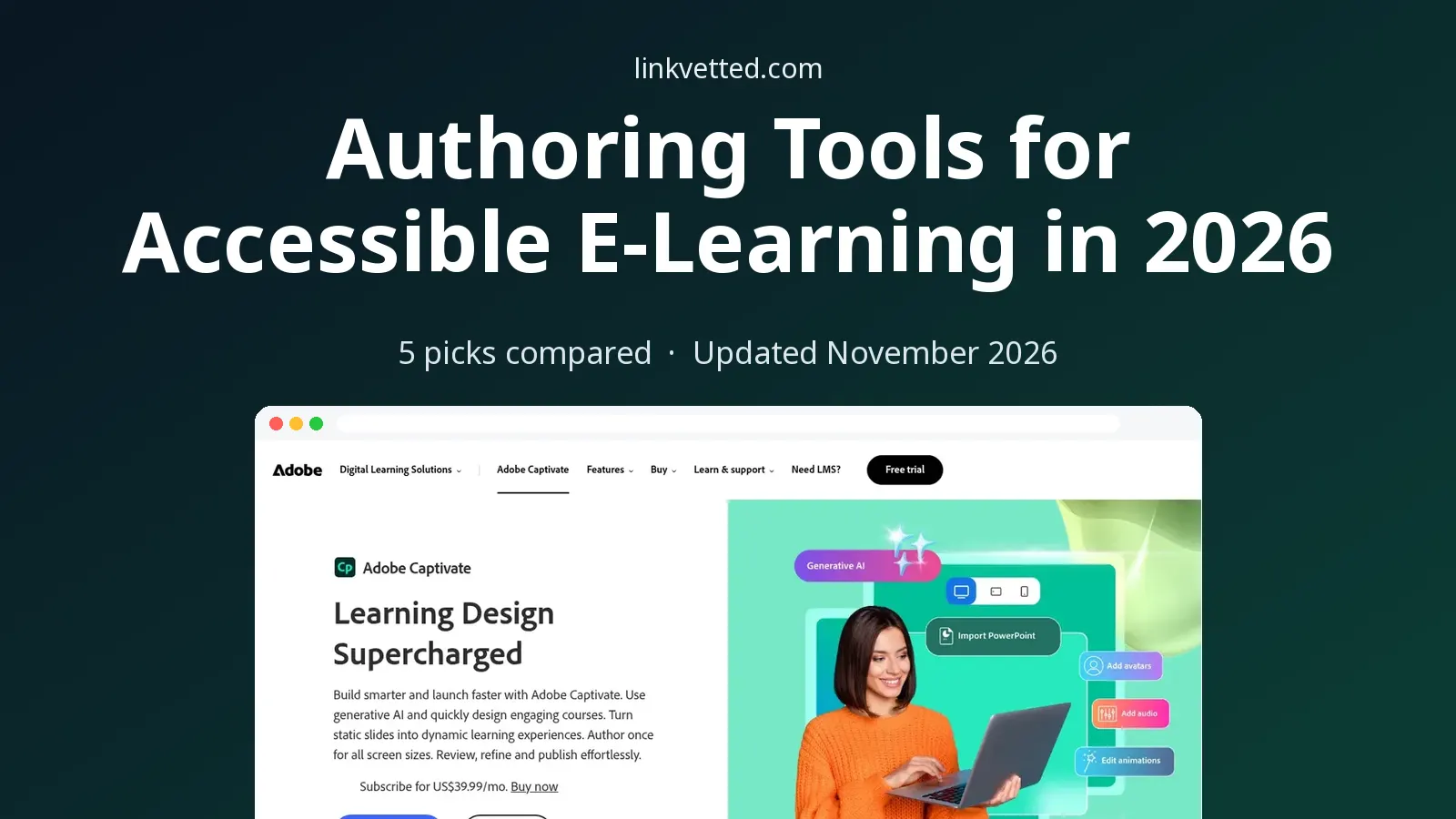
 Adobe Captivate
Responsive accessible courses
Starts atSee websiteVisit adobe.comFull review
Direct answer
DominKnow is the first pick on this list for LCMS with accessibility features. Listed starting prices: Elucidat from $4 per user per month. For a different need, Elucidat covers collaborative AI-assisted authoring and Adobe Captivate covers Responsive accessible courses. Prices, free plans and limits for all 5 tools follow.
TL;DR:
- Top of the list is DominKnow, which targets LCMS with accessibility features.
- Check the limits for Adobe Captivate before you commit: can be complex for beginners.
- Articulate Storyline is the one to check for custom accessible interactions.
- None of the 5 tools, from DominKnow to Articulate Storyline, has a free plan, so budget for a subscription or use a trial.
Last checked November 2026. Prices and plan details were read from the vendors' own pages in November 2026; vendors change plans often, so confirm the current price on the vendor site before you buy.
Quick comparison
| Tool | Best for | Starts at | Free plan? | |
|---|---|---|---|---|
| DominKnow | LCMS with accessibility features | See website | Free trial | Visit |
| Elucidat | Collaborative AI-assisted authoring | $4 per user per month | Not stated | Visit |
| Adobe Captivate | Responsive accessible courses | See website | Not stated | Visit |
| Rise 360 | Fast accessible course creation | See website | Not stated | Visit |
| Articulate Storyline | Custom accessible interactions | See website | Not stated | Visit |
The 5 tools in detail
LinkVetted compared 5 tools for authoring tools for accessible E-Learning. The goal is a practical shortlist: published prices, free plan facts, best-fit use cases and honest limits for every entry.
DominKnow makes the most sense for LCMS with accessibility features. It supports accessibility through features like semantic HTML and keyboard navigation, making it suitable for organizations that require to handle large volumes of accessible content.
Watch-outs: Complicated setup.
More specifically, dominKnow has a complex setup and a higher ramp-up time, which may be overwhelming for small teams. DominKnow does not show a starting price in this comparison, so check the vendor site for current pricing. Trial and free access: Free trial.
- Solid accessibility support
- Integrated LCMS
- Higher ramp-up time
For collaborative AI-assisted authoring, Elucidat is a natural candidate. Elucidat, now known as Create, is an AI-powered authoring tool made for frontline training.
Trade-offs to know: May need training.
On top of that, Elucidat may need training to completely utilize its features and gives you less control over advanced accessibility customizations. For everyday use, for granular control, consider Articulate Storyline or dominKnow. Price to start with Elucidat: $4 per user per month. As for free access: Not stated.
- Focus on frontline teams
- AI-driven content creation
- Less control over advanced accessibility
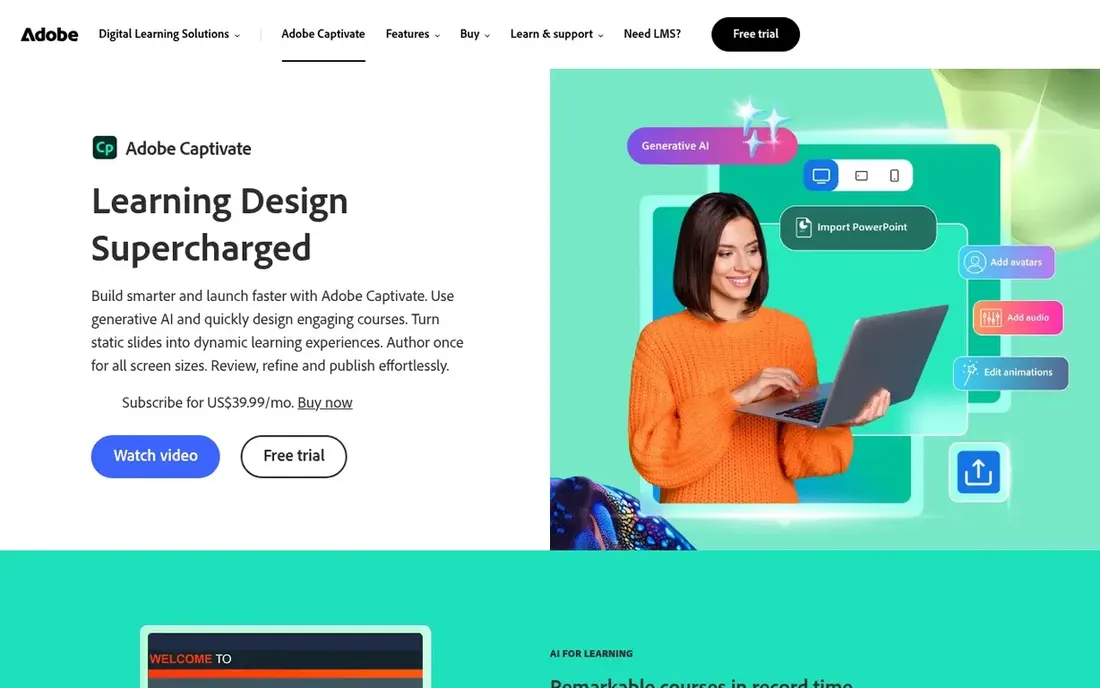
Pick Adobe Captivate if this describes you: Responsive accessible courses. It gives you features for example closed captions, audio descriptions, and keyboard navigation, making it right for accessible e-learning.
What to check first: Can be complex for beginners.
More specifically, Captivate can be complicated for beginners and needs a subscription. For those seeking a more straightforward tool, Rise 360 gives you a more simplified approach, whereas Storyline offers deeper customization. Check the vendor site for Adobe Captivate pricing; none is listed in this comparison. As for free access: Not stated.
- Accessibility features
- Responsive design
- Subscription-based
Rise 360
Best for: Fast accessible course creation
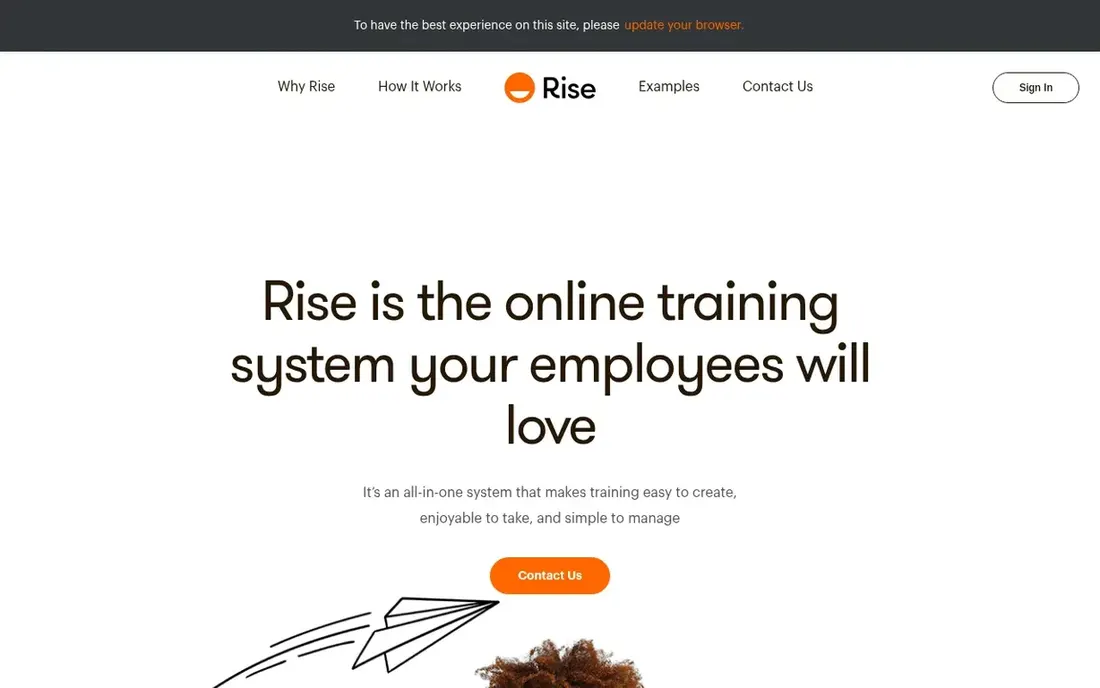
Rise 360 works best for fast accessible course creation. Rise 360 is an online training system that emphasizes simplicity and device responsiveness. It lets for the creation of interactive training and courses that work on any device, with built-in accessibility features like proper heading structures and alt text support.
Where it is weaker: Less configurable than Storyline.
It is well suited to teams that require to produce accessible content rapidly without deep technical expertise. For advanced accessibility needs, consider Articulate Storyline or dominKnow. Rise 360 gives you less customization compared with Storyline and may not support complicated interactions. Check the vendor site for Rise 360 pricing; none is listed in this comparison. Free access: Not stated.
- Device-responsive output
- Approachable interface
- Restricted advanced interactions
Articulate Storyline
Best for: Custom accessible interactions
Think of Articulate Storyline for custom accessible interactions. Storyline has a steeper ramp-up time and may need extra effort to ensure responsive design across devices.
More specifically, Articulate Storyline is a widely used authoring tool known for its feature-rich slide-based authoring and broad customization choices. It supports accessibility through features like screen reader compatibility, keyboard navigation, and closed captions, making it right for creating accessible e-learning. Articulate Storyline does not show a starting price in this comparison, so check the vendor site for current pricing. Free plan details: Not stated.
Limits to weigh: Steeper ramp-up time.
- Solid accessibility features
- Adaptable slide-based authoring
- Restricted built-in responsive design
What went into this list
Selection started from tools commonly considered for authoring tools for accessible E-Learning, then narrowed to 5 that have clear pricing information or a clear quote process. Seat minimums, billing terms and add-ons can move the real cost, so the starting prices here are a guide and not a quote. The order reflects how well each tool fits the most common buying scenario for authoring tools for accessible E-Learning, then price clarity, then free plan access. It is a starting point, not a verdict.
A buyer's checklist
- Ask DominKnow, Adobe Captivate, Rise 360 and Articulate Storyline for a written quote, since no starting price is shown.
- Take the trial from DominKnow and push a live task through it before you pay.
- Before choosing DominKnow, weigh its main limit: complicated setup.
- List the apps you already depend on and check that DominKnow supports each one on the plan you would buy.
- Confirm the exact Rise 360 plan that includes your must-have features.
FAQ
Does any tool for authoring tools for accessible E-Learning here have a free plan?
No tool in this list, DominKnow and Articulate Storyline included, has a permanent free plan. DominKnow offer a trial. Trials and quotes are the usual route, so plan a short evaluation period.
What is the cheapest option for authoring tools for accessible E-Learning in this list?
On published monthly entry prices, Elucidat is the lowest here at $4 per user per month. Entry price is only part of the cost, because seats, add-ons and billing terms can change the total.
What makes an authoring tool accessible?
An accessible authoring tool supports features like screen reader compatibility, keyboard navigation, closed captions, and proper heading structures. It should also allow developers to add alt text and ensure content is perceivable, operable, and understandable for all learners.
How does Adobe Captivate deal with accessibility?
Adobe Captivate offers features for example closed captions, audio descriptions, and keyboard navigation to support accessible e-learning. It also provides responsive design to ensure content works on several devices.
Is DominKnow the right pick for everyone comparing authoring tools for accessible E-Learning?
No single tool suits every team. DominKnow comes first because it fits LCMS with accessibility features, while Elucidat suits collaborative AI-assisted authoring and Adobe Captivate suits Responsive accessible courses. Match the tool to your own size, budget and workflow before deciding.
How are the tools for authoring tools for accessible E-Learning ordered?
The order follows typical fit for authoring tools for accessible E-Learning, with DominKnow first and Articulate Storyline last, then price clarity and free access. It is editorial judgement, not a score, so another team could rank the tools differently.
Sources
- https://www.dominknow.com
- https://www.elucidat.com
- https://www.adobe.com/products/captivate.html
- https://www.articulaterise.com
- https://www.articulatestoryline.com