Assessment Builder for Vocational Schools in 2026: The 6 Best Options Side by Side
6 products for the best assessment builder for vocational schools, ranked by fit, with starting costs and free tiers. Real limits included. Facts only.
- Editor's choice
 Moodle
Configurable competency-based assessment
Starts atPricing on requestVisit moodle.comFull review - Great alternative
 D2L Brightspace
AI-assisted assessment in training organizations
Starts atPricing on requestVisit d2l.comFull review - Also consider
 Google Classroom
Quick, straightforward assignment workflows
Starts atPricing on requestVisit classroom.google.comFull review
Direct answer
If you need configurable competency-based assessment, Moodle is the first tool to look at here. Alternatives: D2L Brightspace for AI-assisted assessment in training organizations, and Google Classroom for quick, straightforward assignment workflows. All 6 tools are compared below on price, free plan and limits. None of these vendors publish plan prices, so pricing is on request for every option.
TL;DR:
- The list opens with Moodle, aimed at configurable competency-based assessment.
- Check the limits for Google Classroom before you commit: lighter assessment depth than full LMS choices.
- Every tool from Moodle to TAFE NSW works by quote, with no list price shown.
- None of the 6 tools, from Moodle to TAFE NSW, has a free plan, so budget for a subscription or use a trial.
Last checked November 2026. Pricing on request: vendors did not publish plan prices when this guide was last checked (November 2026), so ask each vendor for a written quote.
Quick comparison
| Tool | Best for | Starts at | Free plan? | |
|---|---|---|---|---|
| Moodle | Configurable competency-based assessment | Pricing on request | Not stated | Visit |
| D2L Brightspace | AI-assisted assessment in training organizations | Pricing on request | Not stated | Visit |
| Google Classroom | Quick, straightforward assignment workflows | Pricing on request | Not stated | Visit |
 Microsoft Teams for Education | Collaboration-led assessment in Microsoft schools | Pricing on request | Not stated | Visit |
 Canvas LMS | Balanced assessment building and delivery | Pricing on request | Not stated | Visit |
| TAFE NSW | Public vocational training reference | Pricing on request | Not stated | Visit |
Assessment Builder for Vocational Schools profiles
LinkVetted put together this guide to assessment builder for vocational schools for readers who want a clear shortlist without reading every vendor page. It compares 6 tools on starting price, free plans, who each one suits and where each one falls short.
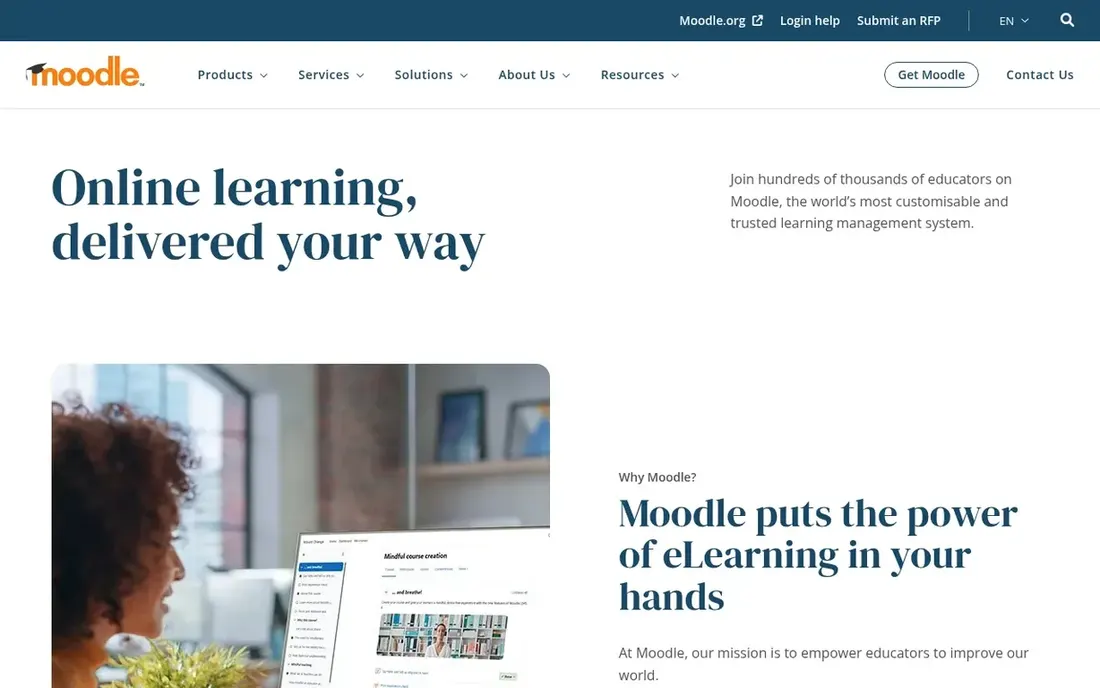
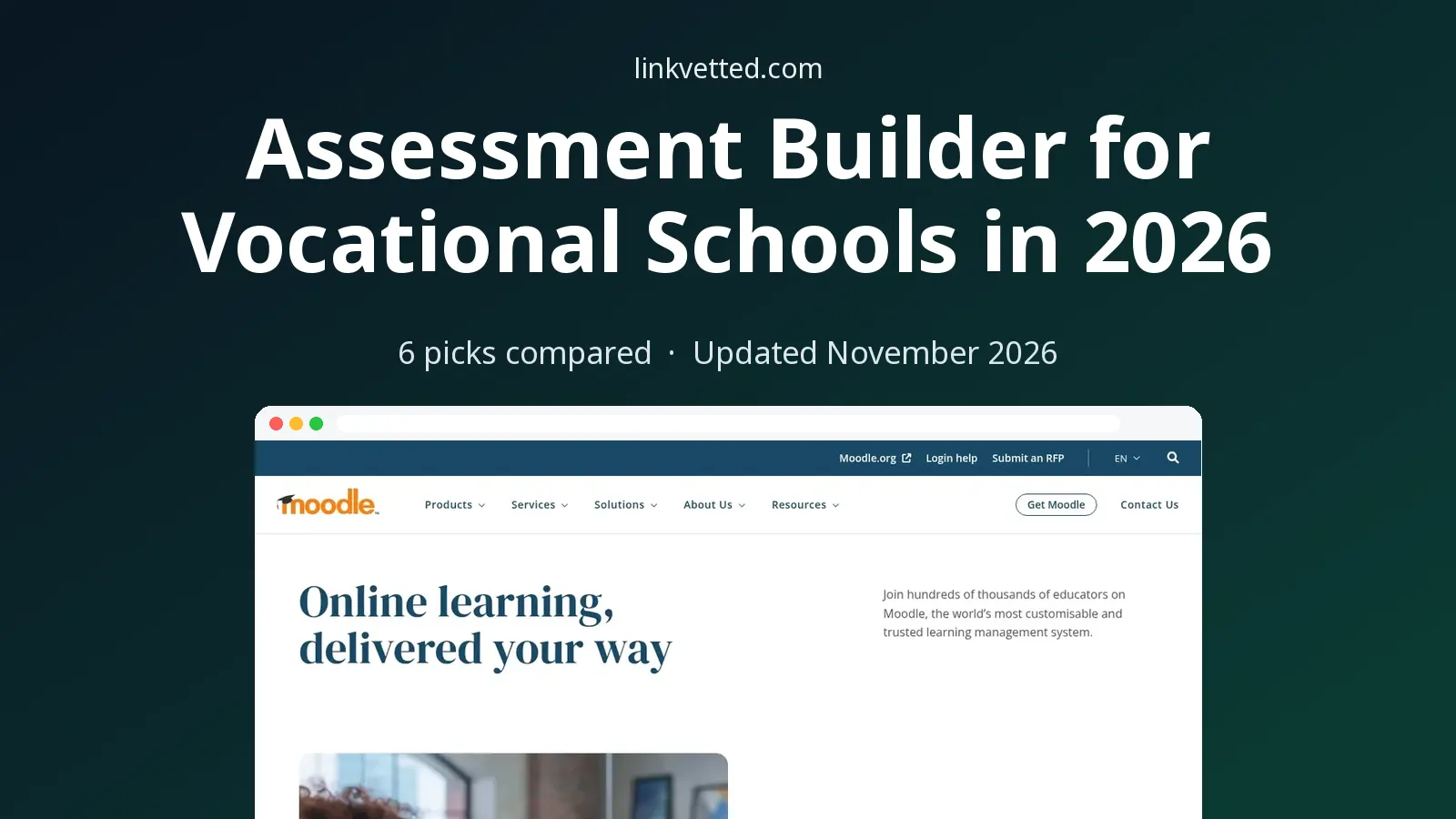
Moodle is aimed squarely at configurable competency-based assessment. Moodle describes itself as the most configurable and widely used LMS for education, enterprise and public sector organizations. Its assessment activities can be shaped around vocational requirements, including practical checklists and structured quizzes.
As for the details, organizations without technical capacity may find it demanding. Also, pick Moodle when you need control over assessment structure and can invest in setup and maintenance. Check the vendor site for Moodle pricing; none is listed in this comparison. Free plan details: Not stated.
The main drawbacks: Customization needs technical skill.
- Fits education and training organizations
- Highly configurable open system
- Interface can feel dated without work
Where D2L Brightspace fits: AI-assisted assessment in training organizations. D2L builds Brightspace, a learning product with D2L Lumi AI designed in, geared toward universities, schools, associations, training organizations and companies. Its assessment and grading tools sit inside a broader teaching environment, which fits vocational schools that want consistent assessment across programs.
For everyday use, Teams wanting a minimal tool may prefer a more straightforward choice. In daily use, AI-assisted features deserve scrutiny before they are used in graded vocational assessments. The full product can be more than a small program needs. This comparison lists no price for D2L Brightspace; ask the vendor. Free plan details: Not stated.
Where it falls short: AI features need careful review for assessment fairness.
- Wide learning system scope
- AI designed into the platform
- Full system may exceed small program needs
Google Classroom is a good fit for quick, straightforward assignment workflows. For vocational schools, it does well for distributing assignments, collecting work and giving feedback rapidly.
Points against: Lighter assessment depth than full LMS choices.
Assessment depth is lighter than dedicated LMS products, so complicated competency tracking or structured practical rubrics may need additional tools. Schools with demanding assessment requirements should look at Canvas or Moodle. This comparison lists no price for Google Classroom; ask the vendor. As for free access: Not stated.
- Central hub for classroom management
- Suits schools already using Google tools
- Advanced competency tracking is restricted
Microsoft Teams for Education
Best for: Collaboration-led assessment in Microsoft schools
Microsoft Teams for Education is designed for collaboration-led assessment in Microsoft schools. For vocational schools, Teams for Education supports class collaboration, assignment distribution and feedback within a familiar Microsoft environment.
Where it is weaker: Needs Microsoft ecosystem familiarity.
Microsoft Teams for Education shows no starting price here, so confirm the cost on the vendor site. Free plan details: Not stated.
- Integrated with Microsoft education tools
- Supports secure AI technology for education
- Assessment features spread across connected tools
Canvas LMS works best for balanced assessment building and delivery. Canvas by Instructure is a widely used learning management system built to ease teaching and enhance student learning. Its assessment tools include quizzes, assignments and rubrics, which map well to vocational tasks like practical demonstrations and competency sign-offs.
Limits to weigh: Setup effort grows with customization.
Choose Canvas when assessment quality and a coherent teaching experience matter more than simplicity. As for the details, institutions wanting minimal overhead might prefer a lighter tool. Pricing for Canvas LMS is not stated here, so ask the vendor for current figures. Free access: Not stated.
- Approachable LMS interface
- Wide teaching and learning features
- Full feature set can feel large for small teams
TAFE NSW
Best for: Public vocational training reference
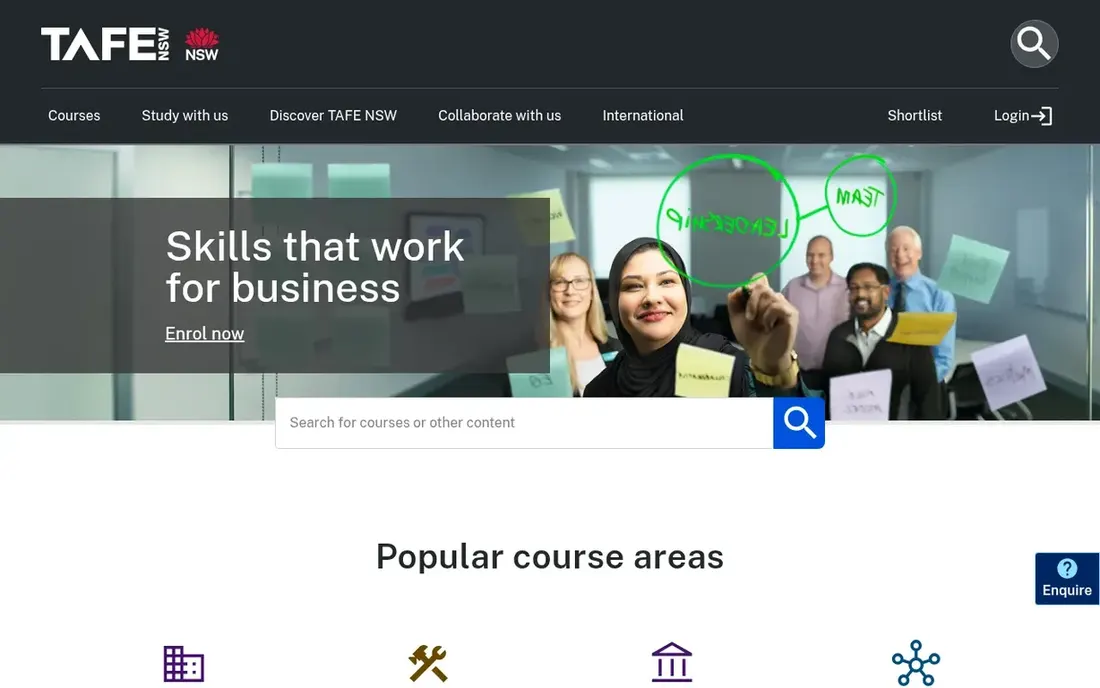
TAFE NSW is a good fit for public vocational training reference. TAFE NSW is a large public vocational education provider instead of a software vendor. Its site concentrates on courses, training pathways and career outcomes.
As for the details, for vocational schools, it is most handy as a reference point for how industry-linked training is structured and delivered. Also, the homepage excerpt does not describe assessment authoring tools. So it cannot be evaluated as a product for building quizzes or competency checks. Use TAFE NSW for context and benchmarking instead. Check the vendor site for TAFE NSW pricing; none is listed in this comparison. On free options: Not stated.
Where it falls short: Not a standalone assessment software product.
- Established vocational training provider
- Wide course and pathway catalog
- Restricted assessment builder detail on the homepage
Selection criteria
Selection started from tools commonly considered for assessment builder for vocational schools, then narrowed to 6 that have clear pricing information or a clear quote process. Treat prices as a snapshot: vendors change plans often, so check the vendor site for the figure that applies today. Tools are placed by general fit for assessment builder for vocational schools, with price clarity and free access as tie-breakers. A different team can reasonably rank them differently.
A buyer's checklist
- Ask each vendor, from Moodle to TAFE NSW, for a written quote; none of them publishes a starting price.
- Read the limits listed for Moodle first: customization needs technical skill.
- Ask Microsoft Teams for Education whether prices are locked for the first term and what happens at renewal.
- Ask the daily users to test TAFE NSW on a live task before you roll it out to everyone.
- Look at which plan of D2L Brightspace unlocks the features you need; entry tiers are often cut down.
FAQ
How are the tools for assessment builder for vocational schools ordered?
The order follows typical fit for assessment builder for vocational schools, with Moodle first and TAFE NSW last, then price clarity and free access. It is editorial judgement, not a score, so another team could rank the tools differently.
Does any tool for assessment builder for vocational schools here have a free plan?
No tool in this list, Moodle and TAFE NSW included, has a permanent free plan. Trials and quotes are the usual route, so plan a short evaluation period.
Do these tools publish their prices?
No. None of the tools, from Moodle to TAFE NSW, shows a fixed starting price here, so budget time for quotes.
Can I try these tools before paying?
Not by default. None of the tools, from Moodle to TAFE NSW, lists a free plan or a free trial here, so ask each vendor for a demo before committing.
What should vocational schools look for in an assessment builder?
Prioritize support for practical and competency-based tasks, clear rubric and feedback tools, and dependable reporting for compliance. Also check integrations with student records and how easily assessors can moderate results across cohorts.
Sources
- https://moodle.com
- https://www.d2l.com
- https://classroom.google.com
- https://www.microsoft.com/en-us/education
- https://www.instructure.com/canvas
- https://www.tafensw.edu.au