Best Assessment Software for Higher Education Faculty in 2026: Prices, Free Plans and 6 Picks
Best assessment software for higher education faculty in 2026: 6 contenders with entry costs and free tiers. Strengths and weak spots are spelled out.
- Editor's choice
 D2L Brightspace
AI-powered analytics and authoring
Starts atSee websiteVisit d2l.comFull review - Great alternative
 ExamSoft
Secure assessment and reporting
Starts atSee websiteVisit examsoft.comFull review - Also consider
 Gradescope
Efficient paper-based grading
Starts atSee websiteVisit gradescope.comFull review
Direct answer
D2L Brightspace is the first pick on this list for AI-powered analytics and authoring. Listed starting prices: Respondus LockDown Browser from $3295 a year. ExamSoft is better for secure assessment and reporting, and Gradescope is better for efficient paper-based grading. Prices, free plans and limits for all 6 tools follow.
TL;DR:
- This list starts with D2L Brightspace, which is built for AI-powered analytics and authoring.
- Check the limits for Respondus LockDown Browser before you commit: restricted to exam security.
- None of the 6 tools, from D2L Brightspace to Turnitin, has a free plan, so budget for a subscription or use a trial.
- Expect to ask for a quote from D2L Brightspace, ExamSoft, Gradescope and others; the other tools show a starting price.
Last checked November 2026. Prices and plan details were read from the vendors' own pages in November 2026; vendors change plans often, so confirm the current price on the vendor site before you buy.
Quick comparison
| Tool | Best for | Starts at | Free plan? | |
|---|---|---|---|---|
| D2L Brightspace | AI-powered analytics and authoring | See website | Not stated | Visit |
| ExamSoft | Secure assessment and reporting | See website | Not stated | Visit |
| Gradescope | Efficient paper-based grading | See website | Not stated | Visit |
| Respondus LockDown Browser | Secure online exam delivery | $3295 a year | Not stated | Visit |
 Canvas LMS | All-in-one teaching and assessment | See website | Not stated | Visit |
 Turnitin | Academic integrity and feedback | See website | Not stated | Visit |
Every option for assessment software for higher education faculty explained
Choosing assessment software for higher education faculty usually comes down to price, fit and limits. This LinkVetted guide sets 6 tools side by side on those three points, with the facts kept short and checkable.
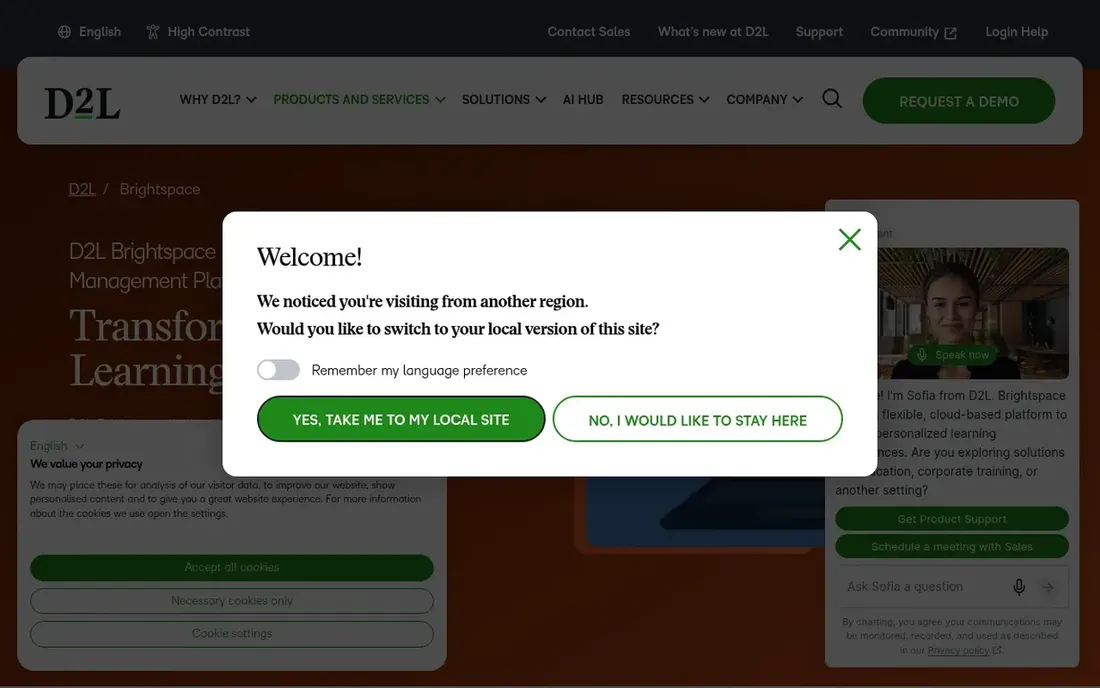
D2L Brightspace is aimed squarely at AI-powered analytics and authoring. D2L Brightspace is a learning system for higher education that bundles D2L Lumi AI, Creator+ authoring, and Performance+ analytics.
Honest limits: Can be expensive for small institutions.
Check the vendor site for D2L Brightspace pricing; none is listed in this comparison. As for free access: Not stated.
- D2L Lumi AI assistance
- Performance+ analytics
- May need training
ExamSoft is a good fit for secure assessment and reporting. It is a good match for faculty who require to administer secure exams and analyze performance data to inform instruction.
Limits to weigh: May be complicated for new users.
Pricing for ExamSoft is not stated here, so ask the vendor for current figures. Free access: Not stated.
- Secure assessment tools
- Valuable data insights
- Concentrated on exams
Gradescope makes the most sense for efficient paper-based grading. Gradescope is built to save time grading paper-based assignments and supply insights into student learning.
In practice, Gradescope focuses primarily on grading and may not handle all assessment needs, like secure online exams. No starting price is listed for Gradescope here; confirm pricing on the vendor site. Free access: Not stated.
Trade-offs to know: Restricted to grading workflows.
- In-depth learning insights
- Works with existing assignments
- Needs scanning setup
Respondus LockDown Browser
Best for: Secure online exam delivery
Think of Respondus LockDown Browser for secure online exam delivery. It stops cheating by restricting access to other applications and websites during exams, making it a strong match for high-stakes testing.
Limits to weigh: Requires student installation.
Beyond that, the tool is specialized for exam security and does not deal with other assessment types. Price to start with Respondus LockDown Browser: $3295 per year. Trial and free access: Not stated.
- Stops cheating during exams
- Plugs into major LMSs
- Restricted to exam security
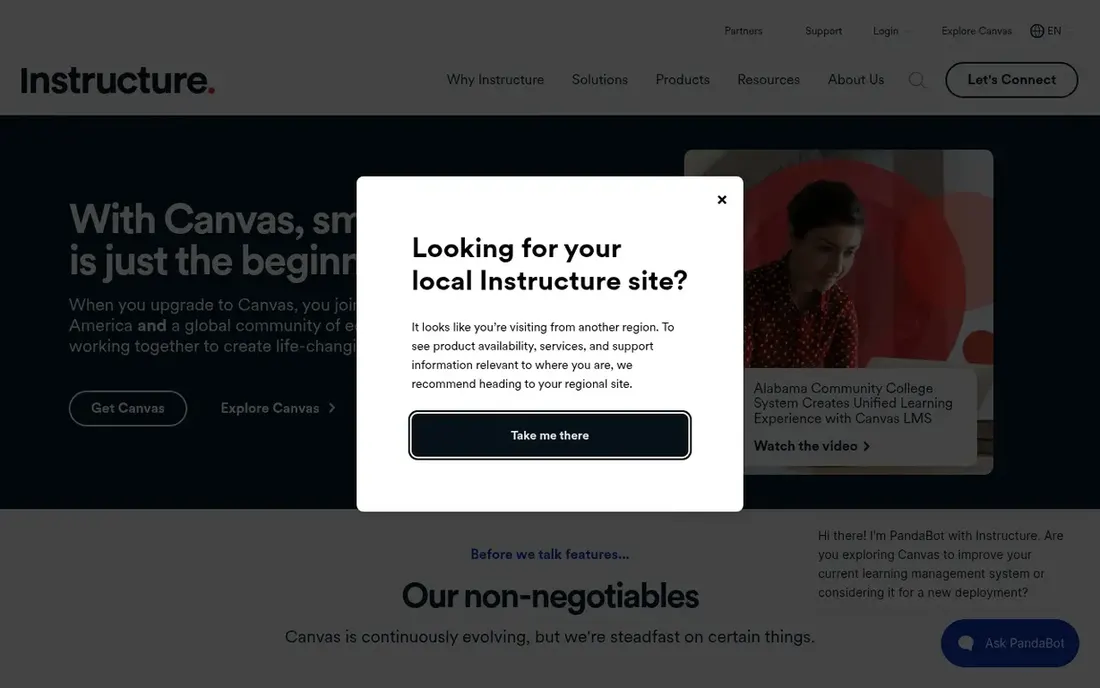
In short, Canvas LMS is for all-in-one teaching and assessment. Its approachable design helps instructors save time on administrative tasks.
Canvas LMS does not show a starting price in this comparison, so check the vendor site for current pricing. Trial and free access: Not stated.
Points against: Can be complicated for new users.
- Approachable interface
- Integrated gradebook
- Needs institutional support
Turnitin is a good fit for academic integrity and feedback. Whereas Turnitin is effective, it may flag legitimate sources and needs clear communication with students.
Also, Turnitin promotes academic integrity by deterring plagiarism and simplifying grading and feedback. Pricing for Turnitin is not stated here, so ask the vendor for current figures. Free plan details: Not stated.
Where it is weaker: Can produce false positives.
- Simplified feedback
- Plagiarism detection
- Requires student training
How these tools were picked
We compared the tools on published pricing, free plan or trial availability, feature coverage for assessment software for higher education faculty, and the limits each vendor documents. Seat minimums, billing terms and add-ons can move the real cost, so the starting prices here are a guide and not a quote. The sequence is a judgement call: typical use case first, then pricing transparency, then free access. Use the profiles to check fit.
Questions to settle before buying
- Get a written quote from D2L Brightspace, ExamSoft, Gradescope and others; the list shows no starting price for them.
- Before choosing D2L Brightspace, weigh its main limit: may need training.
- Pick one real project and run it in Canvas LMS first; a small pilot shows fit faster than a checklist.
- Before rolling out Gradescope, verify the integrations your workflow depends on.
- Look at the renewal terms for Turnitin: auto-renewal, notice periods and price changes can matter more than the first-year price.
FAQ
Can I try these tools before paying?
Not by default. None of the tools, from D2L Brightspace to Turnitin, lists a free plan or a free trial here, so ask each vendor for a demo before committing.
Is D2L Brightspace the right pick for everyone comparing assessment software for higher education faculty?
No single tool suits every team. D2L Brightspace comes first because it fits AI-powered analytics and authoring, while ExamSoft suits secure assessment and reporting and Gradescope suits efficient paper-based grading. Match the tool to your own size, budget and workflow before deciding.
What is the best assessment software for higher education faculty?
D2L Brightspace is the pick this page puts first, mainly for AI-powered analytics and authoring. If your situation differs, ExamSoft suits secure assessment and reporting, and Gradescope suits efficient paper-based grading. Compare price and limits before you decide.
Does any tool for assessment software for higher education faculty here have a free plan?
No tool in this list, D2L Brightspace and Turnitin included, has a permanent free plan. Trials and quotes are the usual route, so plan a short evaluation period.
How does Gradescope help with grading?
Gradescope saves time by allowing faculty to grade paper-based assignments efficiently and offers insights into student learning. It is especially handy for courses with handwritten exams or homework.
Do these tools publish their prices?
Not all of them. D2L Brightspace, ExamSoft, Gradescope and others publish no starting price, so expect a quote request for those. The rest, Respondus LockDown Browser included, show a starting price, though seats and billing terms still change the final cost.
Sources
- https://www.d2l.com/brightspace
- https://examsoft.com
- https://www.gradescope.com
- https://web.respondus.com/he/lockdownbrowser
- https://www.instructure.com/canvas
- https://www.turnitin.com