8 Best Educational Apps for 4 Year Olds Free in 2026
We compared 8 best educational apps for 4 year olds free for parents, covering letters, numbers, shapes, and early reading, plus ads and privacy notes.
- Editor's choice
 Khan Academy Kids
Free early learning for ages 2 to 8
Starts atFreeVisit khanacademy.orgFull review - Great alternative
 PBS Kids Games
Free games with familiar PBS characters
Starts atFreeVisit pbskids.orgFull review - Also consider
 Duolingo ABC
Free early reading and phonics
Starts atFreeVisit duolingo.comFull review
TL;DR:
- Khan Academy Kids and PBS Kids Games are fully free, with no ads or in-app purchases in the core app.
- Duolingo ABC and Starfall offer free early reading activities, with paid extras clearly separated in some cases.
- ScratchJr and ABCya suit playful practice, but parents should check purchase prompts before handing over a device.
- Set a short daily limit, sit nearby for the first sessions, and turn off purchase prompts in device settings.
Quick comparison
| Tool | Best for | Starts at | Free plan? | |
|---|---|---|---|---|
| Khan Academy Kids | Free early learning for ages 2 to 8 | Free | Yes | Visit |
| PBS Kids Games | Free games with familiar PBS characters | Free | Yes | Visit |
| Duolingo ABC | Free early reading and phonics | Free | Yes | Visit |
 Starfall | Phonics and early reading practice | Free | Yes | Visit |
 Teach Your Monster to Read | Phonics game with a custom monster | See website | Free trial | Visit |
 Lingokids | Playful learning with songs and games | See website | Yes | Visit |
 ABCya | Free games for letters, numbers, and shapes | Free | Yes | Visit |
 ScratchJr | Free early coding with blocks and stories | Free | Yes | Visit |
The best best educational apps for 4 year olds free
Four-year-olds learn best through short, playful activities with clear pictures and sounds. The apps below cover letters, numbers, shapes, and early reading, and we note where each app is fully free, where it offers paid extras, and how it handles ads and purchases.
For readers who want a clear starting point, parents who want a fully free app with no purchase traps. Its free activities cover letters, numbers, shapes, and early reading, with no ads and no in-app purchases in the core app.
It covers a broad age range, so parents may need to guide a 4-year-old to the right level at first. In daily use, it works best when a parent picks a learning path, then lets the child play short sessions. Parents should check the privacy page for account and data details.
For our list, Khan Academy Kids earned its place because it covers free early learning for ages 2 to 8 clearly, even with the limits noted above. If that use case matches your main work, it is worth a trial before you decide, and if it does not match, the next option in this list may fit better.
- No ads and no in-app purchases
- Reading, math, and social learning
- Parent and teacher tools
- Needs a device and internet for some content
- Content is broad, not only age 4
- Offline options vary
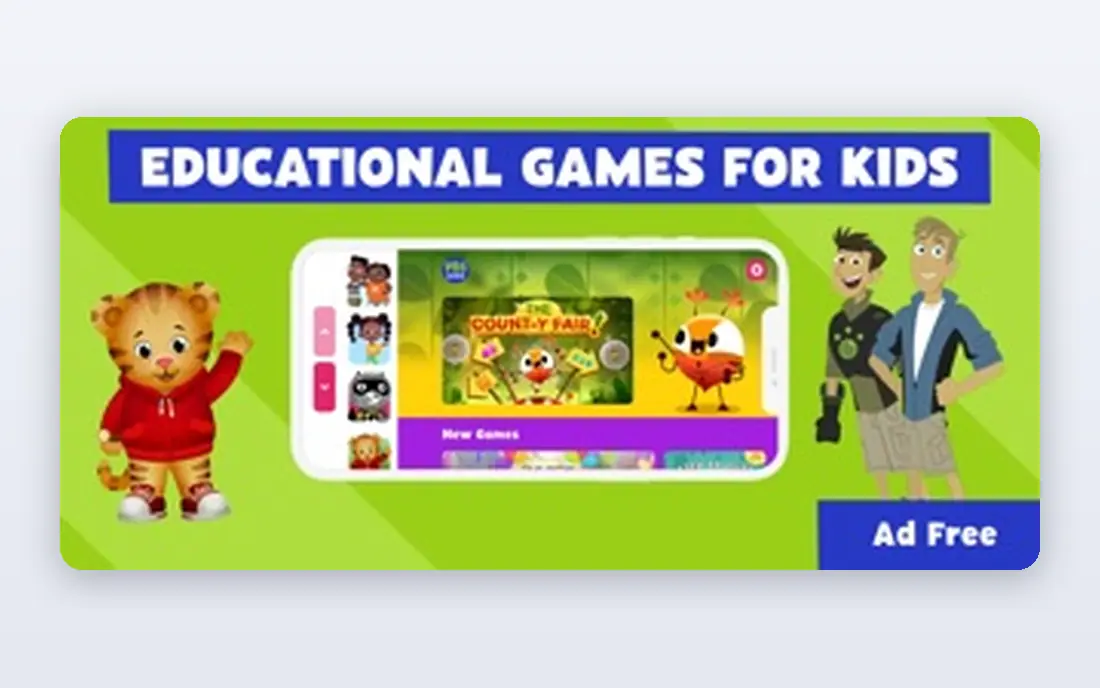
If cost matters more than extra features, parents who want free games with characters children already know. Its free games use PBS characters to teach letters, numbers, and shapes in short playful rounds.
Learning depth varies by game, so parents should pick games that match letters or numbers their child is learning. In daily use, it works best when a parent picks two or three games, then rotates them. Parents should check the PBS Kids privacy page for data details.
For our list, PBS Kids Games earned its place because it covers free games with familiar pbs characters clearly, even with the limits noted above. If that use case matches your main work, it is worth a trial before you decide, and if it does not match, the next option in this list may fit better.
- Free games with no in-app purchases
- Letters, numbers, and shapes
- Familiar characters
- Games vary in learning depth
- Some content needs internet
- Parent controls are basic
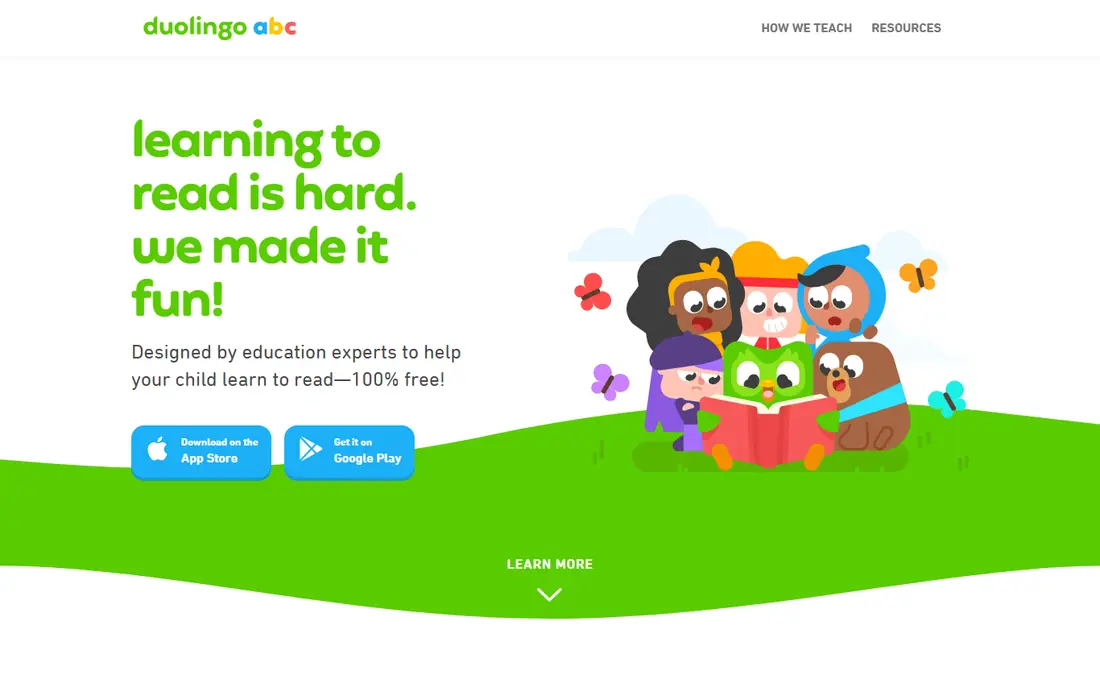
This option stands out for parents who want free phonics practice for a 4-year-old. Its short free lessons teach letter sounds and early reading through playful stories and games.
It focuses on reading, so math and shapes need a second app. In daily use, it works best for short daily reading sessions of 10 minutes or less. Parents should check the privacy page and confirm no purchase prompts appear on their device.
For our list, Duolingo ABC earned its place because it covers free early reading and phonics clearly, even with the limits noted above. If that use case matches your main work, it is worth a trial before you decide, and if it does not match, the next option in this list may fit better.
- Free phonics and reading lessons
- Short lessons for young children
- No ads in the core app
- Reading focus only
- Math content is limited
- Availability varies by region
A practical choice for parents who want step-by-step phonics at a low cost. Its free activities teach letters and sounds in clear steps, which suits a 4-year-old learning letter sounds.
Full membership is paid, so parents should check which activities are free before a child starts. In daily use, it works best when a parent starts with free letter activities, then decides on membership later. Parents should turn off purchase prompts in device settings.
For our list, Starfall earned its place because it covers phonics and early reading practice clearly, even with the limits noted above. If that use case matches your main work, it is worth a trial before you decide, and if it does not match, the next option in this list may fit better.
- Free basic phonics activities
- Step-by-step letter learning
- Simple interface
- Full membership is paid
- Some content sits behind membership
- Design looks simple
Teach Your Monster to Read
Best for: Phonics game with a custom monster
For people who plan in detail, parents who want a game that makes phonics feel like play. Its monster character and game levels make letter sounds and early reading feel like play.
Full access may be paid on some platforms, and web and app access differ, so check the store page. In daily use, it works best when a parent creates the monster with the child, then plays short levels together. Parents should check purchase options before handing over a device.
For our list, Teach Your Monster to Read earned its place because it covers phonics game with a custom monster clearly, even with the limits noted above. If that use case matches your main work, it is worth a trial before you decide, and if it does not match, the next option in this list may fit better.
- Playful phonics game
- Custom monster character
- Covers letters to early reading
- Full access may be paid on some platforms
- Web and app access differ
- Needs parent setup
For a low cost start, parents who want songs and games beside letters and numbers. Its songs and games cover letters, numbers, and social skills in short activities for young children.
Full access is paid, and free content is limited, so parents should check what is free first. In daily use, it works best when a parent picks free activities first and sets a time limit. Parents should disable in-app purchases in device settings.
For our list, Lingokids earned its place because it covers playful learning with songs and games clearly, even with the limits noted above. If that use case matches your main work, it is worth a trial before you decide, and if it does not match, the next option in this list may fit better.
- Songs, games, and activities
- Letters, numbers, and social skills
- Parent progress views
- Full access is paid
- Free content is limited
- Purchase prompts need parent checks
This is a sensible fit for parents who want free browser games for early learning. Its free games cover letters, numbers, and shapes with simple navigation for young children.
Some premium content is paid, and ads may appear on web versions, so the app version and parent settings matter. In daily use, it works best on a tablet app with purchase prompts off. Parents should check the privacy page and ad settings before first use.
For our list, ABCya earned its place because it covers free games for letters, numbers, and shapes clearly, even with the limits noted above. If that use case matches your main work, it is worth a trial before you decide, and if it does not match, the next option in this list may fit better.
- Free games for young children
- Letters, numbers, and shapes
- Simple navigation
- Some premium content is paid
- Ads may appear on web versions
- Parent guidance helps
Finally, a strong option for parents who want creative play beside reading and math apps. Its free block-based tool lets young children make stories and games by snapping blocks together.
It focuses on creative coding, not reading, so it works best beside a reading app. In daily use, it works best when a parent helps a 4-year-old build a first story, then lets the child change characters. Parents should check the privacy page for account details, since no account is needed for basic use.
For our list, ScratchJr earned its place because it covers free early coding with blocks and stories clearly, even with the limits noted above. If that use case matches your main work, it is worth a trial before you decide, and if it does not match, the next option in this list may fit better.
- Free creative coding for young children
- Block-based stories and games
- No ads or purchases
- Coding focus, not reading
- Needs parent guidance at age 4
- Projects need saving help
How we picked these
We compared official app pages, app store listings, and privacy pages for each app. We focused on age fit for 4-year-olds, learning coverage, cost, ads, in-app purchases, and privacy notes for parents, and we left out apps aimed mainly at older children.
We also checked that each product is still offered in October 2026, with a working homepage and a current pricing page. Where a price could not be confirmed on the vendor site, we used See website rather than guessing a number, and we noted free plan limits where they affect daily use.
Choosing the right fit
Start with fully free apps
Khan Academy Kids, PBS Kids Games, Duolingo ABC, and ScratchJr offer strong free learning with no purchase traps in the core app. Start there, then add a paid app only if your child needs a specific skill.
Check ads and purchases before first use
Open the app yourself first, check for ads and purchase prompts, and turn off in-app purchases in device settings. For web games such as ABCya, use the app version where ad controls are clearer.
Keep sessions short and guided
Short sessions of 10 to 20 minutes work best at age 4, with a parent nearby for the first sessions. Mix app time with books, blocks, and outdoor play, and review progress together each week.
FAQ
What is the best free educational app for 4 year olds?
Khan Academy Kids is our top free pick, with letters, numbers, shapes, and early reading at no cost, and no ads or in-app purchases in the core app. PBS Kids Games is a close second for free playful games.
Are these apps safe for 4 year olds?
The fully free apps in this list are designed for young children, with no ads or purchases in the core app. For freemium apps such as Lingokids and Starfall, parents should check purchase prompts and privacy pages before first use.
Which app is best for learning letters?
Duolingo ABC and Starfall focus most clearly on letter sounds and early reading. Khan Academy Kids also covers letters, with a broader mix of math and social learning beside reading.
Do 4 year olds need a paid app?
No, free apps cover letters, numbers, shapes, and early reading well at age 4. A paid app only makes sense if your child needs a specific skill or enjoys a particular game format.
How much screen time is right at age 4?
Short sessions of 10 to 20 minutes, with a parent nearby, work well for most 4-year-olds. Mix app time with books, play, and outdoor time, and keep devices out of bedrooms at night.