8 Best Apps to Learn Maths for Free in 2026
Find the best app to learn maths for free for kids, students, and adults, with lessons, practice, graphing, and homework help at no cost in October 2026.
- Editor's choice
 Khan Academy
Structured free lessons from school to college
Starts atFreeVisit khanacademy.orgFull review - Great alternative
 Photomath
Camera-based homework help with steps
Starts at$9.99 per monthVisit photomath.comFull review - Also consider
 Desmos
Free graphing calculator for algebra and functions
Starts atFreeVisit desmos.comFull review
TL;DR:
- Khan Academy is the strongest free pick for structured lessons, since it covers school maths through early college at no cost.
- Photomath helps with homework checking, but it works best when you read the steps rather than copying the answer.
- Desmos and GeoGebra are free graphing and geometry tools that help visual learners see how equations behave.
- For younger children, Khan Academy Kids and Prodigy use games and stories to build number skills without a paid plan for core maths.
Quick comparison
| Tool | Best for | Starts at | Free plan? | |
|---|---|---|---|---|
| Khan Academy | Structured free lessons from school to college | Free | Yes | Visit |
| Photomath | Camera-based homework help with steps | $9.99 per month | Yes | Visit |
| Desmos | Free graphing calculator for algebra and functions | Free | Yes | Visit |
 GeoGebra | Free geometry, graphing, and algebra tools | Free | Yes | Visit |
 CK-12 | Free textbooks, lessons, and practice | Free | Yes | Visit |
 Brilliant | Interactive problem solving for curious learners | See website | Yes | Visit |
 Microsoft Math Solver | Free problem solving with step explanations | Free | Yes | Visit |
 Prodigy Math | Game-based maths practice for grades 1 to 8 | $9.95 per month | Yes | Visit |
The best apps to learn maths for free
Free maths apps now cover everything from early counting to calculus, and the best choice depends on age, level, and learning style. The picks below focus on apps with a real free tier, not a short trial, and they include lessons, practice, and tools for checking work.
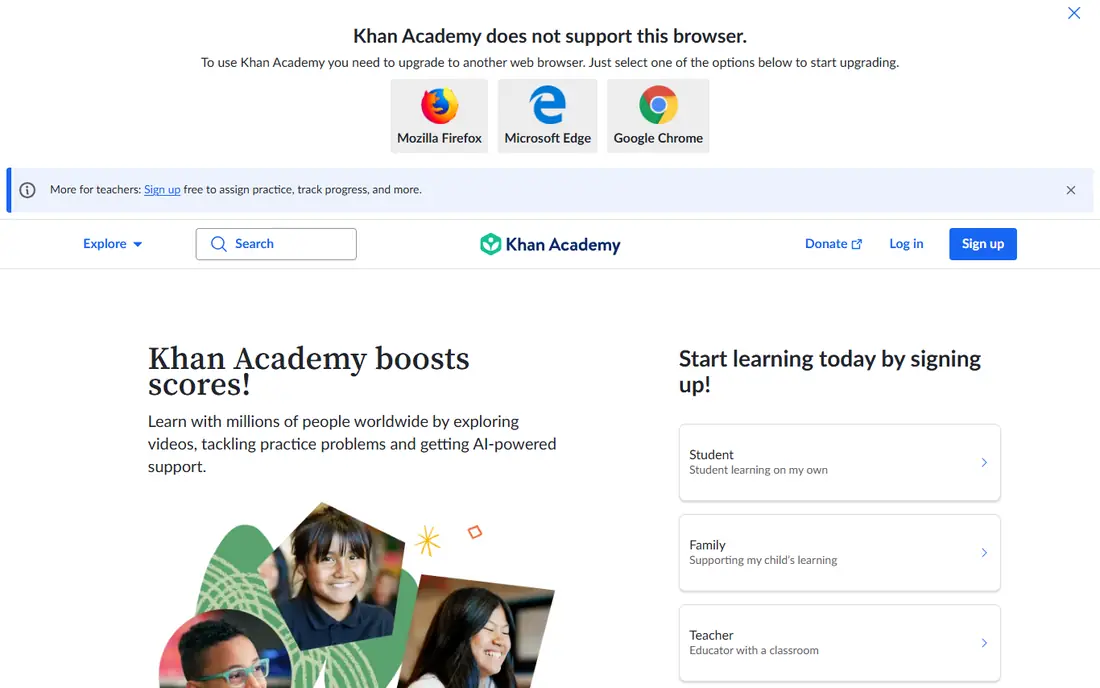
Khan Academy is the clearest free pick for structured maths learning, with video lessons and practice from early maths through calculus and statistics. The dashboard tracks progress, suggests next steps, and lets learners work at their own pace. There are no ads and no premium tier for core content, which keeps the focus on learning. The style is calm and lesson-based, so children who need game rewards may prefer Prodigy or Khan Academy Kids for early years. It also lacks a live tutor in the free tier, though practice hints help with many problems. For students and adults who want a full, free curriculum, it is hard to beat. In practice, Khan Academy suits structured free lessons from school to college best when the work is regular rather than occasional, because the setup pays off over repeated use and the routine becomes easy to repeat.
- Fully free with no ads
- Lessons, practice, and progress tracking
- Wide grade coverage
- Less game-based motivation for younger children
- No live tutor in free tier
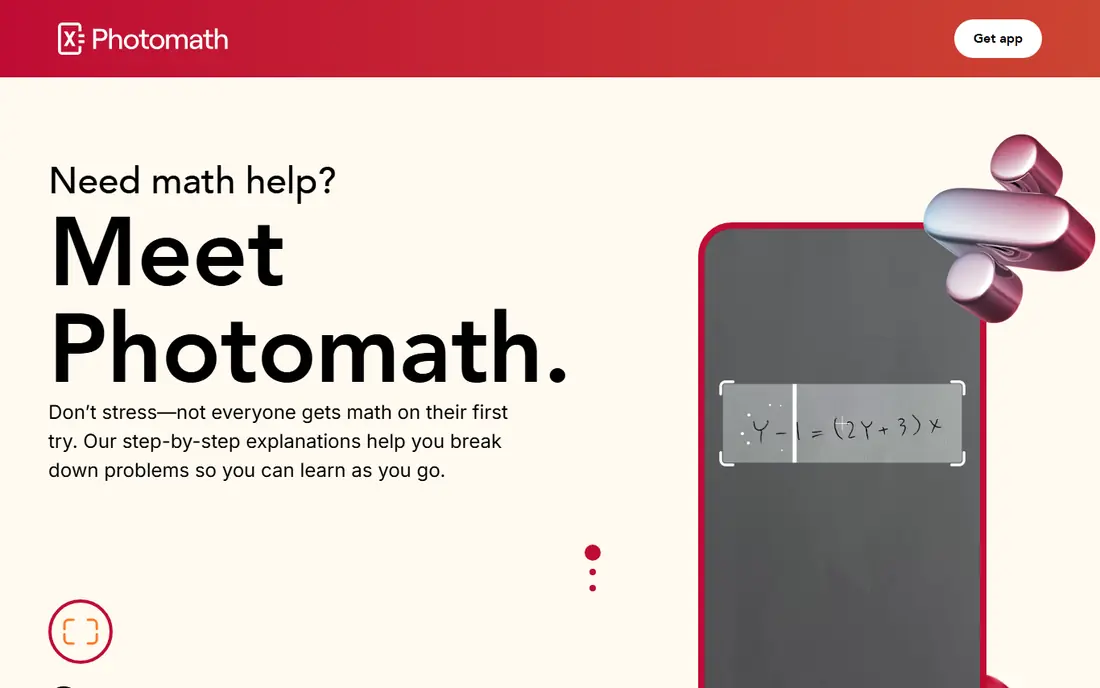
Photomath lets you scan a maths problem with a phone camera and see step-by-step solutions, which helps when you are stuck on homework. The free tier covers standard solving, and the built-in calculator lets you type problems too. Used well, it shows where a method breaks down, rather than only giving an answer. The risk is copying answers without learning, so the app works best as a checking tool after you try the problem. Plus at $9.99 per month adds animated tutorials and textbook-specific solutions, which some students will want. Pair it with Khan Academy lessons for teaching, and use Photomath for checking. Day to day, the main test is simple: does Photomath save time on the next job, or does it add steps that slow you down when you are in a hurry and need a result fast.
- Scan printed or handwritten problems
- Step-by-step solutions
- Free core solving
- Plus needed for animated tutorials and textbook solutions
- Can encourage copying

Desmos offers a free graphing calculator that runs on web and mobile, with sliders, tables, and easy plotting. It helps learners see how changing a number changes a graph, which makes algebra and functions more concrete. Teachers also use Desmos classroom activities, which add guided practice around graphs. The focus is graphing, so it does not replace a full lesson app such as Khan Academy. It also lacks some advanced statistics tools found in paid software, though core graphing covers most school needs. For visual learners, Desmos is an essential free companion. If price is the deciding factor, start on the free option where one is listed, run one real task through it, and only pay when a limit or a missing feature gets in the way.
- Free graphing calculator
- Sliders and tables
- Classroom activities
- Focus is graphing, not full lessons
- Advanced stats tools are limited
GeoGebra combines geometry, graphing, algebra, and spreadsheets in one free suite, which suits geometry and calculus learners. You can draw shapes, plot functions, and explore transformations, and a large library of classroom resources adds guided activities. The tools run on web, iOS, and Android, so students can use them at school and at home. The interface packs in many tools, so beginners may need a short tutorial before the advanced features make sense. That breadth is also its strength, since one app covers several maths areas. Choose GeoGebra when geometry and visual exploration matter as much as algebra. A good test is to try GeoGebra with a real file, a real schedule, or a real question from your own work, since demo examples often hide the awkward parts of a tool.
- Free geometry and graphing tools
- Many classroom resources
- Works on web and mobile
- Interface can feel busy
- Learning curve for advanced tools
CK-12 offers free digital textbooks, lessons, videos, and adaptive practice across maths and science. Students can read a concept, watch a short video, and try practice questions that adjust to their level. Teachers can assign work and track progress, which makes it useful for classroom and home use. The design is plainer than game-based apps, so younger children may prefer a more visual tool. Some content aligns most closely with US curricula, though core maths topics transfer well. For free, structured reading and practice, CK-12 is a strong, low-friction pick. Before you commit, check the current pricing page and the cancellation terms, because plans change and the cheapest starting price is not always the cheapest over a year.
- Free flexbooks and practice
- Adaptive practice
- Teacher and student accounts
- Design is plainer than game apps
- Some content suits US curricula best
Brilliant teaches maths through interactive problems and visuals, rather than long lectures, which suits curious learners who like to try first. Topics cover algebra, geometry, calculus, probability, and data, with short lessons that build step by step. The free tier lets you sample the style before paying. Full access needs a paid plan, so it is not a fully free app in the same way as Khan Academy. The free tier is useful for testing whether the interactive style suits you, but serious study will need a subscription. Pick Brilliant if you enjoy problem-first learning and can use the free sample to decide. The clearest fit for Brilliant is interactive problem solving for curious learners, and that focus is also its limit, so pair it with a second tool if your work regularly crosses into a different kind of task.
- Interactive lessons
- Visual problem solving
- Maths and science topics
- Full courses need a paid plan
- Free tier is limited
Microsoft Math Solver
Best for: Free problem solving with step explanations
Microsoft Math Solver is a free app that solves problems by scan, typing, or handwriting, then shows steps and a graph where relevant. It covers arithmetic through calculus, and it links to similar problems and videos for extra help. The price is zero, which makes it easy to add beside a lesson app. Explanations vary by problem type, and it does not offer a full structured curriculum like Khan Academy. It works best as a checking and exploration tool, not as the main teacher. For free, quick help with steps and graphs, it is a useful companion. What stands out after a few uses is how Microsoft Math Solver handles the boring parts, such as repeats, exports, and reminders, because those details decide if you keep using it.
- Free solving by scan or typing
- Step explanations
- Graph plotting
- Explanations vary by problem type
- Less structured curriculum than Khan Academy
Prodigy turns maths practice into a fantasy game where students answer problems to cast spells and progress through a world. It covers skills from grade one to eight, and parents can follow progress and set goals. Core maths content is free, while paid membership adds cosmetic rewards and extra features. The game style can distract some learners, and the push toward Premium membership may annoy parents, though core maths stays free. It also suits younger students better than high school learners. If your child needs motivation to practise, Prodigy can make daily maths feel like play. On a busy week, Prodigy Math earns its place by keeping the workflow short, and that matters more than a long feature list that you may never open after the first day.
- Free core maths content
- Game battles motivate practice
- Parent progress reports
- Premium pushes cosmetic rewards
- Game style may distract some learners
How we picked these
We reviewed official app pages, app store listings, and pricing pages for maths apps that offer a free tier for learning, not only a trial. We checked grade coverage, lesson structure, practice tools, and whether core maths content sits behind a paywall. We favored apps with clear free content, no ads in children's apps where possible, and honest limits on paid extras. We left out apps that charge for core lessons, require a subscription to start, or focus only on answer-giving without teaching.
How to learn maths for free
Pick lessons first, answers second
Answer tools such as Photomath help you check work, but lessons from Khan Academy or CK-12 teach the method behind the answer. Start with a short lesson, try practice problems, then use a solver only to check a step you cannot follow. That order builds skills that last beyond one homework set.
Use graphing to see the maths
Desmos and GeoGebra let you plot equations, move sliders, and watch graphs change, which helps with algebra, functions, and geometry. Visual tools suit learners who struggle with symbols alone, and they are free for core use. Try one graph a day for a topic you find hard, and note what changes when a number changes.
Keep practice short and regular
Fifteen to twenty minutes a day beats a long weekly session for most learners, since maths skills build through repetition. Use an app with progress tracking, set a small daily goal, and review mistakes rather than rushing to the next topic. If an app feels boring, switch the format, such as a game for younger children or a video lesson for older students.
FAQ
Can I really learn maths for free?
Yes, Khan Academy, Desmos, GeoGebra, and CK-12 offer core maths learning at no cost, and several other apps include free tiers. Paid extras usually add advanced explanations, extra practice, or cosmetic rewards, not the core lessons. Check the free tier carefully before paying.
What is the best free maths app for kids?
Khan Academy Kids suits ages two to eight with free lessons and no ads or in-app purchases, while Prodigy suits grades one to eight with game-based practice. The best pick depends on age and whether your child prefers stories or game battles. Both offer core maths free.
Is Photomath cheating?
Photomath can help learning when you read the steps and try the next problem on your own, but copying answers without understanding will hurt test results. Use it to check work and to see where a step went wrong, then redo the problem without the app. Teachers vary on its use, so check school rules.
Do I need a graphing calculator app?
A graphing app helps with algebra, functions, and calculus, since you can plot equations and explore changes quickly. Desmos and GeoGebra both offer free graphing calculators on web and mobile, which cover most school needs. A physical calculator may still be needed for some exams.
Can adults learn maths with these apps?
Yes, Khan Academy, Brilliant, and Microsoft Math Solver cover topics from basic arithmetic to calculus and statistics, and adults can study at their own pace. Start at a level that feels slightly easy, build confidence, then move up when practice feels steady. Short daily sessions work well for adult learners too.