Best Educational Design Software in 2026: Prices, Free Plans and 5 Picks
Best educational design software in 2026: 5 tools with starting prices, free plans and limits. Honest caveats for every entry. Last reviewed November 2026.
- Editor's choice
 Adobe Captivate
Structured e-learning course authoring
Starts atSee websiteVisit adobe.comFull review - Great alternativePear Deck
Formative feedback in K-12 lessons
Starts at$125 a yearVisit peardeck.comFull review - Also consider
 iSpring Suite
PowerPoint-based course building
Starts atSee websiteVisit ispringsolutions.comFull review
Direct answer
This list puts Adobe Captivate first for structured e-learning course authoring. Listed starting prices: Pear Deck from $125 a year and Nearpod from $159 a year. Pear Deck fits formative feedback in K-12 lessons; iSpring Suite fits PowerPoint-based course building. Details, prices and limits for the rest of the 5 tools are below.
TL;DR:
- The list opens with Adobe Captivate, aimed at structured e-learning course authoring.
- Check the limits for Canva for Education before you commit: less suited to formal course authoring.
- Pricing for Adobe Captivate, iSpring Suite and Canva for Education is quote-based, which adds a sales step before you can compare cost.
- 2 of 5 tools offer a free plan: Pear Deck, Nearpod.
Last checked November 2026. Prices and plan details were read from the vendors' own pages in November 2026; vendors change plans often, so confirm the current price on the vendor site before you buy.
Quick comparison
| Tool | Best for | Starts at | Free plan? | |
|---|---|---|---|---|
| Adobe Captivate | Structured e-learning course authoring | See website | Not stated | Visit |
| Pear Deck | Formative feedback in K-12 lessons | $125 a year | Yes | Visit |
| iSpring Suite | PowerPoint-based course building | See website | Not stated | Visit |
 Canva for Education | Visual materials for classrooms | See website | Not stated | Visit |
 Nearpod | Live interactive classroom lessons | $159 a year | Yes | Visit |
The full educational design software list
If you are comparing educational design software, this page covers 5 tools in one place: what each is best for, what it costs to start, whether it has a free plan, and the main limit to know about.
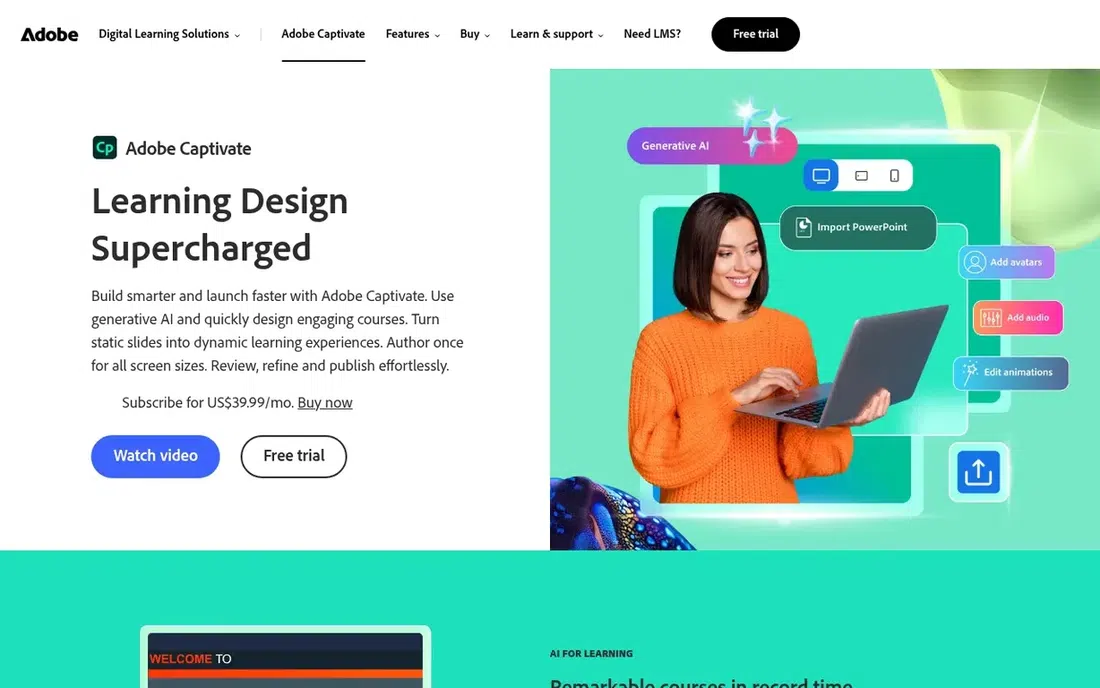
Pick Adobe Captivate if this describes you: structured e-learning course authoring. Pick Captivate when course structure and mobile delivery are central requirements.
No starting price is listed for Adobe Captivate here; confirm pricing on the vendor site. Free plan details: Not stated.
Points against: Feature depth can feel complicated for casual users.
- Built for both beginners and professionals
- Supports rapid course creation
- Overkill for straightforward classroom handouts
Pear Deck
Best for: Formative feedback in K-12 lessons
For formative feedback in K-12 lessons, Pear Deck is a natural candidate. The system is geared toward keeping students engaged and moving forward instead of at producing static course materials. Its K-12 orientation makes it a weaker match for university or corporate training contexts, and it does not replace design or video software.
Pear Deck describes itself as an ecosystem of education tools that assess progress, offer live feedback, and support differentiated instruction with gamified practice. In daily use, pick Pear Deck when responsive, in-class feedback is the primary goal. What you pay to start with Pear Deck: $125 per year. A free plan is available with Pear Deck.
Points against: K-12 focus limits higher ed fit.
- Gamified practice elements
- Live feedback during instruction
- Not a visual design or video tool
For PowerPoint-based course building, iSpring Suite is a natural candidate. Select iSpring Suite when existing slide content should become trackable course material with minimal workflow disruption. iSpring Suite is an authoring tool that builds courses straight in PowerPoint, adding quizzes, video tutorials, and role-play interactions.
In practice, since it lives inside PowerPoint, the design ceiling follows that environment, and highly custom interactions may need another tool. Check the vendor site for iSpring Suite pricing; none is listed in this comparison. Free plan details: Not stated.
Watch-outs: Interactive design choices are narrower than standalone tools.
- Produces SCORM-ready courses
- Bundles quizzes and role-play elements
- Tied to the PowerPoint environment
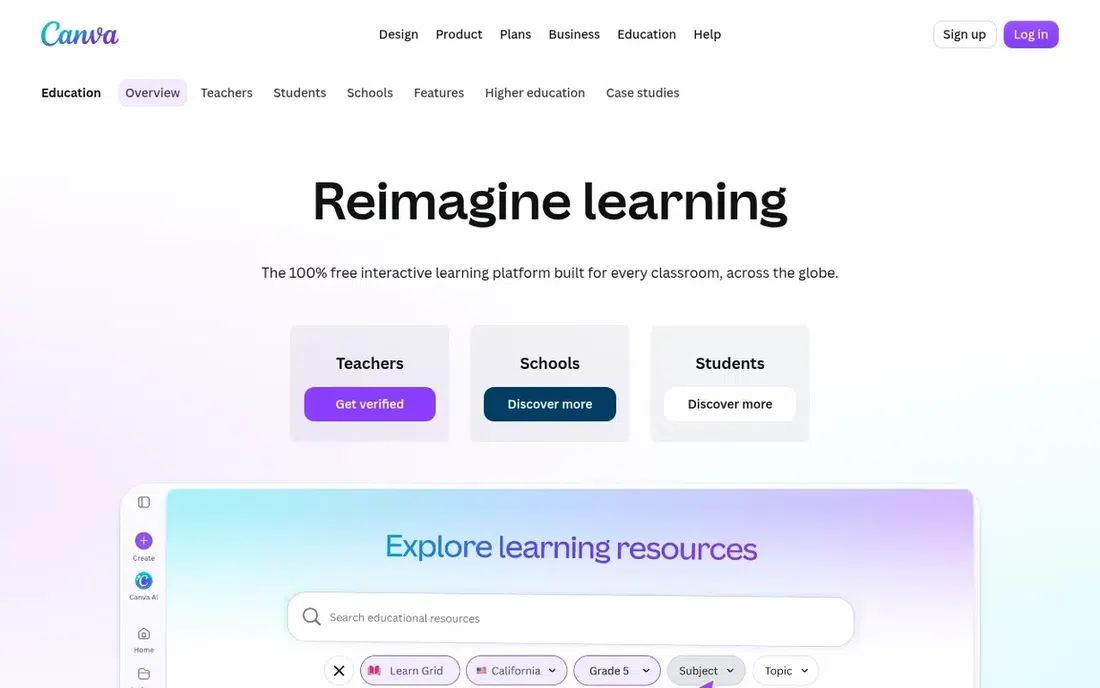
Canva for Education serves visual materials for classrooms. Choose Canva when presentation quality and speed matter more than instructional sequencing.
Trade-offs to know: Advanced control is restricted by template structure.
More specifically, if you need SCORM-style course packaging or in-depth quiz reporting, a dedicated authoring tool is a better fit. Canva for Education is a design product positioned for schools and universities, with separate paths for K-12 and higher education. Check the vendor site for Canva for Education pricing; none is listed in this comparison. Free options: Not stated.
- Wide template-driven design workflow
- Aimed at K-12 and higher ed settings
- Less suited to formal course authoring
For live interactive classroom lessons, Nearpod is a natural candidate. Teachers can structure a session around prompts and activities that keep students involved throughout the lesson, making it a solid choice for live or guided instruction. Worth adding: choose Nearpod when the priority is participation and real-time lesson flow.
Watch-outs: Centered on live delivery instead of asset design.
As for the details, Nearpod is a product for creating active learning experiences that students participate in during class. Educators needing design templates or video editing will want a complementary tool. In daily use, Nearpod is oriented toward in-session engagement, not toward producing refined visual assets or packaged e-learning courses. Entry price for Nearpod: $159 per year. A free plan is available with Nearpod.
- Built for student engagement
- Built around active learning experiences
- Less handy for standalone course production
Our selection method
We compared the tools on published pricing, free plan or trial availability, feature coverage for educational design software, and the limits each vendor documents. Treat prices as a snapshot: vendors change plans often, so check the vendor site for the figure that applies today. Order on the page follows fit for the typical buyer first, then price transparency and free access. Your own requirements should decide the final pick.
A buyer's checklist
- Ask Adobe Captivate, iSpring Suite and Canva for Education for a written quote, since no starting price is shown.
- Read the fine print on the free plans from Pear Deck and Nearpod; seat, project and feature caps differ.
- Read the limits listed for Adobe Captivate first: feature depth can feel complicated for casual users.
- Before you load data into Nearpod, check what an export looks like and who can run it.
- Let daily users try iSpring Suite on real work; their feedback beats any feature checklist.
FAQ
How are the tools for educational design software ordered?
The order follows typical fit for educational design software, with Adobe Captivate first and Nearpod last, then price clarity and free access. It is editorial judgement, not a score, so another team could rank the tools differently.
Do these tools publish their prices?
Not all of them. Adobe Captivate, iSpring Suite and Canva for Education publish no starting price, so expect a quote request for those. The rest, Pear Deck included, show a starting price, though seats and billing terms still change the final cost.
Can I try these options before paying?
Often, yes. Pear Deck and Nearpod have a free plan. Use your own data and a real task during the test, and check what the free tier or trial limits before you rely on it.
Is Adobe Captivate the right pick for everyone comparing educational design software?
No single tool suits every team. Adobe Captivate comes first because it fits structured e-learning course authoring, while Pear Deck suits formative feedback in K-12 lessons and iSpring Suite suits PowerPoint-based course building. Match the tool to your own size, budget and workflow before deciding.
Do I need separate tools for video and course design?
Frequently yes. Camtasia manages screen recording and video editing, whereas an authoring tool manages course structure and assessments. More specifically, many educators combine a video tool with a course or presentation system.
Sources
- https://www.adobe.com/products/captivate.html
- https://www.peardeck.com
- https://www.ispringsolutions.com/ispring-suite
- https://www.canva.com/education
- https://nearpod.com