Best eLearning Authoring Software in 2026: 8 Tools Compared
Best elearning authoring software for 2026: we compare 8 tools for building courses, quizzes, video lessons, and SCORM content for teams. before you buy
- Editor's choice
 Articulate 360
professional course teams that need deep authoring
Starts atSee websiteVisit articulate.comFull review - Great alternative
 Adobe Captivate
teams that need responsive, media-rich courses
Starts atSee websiteVisit adobe.comFull review - Also consider
 iSpring Suite
PowerPoint users who want fast course conversion
Starts atSee websiteVisit ispringsolutions.comFull review
TL;DR:
- Articulate 360 and Adobe Captivate suit teams that need deep, SCORM-ready course building.
- iSpring Suite suits PowerPoint users who want to turn slides into courses fast.
- Easygenerator and Genially suit smaller teams that need simple, visual courses without a steep learning curve.
- Pick by output type first, then check LMS compatibility, quiz tools, and team review features.
Quick comparison
| Tool | Best for | Starts at | Free plan? | |
|---|---|---|---|---|
| Articulate 360 | professional course teams that need deep authoring | See website | Free trial | Visit |
| Adobe Captivate | teams that need responsive, media-rich courses | See website | Free trial | Visit |
| iSpring Suite | PowerPoint users who want fast course conversion | See website | Free trial | Visit |
 Elucidat | larger teams that need collaborative authoring | See website | Free trial | Visit |
 dominKnow | teams that need responsive and accessible courses | See website | Free trial | Visit |
 Easygenerator | subject experts who need simple course building | See website | Free trial | Visit |
 Genially | creators who want visual, interactive lessons | See website | Yes | Visit |
 Lectora | teams that need accessible, standards-based courses | See website | Free trial | Visit |
The best eLearning authoring software
We compared authoring tools on course creation, templates, quizzes, video, branching scenarios, accessibility, SCORM and xAPI output, LMS compatibility, collaboration, and pricing for training teams and solo creators.
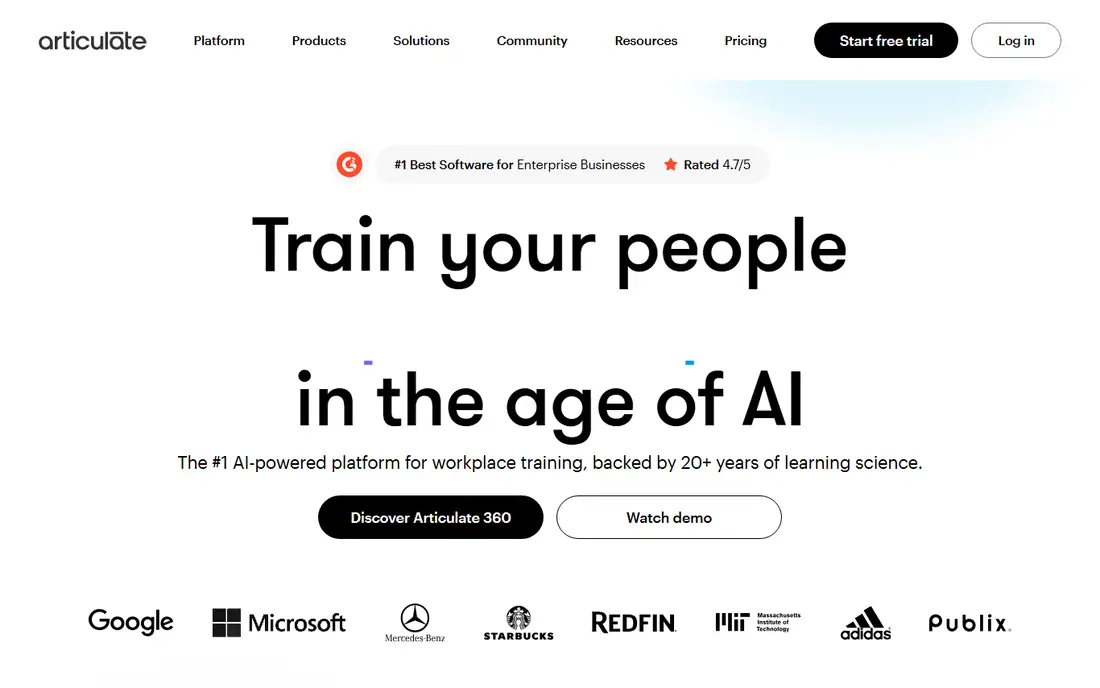
For readers who want professional course teams that need deep authoring, Articulate 360 is a strong place to start. Articulate 360 includes Storyline for custom, interactive courses and Rise for fast, responsive courses, plus review and stock tools. It suits training teams that build many courses each year.
In daily use, the layout stays clear and the core tasks are easy to find. Articulate 360 also offers a large community and template range, which helps teams reuse patterns instead of starting each course from blank. The price reflects that depth, so smaller teams should check whether Rise alone, or a simpler tool, covers their needs. Before you commit, check the plan limits, the add-on costs, and how well it connects with the tools you already use, because those details decide the real monthly cost.
- Storyline and Rise for varied course types
- Large template library
- Strong LMS output
- Higher price
- Learning curve for Storyline
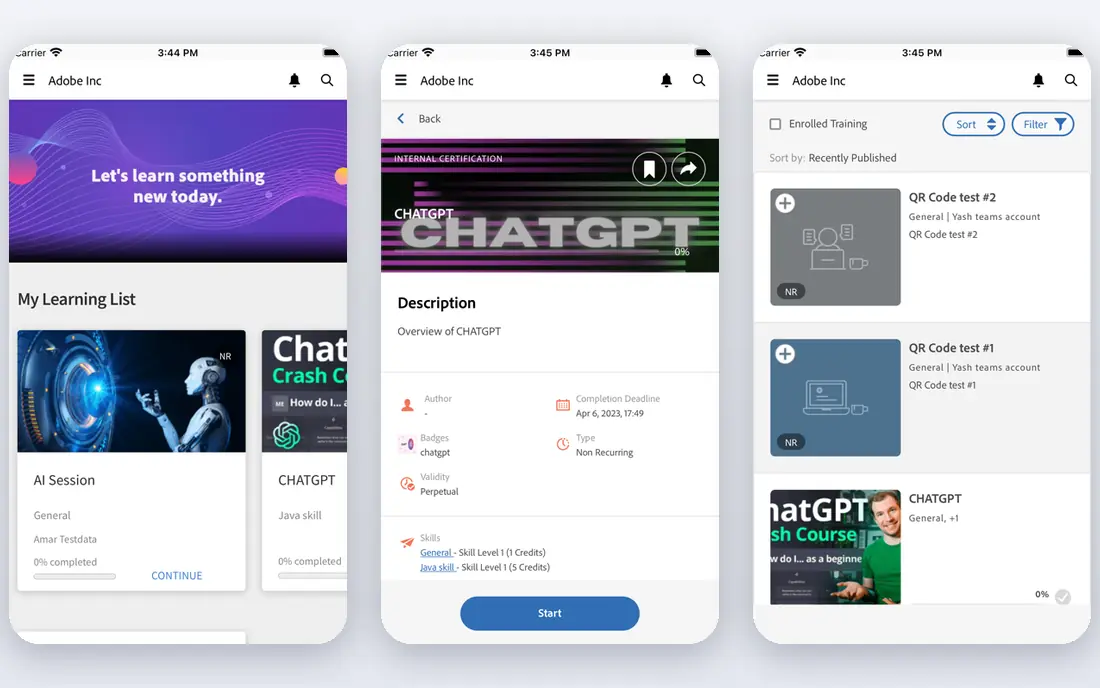
Adobe Captivate stands out for teams that need responsive, media-rich courses. Adobe Captivate builds responsive courses that adapt to phone, tablet, and desktop, with video, simulations, and interactive widgets. It suits teams that need polished, media-rich training.
Day to day, the value comes from fewer manual steps and clearer records. Adobe Captivate also supports SCORM and xAPI output for LMS tracking. The interface takes time to learn, so plan training time for new authors, and test output in your LMS before a large rollout. It is worth running a trial with your real data and your real workflow, rather than judging it from a demo, so you can see where it helps and where it adds friction.
- Responsive course design
- Video and simulation tools
- Quiz and tracking options
- Complex interface
- Price and setup suit larger teams
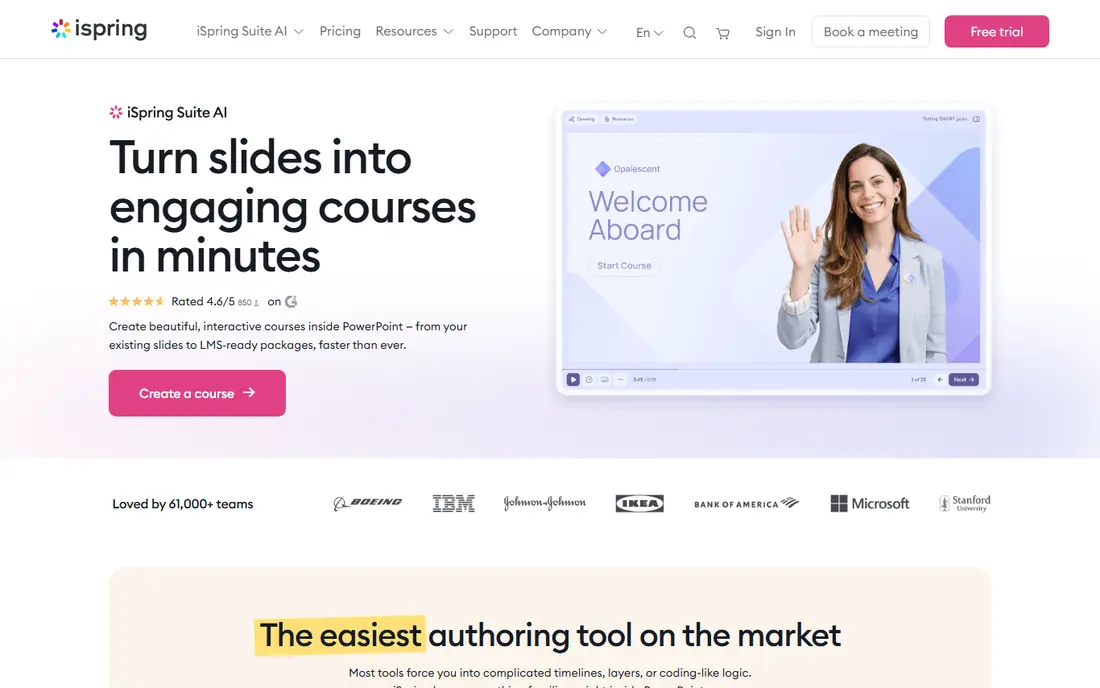
If PowerPoint users who want fast course conversion is your main need, iSpring Suite deserves a close look. iSpring Suite adds a toolbar to PowerPoint, so slides become interactive courses with quizzes, dialogs, screencasts, and video lessons. It suits trainers who already work in PowerPoint and want a fast path to LMS delivery.
The practical test is simple: can your team use it without constant help. iSpring Suite also includes a content library and role-play tools for practice scenarios. If your team does not use PowerPoint, or needs highly custom interactions, a standalone authoring tool may fit better. We suggest you list the features you need on day one, then compare that list with what each plan actually includes, since entry plans often leave out reporting or automation.
- Turns PowerPoint into courses
- Quizzes and video tools
- LMS-ready output
- PowerPoint-based workflow may limit custom design
- Windows focus
We rate Elucidat highly for larger teams that need collaborative authoring. Elucidat is a cloud authoring platform for teams that build and update courses together, with templates, brand controls, and review workflows. It suits organizations with many authors and strict brand rules.
What matters most is fit, not feature count. Elucidat also offers analytics and translation workflows, which help global teams keep courses consistent. Because pricing is custom, ask for a total based on author count and course volume before you compare it with seat-priced rivals. Check support hours, data export options, and contract terms before you pay, and keep a short list of deal breakers so a polished demo does not distract from a missing must-have.
- Cloud collaboration
- Templates and brand controls
- Analytics and LMS output
- Custom pricing
- Less suited to solo creators on a tight budget
Among the options here, dominKnow is the clearest fit for teams that need responsive and accessible courses. dominKnow, through its ONE platform, helps teams build responsive courses, reuse content blocks, and manage translations. It suits teams that publish the same course in many formats and languages.
Setup time and learning time matter as much as price. dominKnow also supports software simulations and assessments, which helps product and compliance training. Start with a pilot course, test reuse and translation workflows, and confirm LMS output before a full migration. A short trial with two or three real cases will tell you more than a long feature list, and it will show whether the tool suits the way your team already works.
- Responsive authoring
- Reuse of content blocks
- Accessibility options
- Learning curve
- Pricing needs a quote for larger teams
Easygenerator earns its place for subject experts who need simple course building. Easygenerator is made for subject experts, not only instructional designers, with simple templates and drag-and-drop editing. It suits small teams that need to publish courses quickly without a long learning curve.
The best way to judge it is against your current process. Easygenerator also offers review, translation, and tracking features on paid plans. Teams that need complex simulations or heavy customization may outgrow it, but for standard courses it keeps production fast and consistent. Compare how long a common task takes now with how long it takes in the trial, and weigh that saving against the subscription, the setup time, and any training your team will need.
- Simple drag-and-drop authoring
- Templates
- LMS and sharing options
- Less deep for complex branching
- Advanced design options are limited
For creators who want visual, interactive lessons, Genially is worth serious consideration. Genially helps creators build interactive presentations, infographics, escape-room style lessons, and microlearning with a strong visual focus. It suits teachers, trainers, and marketers who want engaging content fast.
Price alone can mislead, because limits and add-ons change the total. Genially also offers templates and collaboration, plus sharing by link or embed. For formal LMS tracking with scores and completion, pair it with a dedicated authoring tool or check its tracking options on paid plans. Read the pricing page in full, confirm what counts as a user or a contact, and ask about renewal terms so the second year does not bring a surprise.
- Visual interactive content
- Many templates
- Easy sharing and embedding
- Less focused on full LMS tracking than dedicated authoring suites
Rounding out this set, Lectora is a solid choice for teams that need accessible, standards-based courses. Lectora, from ELB Learning, is a long-running authoring tool known for accessible output and standards-based LMS delivery. It suits teams in regulated or public-sector settings where accessibility and tracking matter most.
A tool only helps if people keep using it. Lectora also supports responsive design, branching, and assessments, with options for team review. Test accessibility features against your own standards, and compare its template range with Articulate and iSpring before you commit. Look for clear navigation, sensible defaults, and help that is easy to reach, and be honest about whether your team will adopt a new habit or fall back to spreadsheets and email.
- Accessible course output
- Responsive design
- SCORM and xAPI support
- Interface can feel dated
- Smaller template range than some rivals
How we picked these
We compared official feature and pricing pages, app listings, and public reviews for tools that build online courses. We favored tools that publish clear output formats, support quizzes and assessments, and work with common learning management systems. We did not claim hands-on testing.
We also weighed who will build the course. A tool for instructional designers can be deep and complex, while a tool for subject experts should be simple and template-driven. That difference drives most of the picks below, so each write-up states its audience clearly.
How to choose eLearning authoring software
Start with the course you need to build. A compliance course needs quizzes, tracking, and completion records. A product course needs video, demos, and branching. A soft-skills course needs scenarios and feedback. Match the tool to that course type, not to a generic feature list.
Next, test LMS compatibility early. Export a sample course as SCORM or xAPI, load it into your LMS, and check scores, completion, and resume behavior. A course that looks good in the authoring tool but fails in the LMS wastes the whole project.
Finally, check collaboration and review. Can reviewers comment on slides, can translators work on text, and can you reuse blocks across courses. For teams, those workflow features often matter more than one extra animation effect. Also confirm accessibility options, such as captions, alt text, and keyboard navigation.
FAQ
What is eLearning authoring software?
It is software used to build online courses, lessons, quizzes, and interactive content. Authors can add text, images, video, audio, branching scenarios, and assessments, then export the course for a learning management system or a website.
What are SCORM and xAPI?
SCORM and xAPI are standards that let a course report progress, scores, and completion to a learning management system. SCORM is widely used for basic tracking. xAPI can track more detailed learning activity across systems. Check which standard your LMS supports.
Do I need design skills to build a course?
No, but they help. Most tools offer templates, stock assets, and drag-and-drop editing, so subject experts can build clean courses. For complex scenarios or custom interactions, an instructional designer or a deeper tool may be worth the cost.
How much does authoring software cost?
Prices range from free or low-cost plans for simple tools to several hundred dollars per user per year for professional suites. Team plans, review tools, and stock libraries can add cost. Compare the full yearly price for your author count, not just a single seat.
Can I use PowerPoint to make eLearning?
Yes, with the right tool. iSpring Suite and similar tools turn PowerPoint slides into interactive courses with quizzes, video, and LMS tracking. That route suits teams that already have slide decks and want to convert them without rebuilding from scratch.