Best ELearning Software for Schools in 2026: 5 Tools Compared
Top eLearning software for schools in 2026: 5 contenders with entry costs and free tiers. Where a tool struggles is spelled out. Updated November 2026.
- Editor's choice
 Moodle
Configurable learning ecosystems
Starts atSee websiteVisit moodle.comFull review - Great alternative
 Google Classroom
Straightforward classroom management
Starts atSee websiteVisit classroom.google.comFull review - Also consider
 Docebo
Workforce readiness and skills
Starts atSee websiteVisit docebo.comFull review
Direct answer
Our first pick is Moodle, best for configurable learning ecosystems. Listed starting prices: TalentLMS from $119 per month. Google Classroom is the stronger choice for straightforward classroom management, while Docebo suits workforce readiness and skills. All 5 tools are compared below on price, free plan and limits.
TL;DR:
- Number one here is Moodle, a fit for configurable learning ecosystems.
- Just one of the 5 tools, TalentLMS, has a free plan.
- TalentLMS fits cloud-based course management.
- TalentLMS is the lowest-priced starter here at $119 per month.
Last checked November 2026. Prices and plan details were read from the vendors' own pages in November 2026; vendors change plans often, so confirm the current price on the vendor site before you buy.
Quick comparison
| Tool | Best for | Starts at | Free plan? | |
|---|---|---|---|---|
| Moodle | Configurable learning ecosystems | See website | Not stated | Visit |
| Google Classroom | Straightforward classroom management | See website | Not stated | Visit |
| Docebo | Workforce readiness and skills | See website | Not stated | Visit |
 Canvas LMS | Full-featured teaching and learning | See website | Not stated | Visit |
 TalentLMS | Cloud-based course management | $119 per month | Yes | Visit |
5 eLearning software for schools in detail
Short on time? The summary and table above give the quick view of 5 eLearning software for schools, and the profiles that follow give the detail behind each entry.
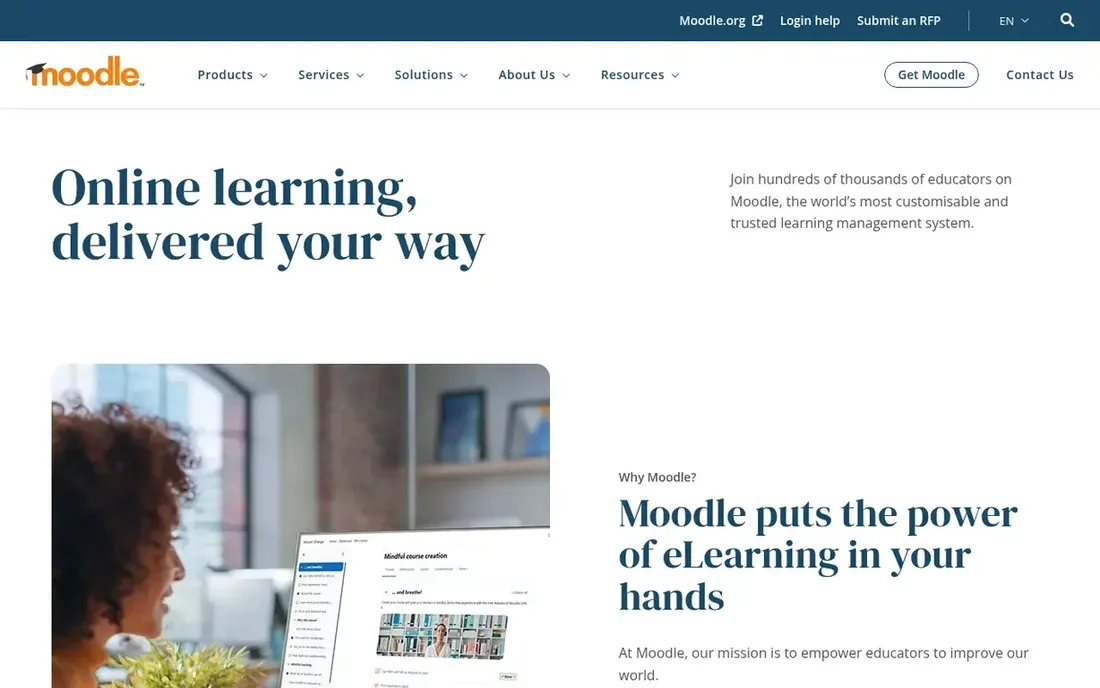
Moodle serves configurable learning ecosystems. Moodle's adaptability includes a need for technical setup and continuing maintenance, which can be challenging for schools without dedicated IT support.
Points against: Can be complicated for non-technical users.
It suits institutions that have the technical resources to run and customize their product. Moodle does not show a starting price in this comparison, so check the vendor site for current pricing. Free access: Not stated.
- Highly configurable
- Widely used and widely used
- Needs technical expertise to set up
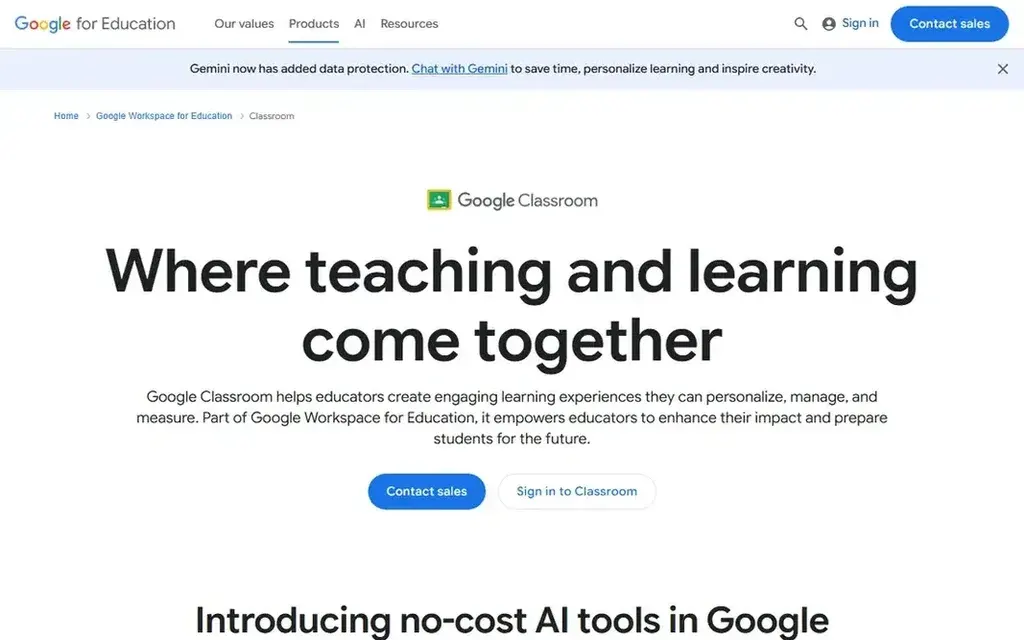
Google Classroom is designed for simple classroom management. Google Classroom is a central hub for tools and resources built to help educators run classrooms and enrich learning experiences.
Points against: Best suited for schools already using Google tools.
On top of that, Google Classroom lacks some of the advanced features found in full learning management systems, for example in-depth analytics or complex grading. Google Classroom shows no starting price here, so confirm the cost on the vendor site. Trial and free access: Not stated.
- Helps educators run classrooms
- Central hub for tools and resources
- Restricted advanced LMS features
Think of Docebo for workforce readiness and skills. Docebo is a workforce readiness product that links skills intelligence, learning, knowledge, and AI agents to help organizations know who is ready and build what is next. Docebo is more oriented toward workforce training than traditional K-12 or higher education.
It may lack features specific to schools like gradebooks or parent communication. More specifically, whereas it is primarily aimed at corporate learning, it can be used by educational institutions that focus on skills development and workforce preparation. Docebo does not show a starting price in this comparison, so check the vendor site for current pricing. As for free access: Not stated.
Reasons to shortlist it: Skills intelligence features.
Watch-outs: Geared more toward workforce than schools.
- AI agents for learning
- Links learning and knowledge
- May be complicated for K-12
Canvas LMS serves full-featured teaching and learning. Canvas may be more than small schools with restricted technical support need, and its full feature set can take time to learn. Schools seeking a more straightforward, free tool might prefer Google Classroom, whereas those wanting deep customization might consider Moodle.
The main drawbacks: May need training for advanced features.
From a buyer's view, Canvas LMS by Instructure is a learning management system built to ease teaching and enhance student learning. Its approachable design makes it right for schools that require a thorough system for course delivery, communication, and assessment. Canvas LMS does not show a starting price in this comparison, so check the vendor site for current pricing. Free options: Not stated.
- Approachable interface
- Built to ease teaching
- Not ideal for very small schools with entry-level needs
Pick TalentLMS if this describes you: cloud-based course management. Schools needing a more education-focused system might consider Canvas LMS or Google Classroom.
Points against: Pricing may not suit all school budgets.
More specifically, TalentLMS may not bundle all the features that K-12 schools need, like parent portals or in-depth student information system integrations. From a buyer's view, TalentLMS is a cloud learning product made for creating and managing online courses. What you pay to start with TalentLMS: $119 per month. TalentLMS has a free plan.
- Simple course creation
- Cloud-based product
- May lack some K-12 specific features
Selection criteria
For each of the 5 tools we noted price, free plan or trial, fit for eLearning software for schools and the main limit, using vendor pages and documentation. Where a price is missing, the vendor does not list one publicly or ties it to a quote. Always confirm before budgeting. Tools are placed by general fit for eLearning software for schools, with price clarity and free access as tie-breakers. A different team can reasonably rank them differently.
Pre-purchase checklist
- Confirm the entry price on the vendor page. For Moodle, Google Classroom, Docebo and Canvas LMS that means a quote rather than a fixed price.
- Test the free plan from TalentLMS against your real workload before relying on it.
- Before choosing Moodle, weigh its main limit: needs technical expertise to set up.
- Confirm minimum seats and billing terms with Google Classroom before you commit to an annual plan.
- Pick one real project and run it in Docebo first; a small pilot shows fit faster than a checklist.
FAQ
What is the cheapest option for eLearning software for schools in this list?
On published monthly entry prices, TalentLMS is the lowest here at $119 per month. Entry price is only part of the cost, because seats, add-ons and billing terms can change the total. For the full picture, the cards above cover all 5 entries of this ELearning software for schools list, including price, free plan and limits.
How are the tools for eLearning software for schools ordered?
The order follows typical fit for eLearning software for schools, with Moodle first and TalentLMS last, then price clarity and free access. It is editorial judgement, not a score, so another team could rank the tools differently.
Do these tools publish their prices?
Not all of them. Moodle, Google Classroom, Docebo and Canvas LMS publish no starting price, so expect a quote request for those. The rest, TalentLMS included, show a starting price, though seats and billing terms still change the final cost.
Can I try these tools before paying?
Often, yes. TalentLMS has a free plan. Use your own data and a real task during the test, and check what the free tier or trial limits before you rely on it. Prices, free plan details and limits for all 5 tools in this ELearning software for schools roundup sit on the individual cards above.
Are there free eLearning tools for schools?
Some tools offer free versions or are free to use, like Google Classroom for schools using Google for Education. Moodle is open-source and free to license, though it may need hosting and maintenance costs. Always check the vendor's current offerings.
Sources
- https://moodle.com
- https://classroom.google.com
- https://www.docebo.com
- https://www.instructure.com/canvas
- https://www.talentlms.com