Best eLearning Tools in 2026: 8 Tools Compared
Compare the best eLearning tools in 2026, including TalentLMS, Moodle, Docebo, LearnWorlds, and Thinkific, for courses, training, and sales for every team.

- Editor's choice
 TalentLMS
Small team training
Starts at$119 per monthVisit talentlms.comFull review - Great alternative
 Moodle
Open source learning
Starts atFreeVisit moodle.orgFull review - Also consider
 Docebo
Enterprise learning programs
Starts atSee websiteVisit docebo.comFull review
TL;DR:
- TalentLMS is our pick for most small and mid-size teams because it publishes clear prices and launches fast.
- Moodle suits schools and organizations that want open source control and no per-user license cost.
- LearnWorlds, Thinkific, and Teachable suit creators who sell courses to the public, not just train staff.
- Docebo and Articulate 360 suit larger programs that need advanced content, analytics, and integrations.
- Start with a pilot course and real learners before you buy for a whole company or catalog.
Quick comparison
| Tool | Best for | Starts at | Free plan? | |
|---|---|---|---|---|
| TalentLMS | Small team training | $119 per month | Yes | Visit |
| Moodle | Open source learning | Free | Yes | Visit |
| Docebo | Enterprise learning programs | See website | Free trial | Visit |
 LearnWorlds | Selling interactive courses | See website | Free trial | Visit |
 Thinkific | Creator course sales | See website | Free trial | Visit |
 Teachable | Simple course sales | See website | Free trial | Visit |
 Canvas LMS | Schools and universities | See website | Yes | Visit |
 Articulate 360 | Interactive course authoring | See website | Free trial | Visit |
The best elearning tools
eLearning tools fall into two groups: platforms that host and deliver courses, and authoring tools that build interactive content. The best eLearning tool for you depends on whether you train employees, teach students, or sell courses to the public. We compared official feature pages, pricing pages, and documentation for tools available in October 2026, focusing on course creation, learner experience, reporting, and cost at real team sizes.
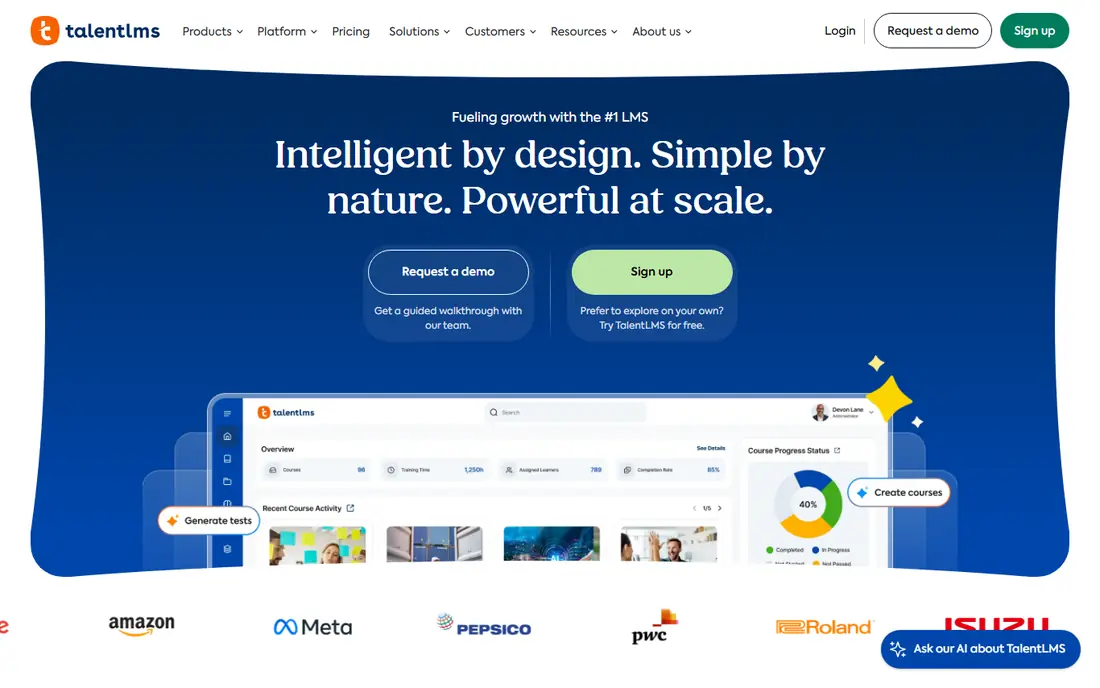
TalentLMS is the easiest business training platform to price and launch. A free plan covers up to five users and ten courses, so you can test the builder and learner experience without a card. Paid Core starts at $119 per month billed annually for up to 40 users, with Grow and Pro above it for larger teams and more branches. SCORM, xAPI, and cmi5 support means you can upload courses built in other tools, which matters if you already own a content library.
The limits are selling and structure. TalentLMS can sell courses through Stripe or PayPal, but it lacks the marketing funnels and affiliate tools that creator platforms offer. Learning paths also start on Grow, not Core, so a team that needs structured onboarding sequences should budget for Grow from the start. For internal training, compliance, and onboarding, TalentLMS is still our top pick for most small and mid-size teams.
- Clear published pricing
- Fast setup
- SCORM and xAPI support
- AI course creation tools
- Selling tools are basic
- Learning paths need Grow or higher
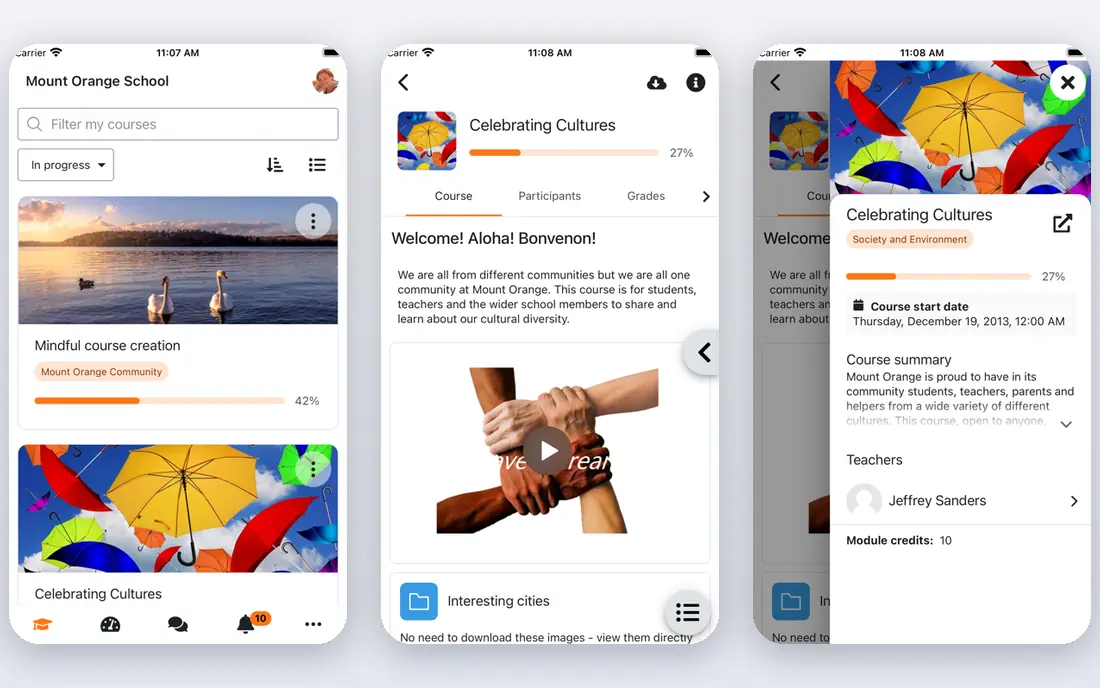
Moodle is the open source standard for learning platforms. The software itself is free, and a huge plugin library covers quizzes, assignments, forums, grading, and integrations. Schools, universities, and nonprofits use it because there is no per-user license fee, and you control your data and hosting. For a large learner group on a tight budget, that control is hard to match.
The catch is effort. You need hosting, updates, backups, and someone who can configure and support the system, or a paid Moodle partner to handle it. Out of the box, the design feels functional rather than polished, and course creation takes more clicks than TalentLMS or LearnWorlds. Choose Moodle if you have technical support and want control, and choose a hosted platform if you want to launch this month with a small team.
- Free open source software
- Huge plugin library
- Strong for schools and large learner groups
- Needs hosting and technical setup
- Design feels dated without customization
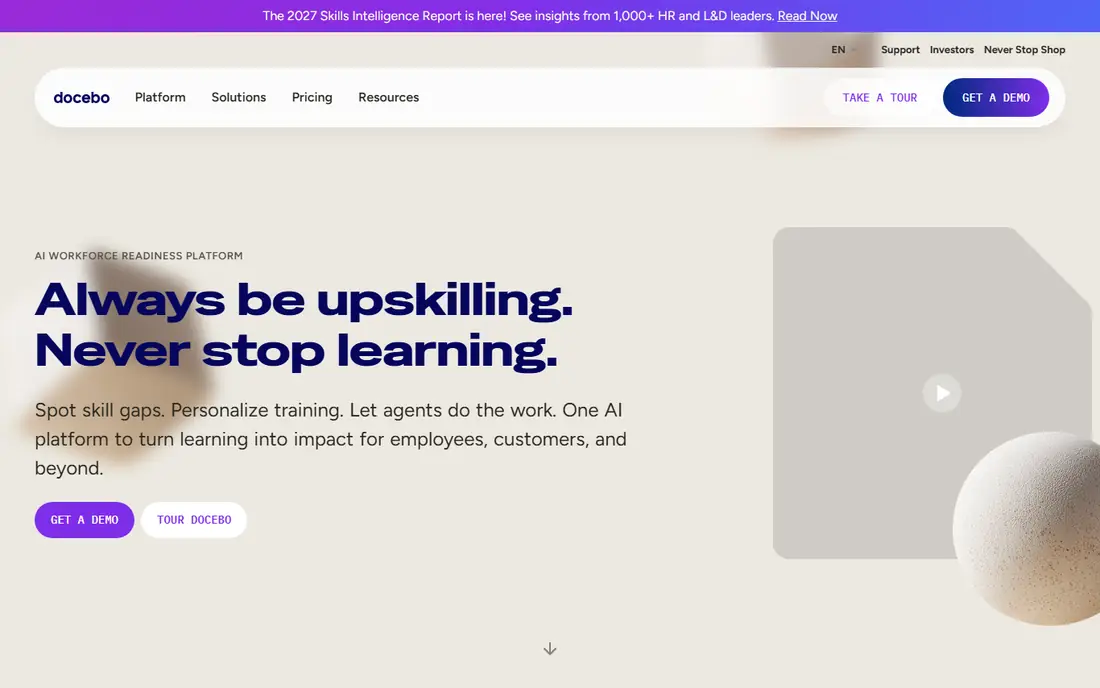
Docebo suits larger learning programs that train employees, partners, and customers from one platform. It offers AI-assisted content creation, personalized learning paths, advanced reporting, and integrations with HR, CRM, and content tools. That breadth helps a company that runs compliance training, product training, and partner certification side by side, with different audiences and rules for each.
Pricing is quote-based, so you will need a sales conversation to get a firm figure, and setup takes longer than TalentLMS. Admins also face a learning curve before the platform feels simple. Docebo is best for a mid-market or enterprise team with a dedicated learning owner, not for a small team that needs a course live next week on a published price.
- Strong for large and partner training
- AI content and search features
- Broad integrations
- Quote-based pricing
- Setup and admin learning curve
LearnWorlds is built for creators and schools that sell courses online. Its course player supports interactive video, quizzes, and certificates, and the platform includes sales pages, bundles, subscriptions, and marketing tools in the same account. White-label options let you brand the school as your own, which matters for a creator building a business rather than a side project.
The trade-off is price and complexity. Advanced interactive features and higher plans cost more, and building a polished interactive course takes time to learn. Check the current pricing page for the plan that matches your student count and sales features, since entry plans limit some tools. Choose LearnWorlds if interactivity and sales are core to your course business, and Thinkific or Teachable if you want a simpler storefront.
- Interactive video and course builder
- Built-in sales pages and marketing tools
- White-label options
- Pricing rises with features
- Learning curve for advanced interactive content
Thinkific is a creator-friendly platform for selling courses, memberships, and coaching programs. The course builder is clean, the student experience is easy to follow, and the platform covers payment, coupons, bundles, and basic marketing without a separate storefront. That simplicity helps a first-time creator launch a course without hiring a developer or stitching together five tools.
Higher plans add more advanced marketing, membership, and reporting features, so a growing creator should check what sits behind each tier before launch. Design flexibility also varies by plan, though most creators can build a professional school on a mid-tier plan. Pick Thinkific if you want a calm, reliable course business platform, and LearnWorlds if interactive video is your main selling point.
- Clean course builder
- Sales and membership tools
- Good support for creators
- Advanced marketing features need higher plans
- Design options vary by plan
Teachable is the fastest path from a course idea to a paid page. You can upload video, add quizzes, set a price, and start selling without building a website first. Payment processing, tax handling, and student management sit in the same dashboard, which reduces admin work for a solo creator. That speed is why many first courses launch on Teachable.
The catch is fees and flexibility. Lower plans can include transaction fees, and customization is more limited than on LearnWorlds or a WordPress-based setup. Check the current plan page for transaction fees, since they affect your margin on every sale. Choose Teachable for a simple, fast launch, and move to a more flexible platform only when your catalog and brand outgrow it.
- Fast course setup
- Payment and tax handling
- Student management in one place
- Transaction fees on lower plans
- Customization is more limited than LearnWorlds
Canvas LMS, from Instructure, is a leading platform for schools, colleges, and universities. It covers courses, assignments, grading, discussions, and analytics in a system that teachers and students already know. A free teacher account lets individual educators try the core tools, while institutions get a managed, integrated version with support and single sign-on.
For a small business or creator, Canvas is usually the wrong fit. Institutional pricing is quote-based, setup involves IT and academic admin, and the feature set is built for semesters, not course sales. Choose Canvas if you teach in an academic setting or your institution already uses it, and choose TalentLMS or Thinkific for workplace training or public course sales.
- Strong for academic courses
- Assignments, grading, and discussions in one system
- Large education ecosystem
- Pricing is quote-based for institutions
- Overkill for a small creator catalog
Articulate 360 is an authoring suite, not a learning platform, and that distinction matters. Storyline builds rich interactive courses with branching, simulations, and custom interactions, while Rise builds responsive, mobile-friendly courses quickly from blocks. A large template and asset library speeds up production, and output works in SCORM and xAPI formats for most LMS platforms, including TalentLMS and Moodle.
The catch is that you still need an LMS to host and track learners, so Articulate 360 is an added subscription on top of platform fees. It also takes time to learn Storyline well. Choose Articulate 360 if your courses need real interactivity and you already have an LMS, and choose a platform with a built-in builder if you only need simple video and quiz courses.
- Industry-standard interactive authoring
- Storyline and Rise for different course styles
- Large template library
- Authoring only, not a hosting platform
- Subscription cost adds to LMS fees
How we picked these
We compared official feature pages, pricing pages, and documentation for eLearning tools available in October 2026. We favored tools with a current free plan or trial, a clear learner experience, and a real user base in business training, education, or creator sales. We left out tools that were discontinued, that only hosted video with no course structure, or that required an enterprise contract just to try. Prices vary by users, students, and plan, so confirm the current pricing page before you buy.
How to run a pilot before you buy
Build one real course, not a demo with filler content. Pick a topic your learners actually need, add a quiz and a certificate or completion rule, and invite a small group to take it on phones and laptops. Watch where learners stall, check whether reports show who finished, and ask whether the admin work feels manageable. A pilot also reveals hidden costs: authoring time, video hosting, integrations, and support.
Also check accessibility, mobile playback, and data export before you sign. Learners should be able to use a screen reader, watch on a phone, and resume where they left off. Admins should be able to export completion data without a support ticket. If a platform fails any of those checks in a pilot, it will fail at scale, no matter how good the sales demo looked.
FAQ
What is the best eLearning software for small businesses?
TalentLMS is our pick for most small businesses because it offers clear pricing, fast setup, and a free plan for up to five users. Moodle is a strong free alternative if you have technical support for hosting. Start with a pilot course for one team before you buy for the whole company.
What is the best eLearning platform for selling courses?
LearnWorlds, Thinkific, and Teachable lead for selling courses, with different strengths. LearnWorlds suits interactive courses, Thinkific suits a clean creator business, and Teachable suits a fast, simple launch. Compare transaction fees, sales features, and student limits on the current pricing pages before you choose.
Is Moodle really free?
The Moodle software itself is free and open source, but hosting, maintenance, backups, and support cost time or money. A small school can run Moodle cheaply on shared hosting, while a large institution usually pays a hosting partner. Factor those costs in before you compare Moodle with a hosted platform price.
What is the best eLearning tool for employee training?
TalentLMS and Docebo lead for employee training, with TalentLMS suiting small and mid-size teams and Docebo suiting larger programs. TalentLMS offers published pricing and fast setup, while Docebo offers deeper reporting and partner training. Choose based on team size, compliance needs, and whether you have a dedicated learning admin.
Do I need an authoring tool and an LMS?
Not always. Many LMS platforms include a basic course builder for video, text, and quizzes, which is enough for simple training. You need an authoring tool such as Articulate 360 when courses require branching scenarios, simulations, or rich interactions. Start with the built-in builder, and add authoring only when a course actually needs it.
What is the best free eLearning platform?
Moodle is the strongest free platform in terms of features, since the software is open source with no user license fee. TalentLMS offers a useful free plan for up to five users and ten courses, and Canvas offers a free teacher account. The right free choice depends on whether you need hosting help or just a small pilot.