Training eLearning Software for Remote Teams in 2026: The 5 Best Options Side by Side
Best training eLearning software for remote teams, compared. 5 tools with published prices, free plans and limits. Concise write-ups of every option. No filler.
- Editor's choice
 Litmos
Training employees, customers and partners
Starts atSee websiteVisit litmos.comFull review - Great alternative
 Cornerstone OnDemand
Workforce readiness at enterprise scale
Starts atSee websiteVisit cornerstoneondemand.comFull review - Also consider
 TalentLMS
Straightforward cloud course delivery
Starts at$119 per monthVisit talentlms.comFull review
Direct answer
This list puts Litmos first for training employees, customers and partners. Listed starting prices: TalentLMS from $119 per month. Cornerstone OnDemand is the stronger choice for workforce readiness at enterprise scale, while TalentLMS suits straightforward cloud course delivery. The remaining 2 options are covered below with prices and limits.
TL;DR:
- This list starts with Litmos, which is built for training employees, customers and partners.
- Docebo fits skills intelligence plus learning delivery.
- TalentLMS is the only tool of the 5 with a free plan.
- The cheapest monthly starting price in the list is $119 per month, offered by TalentLMS.
- A fair warning about Cornerstone OnDemand: enterprise orientation can feel heavy.
Last checked November 2026. Prices and plan details were read from the vendors' own pages in November 2026; vendors change plans often, so confirm the current price on the vendor site before you buy.
Quick comparison
| Tool | Best for | Starts at | Free plan? | |
|---|---|---|---|---|
| Litmos | Training employees, customers and partners | See website | Not stated | Visit |
| Cornerstone OnDemand | Workforce readiness at enterprise scale | See website | Not stated | Visit |
| TalentLMS | Straightforward cloud course delivery | $119 per month | Yes | Visit |
 Absorb LMS | Enterprise training with performance focus | See website | Not stated | Visit |
 Docebo | Skills intelligence plus learning delivery | See website | Not stated | Visit |
The best training eLearning software for remote teams
Short on time? The summary and table above give the quick view of 5 training eLearning software for remote teams, and the profiles that follow give the detail behind each entry.
Litmos was built for training employees, customers and partners. Remote teams that train beyond their own staff, like partner networks or customer audiences, fit this profile well.
Where Litmos stands out: Learning acceleration positioning.
On top of that, the system is positioned around speed, helping distributed organizations extend training consistently to every audience they serve. Pricing for Litmos is not stated here, so ask the vendor for current figures. Free access: Not stated.
What to check first: Less suited to very small programs.
- Made for capability across audiences
- Handles employees
- Wide audience scope needs planning
Cornerstone OnDemand
Best for: Workforce readiness at enterprise scale
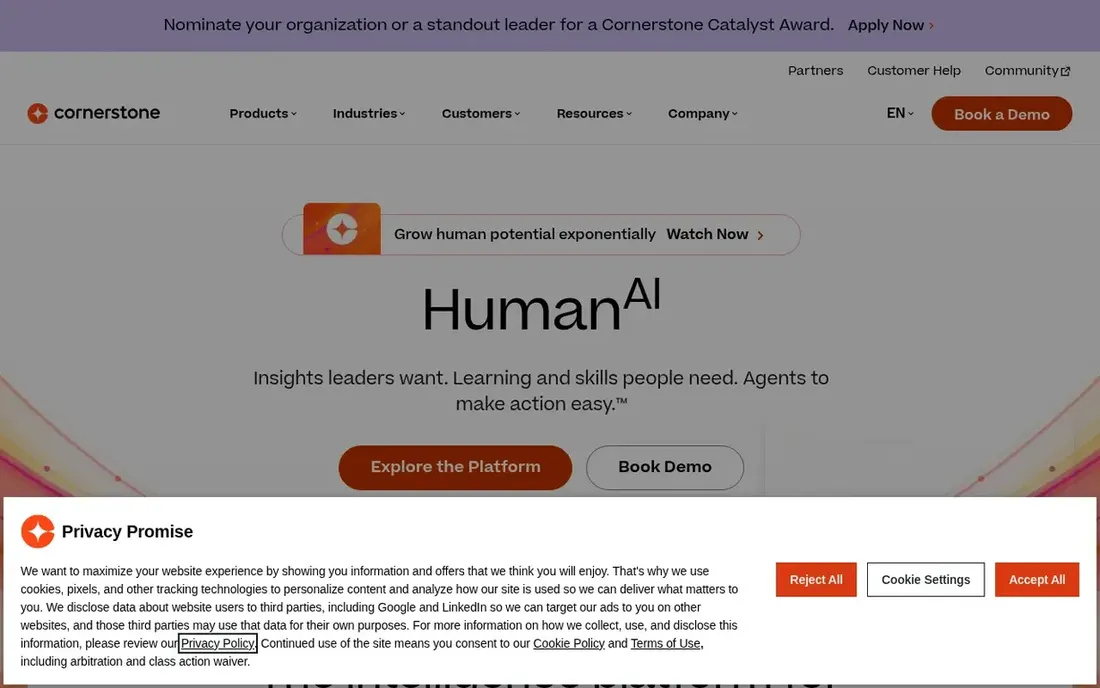
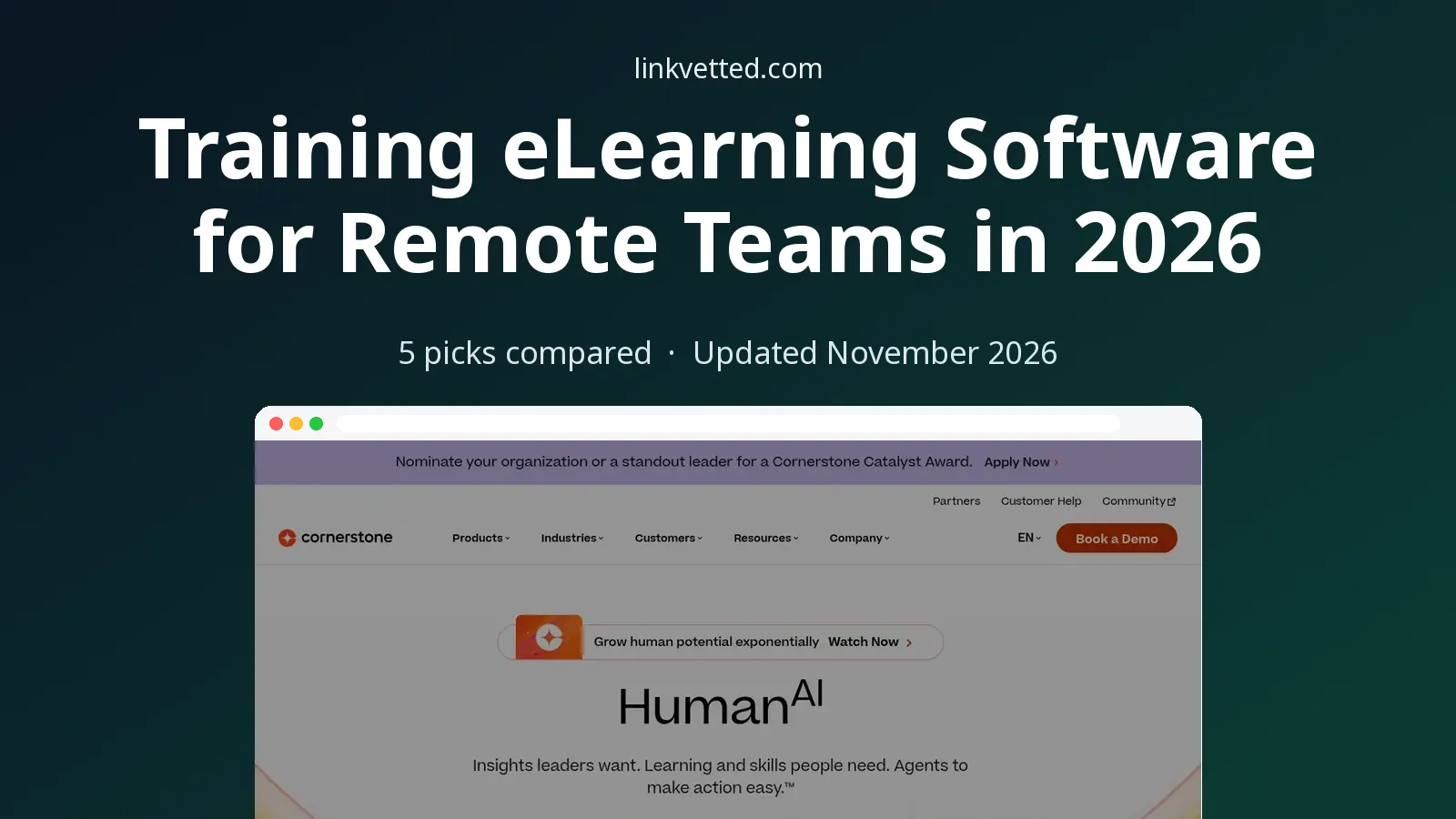
Cornerstone OnDemand is built with workforce readiness at enterprise scale in mind. Remote teams fit here when training is part of a wider talent and readiness plan, since the system links learning with skills visibility.
In practice, Cornerstone OnDemand describes an intelligence system for workforce readiness that gives insights leaders want alongside the skills and learning people need. If you only have to publish courses and track completion, a focused cloud LMS will likely be quicker to run. Cornerstone OnDemand shows no starting price here, so confirm the cost on the vendor site. Free access: Not stated.
Honest limits: Needs internal admin capacity.
- Readiness focus across the workforce
- AI agents that support action
- Enterprise orientation can feel heavy
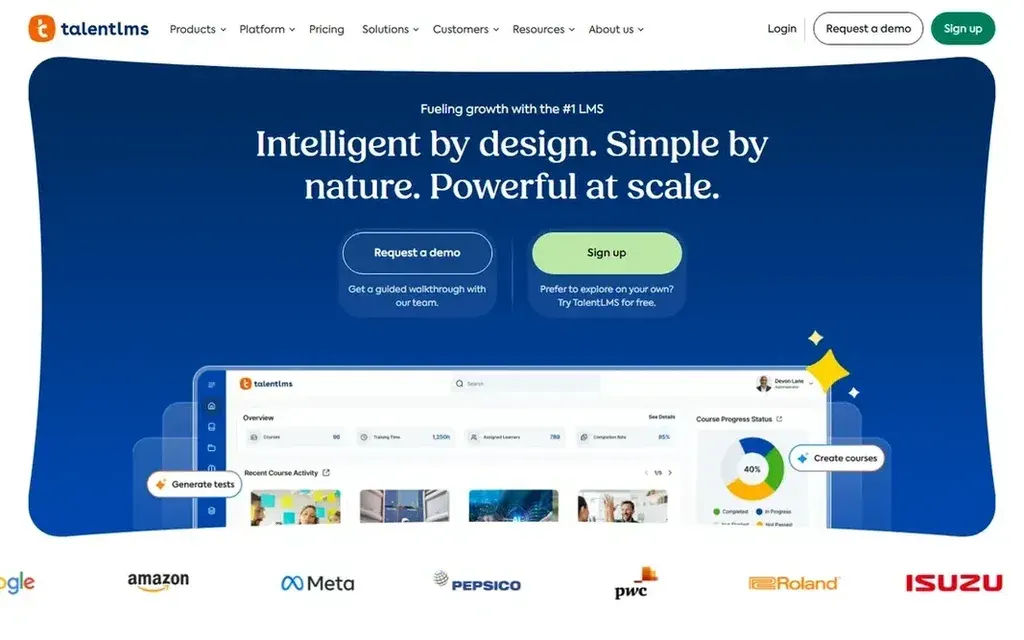
TalentLMS is built with straightforward cloud course delivery in mind. TalentLMS markets itself as a cloud learning system for moving training online and for creating and managing online courses.
Watch-outs: Less emphasis on deep skills intelligence.
That makes it a natural fit for remote teams that need a clear, focused place to host courses and enroll learners without a long rollout. Choose TalentLMS when dependable cloud course delivery and straightforward administration matter more than advanced capability. TalentLMS cost at the entry level: $119 per month. Free access exists with TalentLMS.
- Straightforward path to move training online
- Aimed at creating and managing training
- Advanced analytics may be restricted
Absorb LMS is aimed squarely at enterprise training with performance focus. Absorb LMS describes itself as an enterprise learning management system with AI-powered training that proves itself in performance. The system is pitched at enterprises that want training tied to performance instead of a loose collection of courses.
That enterprise orientation can mean more configuration and administration than a small remote team needs. If you want minimal setup and fast course publishing, a lighter cloud LMS is likely a better match. Choose Absorb when your remote training program is formal, performance-focused and backed by the admin resources an enterprise LMS expects. This comparison lists no price for Absorb LMS; ask the vendor. On free options: Not stated.
The main drawbacks: Enterprise focus may overshoot small teams.
- Emphasis on proving training performance
- AI-powered training positioning
- Needs structured onboarding
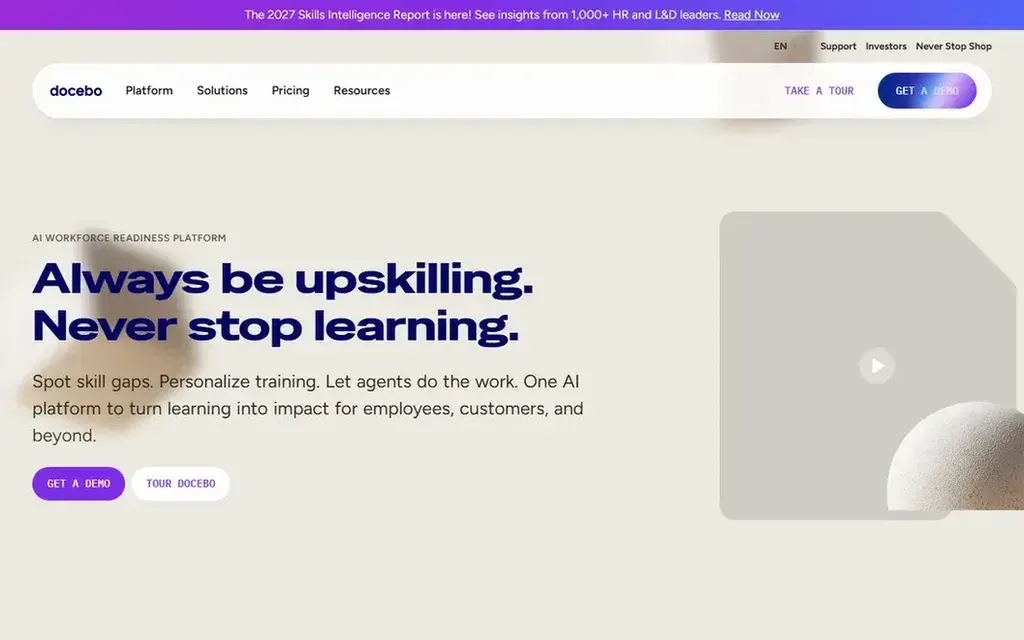
For skills intelligence plus learning delivery, Docebo is a natural candidate. Docebo presents itself as a workforce readiness product that links skills intelligence, learning, knowledge and AI agents.
The main drawbacks: Setup demands planning.
From a buyer's view, for remote teams, that means training content sits next to insight into who is ready for new responsibilities. Choose Docebo when skills visibility and AI-assisted learning are central to your remote training strategy. Docebo shows no starting price here, so confirm the cost on the vendor site. On free options: Not stated.
- Bundles AI agents for support
- Handles knowledge sharing alongside courses
- Wide scope may overwhelm small teams
How these tools were picked
What to check before you buy
- Ask Litmos, Cornerstone OnDemand, Absorb LMS and Docebo for a written quote, since no starting price is shown.
- Test the free plan from TalentLMS against your real workload before relying on it.
- Read the limits listed for Litmos first: wide audience scope needs planning.
- Test the integrations you rely on with Litmos before committing; some connectors sit on upper tiers.
- Before you load data into Absorb LMS, check what an export looks like and who can run it.
FAQ
What should remote teams look for in training eLearning software?
Look for cloud access from any location, clear course management and reporting that presents completion and capability. Skills visibility and AI support are handy when training ties to workforce planning. Confirm integrations and admin effort before deciding.
How are the tools for training eLearning software for remote teams ordered?
Litmos sits first and Docebo last because the order follows typical fit for training eLearning software for remote teams, then price clarity and free access. It is a judgement call, so read each profile for fit and limits.
Which options for training eLearning software for remote teams have a free plan?
TalentLMS is the only tool in this list with a free plan. Free plans usually cap users, projects or features, so check the limits on the vendor page. Each of the 5 options in this training ELearning software for remote teams guide has its own card above with the price, free plan and limits.
How do skills-focused systems differ from a straightforward cloud LMS?
A straightforward cloud LMS like TalentLMS centers on creating and managing courses. The right choice relies on whether you need workforce insight or straightforward delivery.
Can I try these tools before paying?
Often, yes. TalentLMS has a free plan. Use your own data and a real task during the test, and check what the free tier or trial limits before you rely on it. All 5 picks in this training ELearning software for remote teams comparison list a starting price, free plan details and the main limits on their cards above.
Do these tools publish their prices?
Not all of them. Litmos, Cornerstone OnDemand, Absorb LMS and Docebo publish no starting price, so expect a quote request for those. The rest, TalentLMS included, show a starting price, though seats and billing terms still change the final cost.
Sources
- https://www.litmos.com
- https://www.cornerstoneondemand.com
- https://www.talentlms.com
- https://www.absorblms.com
- https://www.docebo.com