Best Corporate Training Software in 2026: 8 Tools Compared
Compare the best corporate training software in 2026, with LMS features, compliance tracking, authoring tools, pricing and fit for small and large teams.

- Editor's choice
 TalentLMS
Small and mid sized teams
Starts atSee websiteVisit talentlms.comFull review - Great alternative
 Docebo
Large multi audience programs
Starts atSee websiteVisit docebo.comFull review - Also consider
 Absorb LMS
Polished mid market learning
Starts atSee websiteVisit absorb.comFull review
TL;DR:
- TalentLMS is the best low cost start for small and mid sized teams, with a free plan for up to five users.
- Docebo, Absorb and LearnUpon suit larger teams that need multiple audiences, portals and deeper reporting.
- 360Learning suits teams where experts create courses together, rather than a central L and D team writing everything.
- Moodle is free to download, but hosting, setup and maintenance are real costs to budget for.
Quick comparison
| Tool | Best for | Starts at | Free plan? | |
|---|---|---|---|---|
| TalentLMS | Small and mid sized teams | See website | Yes | Visit |
| Docebo | Large multi audience programs | See website | No | Visit |
| Absorb LMS | Polished mid market learning | See website | No | Visit |
 LearnUpon | Multi portal training for employees and partners | See website | No | Visit |
 360Learning | Collaborative expert led courses | $8 per user per month | Free trial | Visit |
 SAP Litmos | Compliance heavy training | See website | Free trial | Visit |
 Cornerstone OnDemand | Enterprise talent and learning | See website | No | Visit |
 Moodle | Open source full control | Free | Yes | Visit |
The best corporate training software
We compared course authoring, enrollment automation, compliance tracking, reporting, integrations and pricing. The best LMS for training companies and internal teams depends on learner count, audience count and how much content you create yourself.
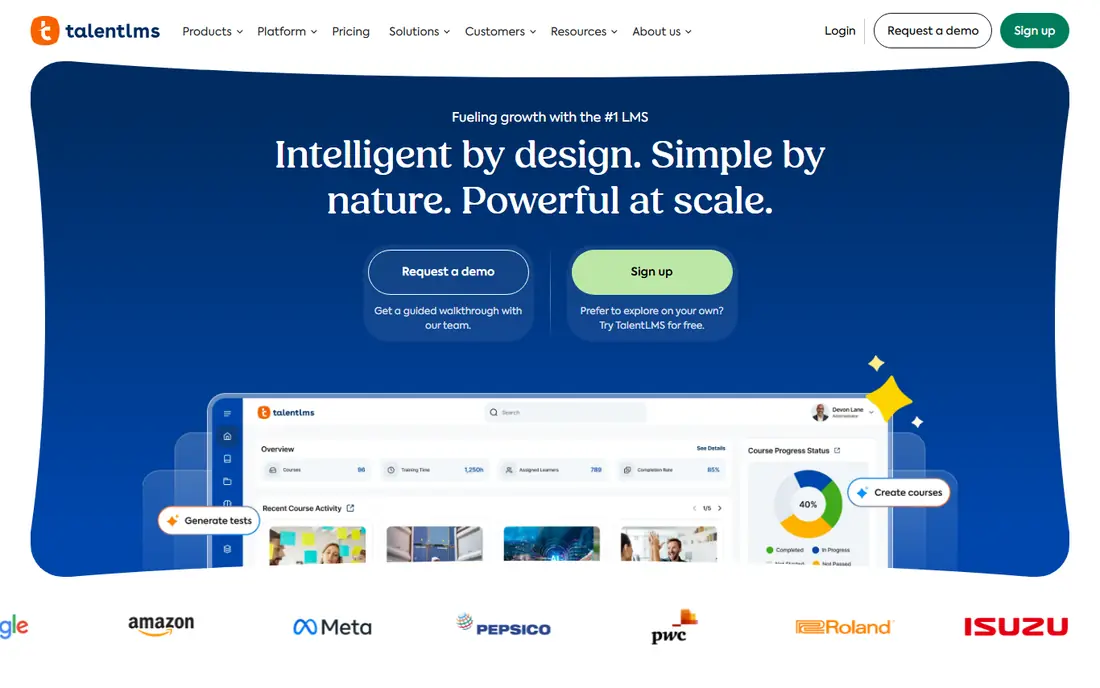
TalentLMS is the easiest way to launch a corporate academy without a long project. You can build courses with a drag and drop builder, add quizzes, set completion rules and invite learners in a day. The free plan for up to five users lets a small team test the full flow before paying, and paid plans scale by learner count.
For a team of 40 to 100 learners, TalentLMS is often the best value in this list. Beyond that range, compare the per user cost against Docebo or LearnUpon, especially if you need separate portals for employees, customers and partners. TalentLMS Pro adds more branches and features, but the cost model changes as you grow.
- Free plan for up to five users
- Fast setup with drag and drop builder
- SCORM and xAPI support
- Advanced reporting and portals need higher plans
- Per user costs rise past 100 learners
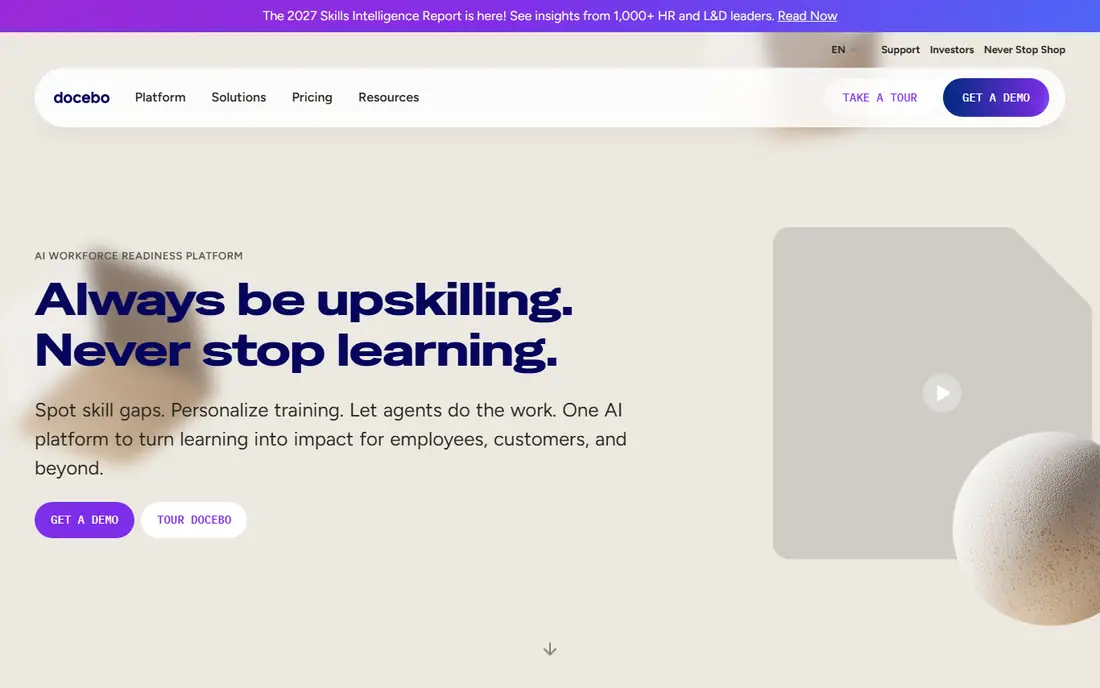
Docebo is built for organizations with hundreds or thousands of learners across employees, customers and partners. AI recommendations, personalized paths, multi portal setups and social learning help a large program feel personal, even at scale. Enterprise plans support multiple branded domains and sandbox environments for testing.
Pricing is custom, with published guides often citing around $25,000 per year as a starting range for larger programs. That puts Docebo out of reach for a very small team, but in range for a company that trains at scale. If you have fewer than 250 learners and one audience, start with TalentLMS or LearnUpon and only move to Docebo when audience complexity grows.
- AI recommendations and learning paths
- Multi portal and extended enterprise support
- Social learning features
- Quote based pricing
- Best fit starts at larger learner counts
Absorb LMS is known for a polished learner experience that needs little training to use. Admins get strong reporting, automated enrollments and multi portal options for different audiences, without the enterprise weight of a full talent suite. That balance suits mid market companies that want a professional academy and clear compliance reporting.
Pricing is quote based, with guides citing around $800 per month as a starting range for mid market programs. Request a quote based on learner count and portal needs, and test the reporting during a demo with your own compliance requirements. For a team that values learner experience over AI personalization, Absorb is a strong pick.
- Clean learner experience
- Strong reporting and automation
- SCORM and xAPI support
- Quote based pricing
- AI features are more limited than Docebo
LearnUpon helps a training company or internal team serve several audiences from one system. You can create separate portals for employees, customers and partners, each with its own branding and course catalog, while managing users centrally. Rule based enrollments automate who gets which course, which saves admin time as learner count grows.
Pricing is custom, with guides citing around $599 per month for 50 users as a starting point. Authoring tools cover the basics, but teams that need rich interactive courses may pair LearnUpon with an external authoring tool. If segmentation is your main need, LearnUpon's portal model is a clear advantage.
- Multi portal hubs for separate audiences
- Rule based enrollments
- Clean admin workflow
- Quote based pricing
- Authoring is basic compared with dedicated course builders
360Learning turns subject experts into course creators. Instead of a central team writing every course, experts draft short modules, peers review them, and learners discuss them in social feeds. AI helps generate quizzes and structure content, which speeds up creation for teams with knowledge spread across departments.
Starting pricing is $8 per user per month, with higher tiers for larger programs. That model suits companies where training content changes often and experts are the best authors. If your main need is a fixed compliance catalog with strict audit trails, a tool like SAP Litmos or Cornerstone may fit better.
- Experts co create courses with AI quiz help
- Social feeds and peer feedback
- Fast course creation
- Less suited to strict compliance catalogs
- Pricing depends on author and learner mix
SAP Litmos, formerly Litmos, is a strong pick for regulated industries that need compliance training at scale. The platform includes a large library of pre built courses, gamification, and tracking for certifications and renewals. Deployment is faster than many enterprise LMS tools, which helps a compliance team meet a deadline.
Pricing is quote based, with a 14 day trial for evaluation. The course library is a major advantage if you do not want to author every compliance module yourself. Check whether the library covers your specific regulations, because that coverage, not the platform alone, decides the value.
- Large pre built course library
- Strong compliance tracking
- Fast deployment for regulated teams
- Quote based pricing
- AI personalization is limited
Cornerstone OnDemand combines learning with broader talent management, including performance, skills and succession tools. For a large enterprise that wants learning inside a wider talent system, that breadth is valuable. Compliance tracking, reporting and content marketplace options support global programs with many roles and locations.
The trade off is scope. Cornerstone is an enterprise platform with enterprise implementation and admin needs, and pricing is custom. Smaller teams will find it more than they need. For a large company already using Cornerstone for talent, adding learning there avoids a separate system.
- Broad talent suite beyond learning
- Mature compliance and reporting
- Strong for large enterprises
- Quote based pricing
- Implementation and admin overhead for large programs
Moodle is the open source LMS used by schools, universities and companies that want full control. You can host it yourself, customize the code, add plugins for quizzes, gamification, reporting and integrations, and avoid per user licence fees. That freedom suits IT teams and training companies with technical staff.
The cost is time and hosting. You pay for servers, setup, upgrades, security and support, either in staff time or through a hosting partner. The default interface also needs work to match the polish of TalentLMS or Absorb. If you have technical capacity and specific workflow needs, Moodle is unmatched for control. If you need a polished academy this month, a hosted LMS will be faster.
- Free to download with full code access
- Over 1,800 plugins
- No per user licence fees
- Hosting, setup and maintenance are your responsibility
- Interface needs configuration to look polished
How we picked these
We compared official feature and pricing pages, plus public LMS guides in October 2026. We included free, mid market and enterprise options, and we favored tools with a live corporate training product, SCORM or xAPI support, and compliance tracking. We left out course marketplaces that do not offer a private LMS for your own learners. Prices shown are entry plans where published; otherwise we list See website.
How to choose a corporate training platform
Start with your audiences and your must have compliance rules. List who learns, whether they are employees, customers or partners, and what proof you need for audits. A single audience with simple courses fits TalentLMS or 360Learning. Multiple audiences with separate branding fit LearnUpon, Absorb or Docebo.
Next, test authoring with a real course. Build one module with your own content, a quiz and a completion rule, and ask a few learners to complete it on mobile and desktop. That test reveals friction that a sales demo hides, such as confusing navigation, slow video or unclear progress.
Finally, check integrations and reporting before you sign. Confirm HRIS sync, single sign on, and the reports your compliance team needs, such as completion by role, overdue training and certification expiry. A platform that cannot produce an audit report quickly will cost admin time every quarter, even if the learner experience is good.
A note on content quality
Software does not fix weak training. Short, job relevant modules with practice and feedback beat long slide decks that learners click through. Use AI quiz generation and authoring help to speed up drafting, but have a subject expert review every course for accuracy before it goes live.
FAQ
What is the best LMS for training companies?
LearnUpon and Absorb LMS are strong picks for training companies that serve multiple client audiences, because both support separate portals and branding. TalentLMS suits a smaller training company with one main audience and a tight budget. Docebo suits a larger training company at enterprise scale.
What is the best corporate training software for small businesses?
TalentLMS is our pick for small businesses, thanks to its free plan for up to five users and fast setup. 360Learning is also worth testing if your experts will create courses. Moodle is free to download, but only choose it if you have technical help for hosting and maintenance.
How much does corporate training software cost?
Costs range from free for Moodle and TalentLMS starter use, through $8 per user per month for 360Learning, to quote based enterprise pricing for Docebo, Absorb and Cornerstone. Price by learner count, audience count and portal needs, and ask for a quote at your 24 month learner projection, not just today's count.
Do I need SCORM or xAPI support?
Yes, if you buy or reuse courses from other authors, or if you need detailed tracking beyond completion. SCORM is the common standard for packaged courses, while xAPI tracks learning across more tools. Most tools here support both, but confirm the exact version your content uses before you sign.
Can corporate training software track compliance?
Yes. Look for certification tracking, expiry alerts, overdue reports and audit trails. SAP Litmos and Cornerstone are strong for regulated training, while TalentLMS, Absorb and LearnUpon also cover core compliance reporting. Test an overdue report during your trial with real learner data.