Best E-Learning Software and Authoring Tools in 2026: 8 Products Compared
We compare the best e learning software and authoring tools for online courses, with SCORM exports, collaboration and pricing for teams and creators today.
- Editor's choice
 Articulate 360
Professional interactive courses
Starts atSee websiteVisit articulate.comFull review - Great alternative
 Adobe Captivate
Software simulations and technical training
Starts at$33.99 per monthVisit adobe.comFull review - Also consider
 iSpring Suite
Turning PowerPoint into e-learning
Starts atSee websiteVisit ispringsolutions.comFull review
TL;DR:
- Articulate 360 leads for professional, interactive courses, with Storyline and Rise in one suite.
- Adobe Captivate leads for software simulations and technical training.
- iSpring Suite suits PowerPoint teams that want to turn slides into SCORM courses fast.
- Easygenerator and Elucidat suit teams that need cloud collaboration and brand control.
- H5P and Camtasia suit low-cost or video-led training, with clear limits on full course authoring.
Quick comparison
| Tool | Best for | Starts at | Free plan? | |
|---|---|---|---|---|
| Articulate 360 | Professional interactive courses | See website | Free trial | Visit |
| Adobe Captivate | Software simulations and technical training | $33.99 per month | Free trial | Visit |
| iSpring Suite | Turning PowerPoint into e-learning | See website | Free trial | Visit |
 Easygenerator | Fast cloud course creation by experts | See website | Free trial | Visit |
 Elucidat | Large teams producing branded courses | See website | No | Visit |
 Lectora | Accessible, compliance-focused courses | See website | Free trial | Visit |
 H5P | Free interactive activities for LMS courses | Free | Yes | Visit |
 Camtasia | Video-based training and tutorials | See website | Free trial | Visit |
The best e learning software and authoring tools
E-learning authoring tools turn expertise into courses learners can take in a browser or LMS, with quizzes, scenarios, video and tracking. We compared official feature pages, pricing pages and public reviews for tools still sold in October 2026, focusing on SCORM, xAPI and cmi5 exports, collaboration, accessibility and ease of use.
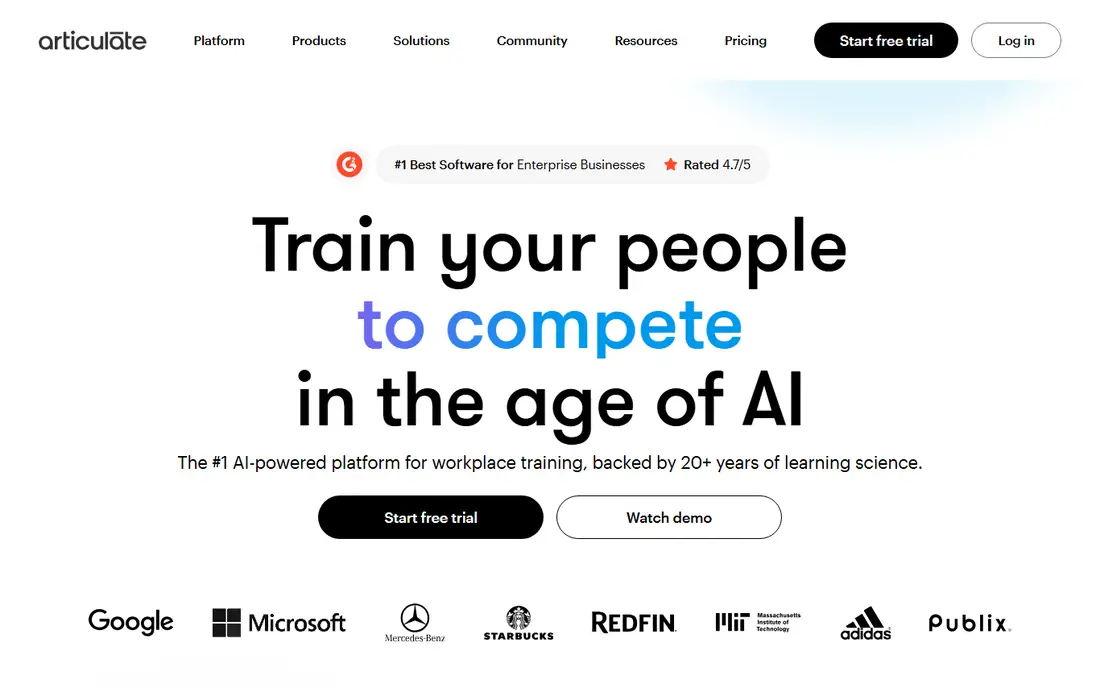
Articulate 360 fits learning teams that build polished, interactive courses for employees, partners or customers. Storyline handles branching scenarios, simulations, triggers and variables, while Rise builds clean, responsive courses from blocks in a browser. The asset library, review tools and LMS exports support a full production workflow. The honest catch is price and platform. Articulate 360 is annual-only per user, with higher team pricing, and Storyline desktop work needs Windows, with Mac users needing a workaround. Small teams with simple needs may find Easygenerator or iSpring cheaper and faster. For professional course quality at scale, Articulate 360 remains the reference suite.
- Storyline for complex interactions plus Rise for fast responsive courses
- Large asset library
- Broad LMS export support
- Annual per-user price is high
- Storyline is Windows-only for desktop authoring
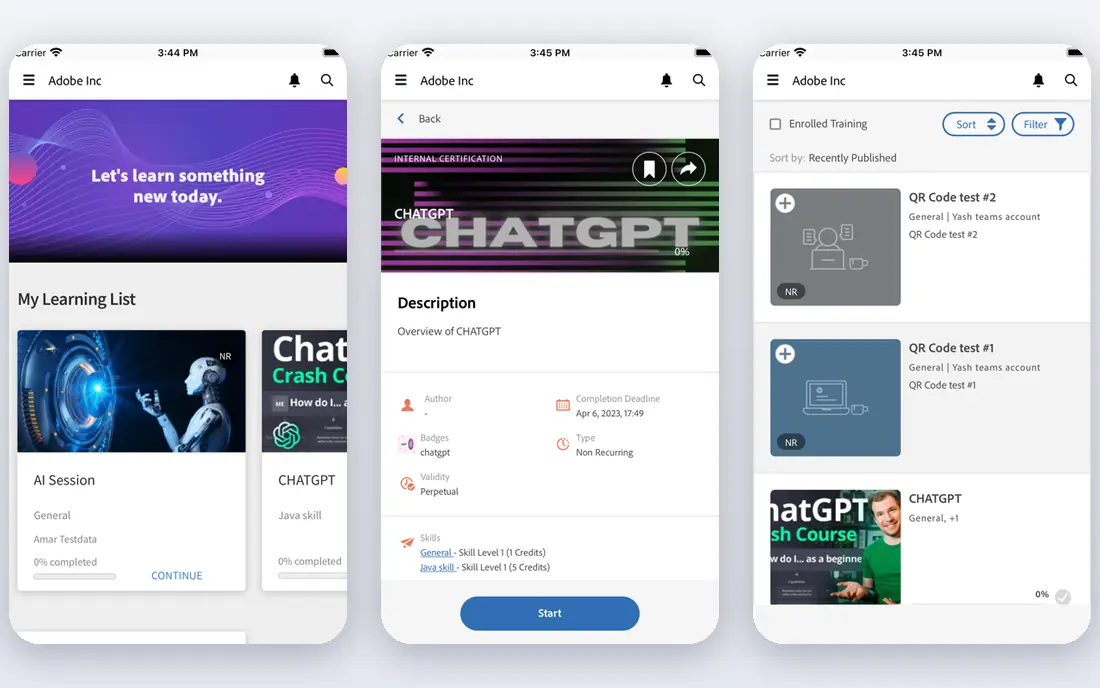
Adobe Captivate fits technical trainers who teach software, systems or procedures step by step. You can record an application workflow and turn it into a guided demo, a hands-on practice exercise or a graded assessment. Responsive layouts reflow across desktop, tablet and mobile, which helps learners on different devices. The catch is learning curve. Captivate rewards instructional design experience more than first-time course builders, and project setup takes longer than a block-based tool. Adobe ecosystem users gain Firefly image tools and related apps, but teams outside Adobe may prefer Articulate or iSpring. For software training, Captivate is still a top specialist.
- Strong software recording for demos, practice and assessments
- Responsive layouts
- VR and interactive video options
- Steeper learning curve than Rise or Easygenerator
- Pricing varies by subscription or perpetual terms
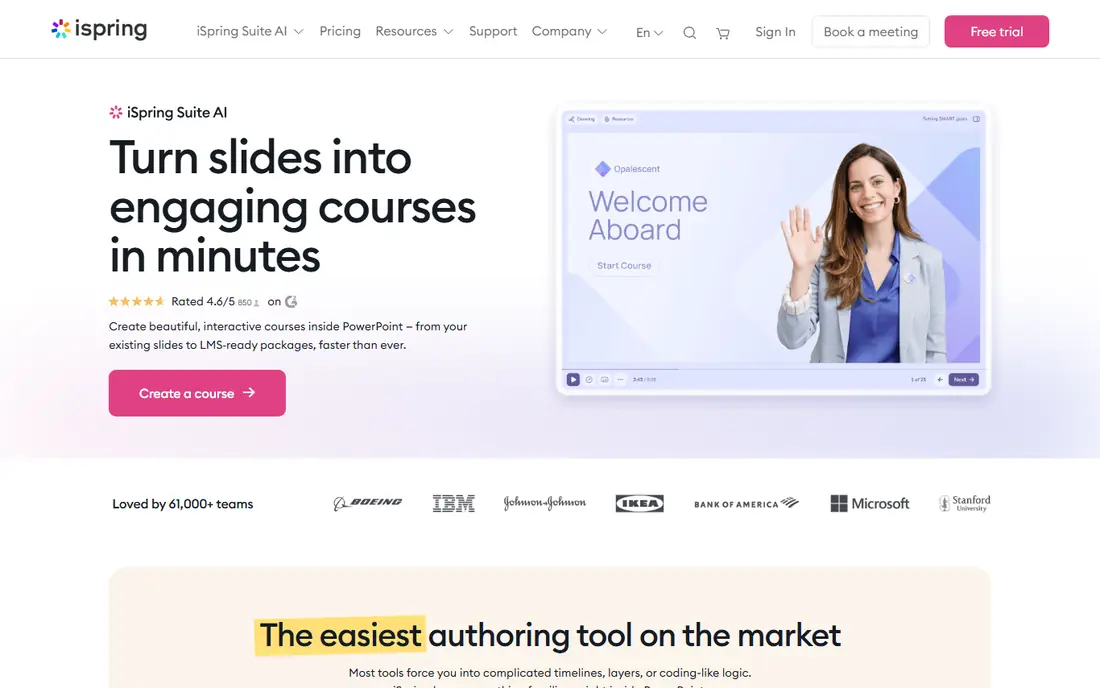
iSpring Suite fits corporate trainers and subject experts who already work in PowerPoint and want to turn decks into trackable courses. The add-in adds quizzes, interactions, video, narration and role-play simulations to slides, then publishes to SCORM, xAPI or cmi5 for an LMS. That path is fast for teams with large slide libraries. The honest catch is dependence on PowerPoint. Teams that do not use PowerPoint, or that need deep branching and custom interactions, may prefer Storyline or Lectora. iSpring pricing also varies by edition and year, so check the current pricing page. For rapid conversion of existing slides, iSpring is a practical, proven pick.
- PowerPoint add-in with quiz builder, video and role-play tools
- SCORM, xAPI and cmi5 exports
- Fast for slide-based teams
- PowerPoint-dependent workflow
- Desktop-first design suits Windows teams best
Easygenerator fits organizations that want subject experts, not just instructional designers, to build courses. The cloud editor is simple, with templates, drag-and-drop blocks, quizzes and AI help for drafting content. Teams can review, translate and publish SCORM courses without desktop software. The catch is depth. Easygenerator trades some custom interaction power for speed and simplicity, so complex branching scenarios may need Storyline or Captivate. Pricing also rises with team size and features. For fast, consistent courses from many authors, Easygenerator is a strong, low-friction choice.
- Cloud-based, drag-and-drop course builder
- AI-assisted creation
- Collaboration and SCORM exports
- Customization is lighter than Storyline or Lectora
- Higher plans needed for larger teams
Elucidat fits large teams that produce many branded courses across regions, languages and business units. Role-based collaboration, brand templates and translation workflows help teams keep quality consistent at scale. Review, versioning and LMS exports support enterprise production. The honest catch is price and fit. Elucidat is enterprise-focused, with custom pricing, so small teams and solo creators will likely find cheaper tools enough. Demo the brand, translation and review workflow with your real course types before signing. For large-scale, branded production, Elucidat is a serious contender.
- Cloud collaboration with roles and brand control
- Multi-language and large-scale production tools
- SCORM and xAPI exports
- Enterprise pricing is quote-based
- Smaller teams may find it more than they need
Lectora fits government, healthcare and corporate teams that need accessible, compliance-focused training with strict standards. It offers strong control over variables, actions and responsive layouts, plus accessibility features that help teams meet WCAG and Section 508 needs. That control matters for regulated training. The catch is look and learning time. Lectora interface feels older than Rise or Easygenerator, and beginners will need training to use its full power. Pricing also varies by edition. Teams with strict accessibility or complex logic needs will value that depth, while teams building simple courses may prefer a faster cloud tool.
- Strong accessibility and WCAG compliance support
- Advanced variables and actions
- Desktop and cloud authoring options
- Interface feels dated beside newer cloud tools
- Learning curve is steeper for beginners
H5P fits teachers, universities and training teams that use Moodle, Canvas or similar LMS platforms and want free interactive activities. You can build quizzes, drag-and-drop tasks, interactive video, timelines and branching scenarios as web content, then embed them in a course. That flexibility at zero license cost is the main appeal. The honest catch is that H5P is a content tool, not a full course suite with review, branding and enterprise production workflows. Hosting, updates and LMS integration need some technical setup, and there is no built-in AI authoring. For free, interactive LMS activities, H5P is an excellent supplement to a full authoring tool.
- Free and open-source interactive content
- Works with Moodle, Canvas and other LMS platforms
- Many activity types
- No built-in AI authoring
- Hosting and LMS setup need technical help for some teams
Camtasia fits trainers who teach mainly through video, such as software tutorials, process walkthroughs and product training. You can record screen and camera, edit, add captions, callouts and quizzes, and export video for an LMS or video platform. That video-first workflow is faster than building a full interactive course for many topics. The catch is scope. Camtasia does not offer full SCORM course authoring with branching, variables and deep LMS tracking on its own, so teams that need those features should pair it with Articulate, iSpring or H5P. For video-led training, though, Camtasia is a friendly, proven tool that many trainers already know.
- Easy screen recording and video editing
- Quizzes and captions in video
- Good for software tutorials
- Not a full SCORM course authoring tool on its own
- Video projects need storage and editing time
How we picked these
We compared official feature pages, pricing pages and documentation, plus public reviews, for e-learning authoring tools still sold in October 2026. We favored tools with real LMS exports, a clear authoring workflow and a track record in corporate, education or government training, and we covered professional, rapid, accessible, free and video-led options. We did not build full courses in each tool for this guide, so teams should trial their own course type, LMS and accessibility needs before buying.
Choosing an authoring tool by course type
The right tool depends on what learners must do, not just what looks modern. A compliance course, a software tutorial and a scenario-based sales course need different strengths.
Match interaction to learning goal
For simple knowledge and compliance, Rise, Easygenerator or iSpring can be fast and clean. For branching decisions, simulations and complex feedback, Storyline, Captivate or Lectora give more control. For video skills, Camtasia leads. For free LMS activities, H5P fills gaps without a license cost.
Check LMS, accessibility and translation early
Test SCORM, xAPI or cmi5 export in your LMS with a sample course, including quiz scores and completion tracking. Check accessibility features, caption support and keyboard navigation if your audience includes learners with disabilities. If you train in several languages, test translation workflow and font support before committing to a suite.
Plan for authors, reviewers and updates
Count authors, reviewers and learners, and check how review, versioning and updates work. A tool that is easy for one author can become messy with ten authors and frequent updates. Cloud tools like Rise, Easygenerator and Elucidat help with collaboration, while desktop tools like Storyline and Captivate need a clear file and review habit.
FAQ
What is e-learning authoring software?
It is software that lets you build online courses with text, images, video, quizzes, scenarios and interactions, then publish them for a browser or LMS. Authoring tools differ from LMS platforms: the authoring tool builds the course, while the LMS hosts, assigns and tracks learner progress.
What is SCORM, xAPI and cmi5?
These are standards that let a course report completion, scores and progress to an LMS. SCORM is the most widely supported older standard, xAPI offers richer tracking across systems, and cmi5 is a newer standard built on xAPI for LMS use. Check which standard your LMS supports before picking a tool.
Is Articulate 360 or Adobe Captivate better?
Articulate 360 is better for most professional interactive courses, with Storyline for complex work and Rise for fast responsive courses. Adobe Captivate is better for software simulations and technical training, where recording an application workflow is the core task. Many teams use both for different course types.
Can I build courses for free?
Yes, with limits. H5P is free for interactive LMS activities, and most paid tools offer free trials. Free tools lack the full production, review and branding workflows of paid suites, so they suit supplementary activities or small projects better than large enterprise course programs.
Do I need an LMS to use an authoring tool?
Not always. Some tools can publish courses as web links or shareable files, but most corporate and education use pairs an authoring tool with an LMS for enrollment, tracking and reporting. If you need completion records, quiz scores or certificates, plan for an LMS beside the authoring tool.
How long does it take to build a course?
A short Rise or Easygenerator course can take days, while a complex Storyline or Captivate course with scenarios, video and review can take weeks. Time depends on content readiness, media, review cycles and LMS testing. Start with one pilot course to learn the true time for your team.