Best STEM Curriculum Software for Middle Schools for 2026: Our 5 Vetted Picks
Weighing the best STEM curriculum software for middle schools? We lined up 5 products by cost, free access and fit. Every entry states what it lacks. No hype.
- Editor's choiceSphero Edu
Practical coding and robotics
Starts atSee websiteVisit sphero.comFull review - Great alternativePitsco Education
Practical kits and classroom options
Starts atSee websiteVisit pitsco.comFull review - Also considerSTEMscopes
Full digital science curriculum
Starts atSee websiteVisit stemscopes.comFull review
Direct answer
For practical coding and robotics, Sphero Edu is where this list starts. Listed starting prices: Legends of Learning from $790 a year per teacher. Look at Pitsco Education for practical kits and classroom solutions, and at STEMscopes for full digital science curriculum. Details, prices and limits for the rest of the 5 tools are below.
TL;DR:
- This list starts with Sphero Edu, which is built for practical coding and robotics.
- ExploreLearning Gizmos suits interactive STEM simulations.
- Neither Sphero Edu nor ExploreLearning Gizmos, nor any of the other 3 tools, has a permanent free plan; trials and quotes are the norm.
- Sphero Edu, Pitsco Education, STEMscopes and ExploreLearning Gizmos: pricing is by quote only, so plan time for a sales conversation.
- What to know about STEMscopes first: wide K-12 focus may need middle school filtering.
Last checked November 2026. Prices and plan details were read from the vendors' own pages in November 2026; vendors change plans often, so confirm the current price on the vendor site before you buy.
Quick comparison
| Tool | Best for | Starts at | Free plan? | |
|---|---|---|---|---|
| Sphero Edu | Practical coding and robotics | See website | Not stated | Visit |
| Pitsco Education | Practical kits and classroom options | See website | Not stated | Visit |
| STEMscopes | Full digital science curriculum | See website | Not stated | Visit |
| Legends of Learning | Game-based standards-aligned practice | $790 a year per teacher | Not stated | Visit |
| ExploreLearning Gizmos | Interactive STEM simulations | See website | Not stated | Visit |
STEM Curriculum Software for Middle Schools, one by one
Choosing STEM curriculum software for middle schools usually comes down to price, fit and limits. This LinkVetted guide sets 5 tools side by side on those three points, with the facts kept short and checkable.
Sphero Edu
Best for: Practical coding and robotics
Think of Sphero Edu for practical coding and robotics. Sphero Edu builds future-forward skills through practical coding robots, STEM kits, and lessons spanning computer science, CTE, and AI literacy for PK-12.
The focus is coding and robotics instead of full science curriculum coverage. From a buyer's view, activities rely on Sphero hardware, so budget and device management are real considerations. Sphero Edu does not show a starting price in this comparison, so check the vendor site for current pricing. Trial and free access: Not stated.
Where it is weaker: Hardware investment required.
- Supports AI literacy topics
- Coding robots and STEM kits
- Robot-dependent activities
Pitsco Education
Best for: Practical kits and classroom options
Pitsco Education serves practical kits and classroom options. Pitsco Education gives you practical STEM learning geared toward preparing future-ready students.
The emphasis on kits and equipment means storage, maintenance, and budget planning matter. From a buyer's view, if you want a full online curriculum or game-based practice, pair Pitsco with another tool or choose a different primary choice. No starting price is listed for Pitsco Education here; confirm pricing on the vendor site. Free options: Not stated.
Downsides: Hardware-centered approach.
- Organized by grade and learning path
- Computer science materials
- Needs planning for kit management
STEMscopes
Best for: Full digital science curriculum
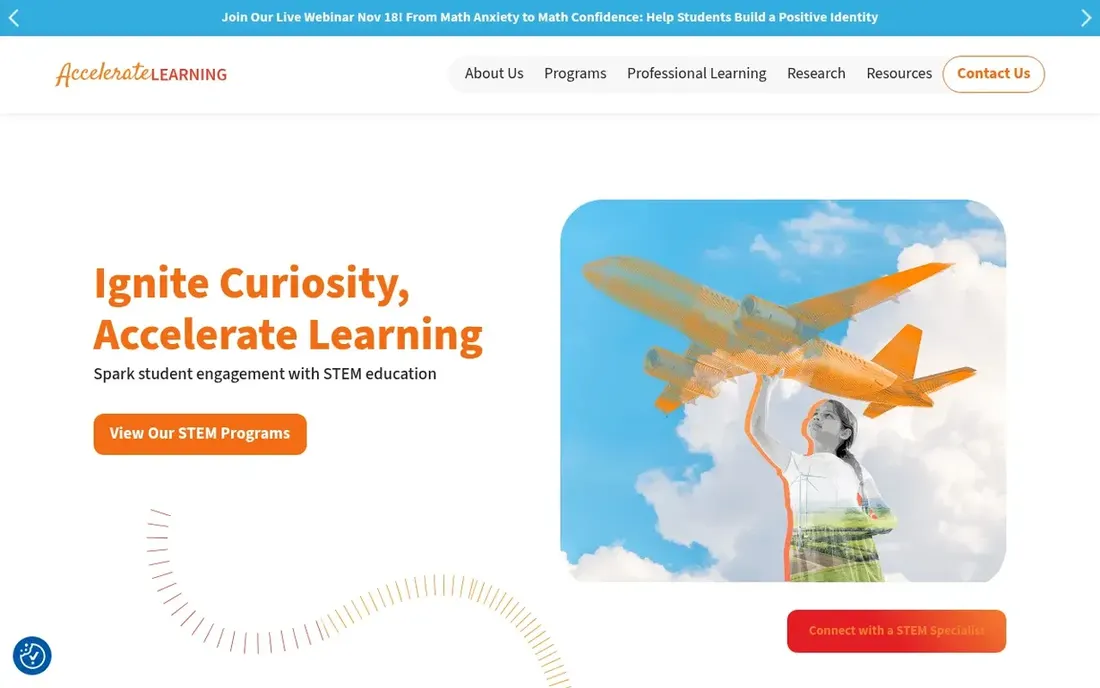
In short, STEMscopes is for full digital science curriculum. Since it spans K-12, schools should confirm that the middle school content matches their grade-level standards and pacing. Choose something else if your priority is game-based practice or physical kits instead of a core curriculum.
Points against: Wide K-12 focus may need middle school filtering.
STEMscopes, from Accelerate Learning, is a STEM education curriculum made for K-12 students. Its materials aim to help students build skills across science, technology, engineering, and math with engaging lessons. STEMscopes does not show a starting price in this comparison, so check the vendor site for current pricing. On free options: Not stated.
- Engaging curriculum materials
- Builds science, technology, engineering
- Science-centered approach
Legends of Learning
Best for: Game-based standards-aligned practice
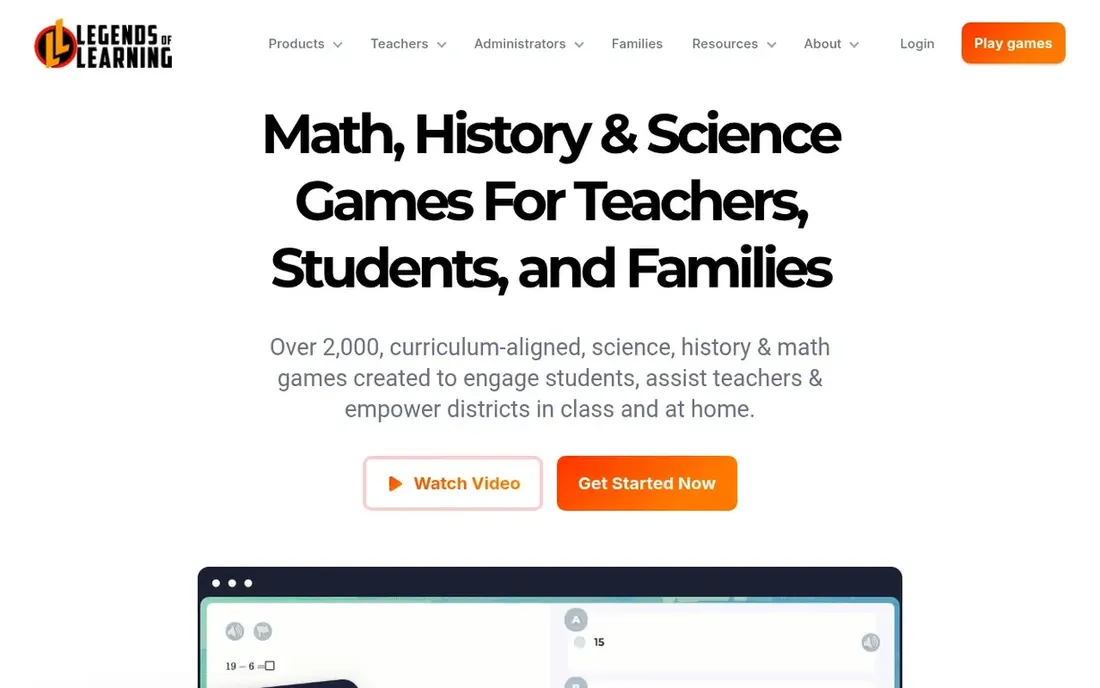
Where Legends of Learning fits: game-based standards-aligned practice. Legends of Learning gives you fun science, history, and math learning games built to engage students and support test performance.
For everyday use, teachers should check that specific game topics match their standards and sequence. Also, a games library performs best alongside a core curriculum instead of as the only instructional resource. Entry price for Legends of Learning: $790 per year per teacher. As for free access: Not stated.
Trade-offs to know: Game focus may not include full curriculum. Where Legends of Learning stands out: Reviewed by educators.
- Math games
- Aligned to standards
- Best as a supplement
ExploreLearning Gizmos
Best for: Interactive STEM simulations
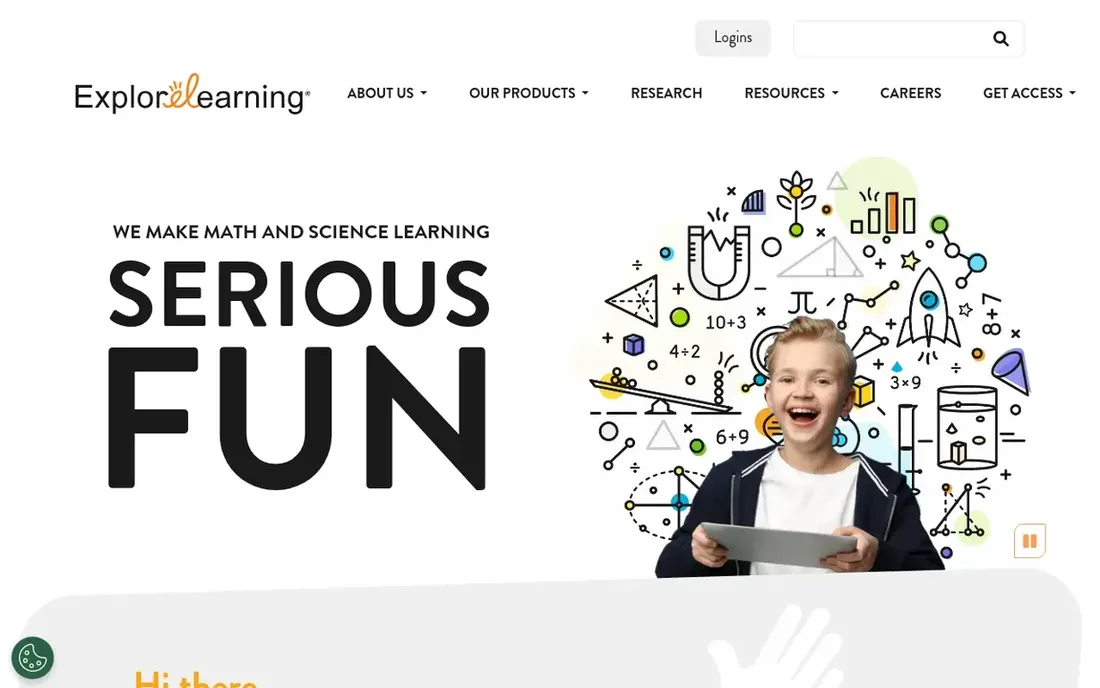
ExploreLearning Gizmos is designed for interactive STEM simulations. ExploreLearning Gizmos gives you K-12 STEM teaching tools described as seriously fun and evidence-based, targeted at tackling critical challenges in STEM education. Its interactive simulations help middle school students explore concepts visually and experimentally.
Trade-offs to know: Simulation focus instead of full curriculum.
On top of that, device access and setup are practical considerations. Also, if your goal is a complete curriculum or physical making, another choice here may be a better primary choice. This comparison lists no price for ExploreLearning Gizmos; ask the vendor. Free access: Not stated.
- Interactive simulations
- Targets K-12 STEM challenges
- Needs devices for student use
How we chose
LinkVetted looked at what each vendor publishes: pricing, plan limits, feature coverage for STEM curriculum software for middle schools and stated drawbacks. No hands-on testing is claimed. Where a price is missing, the vendor does not list one publicly or ties it to a quote. Always confirm before budgeting. Position on the page reflects fit for a typical buyer first, with price clarity and free access breaking ties. Treat it as a guide, not a ruling.
Questions to settle before buying
- Confirm the entry price on the vendor page. For Sphero Edu, Pitsco Education, STEMscopes and ExploreLearning Gizmos that means a quote rather than a fixed price.
- Before choosing Sphero Edu, weigh its main limit: hardware investment required.
- Let daily users try STEMscopes on real work; their feedback beats any feature checklist.
- Look at the renewal terms for Legends of Learning: auto-renewal, notice periods and price changes can matter more than the first-year price.
- Confirm you can export your data from ExploreLearning Gizmos, so leaving later does not mean losing records.
FAQ
How are the tools for STEM curriculum software for middle schools ordered?
The order follows typical fit for STEM curriculum software for middle schools, with Sphero Edu first and ExploreLearning Gizmos last, then price clarity and free access. It is editorial judgement, not a score, so another team could rank the tools differently.
Does any tool for STEM curriculum software for middle schools here have a free plan?
No tool in this list, Sphero Edu and ExploreLearning Gizmos included, has a permanent free plan. Trials and quotes are the usual route, so plan a short evaluation period.
Is Sphero Edu the right pick for everyone comparing STEM curriculum software for middle schools?
No single tool suits every team. Sphero Edu comes first because it fits hands-on coding and robotics, while Pitsco Education suits hands-on kits and classroom solutions and STEMscopes suits full digital science curriculum. Match the tool to your own size, budget and workflow before deciding.
What should middle schools look for in STEM curriculum software?
Prioritize standards alignment, grade-level content, and simplicity for teachers. Consider whether you need a full curriculum, supplemental practice, or practical hardware, and confirm device and support requirements before deciding.
Can I try these tools before paying?
Not by default. None of the tools, from Sphero Edu to ExploreLearning Gizmos, lists a free plan or a free trial here, so ask each vendor for a demo before committing.
How do simulations fit into a middle school STEM program?
Simulations like ExploreLearning Gizmos let students experiment virtually with concepts that are hard to demonstrate in class. They support specific topics well but are typically combined with a core curriculum and practical activities for balanced coverage.
Sources
- https://sphero.com
- https://www.pitsco.com
- https://www.stemscopes.com
- https://www.legendsoflearning.com
- https://www.explorelearning.com