Choosing PC Lifecycle Management Software for Education IT in 2026: 5 Options Compared
Best PC lifecycle management software for education IT: 5 contenders ranked by fit, with entry costs and free tiers. Prices and drawbacks included. No filler.
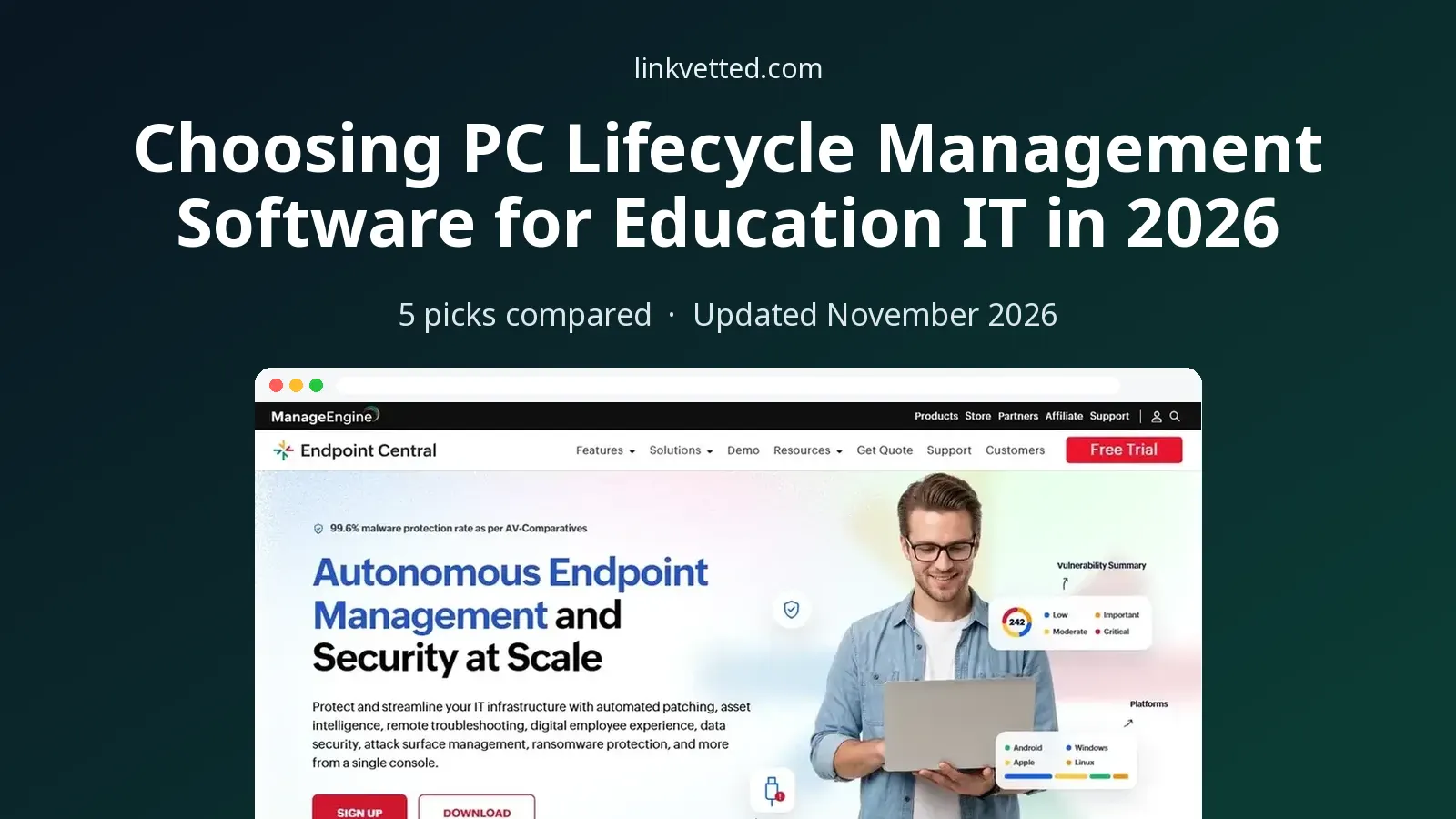
- Editor's choice
 Action1
Cloud-native patch and vulnerability work
Starts atSee websiteVisit action1.comFull review - Great alternativeKaseya VSA
Remote monitoring and automatic remediation
Starts atSee websiteVisit kaseya.comFull review - Also consider
 ManageEngine Endpoint Central
Centralized management of mixed endpoints
Starts atSee websiteVisit manageengine.comFull review
Direct answer
If you need cloud-native patch and vulnerability work, Action1 is the first tool to look at here. Listed starting prices: NinjaOne from $1.50 per device a month. Look at Kaseya VSA for remote monitoring and automatic remediation, and at ManageEngine Endpoint Central for centralized management of mixed endpoints. The remaining 2 options are covered below with prices and limits.
TL;DR:
- Action1 sits first on this list: cloud-native patch and vulnerability work.
- For the cheapest start, look at NinjaOne: $1.50 per device per month.
- Microsoft Intune is the one to check for cloud-first device management for schools.
- What to know about Action1 first: narrower than full lifecycle suites.
- Action1 stands alone as the one tool in this list with a free plan.
Last checked November 2026. Prices and plan details were read from the vendors' own pages in November 2026; vendors change plans often, so confirm the current price on the vendor site before you buy.
Quick comparison
| Tool | Best for | Starts at | Free plan? | |
|---|---|---|---|---|
| Action1 | Cloud-native patch and vulnerability work | See website | Yes | Visit |
| Kaseya VSA | Remote monitoring and automatic remediation | See website | Not stated | Visit |
| ManageEngine Endpoint Central | Centralized management of mixed endpoints | See website | Not stated | Visit |
 NinjaOne | Unified patching and remote access | $1.50 per device a month | Free trial | Visit |
 Microsoft Intune | Cloud-first device management for schools | See website | Not stated | Visit |
Tool-by-tool breakdown
If you are comparing PC lifecycle management software for education IT, this page covers 5 tools in one place: what each is best for, what it costs to start, whether it has a free plan, and the main limit to know about.
Think of Action1 for cloud-native patch and vulnerability work. Action1 gives you autonomous patch management and vulnerability remediation for Windows, macOS, and Linux endpoints, deploying pre-tested OS and external patches from one cloud-native product.
Also, Action1 concentrates on patching and remediation, so device imaging, configuration, and remote support may need other tools alongside it. It is a decent companion instead of a complete replacement for a broader management system. This comparison lists no price for Action1; ask the vendor. Action1 includes a free tier.
Drawbacks to consider: Less emphasis on device configuration.
- Vulnerability remediation across products
- Cloud-native with pre-tested patches
- Narrower than full lifecycle suites
Kaseya VSA
Best for: Remote monitoring and automatic remediation
For remote monitoring and automatic remediation, Kaseya VSA is a natural candidate. Kaseya VSA appears here through the Datto RMM product page, which describes remote monitoring and management software for handling more endpoints with less manual work. It automates monitoring, patching, remediation, and remote support whereas connecting IT workflows.
On top of that, the system is built around managed service provider workflows, which can feel heavy for a small school IT department. Teams wanting a lighter console may prefer a more straightforward tool. No starting price is listed for Kaseya VSA here; confirm pricing on the vendor site. Free plan details: Not stated.
Drawbacks to consider: Can feel heavy for small school teams.
- Automates monitoring, patching, remediation
- Links IT workflows in one place
- Pitched at managed service workflows
ManageEngine Endpoint Central
Best for: Centralized management of mixed endpoints
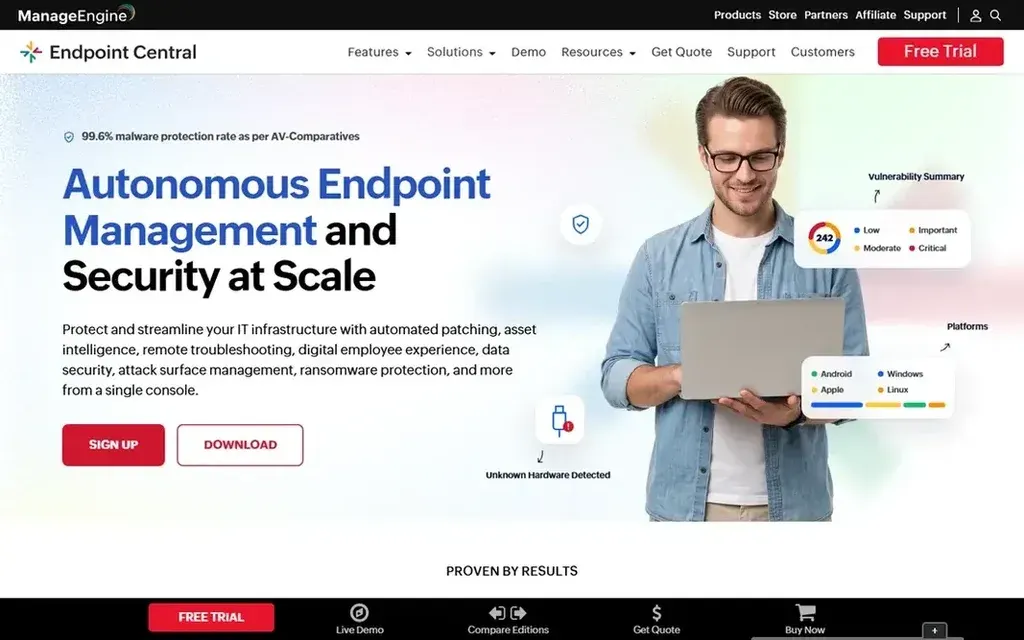
ManageEngine Endpoint Central serves centralized management of mixed endpoints. Districts wanting a more straightforward, narrower tool may prefer a lighter choice. In practice, for education IT, that breadth helps when computer labs, staff laptops, and mobile devices all need patching, configuration, and visibility from one console.
What to check first: Feature depth can overwhelm small teams.
More specifically, ManageEngine Endpoint Central is a unified endpoint management and security option for managing and securing servers, desktops, laptops, and mobile devices centrally. The breadth of modules means setup and tuning take planning, and smaller IT teams may need time to use it completely. It is a general-purpose platform instead of an education-specific one. This comparison lists no price for ManageEngine Endpoint Central; ask the vendor. As for free access: Not stated.
- Single console for the fleet
- Includes servers, desktops, laptops, mobile
- Setup requires planning across modules
NinjaOne is aimed squarely at unified patching and remote access. NinjaOne is a unified IT operations product for endpoint management, autonomous patching, backup, and remote access, used by IT teams and managed service providers.
Drawbacks to consider: Broad product may exceed basic needs.
As for the details, if your priority is strictly Apple device configuration, a product centred on that may be a cleaner fit. NinjaOne pricing: $1.50 per device per month. Free plan details: Free trial.
- Made for IT teams and service providers
- Endpoint management and autonomous patching
- Needs onboarding to use completely
Microsoft Intune is built with cloud-first device management for schools in mind. For education IT, that means enrollment, policy enforcement, and app distribution can follow students and staff across shared and assigned devices.
Limits to weigh: Deep configuration can be complicated.
Worth adding: organizations outside the Microsoft ecosystem may find integration less smooth. Microsoft Intune does not show a starting price in this comparison, so check the vendor site for current pricing. Free plan details: Not stated.
- Built on Zero Trust security principles
- Handles devices, apps
- Best value inside the Microsoft ecosystem
How we built this list
A buyer's checklist
- Ask Action1, Kaseya VSA, ManageEngine Endpoint Central and Microsoft Intune for a written quote, since no starting price is shown.
- Look at the free plan from Action1 closely: its caps decide whether it is usable for real work.
- Take the trial from NinjaOne and push a live task through it before you pay.
- Before choosing Action1, weigh its main limit: narrower than full lifecycle suites.
- Pick one real project and run it in ManageEngine Endpoint Central first; a small pilot shows fit faster than a checklist.
- Compare total cost, not headline price: for Action1, add extra seats, add-ons and any usage-based charges.
FAQ
Which options for PC lifecycle management software for education IT have a free plan?
Action1 is the only tool in this list with a free plan. Free plans usually cap users, projects or features, so check the limits on the vendor page. One other tool offers a trial instead.
Can I try these tools before paying?
Often, yes. Action1 has a free plan and NinjaOne offers a free trial. Use your own data and a real task during the test, and check what the free tier or trial limits before you rely on it.
Do these tools publish their prices?
Not all of them. Action1, Kaseya VSA, ManageEngine Endpoint Central and Microsoft Intune publish no starting price, so expect a quote request for those. The rest, NinjaOne included, show a starting price, though seats and billing terms still change the final cost.
What should education IT look for in PC lifecycle management software?
Start with the device mix: Windows, Apple, and mobile hardware may need different coverage. Confirm integrations with your identity and directory systems before shortlisting.
What is the cheapest option for PC lifecycle management software for education IT in this list?
On published monthly entry prices, NinjaOne is the lowest here at $1.50 per device per month. Entry price is only part of the cost, because seats, add-ons and billing terms can change the total. Prices, free plan details and limits for all 5 tools in this PC lifecycle management software for education IT roundup sit on the individual cards above.
Can patching tools replace a full management system?
They typically do not include imaging, configuration, or full remote support. Numerous schools run them alongside a broader management system instead of rather than one.
Sources
- https://www.action1.com
- https://www.kaseya.com/products/vsa
- https://www.manageengine.com/products/desktop-central
- https://www.ninjaone.com
- https://www.microsoft.com/en-us/security/business/microsoft-intune