IT Inventory Software for Schools in 2026: The 5 Best Options Side by Side
Shortlisting the best IT inventory software for schools? 5 products compared on cost, free access and ideal buyer. Honest caveats for every entry. Facts only.
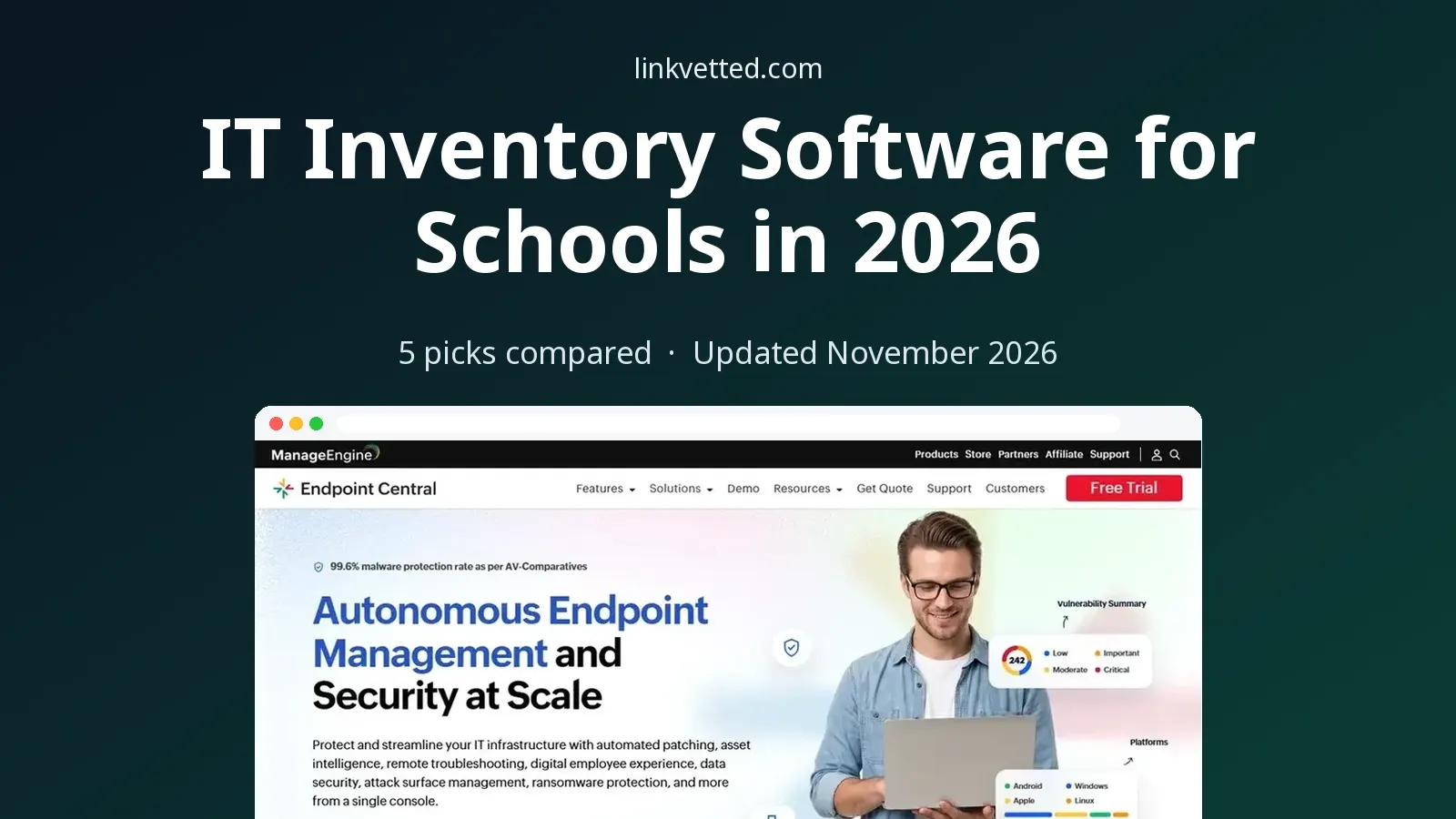
- Editor's choice
 ManageEngine Endpoint Central
Unified endpoint management and security
Starts atPricing on requestVisit manageengine.comFull review - Great alternativeIvanti Neurons for ITAM
Unified IT asset management and lifecycle visibility
Starts atPricing on requestVisit ivanti.comFull review - Also considerSolarWinds Web Help Desk
Help desk with integrated asset tracking
Starts atPricing on requestVisit solarwinds.comFull review
Direct answer
ManageEngine Endpoint Central comes first here, mainly for unified endpoint management and security. Ivanti Neurons for ITAM fits unified IT asset management and lifecycle visibility; SolarWinds Web Help Desk fits Help desk with integrated asset tracking. The remaining 2 options are covered below with prices and limits. None of these vendors publish plan prices, so pricing is on request for every option.
TL;DR:
- Top of the list is ManageEngine Endpoint Central, which targets unified endpoint management and security.
- The main caution on Asset Panda: may lack deep IT discovery features.
- Lansweeper suits thorough asset discovery across IT and cloud.
- No starting price is shown for any of the 5 tools, ManageEngine Endpoint Central and Lansweeper included, so plan time for sales calls.
- Lansweeper is the only tool of the 5 with a free plan.
Last checked November 2026. Pricing on request: vendors did not publish plan prices when this guide was last checked (November 2026), so ask each vendor for a written quote.
Quick comparison
| Tool | Best for | Starts at | Free plan? | |
|---|---|---|---|---|
| ManageEngine Endpoint Central | Unified endpoint management and security | Pricing on request | Not stated | Visit |
| Ivanti Neurons for ITAM | Unified IT asset management and lifecycle visibility | Pricing on request | Not stated | Visit |
| SolarWinds Web Help Desk | Help desk with integrated asset tracking | Pricing on request | Not stated | Visit |
 Asset Panda | Mobile-first asset lifecycle management | Pricing on request | Not stated | Visit |
 Lansweeper | Full asset discovery across IT and cloud | Pricing on request | Yes | Visit |
IT Inventory Software for Schools compared in detail
LinkVetted put together this guide to IT inventory software for schools for readers who want a clear shortlist without reading every vendor page. It compares 5 tools on starting price, free plans, who each one suits and where each one falls short.
ManageEngine Endpoint Central
Best for: Unified endpoint management and security
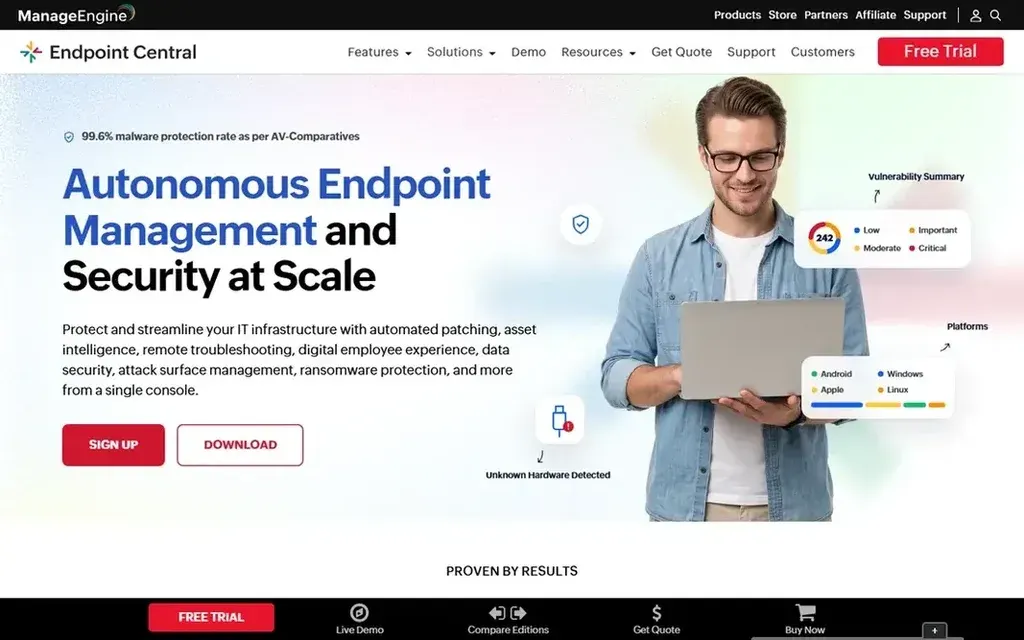
ManageEngine Endpoint Central works best for unified endpoint management and security. ManageEngine Endpoint Central is a unified endpoint management and security option that centrally runs and secures servers, desktops, laptops, and mobile devices.
The system's broad feature set can be overwhelming for schools with restricted IT staff, and setup may take time. Worth adding: if you only need asset discovery without management, a dedicated tool like Lansweeper could be a better fit. Check the vendor site for ManageEngine Endpoint Central pricing; none is listed in this comparison. As for free access: Not stated.
The main drawbacks: Can be feature-heavy for basic inventory needs.
- Merges management and security in one option
- Runs servers, desktops, laptops
- Initial setup may need planning
Ivanti Neurons for ITAM
Best for: Unified IT asset management and lifecycle visibility
Ivanti Neurons for ITAM is designed for unified IT asset management and lifecycle visibility. It suits schools that require a centralized, automatic approach to tracking hardware and software throughout their lifecycle.
Limits to weigh: May need integration effort.
Worth adding: the platform's breadth can introduce complexity, and integration with existing systems may take effort. Ivanti Neurons for ITAM shows no starting price here, so confirm the cost on the vendor site. Free plan details: Not stated.
- Brings together ITAM on one product
- Merges lifecycle visibility with automation
- Can be complicated for small teams
SolarWinds Web Help Desk
Best for: Help desk with integrated asset tracking
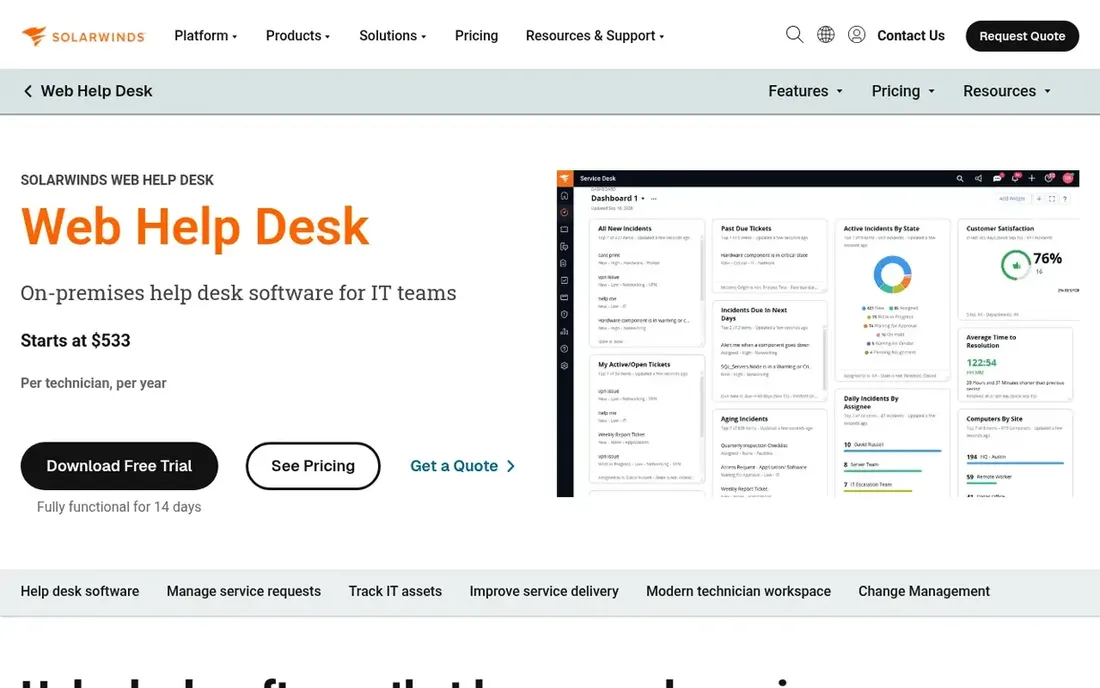
Pick SolarWinds Web Help Desk if this describes you: Help desk with integrated asset tracking. Since it is self-hosted, schools must deal with server maintenance and updates themselves.
Check the vendor site for SolarWinds Web Help Desk pricing; none is listed in this comparison. As for free access: Not stated.
Limits to weigh: Self-hosted needs server maintenance.
- Straightforward support request management
- Combines tickets, assets, SLAs
- Asset tracking is less deep than dedicated tools
Asset Panda works best for mobile-first asset lifecycle management. It needs no coding, making it accessible for schools that want an approachable system for tracking physical assets.
Drawbacks to consider: Customization may need configuration.
Schools needing automatic IT inventory across networks should consider those alternatives. This comparison lists no price for Asset Panda; ask the vendor. Free options: Not stated.
- No coding required
- Mobile-first for simple use
- May lack deep IT discovery features
Lansweeper was built for full asset discovery across IT and cloud. It gives you total visibility and dependable asset intelligence, making it a solid fit for schools that require a complete inventory of all connected devices and systems without relying solely on agents.
Drawbacks to consider: May need network configuration for full coverage.
On top of that, schools seeking a more straightforward, help-desk-centric tool might consider SolarWinds Web Help Desk instead. This comparison lists no price for Lansweeper; ask the vendor. Lansweeper includes a free tier.
- Discovers managed and unmanaged assets
- Cloud environments
- Advanced features can add complexity
How these tools were picked
Each tool was reviewed on what its vendor publishes: price, plan limits, core features and stated drawbacks. We did not run hands-on tests. Prices and plan limits come from vendor pages and can change, so confirm them on the vendor site before you buy. The order reflects how well each tool fits the most common buying scenario for IT inventory software for schools, then price clarity, then free plan access. It is a starting point, not a verdict.
Things to verify first
- Confirm the entry price with every vendor: no tool from ManageEngine Endpoint Central to Lansweeper shows a fixed starting price.
- Look at the free plan from Lansweeper closely: its caps decide whether it is usable for real work.
- Read the limits listed for ManageEngine Endpoint Central first: can be feature-heavy for entry-level inventory needs.
- Look at the help docs and support options for SolarWinds Web Help Desk before you commit.
- Test the integrations you rely on with Asset Panda before committing; some connectors sit on upper tiers.
FAQ
Is ManageEngine Endpoint Central the right pick for everyone comparing IT inventory software for schools?
No single tool suits every team. ManageEngine Endpoint Central comes first because it fits unified endpoint management and security, while Ivanti Neurons for ITAM suits unified IT asset management and lifecycle visibility and SolarWinds Web Help Desk suits Help desk with integrated asset tracking. Match the tool to your own size, budget and workflow before deciding.
Which options for IT inventory software for schools have a free plan?
Lansweeper is the only tool in this list with a free plan. Free plans usually cap users, projects or features, so check the limits on the vendor page. For the full picture, the cards above cover all 5 entries of this IT inventory software for schools list, including price, free plan and limits.
How does IT inventory software plug into help desks?
Some tools, like SolarWinds Web Help Desk, combine asset tracking with ticketing and SLAs. Others may integrate via APIs or connectors, so check compatibility with your existing help desk system.
Can I try these tools before paying?
Often, yes. Lansweeper has a free plan. Use your own data and a real task during the test, and check what the free tier or trial limits before you rely on it.
Do these tools publish their prices?
No. None of the tools, from ManageEngine Endpoint Central to Lansweeper, shows a fixed starting price here, so budget time for quotes.
Sources
- https://www.manageengine.com/products/desktop-central
- https://www.ivanti.com/products/it-asset-management
- https://www.solarwinds.com/web-help-desk
- https://www.assetpanda.com
- https://www.lansweeper.com