Best Learning Management Software for Schools in 2026: Prices, Free Plans and 5 Picks
5 best learning management software for schools, compared on pricing, free plans and best-fit use. Notes on cost and gaps for each tool. Quick to scan.
- Editor's choice
 Blackboard Learn
Institutions within the Anthology product family
Starts atPricing on requestVisit anthology.comFull review - Great alternative
 Google Classroom
Schools already using Google for Education
Starts atPricing on requestVisit classroom.google.comFull review - Also consider
 Moodle
Schools wanting a highly configurable LMS
Starts atPricing on requestVisit moodle.comFull review
Direct answer
Start with Blackboard Learn if you need institutions within the Anthology product family. Look at Google Classroom for schools already using Google for Education, and at Moodle for schools wanting a highly configurable LMS. Details, prices and limits for the rest of the 5 tools are below. None of these vendors publish plan prices, so pricing is on request for every option.
TL;DR:
- Top of the list is Blackboard Learn, which targets institutions within the Anthology product family.
- Pricing across the list, from Blackboard Learn to D2L Brightspace, is by quote only.
- D2L Brightspace suits K-12 and higher ed needing analytics and authoring.
- A fair warning about Canvas LMS: wide product may need setup time.
Last checked November 2026. Pricing on request: vendors did not publish plan prices when this guide was last checked (November 2026), so ask each vendor for a written quote.
Quick comparison
| Tool | Best for | Starts at | Free plan? | |
|---|---|---|---|---|
| Blackboard Learn | Institutions within the Anthology product family | Pricing on request | Not stated | Visit |
| Google Classroom | Schools already using Google for Education | Pricing on request | Not stated | Visit |
| Moodle | Schools wanting a highly configurable LMS | Pricing on request | Not stated | Visit |
 Canvas LMS | Schools wanting an approachable core LMS | Pricing on request | Not stated | Visit |
 D2L Brightspace | K-12 and higher ed needing analytics and authoring | Pricing on request | Not stated | Visit |
Tool-by-tool breakdown
Short on time? The summary and table above give the quick view of 5 learning management software for schools, and the profiles that follow give the detail behind each entry.
In short, Blackboard Learn is for institutions within the Anthology product family. Blackboard Learn appears within the Anthology portfolio, and the vendor homepage points visitors to information and support links for products and services previously provided by Anthology.
This comparison lists no price for Blackboard Learn; ask the vendor. Free plan details: Not stated.
Watch-outs: Product details need vendor follow-up.
- Established in higher education and schools
- Part of the Anthology portfolio
- Homepage focuses on the wider portfolio
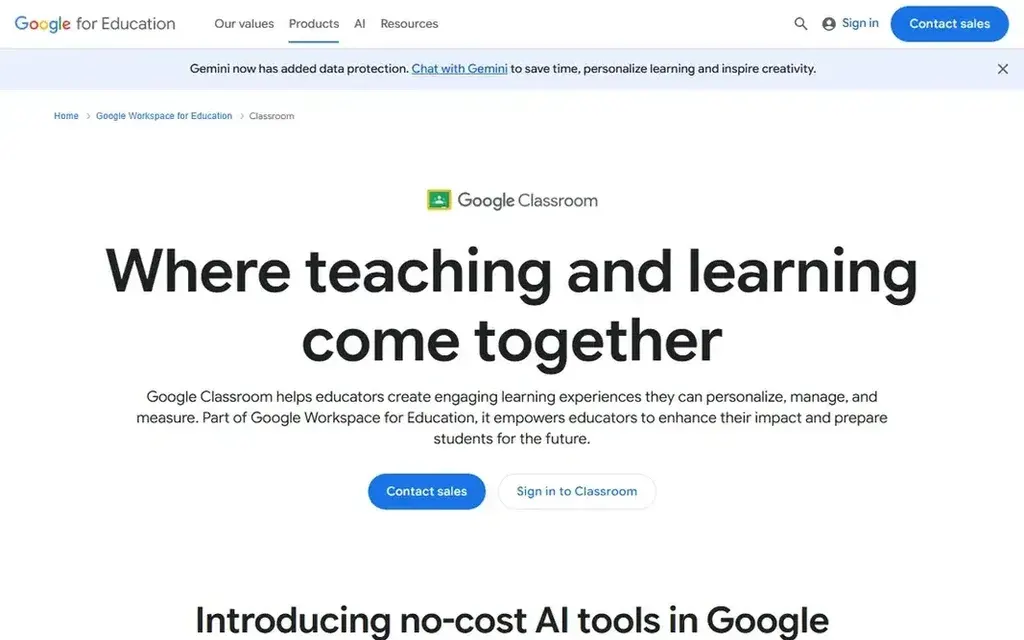
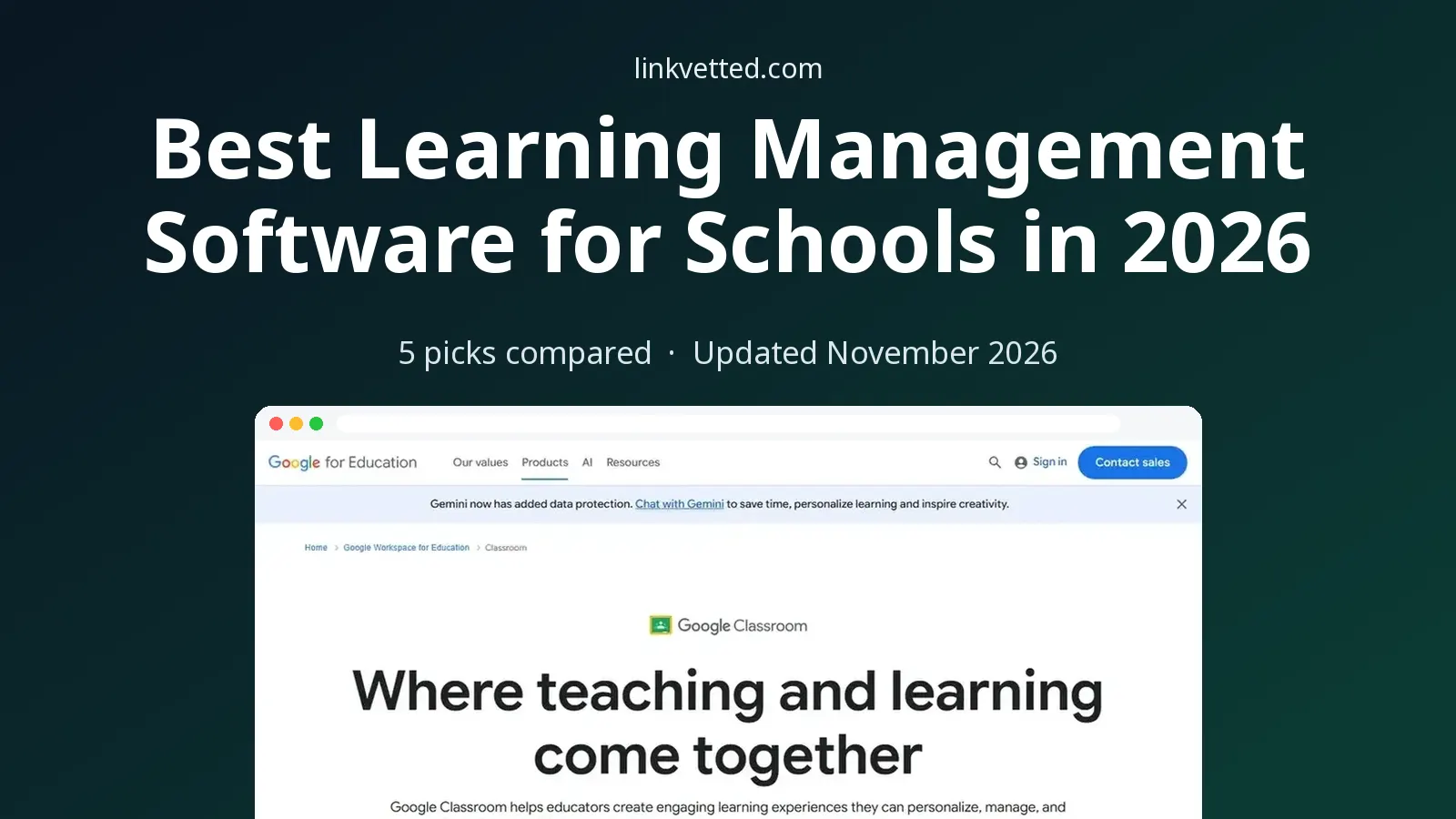
Google Classroom is aimed squarely at schools already using Google for Education. Google Classroom is described as a central hub for tools and resources built to help educators run classrooms and enrich learning experiences. In daily use, institutions needing advanced assessment, competency tracking or broad configuration may want a fuller learning management system alongside or instead of Classroom.
In practice, for schools already working within Google for Education, it offers a familiar starting point for organizing classes, sharing materials and keeping students and teachers connected in one place. Its strengths are tied closely to the Google ecosystem, so schools using other productivity suites may find integration less natural. Check the vendor site for Google Classroom pricing; none is listed in this comparison. As for free access: Not stated.
Where it falls short: Most handy inside the Google ecosystem.
- Ties into Google for Education resources
- Focused on managing classrooms
- Less suited to complicated institutional workflows
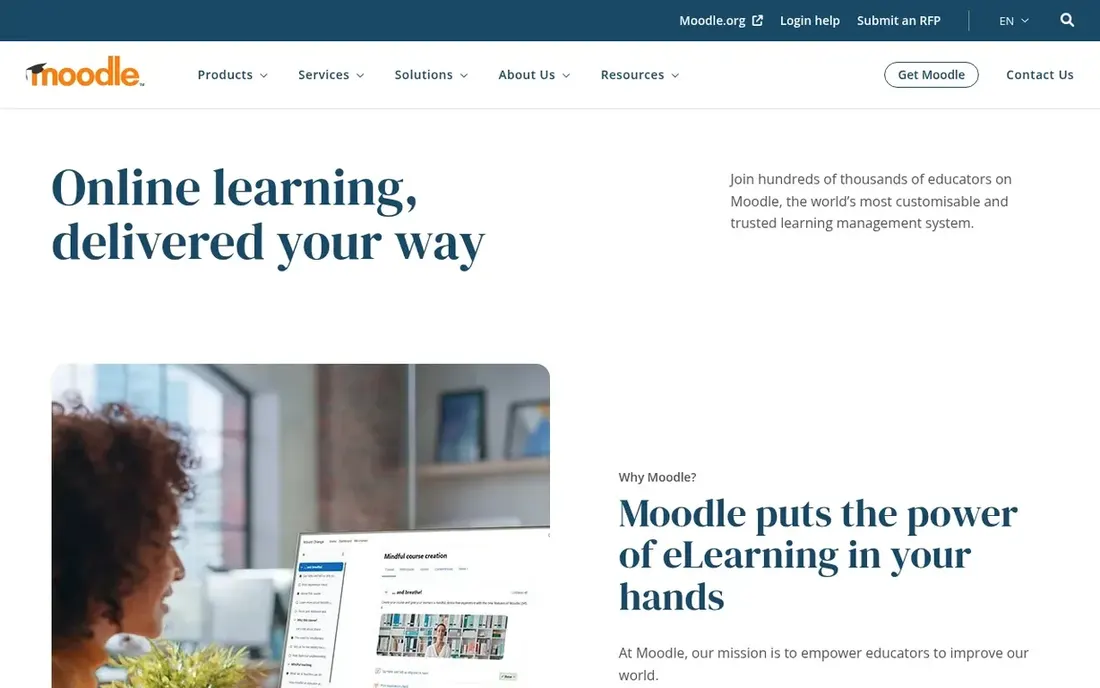
Moodle makes the most sense for schools wanting a highly configurable LMS. Moodle describes itself as a configurable and widely used learning management system for education, enterprise and public sector organizations.
That adaptability frequently includes administrative and technical demands, so schools without support staff may find initial setup heavier than hosted alternatives. This comparison lists no price for Moodle; ask the vendor. Free options: Not stated.
Downsides: Setup may need internal expertise.
- Adaptable learning ecosystem
- Emphasizes customization
- Customization can demand technical effort
Choose Canvas LMS for schools wanting an approachable core LMS. Canvas LMS from Instructure is presented as a world-leading learning management system built around an approachable experience.
The main drawbacks: Wide product may need setup time.
Check the vendor site for Canvas LMS pricing; none is listed in this comparison. Free options: Not stated.
- Homepage stresses an approachable design
- Built to ease teaching
- Feature depth can overwhelm small teams
D2L Brightspace is built with K-12 and higher ed needing analytics and authoring in mind. D2L Brightspace is a learning platform for higher education, K-12, associations and business, with D2L Lumi AI, Creator+ authoring and Performance+ analytics.
Drawbacks to consider: Pitched at institutions instead of individuals.
The breadth of features can mean a ramp-up time for staff, so onboarding and training deserve planning. No starting price is listed for D2L Brightspace here; confirm pricing on the vendor site. Free access: Not stated.
Best features of D2L Brightspace: higher ed and business.
- Comes with Lumi AI tools
- Serves K-12
- Wide feature set may need training
How we chose
A buyer's checklist
- Request quotes from Blackboard Learn, D2L Brightspace and the others; the list shows no fixed prices.
- Before choosing Blackboard Learn, weigh its main limit: homepage concentrates on the wider portfolio.
- Check whether Google Classroom bills monthly or annually, and what cancelling early costs.
- Look at the help docs and support options for D2L Brightspace before you commit.
- Check the integration list for Moodle against the tools you run today, and note which ones need a higher plan.
FAQ
Does any tool for learning management software for schools here have a free plan?
No tool in this list, Blackboard Learn and D2L Brightspace included, has a permanent free plan. Trials and quotes are the usual route, so plan a short evaluation period.
Do these tools publish their prices?
No. None of the tools, from Blackboard Learn to D2L Brightspace, shows a fixed starting price here, so budget time for quotes.
Is Blackboard Learn the right pick for everyone comparing learning management software for schools?
No single tool suits every team. Blackboard Learn comes first because it fits institutions within the Anthology product family, while Google Classroom suits schools already using Google for Education and Moodle suits schools wanting a highly customizable LMS. Match the tool to your own size, budget and workflow before deciding.
What should schools check before choosing a LMS?
Confirm integrations with existing productivity and student information systems, review privacy and data handling policies, and ask about training and support. Also verify that grading, rostering and reporting features match the workflows teachers and administrators actually use.
How are the tools for learning management software for schools ordered?
Blackboard Learn sits first and D2L Brightspace last because the order follows typical fit for learning management software for schools, then price clarity and free access. It is a judgement call, so read each profile for fit and limits.
Sources
- https://www.anthology.com
- https://classroom.google.com
- https://moodle.com
- https://www.instructure.com/canvas
- https://www.d2l.com/brightspace