Daycare Software Implementation Support in 2026: The 6 Best Options Side by Side
6 tools for the best daycare software implementation support, compared on pricing, free plans and best-fit use. Short verdicts, no fluff. Skim the table first.
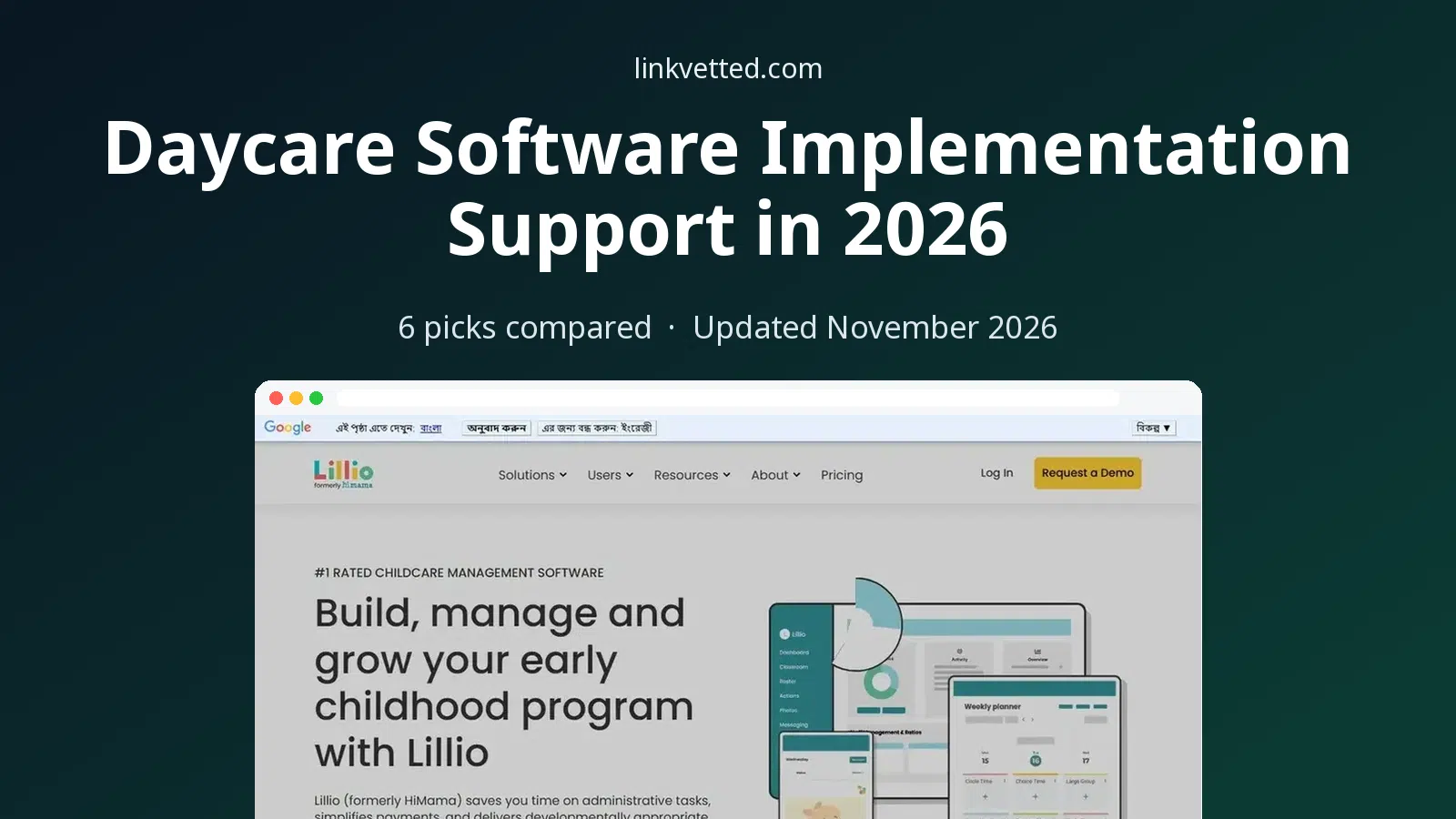
- Editor's choice
 Lillio
Parent messaging and daily reports
Starts atSee websiteVisit lillio.comFull review - Great alternativeKinderpedia
School management with billing and communication
Starts at€0.72 per student per monthVisit kinderpedia.coFull review - Also considerChildCare CRM
Enrollment and family engagement
Starts atSee websiteVisit childcarecrm.comFull review
Direct answer
Our first pick is Lillio, best for parent messaging and daily reports. Listed starting prices: Kinderpedia from €0.72 per student per month and Famly from £79 a month. Kinderpedia is the stronger choice for school management with billing and communication, while ChildCare CRM suits enrollment and family engagement. Prices, free plans and limits for all 6 tools follow.
TL;DR:
- Top of the list is Lillio, which targets parent messaging and daily reports.
- A fair warning about Brightwheel: feature depth may exceed what small centers need.
- No starting price is published for Lillio, ChildCare CRM, Brightwheel and HiMama; expect a quote.
- None of the 6 tools, from Lillio to Famly, has a free plan, so budget for a subscription or use a trial.
Last checked November 2026. Prices and plan details were read from the vendors' own pages in November 2026; vendors change plans often, so confirm the current price on the vendor site before you buy.
Quick comparison
| Tool | Best for | Starts at | Free plan? | |
|---|---|---|---|---|
| Lillio | Parent messaging and daily reports | See website | Not stated | Visit |
| Kinderpedia | School management with billing and communication | €0.72 per student per month | Not stated | Visit |
| ChildCare CRM | Enrollment and family engagement | See website | Not stated | Visit |
 Brightwheel | All-in-one product with guided onboarding | See website | Not stated | Visit |
| HiMama | Parent communication and daily reporting | See website | Not stated | Visit |
 Famly | All-in-one system for early years settings | £79 a month | Free trial | Visit |
The full daycare software implementation support list
Choosing daycare software implementation support usually comes down to price, fit and limits. This LinkVetted guide sets 6 tools side by side on those three points, with the facts kept short and checkable.
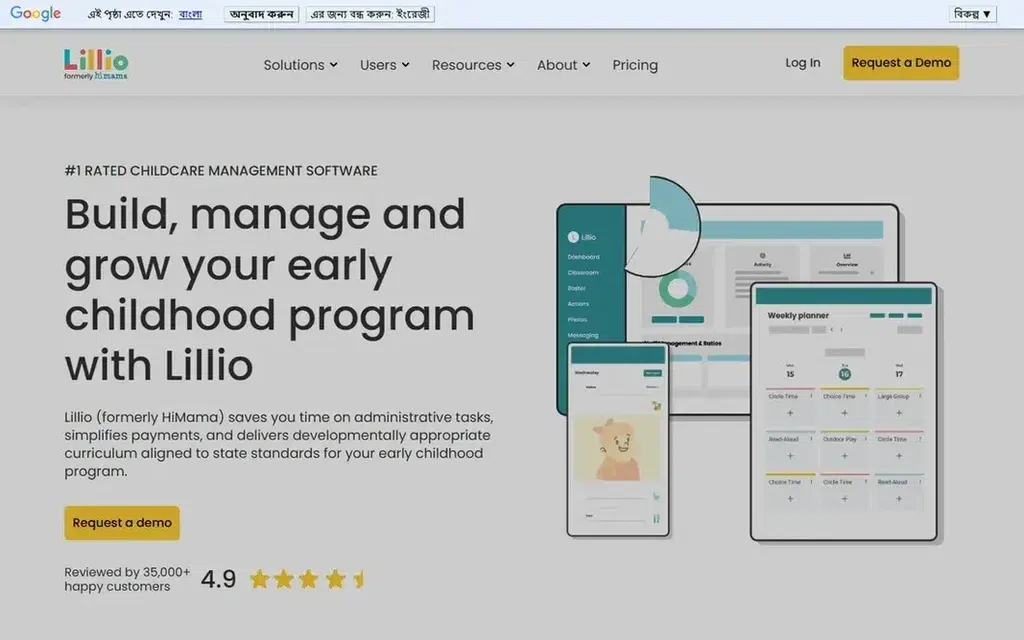
Where Lillio fits: parent messaging and daily reports. If your priority is a broader administrative product, compare against tools that lead with billing and center management.
Trade-offs to know: Demo required before you see the full setup.
Also, for implementation support, the focus on communication features means staff training centers on daily family interaction instead of complicated administration. Lillio describes itself as an all-in-one daycare option with parent messaging, daily reports and check in, framed as childcare management made simple. Lillio shows no starting price here, so confirm the cost on the vendor site. Free plan details: Not stated.
- Check in included in the system
- Parent messaging and daily reports built in
- Less emphasis on billing in the homepage description
Kinderpedia
Best for: School management with billing and communication
For school management with billing and communication, Kinderpedia is a natural candidate. Kinderpedia presents a K12 student information system and school management software that contains childcare billing, attendance tracking and teacher-parent communication.
Trade-offs to know: K12 framing may be broader than a single daycare needs.
For implementation support, the school management framing recommends onboarding spans administration plus family communication. If you want a tightly daycare-focused experience, compare with systems designed for early childhood. On cost, Kinderpedia starts like this: €0.72 per student per month. Free access: Not stated.
- Attendance tracking and teacher-parent communication
- Childcare billing software included
- Confirm daycare-specific setup steps
ChildCare CRM
Best for: Enrollment and family engagement
Think of ChildCare CRM for enrollment and family engagement. For implementation support, that means onboarding tends to center on inquiry pipelines and family follow-up instead of classroom routines. Since the product leads with CRM and enrollment, centers looking chiefly for daily reporting or attendance may find the emphasis mismatched.
Drawbacks to consider: Confirm how onboarding handles non-CRM modules.
If your priority is classroom operations, a broader childcare product may be the better fit. In practice, confirm during evaluation how much onboarding spans center management compared with enrollment workflows. This comparison lists no price for ChildCare CRM; ask the vendor. Trial and free access: Not stated.
- Center management features included
- CRM tools for childcare registration
- CRM-first design may feel indirect for daily care tasks
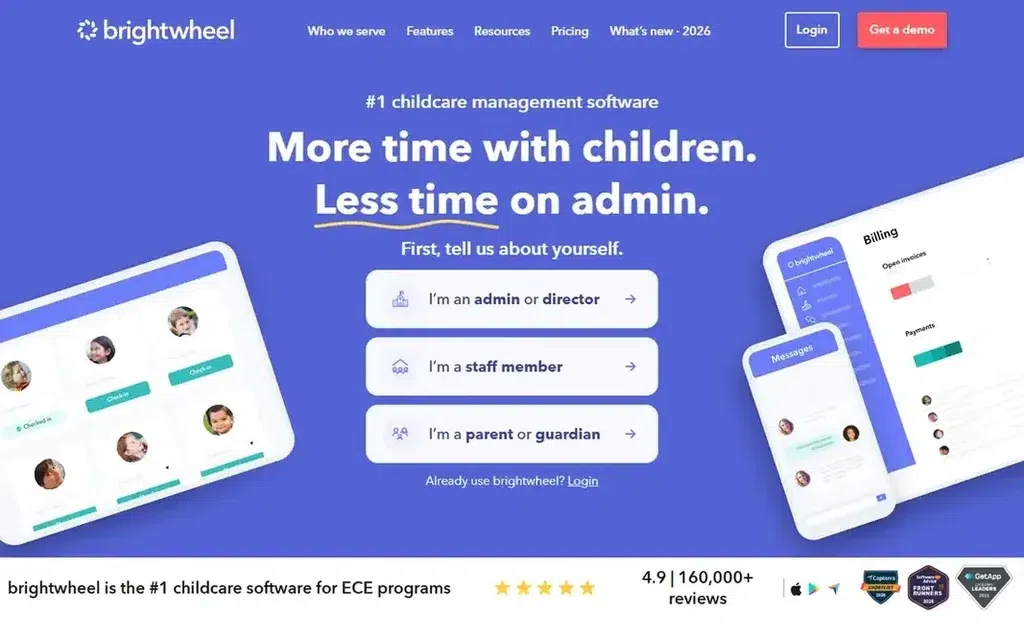
Brightwheel is aimed squarely at all-in-one system with guided onboarding. Brightwheel presents itself as an all-in-one childcare management system handling billing, communication, attendance and more.
Drawbacks to consider: Feature depth may exceed what small centers need.
Beyond that, if you chiefly want parent messaging and daily reports instead of billing and attendance too, a narrower tool may suit you better. No starting price is listed for Brightwheel here; confirm pricing on the vendor site. Free plan details: Not stated. Highlights: Wide feature set cuts the need for add-on tools.
- Communication and attendance in one product
- Billing
- Setup scope relies on which modules you adopt
HiMama
Best for: Parent communication and daily reporting
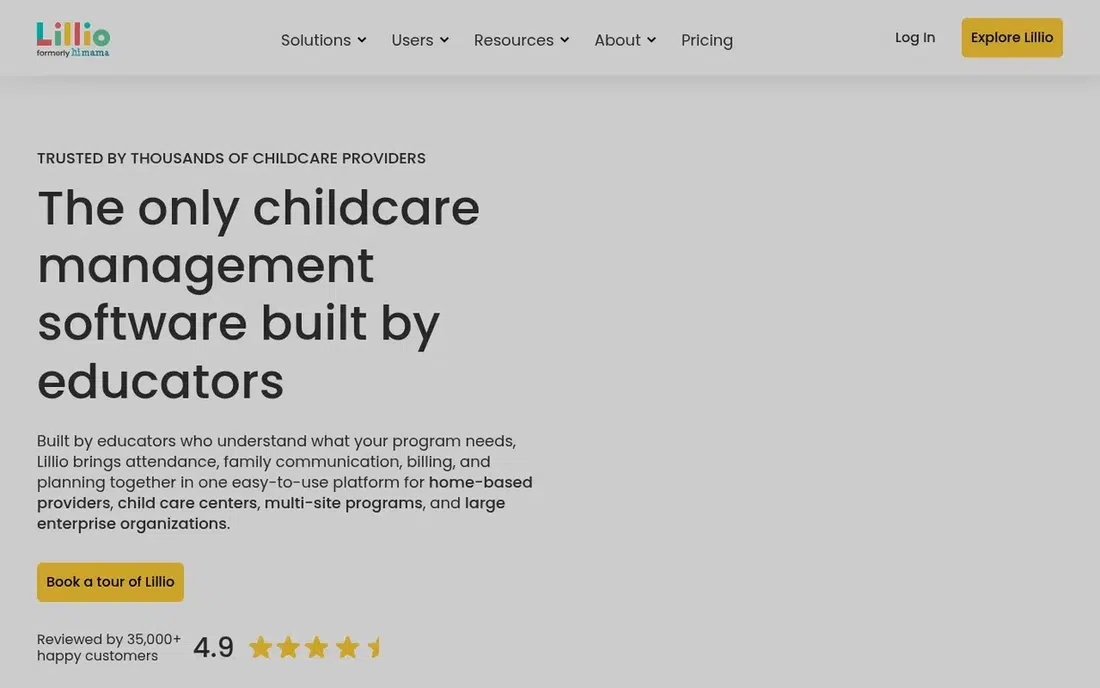
In short, HiMama is for parent communication and daily reporting. HiMama is widely known in childcare for parent communication and daily reporting, and its listed homepage now reflects the Lillio brand.
Before planning a rollout, confirm with the vendor which product you are buying and what onboarding looks like. For implementation support, that continuity matters: centers evaluating it should confirm which product name and feature set they will actually be onboarded onto. HiMama shows no starting price here, so confirm the cost on the vendor site. Free plan details: Not stated.
Watch-outs: Homepage currently reflects the Lillio brand.
- Demo-led evaluation process
- Check in features for daily operations
- Confirm current product naming before rollout planning
Famly targets all-in-one system for early years settings. For implementation support, the every-size positioning recommends onboarding can scale from small settings to bigger ones. Settings needing heavy billing or CRM-style enrollment tools may want to compare with products that lead on those areas.
As for the details, ask how migration and staff training are structured for your size of setting. In daily use, the homepage framing is regional, so providers outside the UK and Ireland should confirm availability and support coverage straight. The starting price for Famly: £79 per month. Free options: Free trial.
What to check first: Homepage messaging targets the UK and Ireland.
- Wide coverage of early years needs
- All-in-one nursery app approach
- Fit outside that market needs confirmation
Our selection method
The comparison looks at four things: starting price, free access, how well the feature set matches daycare software implementation support, and the main limit of each tool. Plan names, prices and limits change often. Treat the figures here as a starting point and verify them with the vendor. Position on the page reflects fit for a typical buyer first, with price clarity and free access breaking ties. Treat it as a guide, not a ruling.
What to confirm before you sign up
- Get a written quote from Lillio, ChildCare CRM, Brightwheel and HiMama; the list shows no starting price for them.
- Take the trial from Famly and push a live task through it before you pay.
- Before choosing Lillio, weigh its main limit: less emphasis on billing in the homepage description.
- A short pilot of Kinderpedia with your real workflow tells you more than a feature table.
- Map your must-have features to a specific HiMama plan before you compare prices.
FAQ
Is Lillio the right pick for everyone comparing daycare software implementation support?
No single tool suits every team. Lillio comes first because it fits parent messaging and daily reports, while Kinderpedia suits school management with billing and communication and ChildCare CRM suits enrollment and family engagement. Match the tool to your own size, budget and workflow before deciding.
How are the tools for daycare software implementation support ordered?
Lillio sits first and Famly last because the order follows typical fit for daycare software implementation support, then price clarity and free access. It is a judgement call, so read each profile for fit and limits.
Can I try these tools before paying?
Often, yes. Famly offers a free trial. Use your own data and a real task during the test, and check what the free tier or trial limits before you rely on it. For the full picture, the cards above cover all 6 entries of this Daycare software implementation support list, including price, free plan and limits.
Do these tools publish their prices?
Not all of them. Lillio, ChildCare CRM, Brightwheel and HiMama publish no starting price, so expect a quote request for those. The rest, Kinderpedia included, show a starting price, though seats and billing terms still change the final cost.
What should I ask vendors before committing to a rollout?
Ask for the onboarding plan, training format, migration approach and continuing support channels in writing. Comparing answers side by side makes implementation support simpler to judge before you decide.
Sources
- https://www.lillio.com
- https://www.kinderpedia.co
- https://www.childcarecrm.com
- https://mybrightwheel.com
- https://www.himama.com
- https://www.famly.co