Cursor Bolt.new Alternatives in 2026: 5 Options Vetted
Weighing cursor bolt.new alternatives and competitors? We lined up 5 products by cost, free access and fit. Plain-spoken summaries throughout. No hype.

- Editor's choice
 Replit
No-code app and website building
Starts at$18 a month, billed annuallyVisit replit.comFull review - Great alternativeCodeium
Managing several coding agents
Starts at$20 per monthVisit codeium.comFull review - Also consider
 Claude Code
Terminal-first agentic coding
Starts at$17 a monthVisit anthropic.comFull review
Direct answer
Replit is the first pick on this list for no-code app and website building. Listed starting prices: Replit from $18 a month, billed annually, Codeium from $20 per month and Claude Code from $17 a month. If your case is different, Codeium suits managing several coding agents and Claude Code suits terminal-first agentic coding. The other 2 tools in the list cover narrower or pricier cases.
TL;DR:
- The list opens with Replit, aimed at no-code app and website building.
- Claude Code is the lowest-priced starter here at $17 per month.
- A free plan is available from 3 of the 5 tools: Codeium, Claude Code, v0.
- v0 is the one to check for full-stack web app design and iteration.
Last checked November 2026. Prices and plan details were read from the vendors' own pages in November 2026; vendors change plans often, so confirm the current price on the vendor site before you buy.
Quick comparison
| Tool | Best for | Starts at | Free plan? | |
|---|---|---|---|---|
| Replit | No-code app and website building | $18 a month, billed annually | Not stated | Visit |
| Codeium | Managing several coding agents | $20 per month | Yes | Visit |
| Claude Code | Terminal-first agentic coding | $17 a month | Yes | Visit |
 GitHub Copilot | Editor, terminal and GitHub workflow | See website | Not stated | Visit |
 v0 | Full-stack web app design and iteration | $30 per user a month | Yes | Visit |
Cursor Bolt.new Alternatives and, one by one
Short on time? The summary and table above give the quick view of 5 tools for cursor bolt.new alternatives and, and the profiles that follow give the detail behind each entry.

Replit is designed for no-code app and website building. Replit is an AI app and website builder: you describe what you want and Replit builds it, producing a working app or website in minutes with no coding required.
Points against: Abstraction can hide implementation details.
The no-code approach is a strength for new projects but can be a limit when you need fine control over an existing repository or complicated architecture. Replit starts at: $18 per month, billed annually. On free options: Not stated.
- Produces a working app or website in minutes
- Describe what you want and Replit builds it
- Less suited to deep work in an existing codebase
Codeium
Best for: Managing several coding agents
Codeium is built with managing several coding agents in mind. Codeium is presented as Devin Desktop, a command center for managing any agent, locally or in the cloud.
The main drawbacks: May be more than a solo developer needs.
Also, the orchestration model brings setup and process overhead that a solo developer or a small project may not need. It also assumes you have agents to handle. Starting cost for Codeium: $20 per month. You can start on Codeium without paying.
- Command center for local and cloud agents
- Plan
- Agent orchestration layers on setup overhead
Claude Code makes the most sense for terminal-first agentic coding. Claude Code is Anthropic's agentic coding tool for the terminal and IDE. It understands your codebase, edits files, runs commands and helps you ship quicker.
Limits to weigh: Needs comfort with command-line tools.
It also assumes familiarity with command-line workflows. If you want a no-code builder, Replit is the better choice. If you want wide editor and GitHub coverage, GitHub Copilot is more general. On cost, Claude Code starts like this: $17 per month. A free plan is available with Claude Code.
- Runs commands from the terminal and IDE
- Understands the codebase and edits files
- Terminal-centric workflow may not suit everyone
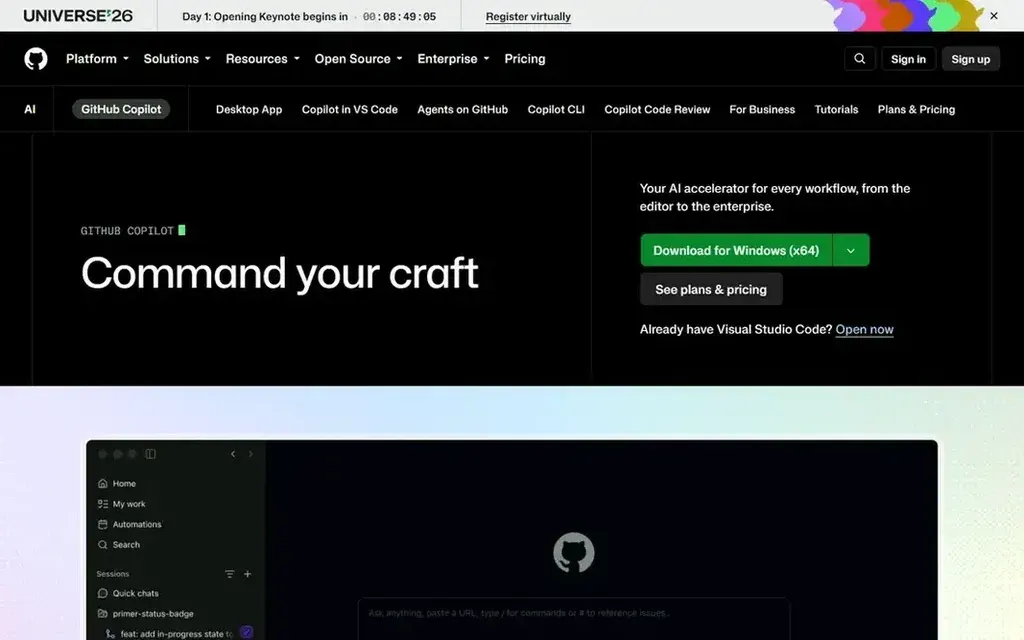
GitHub Copilot is aimed squarely at editor, terminal and GitHub workflow. GitHub Copilot is an AI coding agent that works every step of the way, from an open issue to reviewing and merging a pull request. That breadth makes it a natural fit for teams already living in GitHub and for developers who want one assistant across multiple surfaces instead of a single editor plugin.
Downsides: Feature surface can feel wide for small projects.
As for the details, since Copilot is tied closely to GitHub, teams on other systems may find parts of the workflow less relevant. Its scope is also broad, so smaller projects may not need every surface. No starting price is listed for GitHub Copilot here; confirm pricing on the vendor site. Free options: Not stated.
- Spans the path from open issue to merged pull request
- Works in the editor, terminal
- Best value inside the GitHub ecosystem

v0 is built with full-stack web app design and iteration in mind. v0 by Vercel is described as a collaborative AI assistant to design, iterate and scale full-stack applications for the web.
It suits product teams and front-end developers who want to move rapidly from a design idea to a working web app, and who value an assistant that stays involved through iteration and scaling instead of only generating a first draft. On cost, v0 starts like this: $30 per user per month. v0 has a free plan.
Drawbacks to consider: Focused on web applications instead of general coding.
- Collaborative AI assistant for web apps
- Aims at design
- Less handy for backend or non-web projects
How the list was put together
Each tool was reviewed on what its vendor publishes: price, plan limits, core features and stated drawbacks. We did not run hands-on tests. Where a vendor does not publish a price, the entry says quote. Where a price depends on seats or billing term, the entry says so. Position on the page reflects fit for a typical buyer first, with price clarity and free access breaking ties. Treat it as a guide, not a ruling.
Questions to settle before buying
- Ask GitHub Copilot for a written quote, since no starting price is shown.
- Check what the free option really includes: Codeium, Claude Code and v0 offer a free plan, and usage caps differ.
- Read the limits listed for Replit first: less suited to deep work in an existing codebase.
- Look at which plan of Claude Code unlocks the features you need; entry tiers are often cut down.
- Ask GitHub Copilot how an export works before you move any records in; an easy exit lowers the risk.
FAQ
Do these tools publish their prices?
Not all of them. GitHub Copilot publishes no starting price, so expect a quote request for it. The rest, Replit included, show a starting price, though seats and billing terms still change the final cost.
Which options for cursor bolt.new alternatives and have a free plan?
On this list, Codeium, Claude Code and v0 include a free plan. Caps on seats, usage or features are common, so test the free plan against your real workload.
What is the main difference between Cursor and these alternatives?
Cursor is an editor-centric AI coding tool, whereas the alternatives here spread across other surfaces. GitHub Copilot includes editor, terminal, desktop and GitHub, Claude Code concentrates on the terminal and IDE, and Replit and v0 target app building.
What is the cheapest option for cursor bolt.new alternatives and in this list?
On published monthly entry prices, Claude Code is the lowest here at $17 per month. Entry price is only part of the cost, because seats, add-ons and billing terms can change the total.
How are the tools for cursor bolt.new alternatives and ordered?
The order follows typical fit for cursor bolt.new alternatives and, with Replit first and v0 last, then price clarity and free access. It is editorial judgement, not a score, so another team could rank the tools differently.
Sources
- https://replit.com
- https://codeium.com
- https://www.anthropic.com/claude-code
- https://github.com/features/copilot
- https://v0.dev