Best Cursor AI Alternatives in 2026: 8 Tools Compared
Compare the best Cursor AI alternatives in 2026, with GitHub Copilot, Windsurf, Claude Code, Zed, Cline and more for AI coding in every editor, reviewed today.
- Editor's choice
 GitHub Copilot
Cheapest complete IDE agent
Starts at$10 per monthVisit github.comFull review - Great alternative
 Windsurf
Closest Cursor-like IDE
Starts at$20 per monthVisit windsurf.comFull review - Also consider
 Claude Code
Terminal-first large codebases
Starts at$20 per monthVisit claude.comFull review
TL;DR:
- GitHub Copilot is the cheapest complete paid seat for most developers, at $10 per month, with completions, chat and agent mode in editors they already use.
- Windsurf, now Devin Desktop, is the closest Cursor-like IDE for developers who want to switch with minimal disruption.
- Claude Code suits terminal-first developers working on large codebases, while Zed suits developers who prioritise speed and a light editor.
- Cline and Continue suit developers who want model choice and open-source tools, with bring-your-own-key options.
- Cursor pricing has moved to credits, so heavy agent users should compare credit limits, not just headline monthly prices.
Quick comparison
| Tool | Best for | Starts at | Free plan? | |
|---|---|---|---|---|
| GitHub Copilot | Cheapest complete IDE agent | $10 per month | Yes | Visit |
| Windsurf | Closest Cursor-like IDE | $20 per month | Yes | Visit |
| Claude Code | Terminal-first large codebases | $20 per month | No | Visit |
 Zed | Fast native editor | $10 per month | Yes | Visit |
 Cline | Open-source model choice | Free | Yes | Visit |
 OpenAI Codex | OpenAI models in CLI and IDE | $20 per month | Yes | Visit |
 Replit | Browser-based building | $20 per month | Yes | Visit |
 Continue | Open-source editor agent | Free | Yes | Visit |
The best Cursor AI alternatives
Cursor set the standard for AI-native editing, with tab completions, chat and agent mode in one editor. Developers look elsewhere for price, for a different editor, for terminal workflows, or for model choice. The tools below all offer AI coding assistance and were available in October 2026, and we compared their official pricing pages and feature pages to check free tiers and entry prices.
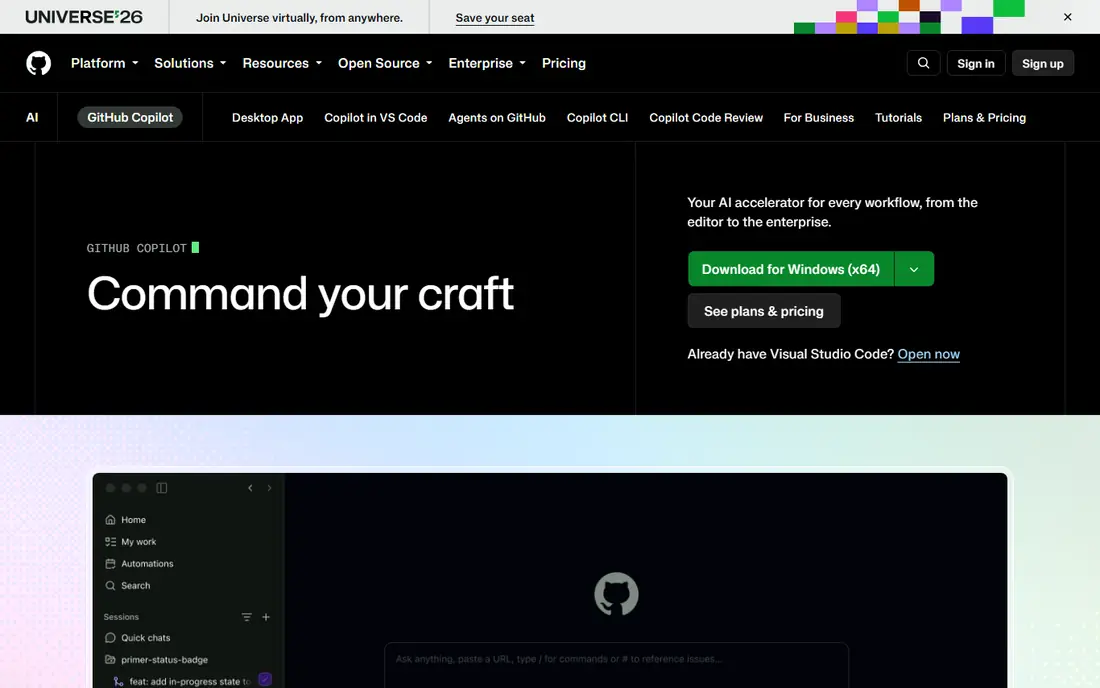
GitHub Copilot is our pick for most developers because it adds AI assistance to editors they already use, without forcing a switch to a new IDE. Pro at $10 per month includes unlimited completions, chat and agent mode, and it works across VS Code, JetBrains, Neovim and GitHub itself. For a team that needs to adopt AI coding quickly, that low friction matters.
The catch is credits on higher use. Pro includes a credit allowance for premium agent work, and heavy users may need Pro+ or Max. Still, for most individual developers and small teams, Copilot Pro is the best value complete seat in this list.
- Works in VS Code, JetBrains and other editors
- Unlimited completions on Pro
- Agent mode and code review
- Free tier limits chat and agent use
- Heavy use moves to credit-based higher tiers
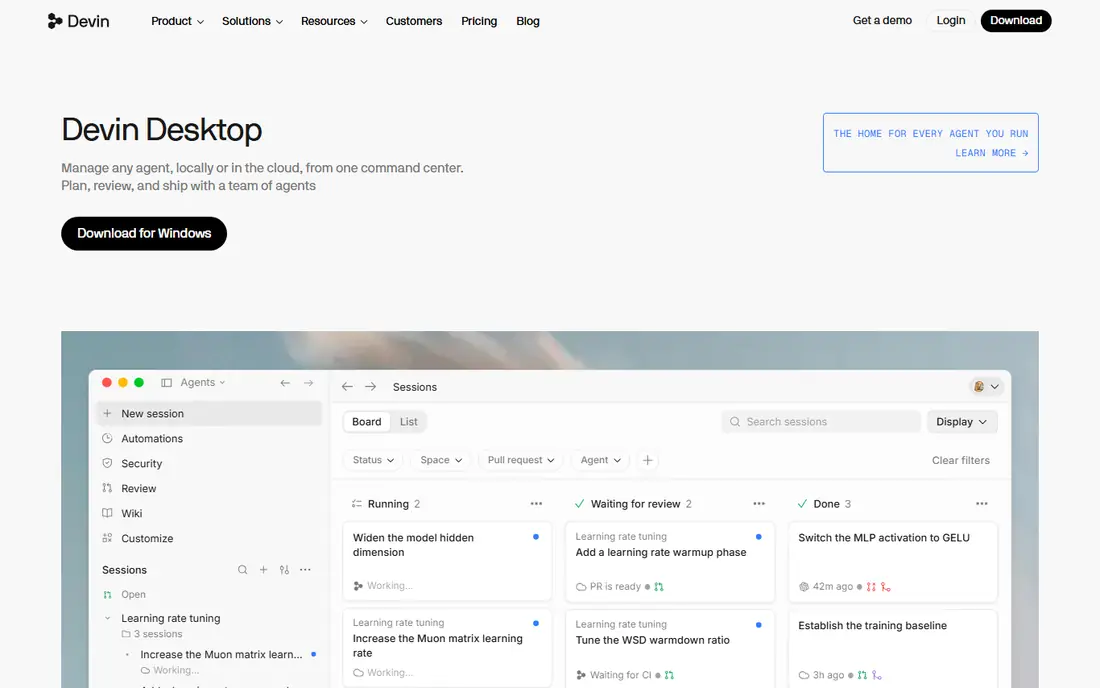
Windsurf, now sold as Devin Desktop, is the closest direct swap for Cursor. It is a VS Code-based IDE with agent mode, multi-file edits and context that persists across sessions, so a developer moving from Cursor will find the workflow familiar. Its Supercomplete feature pulls from the whole workspace, not just the open file, which helps on larger projects.
The main confusion is branding, as Windsurf became Devin Desktop in 2026, and pricing pages may use either name. Paid plans start at $20 per month, with a free plan offering a light quota and unlimited tab completions in some reports. Heavy agent users should check credit limits before committing.
- Full IDE with agent mode
- Supercomplete from whole workspace
- JetBrains and Neovim plugins
- Now branded as Devin Desktop, which can confuse buyers
- Pro credits limit heavy agent use

Claude Code suits developers who live in the terminal and want an agent that can plan, edit and test across a whole codebase. It maps large codebases, creates a visible step-by-step plan before coding, and handles multi-file refactors that smaller chat tools struggle with. Access comes through Claude Pro at $20 per month, with Max plans for heavier use.
The trade-off is workflow. There is no free tier, and developers who prefer a GUI editor with inline completions may find the terminal approach less comfortable. For terminal-first teams, however, Claude Code is often the strongest agent in this list.
- Strong agent for multi-file tasks
- Large context window
- Visible task lists before coding
- No free tier
- Terminal workflow does not suit GUI-first developers
Zed is the pick for developers who care about speed. Its native editor starts fast, handles large files smoothly, and supports real-time collaboration, which VS Code-based editors cannot match on performance. AI features include edit predictions and chat, with Pro at $10 per month and a free editor that supports bring-your-own-key models.
The limit is ecosystem. Zed has fewer extensions than VS Code, and some teams will miss a specific plugin. Developers who value a light, fast editor over a huge extension library will prefer Zed, while extension-heavy teams should stay with Copilot or Windsurf.
- Very fast native editor
- Multiplayer editing
- AI edit predictions
- AI features need a paid plan or bring-your-own-key
- Smaller extension ecosystem than VS Code
Cline suits developers who want model freedom and no vendor lock-in. It is open source, runs as a VS Code extension, and lets you bring your own API keys for Claude, OpenAI, Gemini and other models. That flexibility helps teams that want to switch models as prices and quality change, without switching editors.
The catch is cost maths and setup. Cline itself is free, but API use is billed by the model provider, so heavy agent work can cost more than a flat $10 or $20 seat. Developers comfortable with API keys will like the control, while developers who want one predictable bill should pick Copilot.
- Open source
- Works with any model via API keys
- Runs in VS Code
- You pay API costs separately
- Setup needs more steps than a bundled seat
OpenAI Codex suits teams already committed to OpenAI models. It offers an agentic coding workflow that plans tasks, runs commands and iterates with human approvals, across a CLI and IDE integrations. Access is included with ChatGPT Plus at $20 per month, with a free tier inside ChatGPT Free in some reports, and Pro plans for heavier use.
The trade-off is bundling. If you do not use ChatGPT for other work, paying for Plus just for Codex may feel wasteful, and API pricing is separate. OpenAI-first teams will find it a natural fit, while multi-model teams may prefer Cline or Continue.
- Agentic workflow with approvals
- CLI and IDE use
- OpenAI model access
- Included with ChatGPT Plus, so pricing is tied to that plan
- API pricing varies
Replit suits beginners, solo builders and teams that want to prototype a full-stack app in a browser without local setup. It covers frontend, backend, database and deployment in one workspace, and its AI agent can build and iterate on an app from a prompt. That all-in-one model is ideal for a first app or a quick prototype.
Large existing codebases and desktop-heavy workflows are a weaker fit, because Replit is browser-first. Developers working on a large repo in VS Code or a terminal will prefer Copilot, Windsurf or Claude Code, while new builders will find Replit the easiest start.
- Full-stack building in a browser
- Deployment built in
- Good for beginners and prototypes
- Less suited to large existing codebases
- Browser workflow limits some desktop tools
Continue is the other strong open-source option beside Cline, with a free Solo plan, full editor support and bring-your-own-key model choice. It runs in VS Code and JetBrains, offers chat, completions and agent mode, and its Team plan at $10 per developer per month adds shared features. For a team that wants an open tool without a large bill, Continue is a practical pick.
Like Cline, Continue needs API keys and setup, and its support is more community led than a paid vendor such as GitHub or Anthropic. Developers who want a vendor support contract should pick a paid seat, while developers who value openness will prefer Continue.
- Free full editor agent
- Bring-your-own-key model choice
- VS Code and JetBrains support
- Setup needs API keys
- Support is community led compared with paid vendors
How we picked these
We compared official pricing pages, feature pages and public reviews for tools available in October 2026. We favoured tools with real agent or completion features, not just chatbots, and we checked free tiers, entry prices and editor support. Cursor itself is the baseline, with Hobby free, Pro at $20 per month and higher tiers for heavy use, so we judged alternatives on price, editor fit and model choice.
How to choose a Cursor alternative
Start with your editor. If you live in VS Code or JetBrains and do not want to switch, Copilot, Cline or Continue fit best. If you want a Cursor-like IDE, Windsurf is the closest swap. If you live in a terminal, Claude Code is the strongest agent. If speed matters most, try Zed.
Then check credit limits. Cursor, Copilot, Windsurf and Claude Code all use credits or allowances for premium agent work, and heavy users can burn through a base plan fast. Trial your alternative on a real multi-file task, not a single-file demo, and watch how many credits it uses before you commit to a yearly plan.
Model choice versus simplicity
A bundled seat such as Copilot or Claude Code gives you one bill and one support route, but ties you to that vendor's models. An open tool such as Cline or Continue gives you model choice, but adds API billing and setup. Choose simplicity if you want predictable cost, and choose openness if you want to switch models as they improve.
FAQ
What are the best Cursor AI alternatives?
GitHub Copilot is the best overall for most developers, at $10 per month with a complete agent in familiar editors. Windsurf is the closest Cursor-like IDE, Claude Code is best for terminal-first work, and Zed is best for speed. Cline and Continue suit developers who want open-source model choice.
What is the best alternative to Cursor AI for free?
Windsurf offers a free plan with a light quota, Zed offers a free editor with bring-your-own-key AI, and Cline and Continue are free open-source tools where you pay API costs separately. GitHub Copilot also offers a free tier with limited chat and agent use. Test free tiers on a real task before choosing.
Is GitHub Copilot better than Cursor?
For many developers, Copilot Pro at $10 per month offers better value than Cursor Pro at $20 per month, with completions, chat and agent mode in editors they already use. Cursor still offers a strong agentic IDE experience, especially for multi-file work in its own editor. The better tool depends on editor preference and credit use.
How much do Cursor alternatives cost?
Entry prices are $10 per month for GitHub Copilot Pro and Zed Pro, $20 per month for Windsurf Pro, Claude Code via Claude Pro, OpenAI Codex via ChatGPT Plus, and Replit. Cline and Continue are free, with API costs paid separately. Heavy agent use can raise costs through credits on most paid plans.
Can I use Cursor alternatives in JetBrains?
Yes, GitHub Copilot, Cline, Continue and Windsurf via plugin support JetBrains, while Zed and Claude Code have different editor and terminal models. Check plugin support for your exact JetBrains IDE before switching, because feature depth varies by editor.
Do Cursor alternatives support multiple AI models?
Some do. Cline and Continue support many models via API keys, Windsurf and Copilot offer model choice within their plans, and Claude Code and Codex focus on their own vendor models. If model choice matters, pick an open tool or a plan that lists the models you need.