Switching From The New Black? 5 Alternatives for 2026
The New Black alternatives in 2026: 5 tools with starting prices, free plans and limits. Every pick includes one clear drawback. Quick comparison inside.
- Editor's choice
 Affinity Designer
Precision vector illustration and graphics
Starts atSee websiteVisit affinity.serif.comFull review - Great alternative
 Figma
Collaborative product and interface design
Starts at$3 a monthVisit figma.comFull review - Also consider
 Piktochart
Infographics, reports and data visuals
Starts at$10 per member per monthVisit piktochart.comFull review
Direct answer
Affinity Designer leads the list, best for precision vector illustration and graphics. Listed starting prices: Figma from $3 a month, Piktochart from $10 per member per month and Sketch from $12 per editor per month. Look at Figma for collaborative product and interface design, and at Piktochart for Infographics, reports and data visuals. Details, prices and limits for the rest of the 5 tools are below.
TL;DR:
- Affinity Designer takes the first slot, best suited to precision vector illustration and graphics.
- For quick template-driven design for everyone, Canva is worth a look.
- Figma is the lowest-priced starter here at $3 per month.
- Just one of the 5 tools, Piktochart, has a free plan.
- One limit worth knowing about Piktochart: less suited to precision vector illustration.
Last checked November 2026. Prices and plan details were read from the vendors' own pages in November 2026; vendors change plans often, so confirm the current price on the vendor site before you buy.
Quick comparison
| Tool | Best for | Starts at | Free plan? | |
|---|---|---|---|---|
| Affinity Designer | Precision vector illustration and graphics | See website | Not stated | Visit |
| Figma | Collaborative product and interface design | $3 a month | Not stated | Visit |
| Piktochart | Infographics, reports and data visuals | $10 per member per month | Yes | Visit |
 Sketch | Designer-focused interface design and handoff | $12 per editor per month | Free trial | Visit |
 Canva | Quick template-driven design for everyone | See website | Not stated | Visit |
5 options for The New Black in detail
Short on time? The summary and table above give the quick view of 5 tools for The New Black, and the profiles that follow give the detail behind each entry.
Where Affinity Designer fits: precision vector illustration and graphics. Pick Affinity Designer for logo and illustration craft; pick Canva or Piktochart when speed and ready-made layouts matter more than pixel-level precision.
It suits users who want in-depth control over shapes, curves and typography instead of template-led assembly. Affinity Designer does not show a starting price in this comparison, so check the vendor site for current pricing. Free plan details: Not stated.
Downsides: Steeper ramp-up time for newcomers.
- Crisp vector art with fine control
- Deals with both vector and raster-style work
- Fewer built-in templates than template suites
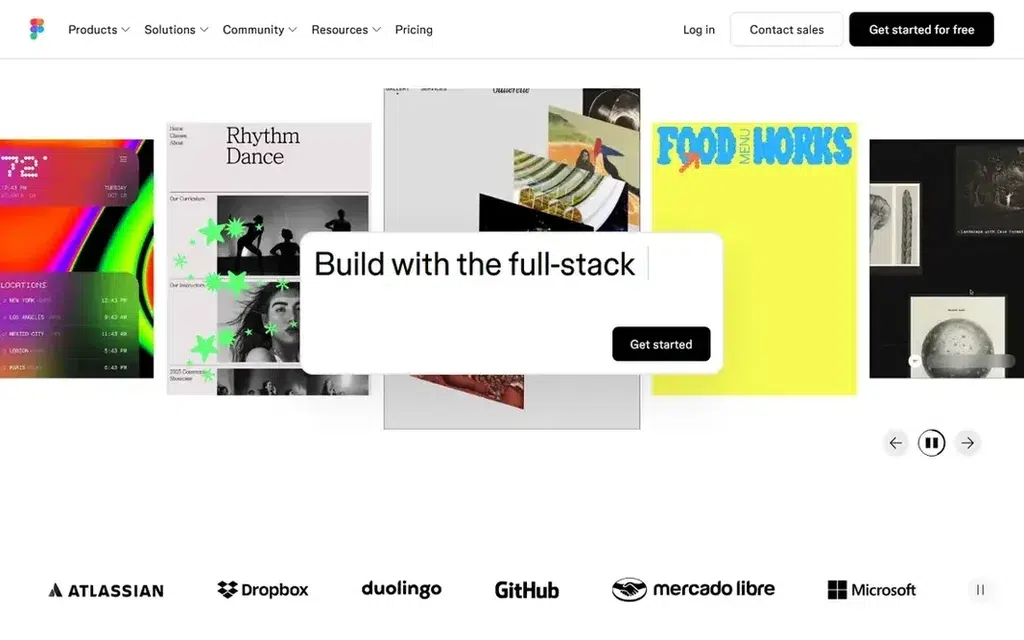
Choose Figma for collaborative product and interface design. Figma presents itself as a collaborative canvas where design, code and AI come together, taking a project from first idea to shipped product with the entire team in one place. In practice, Figma is oriented toward digital product and interface work, so print-heavy or illustration-first projects may feel constrained.
On top of that, choose it when collaboration and developer handoff are central. Choose Canva for fast marketing graphics or Affinity Designer for standalone vector art. Price to start with Figma: $3 per month. Free options: Not stated.
Drawbacks to consider: Can feel heavy for straightforward one-off graphics. What Figma does well: Shared canvas for design.
- Code and AI
- Solid live collaboration
- Interface design focus over print or illustration
Piktochart is built with Infographics, reports and data visuals in mind. Piktochart is an infographic and AI design product for turning data into visuals rapidly, with tools for designs, presentations, reports, ebooks and videos.
It suits educators, analysts and business communicators who require clear data storytelling without design experience, particularly where charts and structured layouts are the core deliverable. Starting cost for Piktochart: $10 per member per month. You can start on Piktochart without paying.
Watch-outs: Less suited to precision vector illustration.
- Ebooks and videos
- Handles presentations
- Narrower fit for product interface design
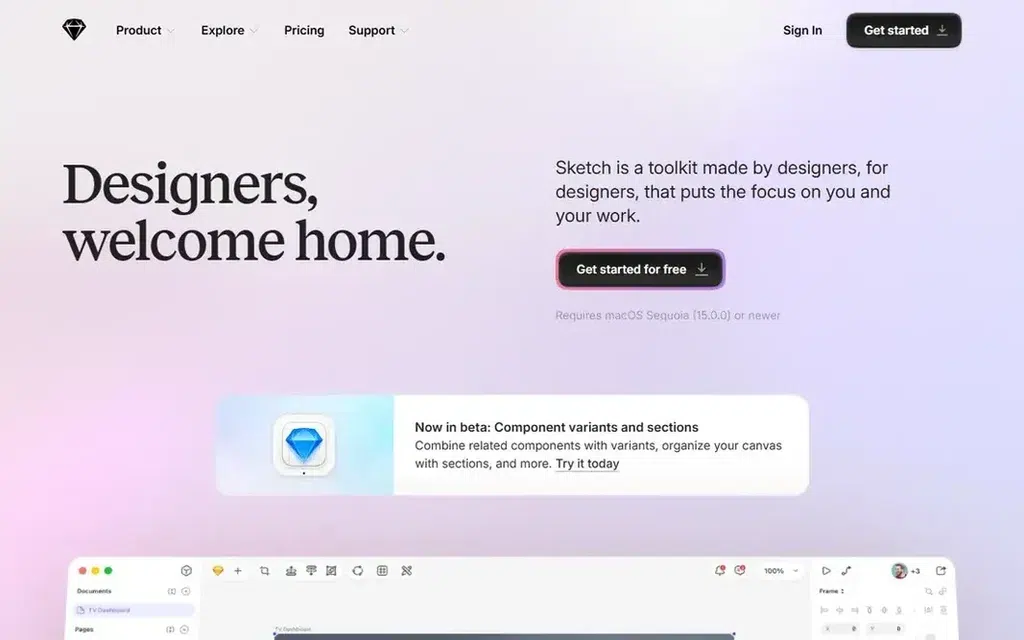
Sketch is aimed squarely at Designer-focused interface design and handoff. Sketch is a design application for prototyping, collaboration and handoff, positioned as a tool made by designers for designers. Its scope is interface and product design instead of posters, infographics or wide marketing content.
It is closely tied to the Apple ecosystem. Also, if you need cross-platform collaboration with engineering, Figma may fit better. If you need fast marketing assets, Canva is the more straightforward route. Price to start with Sketch: $12 per editor per month. Free plan details: Free trial.
What to check first: Narrower content range than all-in-one suites. Main advantages: Design.
- Built by designers for designer workflows
- Comes with handoff for development
- Mac-centered ecosystem
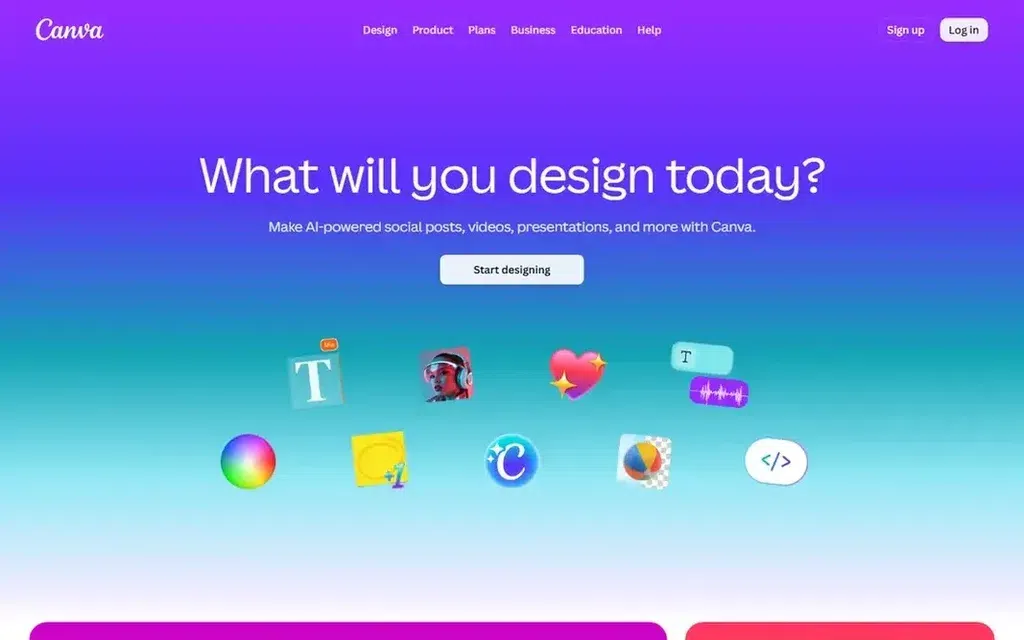
Canva works best for quick template-driven design for everyone. It suits marketers, small teams and solo creators who value speed and breadth over fine-grained control.
The main drawbacks: Less precise control for advanced vector work.
It does well as a general-purpose starting point. Canva shows no starting price here, so confirm the cost on the vendor site. On free options: Not stated.
Main advantages: Browser-based and approachable for beginners.
- Large library of ready-made templates
- Posters and video
- Template-driven output can feel generic
How we chose
The comparison looks at four things: starting price, free access, how well the feature set matches The New Black, and the main limit of each tool. Figures are shown as the vendors publish them. Billing terms, seat minimums and add-ons can change the real cost. The sequence is a judgement call: typical use case first, then pricing transparency, then free access. Use the profiles to check fit.
What to check before you buy
- Get a written quote from Affinity Designer and Canva; the list shows no starting price for them.
- Test the free plan from Piktochart against your real workload before relying on it.
- Run a trial of Sketch with real work before paying for a year; your own workflow is the best test.
- Read the limits listed for Affinity Designer first: steeper ramp-up time for newcomers.
- Confirm the exact Sketch plan that includes your must-have features.
- Run a one or two week pilot of Piktochart with the people who will use it every day.
FAQ
What is the closest replacement for The New Black?
Canva is the closest general-purpose replacement for most users, since it covers social posts, presentations, posters and video in one online suite. Figma is the better match if your work centers on collaborative product design, and Affinity Designer fits precision vector projects.
Is Affinity Designer the right pick for everyone comparing The New Black?
No single tool suits every team. Affinity Designer comes first because it fits precision vector illustration and graphics, while Figma suits collaborative product and interface design and Piktochart suits Infographics, reports and data visuals. Match the tool to your own size, budget and workflow before deciding.
Which options for The New Black have a free plan?
Piktochart is the only tool in this list with a free plan. Free plans usually cap users, projects or features, so check the limits on the vendor page. One other tool offers a trial instead.
What is the cheapest option for The New Black in this list?
On published monthly entry prices, Figma is the lowest here at $3 per month. Entry price is only part of the cost, because seats, add-ons and billing terms can change the total. Prices, free plan details and limits for all 5 tools in this The New Black alternatives roundup sit on the individual cards above.
Can I try these tools before paying?
Often, yes. Piktochart has a free plan and Sketch offers a free trial. Use your own data and a real task during the test, and check what the free tier or trial limits before you rely on it.
Sources
- https://affinity.serif.com/en-us/designer
- https://www.figma.com
- https://piktochart.com
- https://www.sketch.com
- https://www.canva.com