Switching From Toonly? 5 Alternatives for 2026
Toonly alternatives in 2026: 5 contenders with entry costs and free tiers. For Whiteboard animation videos, begin with Doodly. Read the caveats before you buy.
- Editor's choiceDoodly
Whiteboard animation videos
Starts at$49 per monthVisit doodly.comFull review - Great alternative
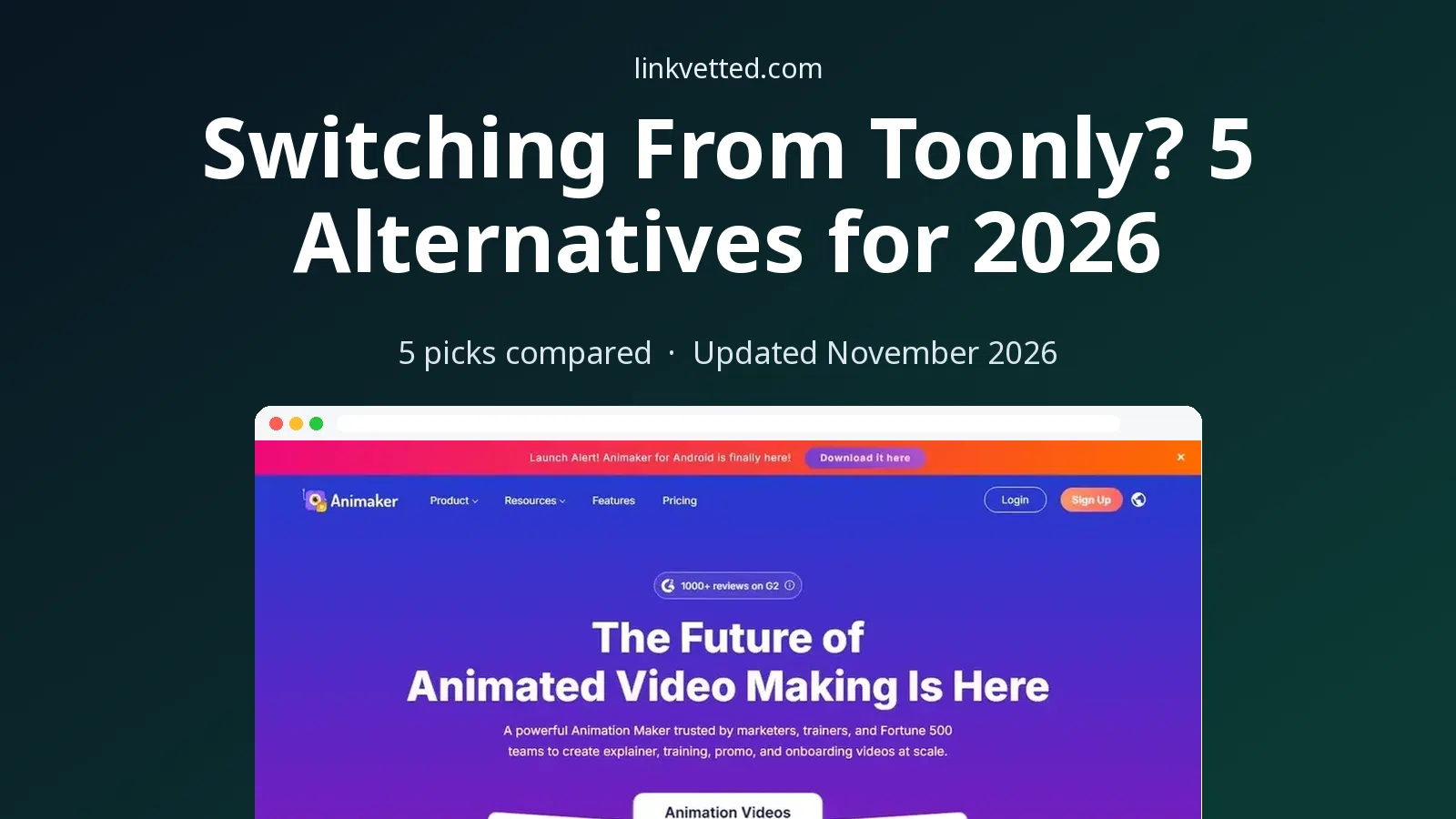
 Animaker
Beginner-friendly animated video creation
Starts at$10 a monthVisit animaker.comFull review - Also consider
 Vyond
Business explainer and training videos
Starts at$58 a monthVisit vyond.comFull review
Direct answer
For Whiteboard animation videos, Doodly is where this list starts. Listed starting prices: Doodly from $49 per month, Animaker from $10 a month and Vyond from $58 a month. Alternatives: Animaker for beginner-friendly animated video creation, and Vyond for business explainer and training videos. Details, prices and limits for the rest of the 5 tools are below.
TL;DR:
- Doodly is the opening pick, best for Whiteboard animation videos.
- Powtoon has the lowest monthly starting price in this list: $8 per month.
- Powtoon is the only tool of the 5 with a free plan.
- Before buying Animaker, weigh this: advanced users may want deeper rigging controls.
Last checked November 2026. Prices and plan details were read from the vendors' own pages in November 2026; vendors change plans often, so confirm the current price on the vendor site before you buy.
Quick comparison
| Tool | Best for | Starts at | Free plan? | |
|---|---|---|---|---|
| Doodly | Whiteboard animation videos | $49 per month | Free trial | Visit |
| Animaker | Beginner-friendly animated video creation | $10 a month | Free trial | Visit |
| Vyond | Business explainer and training videos | $58 a month | Free trial | Visit |
 Renderforest | All-in-one video, design, and website creation | See website | Not stated | Visit |
| Powtoon | Branded presentations and business videos | $8 a month | Yes | Visit |
Toonly compared in detail
Short on time? The summary and table above give the quick view of 5 tools for Toonly, and the profiles that follow give the detail behind each entry.
Doodly
Best for: Whiteboard animation videos
Doodly works best for Whiteboard animation videos. It suits teachers, marketers, and small firms that require a consistent whiteboard look for presentations and social content.
Trade-offs to know: Not intended for general 2D animation.
In practice, Doodly is purpose-built for whiteboard animation, so projects that require full character animation, 3D, or interactive content fall outside its scope. Doodly starts at: $49 per month. Free access: Free trial.
- Straightforward whiteboard animation workflow
- Centred on a single visual style
- Restricted to whiteboard-style output
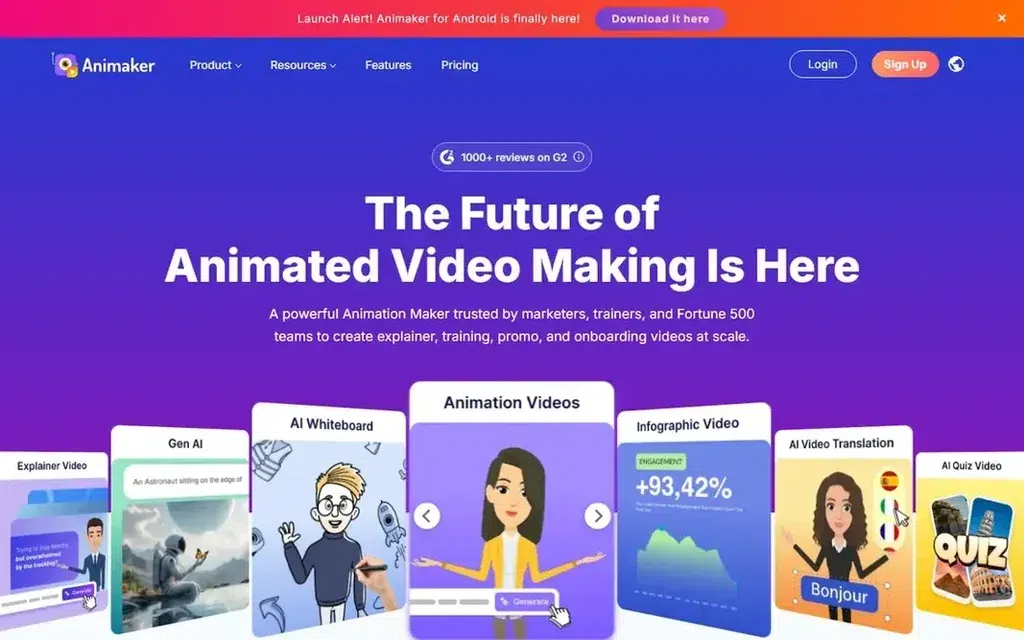
Animaker targets beginner-friendly animated video creation. Its browser-based editor supports creating animated videos in minutes using a drag-and-drop approach.
Watch-outs: Output style is template-driven.
It suits small teams, educators, and solo creators who want a straightforward path from script to finished animation. Animaker pricing: $10 per month. Trial and free access: Free trial.
- Drag-and-drop animation editor
- Wide animated video use cases
- Advanced users may want deeper rigging controls
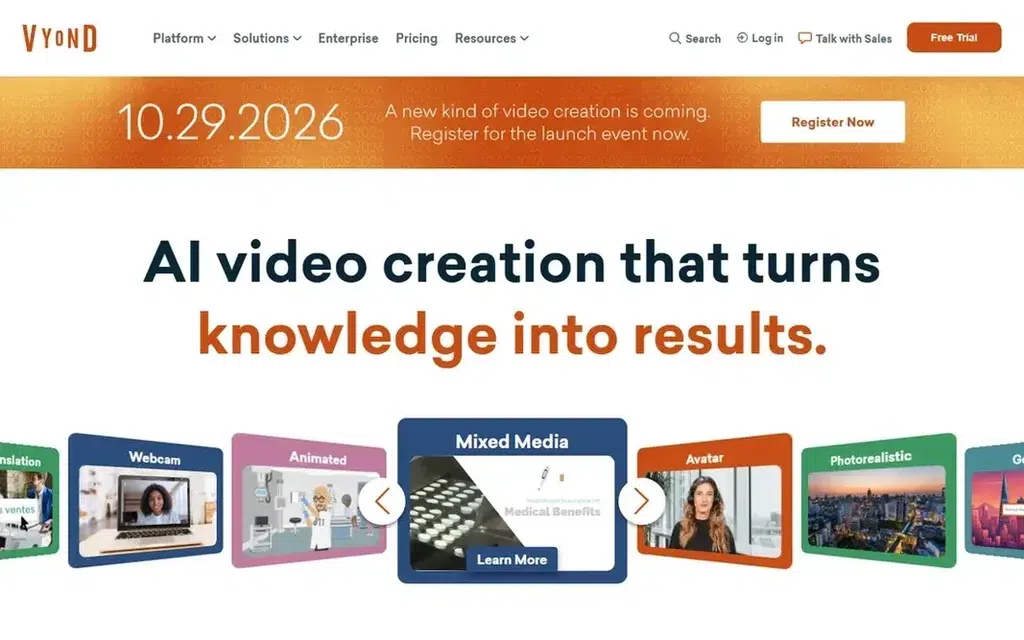
Vyond is a good fit for business explainer and training videos. It provides a mix of visual styles and templates, so teams without animation experience can assemble professional-looking scenes.
Trade-offs to know: Concentrated on business use cases.
It suits organizations that value speed and brand consistency over hand-drawn character animation. What you pay to start with Vyond: $58 per month. Free access: Free trial.
- Designed for workplace communication
- AI-assisted video creation
- Less suited to frame-by-frame cartoon work
Renderforest is designed for all-in-one video, design, and website creation. Renderforest is an AI-powered creative product that helps users make professional videos, designs, and websites in minutes.
Where it is weaker: Template-led results may look similar across projects.
Since Renderforest spans multiple creative categories, its animation controls are less specialized than dedicated tools. No starting price is listed for Renderforest here; confirm pricing on the vendor site. Trial and free access: Not stated.
- Fast output for non-designers
- AI-powered creative system
- Wide scope can mean less depth per format
Powtoon
Best for: Branded presentations and business videos

Powtoon is aimed squarely at branded presentations and business videos. Powtoon describes itself as a unified AI video system for building business-ready branded videos and presentations in minutes.
Limits to weigh: Style range may feel constrained for advanced animators.
What users get: Doc-to-video conversion. Powtoon is optimized for presentation and explainer formats, so creators needing expressive character animation or cinematic storytelling may want a dedicated animation tool. As for the details, features contain doc-to-video conversion, AI avatars, text-to-speech, and AI translation. Entry price for Powtoon: $8 per month. Powtoon has a free plan.
- AI avatars and text-to-speech
- AI translation for multilingual content
- Most useful for presentation-style output
How the list was put together
Things to verify first
- Get a written quote from Renderforest; the list shows no starting price for them.
- Look at the free plan from Powtoon closely: its caps decide whether it is usable for real work.
- Use real work to test the free trial from Doodly, Animaker and Vyond, rather than a demo project.
- Before choosing Doodly, weigh its main limit: restricted to whiteboard-style output.
- Before rolling out Vyond, verify the integrations your workflow depends on.
- Look at the help docs and support options for Animaker before you commit.
FAQ
What is the cheapest option for Toonly in this list?
On published monthly entry prices, Powtoon is the lowest here at $8 per month. Entry price is only part of the cost, because seats, add-ons and billing terms can change the total. For the full picture, the cards above cover all 5 entries of this Toonly alternatives list, including price, free plan and limits.
What is the best alternative for whiteboard animation?
This list starts with Doodly, which fits Whiteboard animation videos. For other needs, Animaker is aimed at beginner-friendly animated video creation, and Vyond at business explainer and training videos. Check each tool's price and main limit first.
How are the tools for Toonly ordered?
The order follows typical fit for Toonly, with Doodly first and Powtoon last, then price clarity and free access. It is editorial judgement, not a score, so another team could rank the tools differently.
Is Doodly the right pick for everyone comparing Toonly?
No single tool suits every team. Doodly comes first because it fits Whiteboard animation videos, while Animaker suits beginner-friendly animated video creation and Vyond suits business explainer and training videos. Match the tool to your own size, budget and workflow before deciding.
Which options for Toonly have a free plan?
Powtoon is the only tool in this list with a free plan. Free plans usually cap users, projects or features, so check the limits on the vendor page. Several others offer a trial instead. Prices, free plan details and limits for all 5 tools in this Toonly alternatives roundup sit on the individual cards above.
Sources
- https://www.doodly.com
- https://www.animaker.com
- https://www.vyond.com
- https://www.renderforest.com
- https://www.powtoon.com